AI-powered remote access software
TeamViewer Remote
Supporting distributed teams done efficiently. TeamViewer’s software provides secure, instant access to employee devices across your business, letting your IT team solve problems and provide support from anywhere.
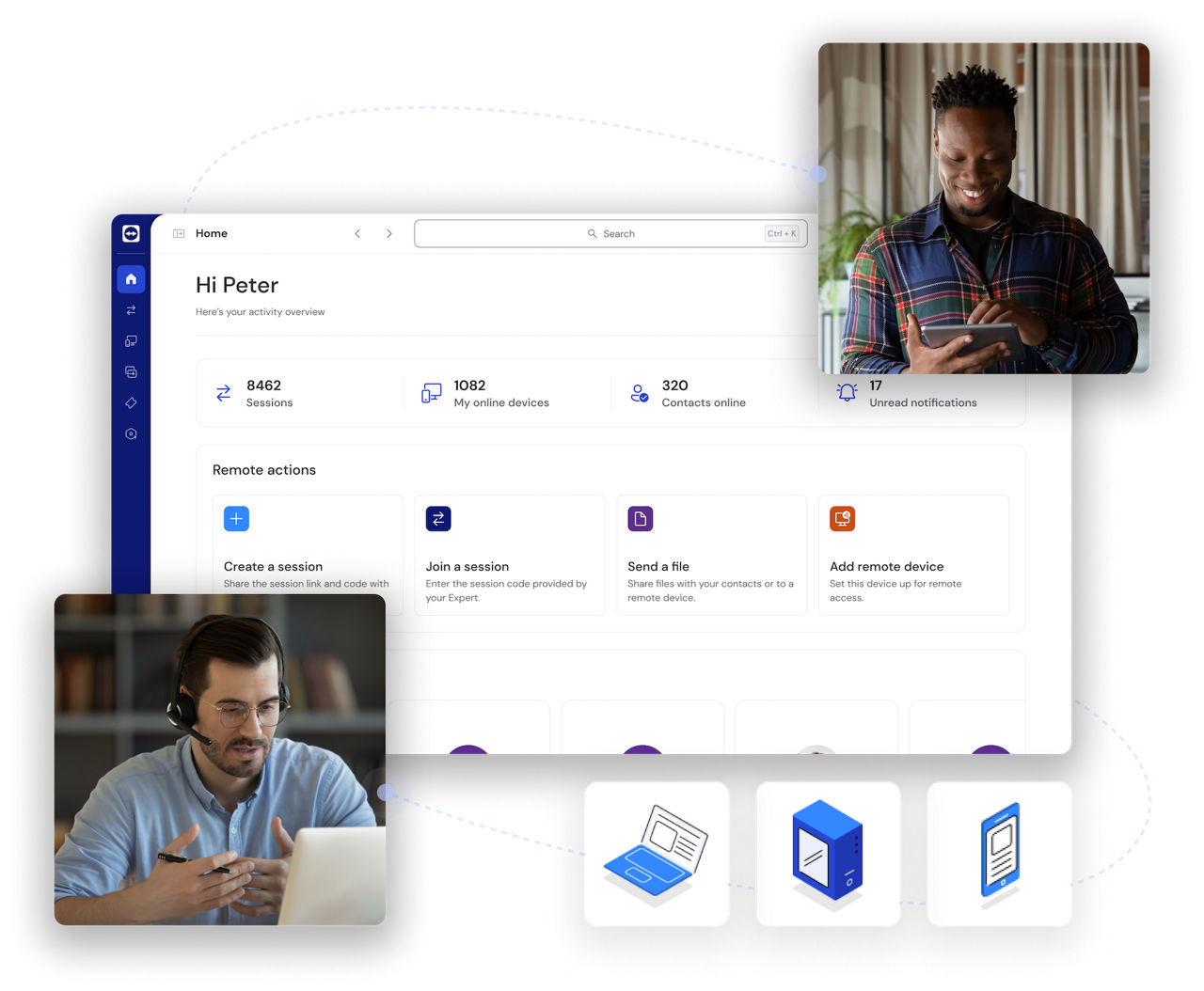
TeamViewer is designed for a variety of use cases, including IT support, remote work, customer service, and embedded device management. Whether you're troubleshooting technical issues or managing business operations remotely, our software provides a seamless and secure connection.
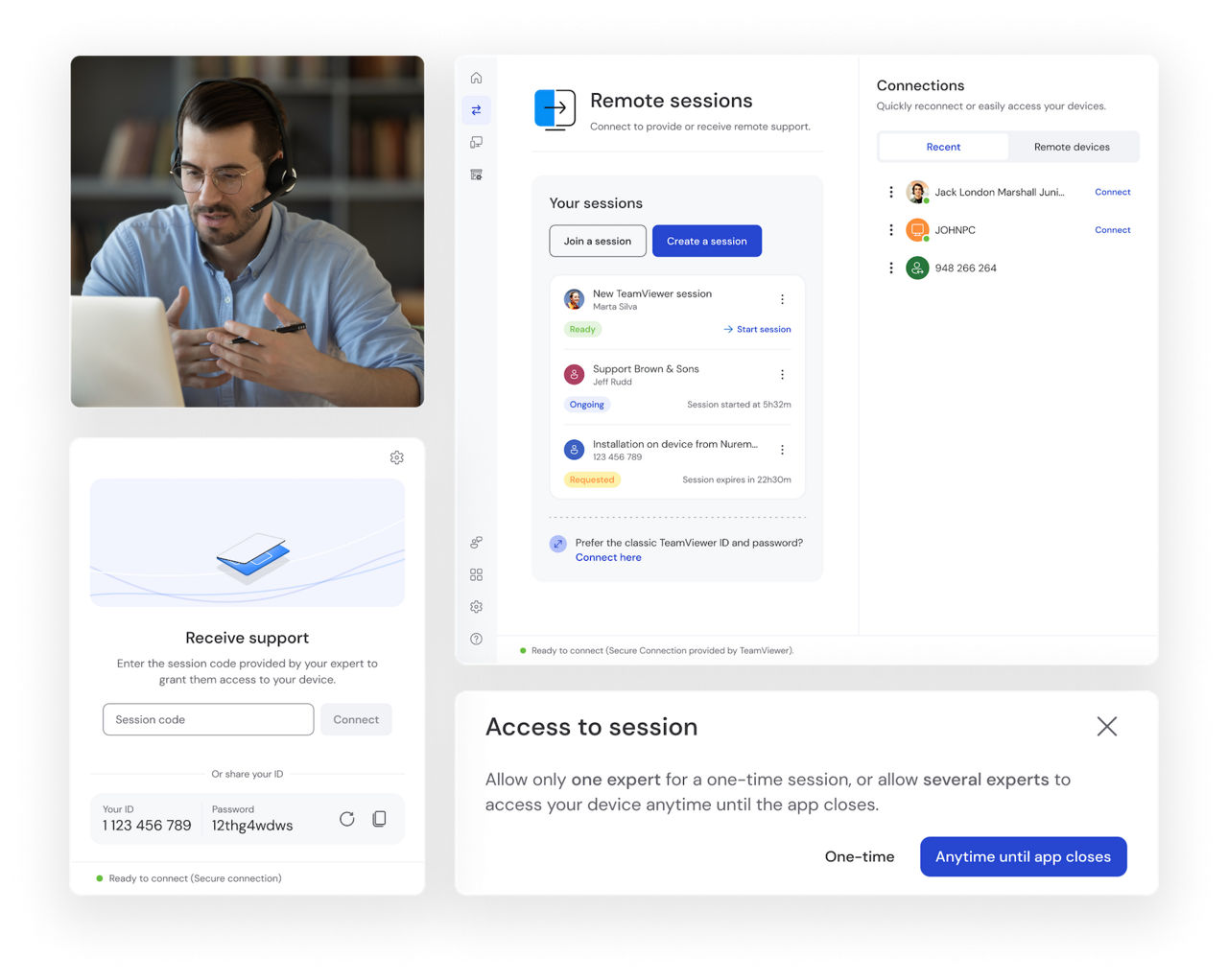
Deliver a fast, effective fix for IT service issues without having to leave your desk.
TeamViewer enables secure access across all major operating systems, including Windows, Mac, Linux, iOS, and Android. With full cross-platform connections, you can work from any device, ensuring productivity remains uninterrupted.
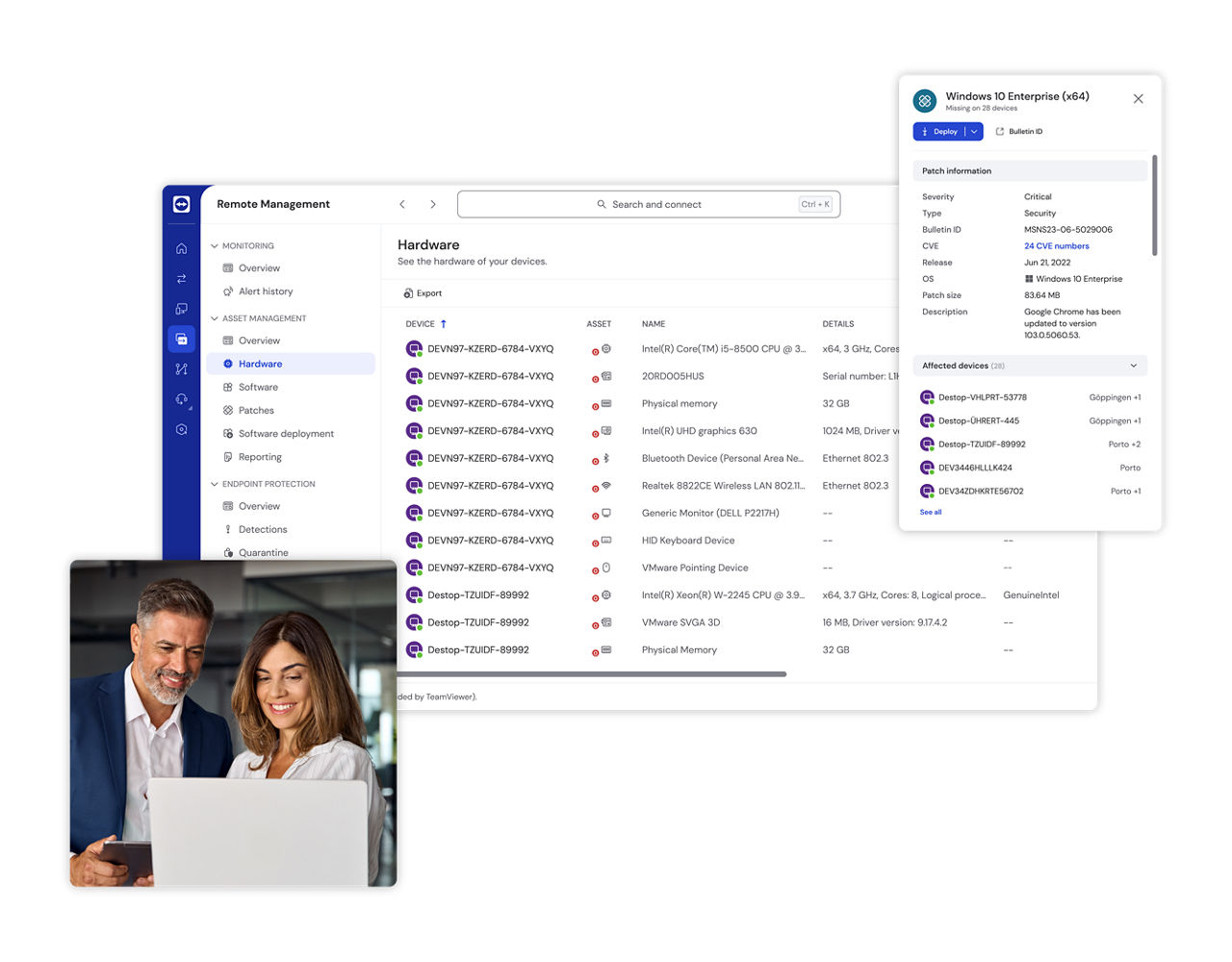
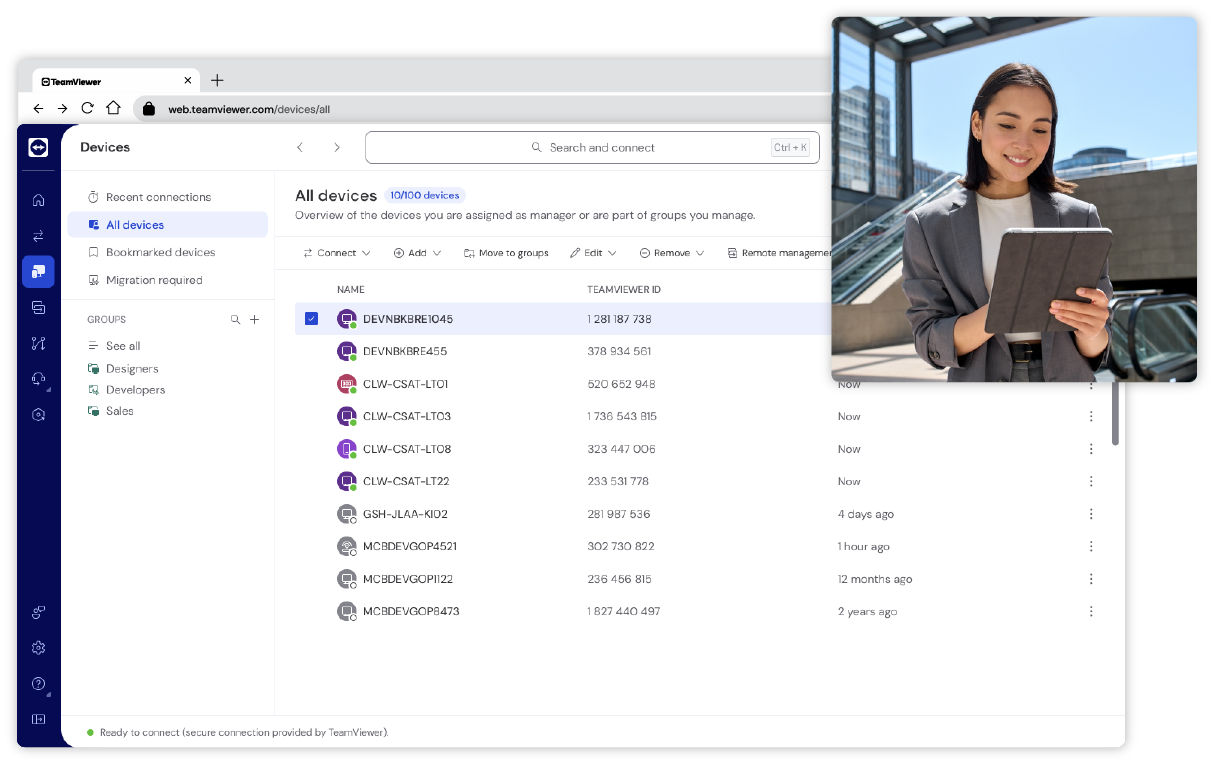
TeamViewer Remote offers a simple, efficient way to monitor, maintain, update, and optimize delocalized computers, devices, and applications. Deploy TeamViewer’s software for remote access across hundreds or thousands of devices simultaneously.
With centralized installation, IT teams can save time and effort while ensuring consistent access across their organization.
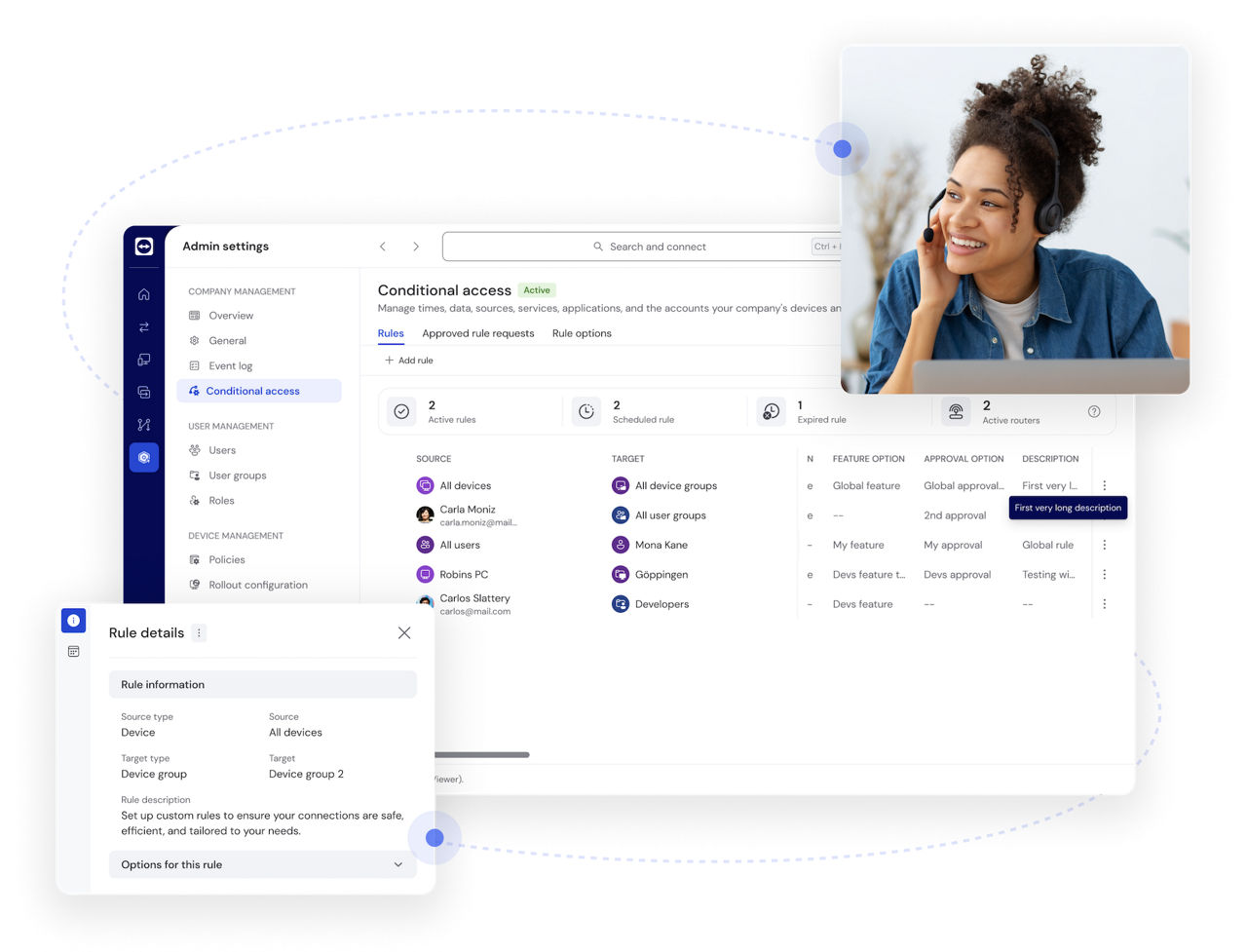
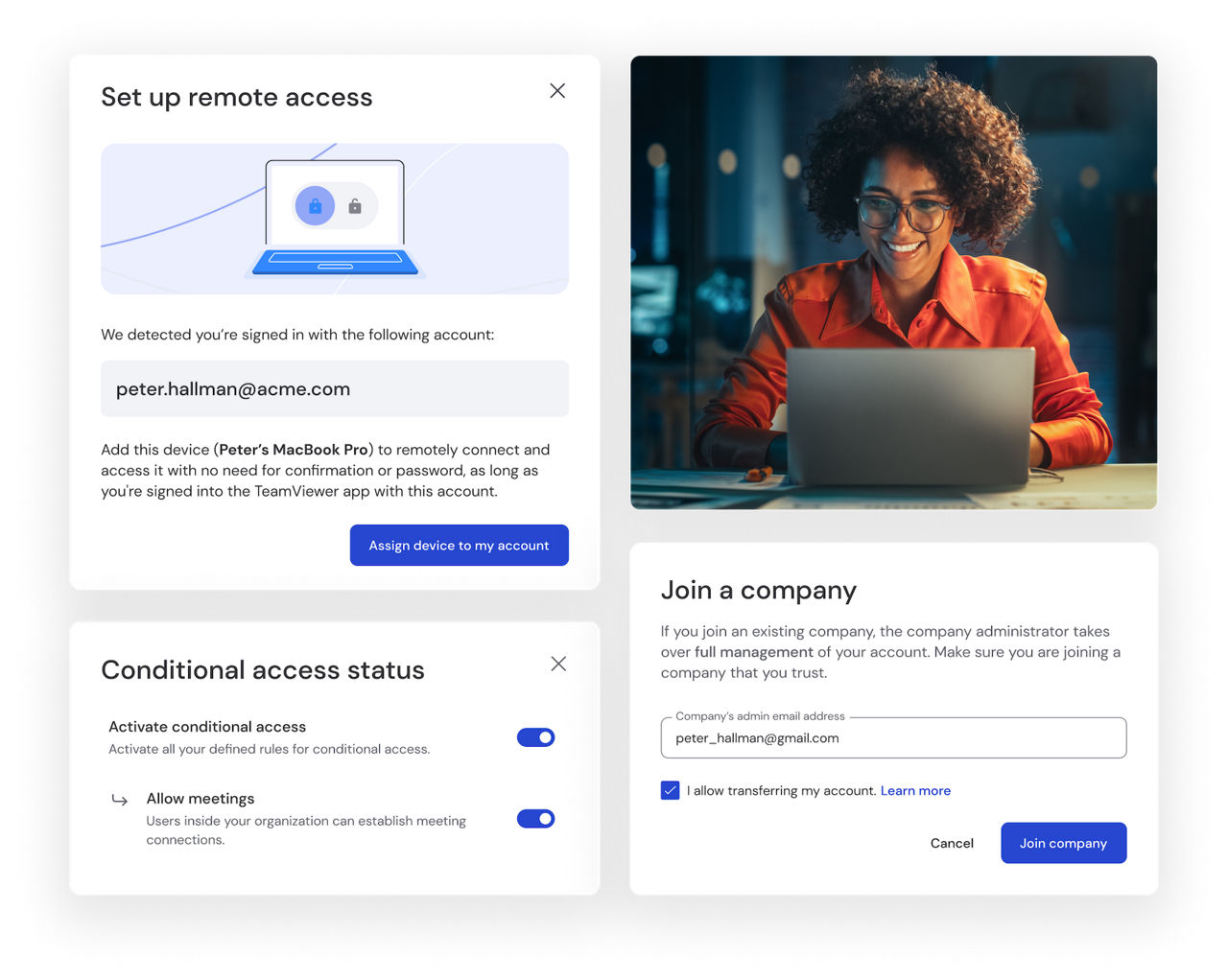
Manage access rights across your company with conditional access settings (requires a Tensor license). Define permissions and ensure only authorized users can establish remote connections, enhancing security for businesses of all sizes.

Remotely wake up and restart devices in sleep mode to keep operations running smoothly.
With Wake-on-LAN, you can ensure devices are accessible whenever needed, even if they're powered off.
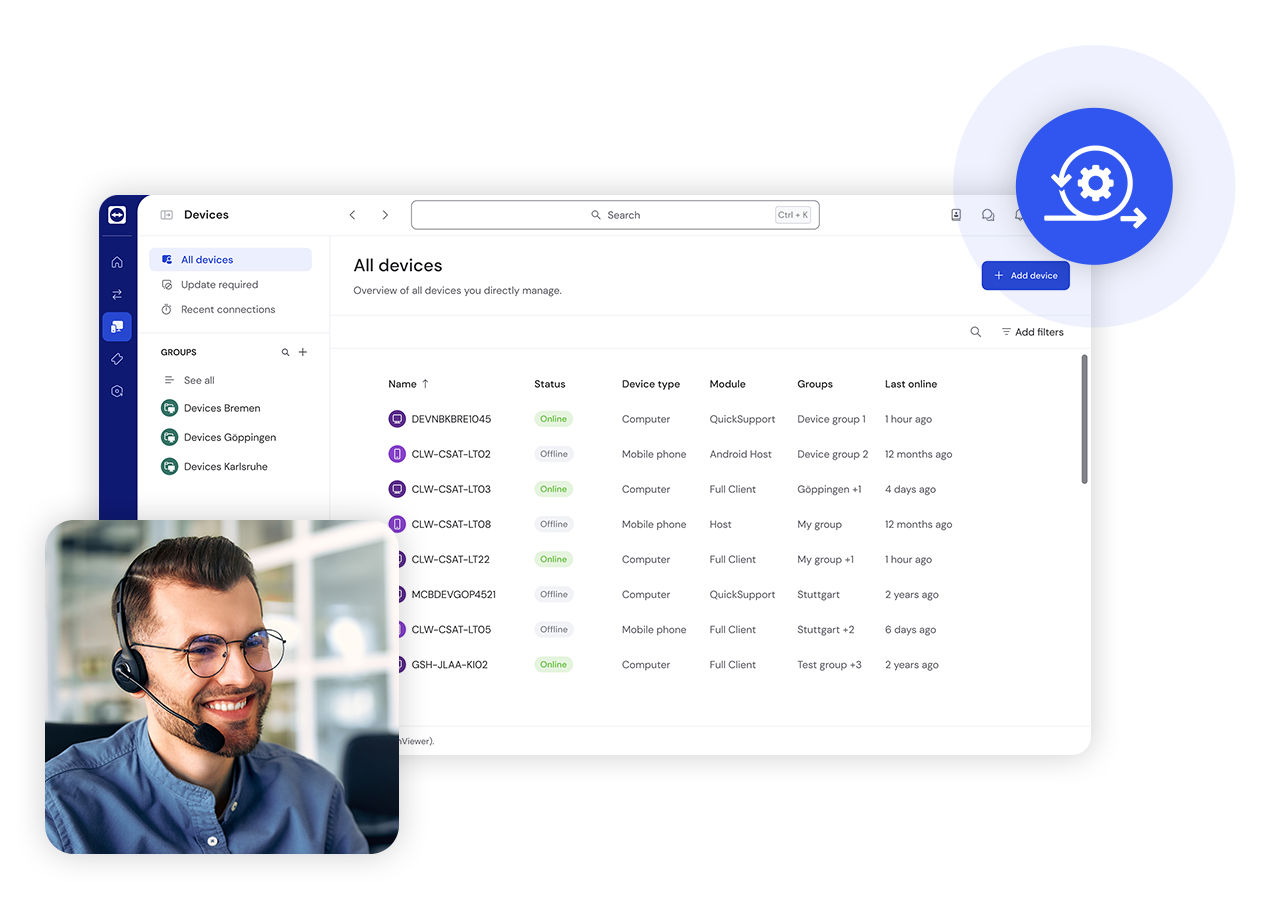
Enhance your workflow by integrating TeamViewer with key business tools, including CRM, IT service management, and productivity platforms.
Streamline remote support while maintaining compatibility with your existing software ecosystem.
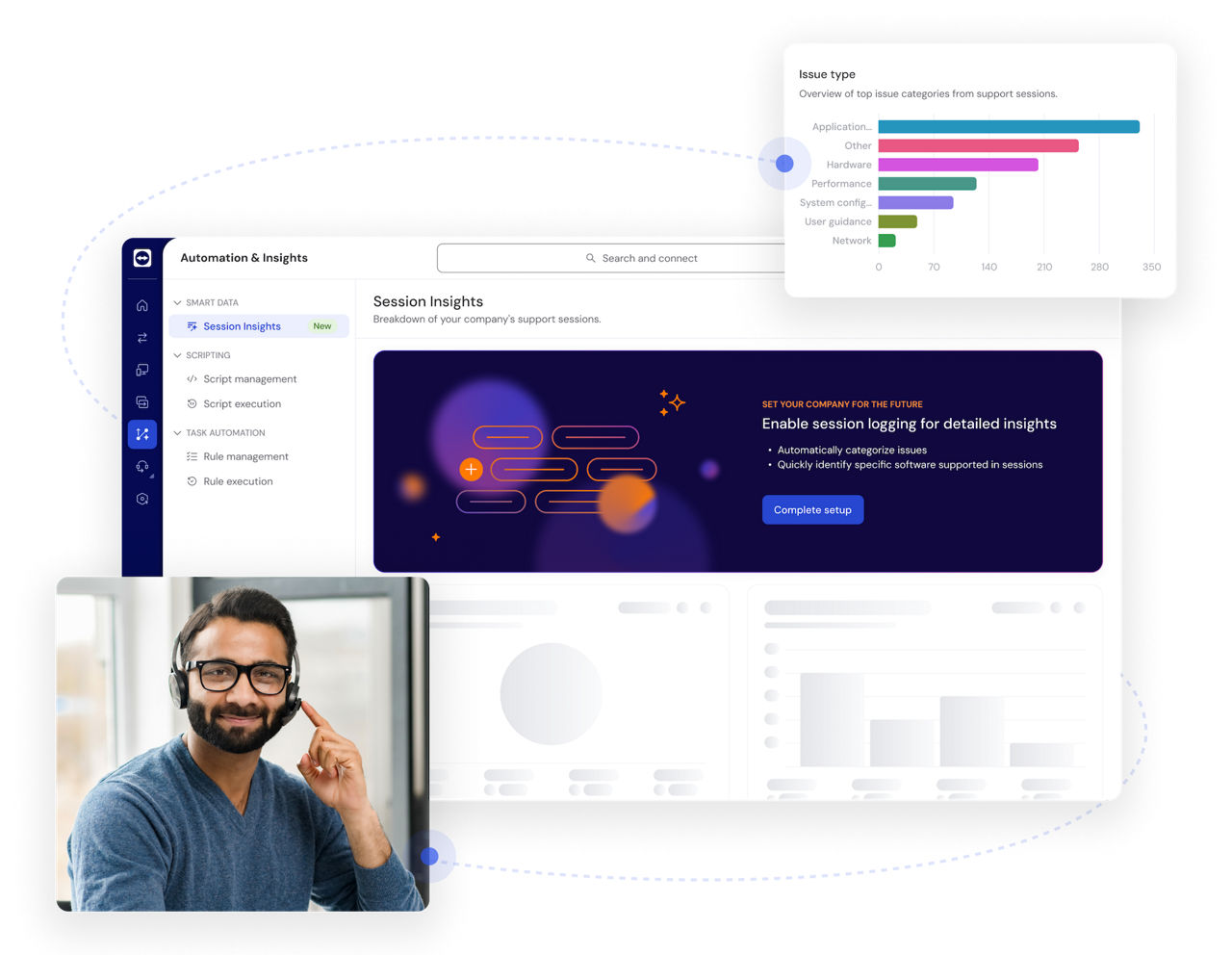
Leverage smart assistance and actionable insights with TeamViewer AI, combining Tia and Session Insights.
Reduce manual effort, resolve issues faster, optimize IT workflows, and keep your workforce productive with AI-driven recommendations and analytics.
TeamViewer is built for secure remote access. Your data is safeguarded with market-leading security features, including end-to-end encryption, multi-factor authentication, and advanced access controls.
Access a wide range of devices, from desktops and servers to mobile phones and industrial machines, ensuring seamless connectivity across your entire digital infrastructure.
Whether you're an individual user or managing a global enterprise, TeamViewer scales to meet your needs. Deploy remote desktop software for small teams or thousands of employees with ease.
User-friendly and intuitive, TeamViewer requires minimal setup and training. Connect instantly with just a few clicks, without the need for complex configurations.
Integrate TeamViewer with leading business applications to improve efficiency and streamline workflows, making remote support a seamless part of your daily operations.
Enhance your remote access with powerful features from TeamViewer AI. Resolve issues faster and boost IT efficiency through real-time remote control, AI-assisted troubleshooting, and automated session summaries.

TeamViewer's remote access software is free for personal, non-commercial use. Use it to help family with tech issues, access files on your home computer while traveling, or stay connected to personal devices across Windows, macOS, Linux, Android, iOS, Raspberry Pi, and more.
Using TeamViewer for work? Business plans add scalable unattended access, user management, and enterprise-grade security and control features. Get started with a free trial.
Support any operating system and device. And with the full-featured TeamViewer Remote web app, you can access all your devices from any browser.
TeamViewer fulfills a wide range of remote support needs while improving productivity and maintaining connectivity for users across all industries and organizational sizes.
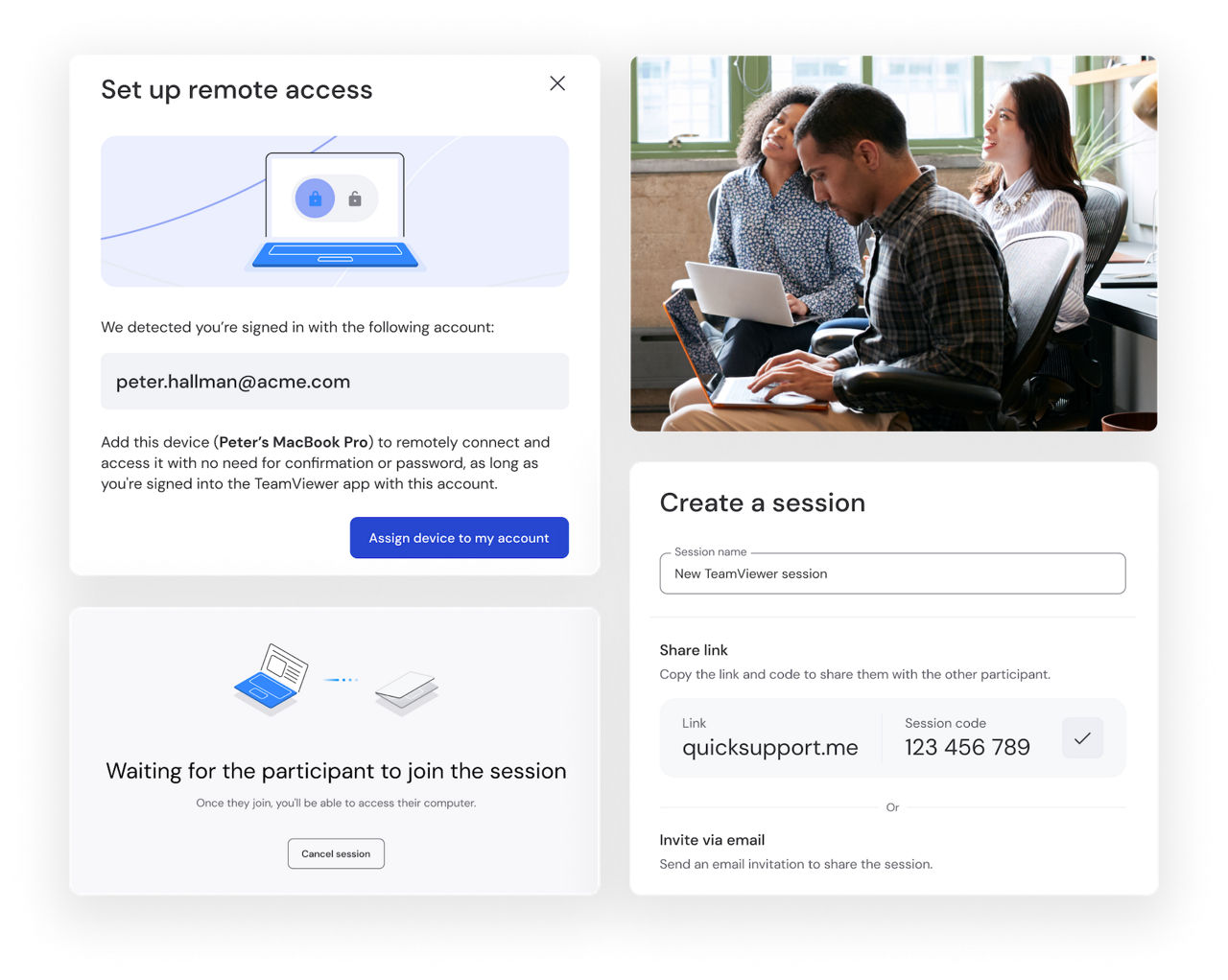
TeamViewer supports your small business with secure, reliable remote access solutions that transform day-to-day operations. Our solution enables remote IT support, customer ticket management, and productive work, while scaling with your business so you only pay for what you use.
Whether traveling, working from home, or away from the office, you maintain visibility and control over operations. The intuitive interface requires minimal training, helping even non-technical staff quickly master essential functions and accelerate ROI.

Access your personal devices from anywhere with TeamViewer. Whether you need important documents from your home computer while traveling or want to assist family members with technical issues, TeamViewer turns complicated tasks into simple, efficient processes that save time and reduce frustration.
The personal use version offers robust security while remaining easy to use, even for non-technical users. It helps you maintain your digital life from any location, keeping important files and support for loved ones within reach.
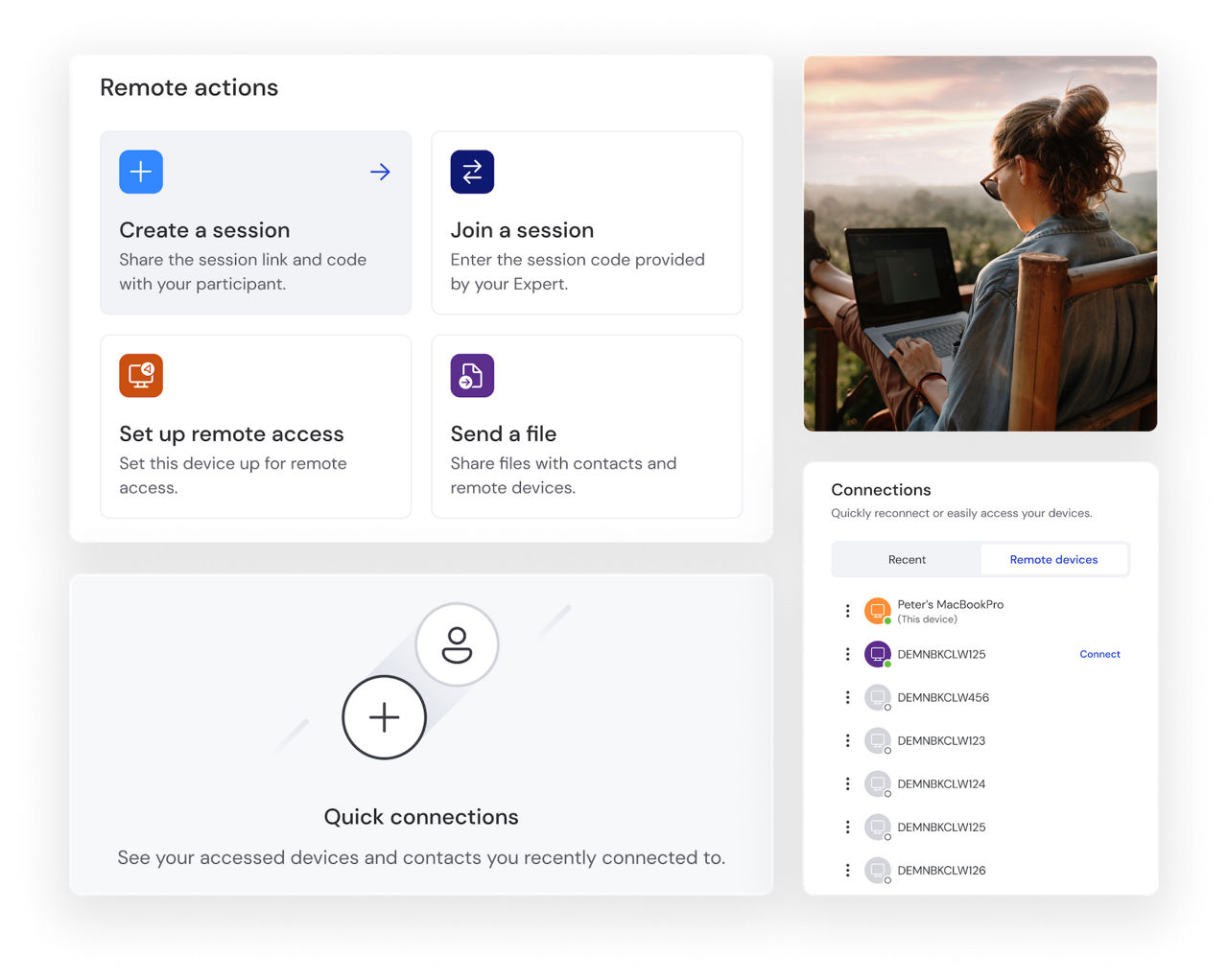
Digital nomads rely on TeamViewer to access critical files, use specialized software, and collaborate with colleagues from anywhere. The lightweight application performs even on limited bandwidth, making it ideal for hotel WiFi or mobile hotspots.
Secure encryption helps protect sensitive work data across networks, while cross-platform support for Windows, Mac, Linux, iOS, and Android allows professionals to maintain their preferred workflow regardless of which devices they carry on their travels.
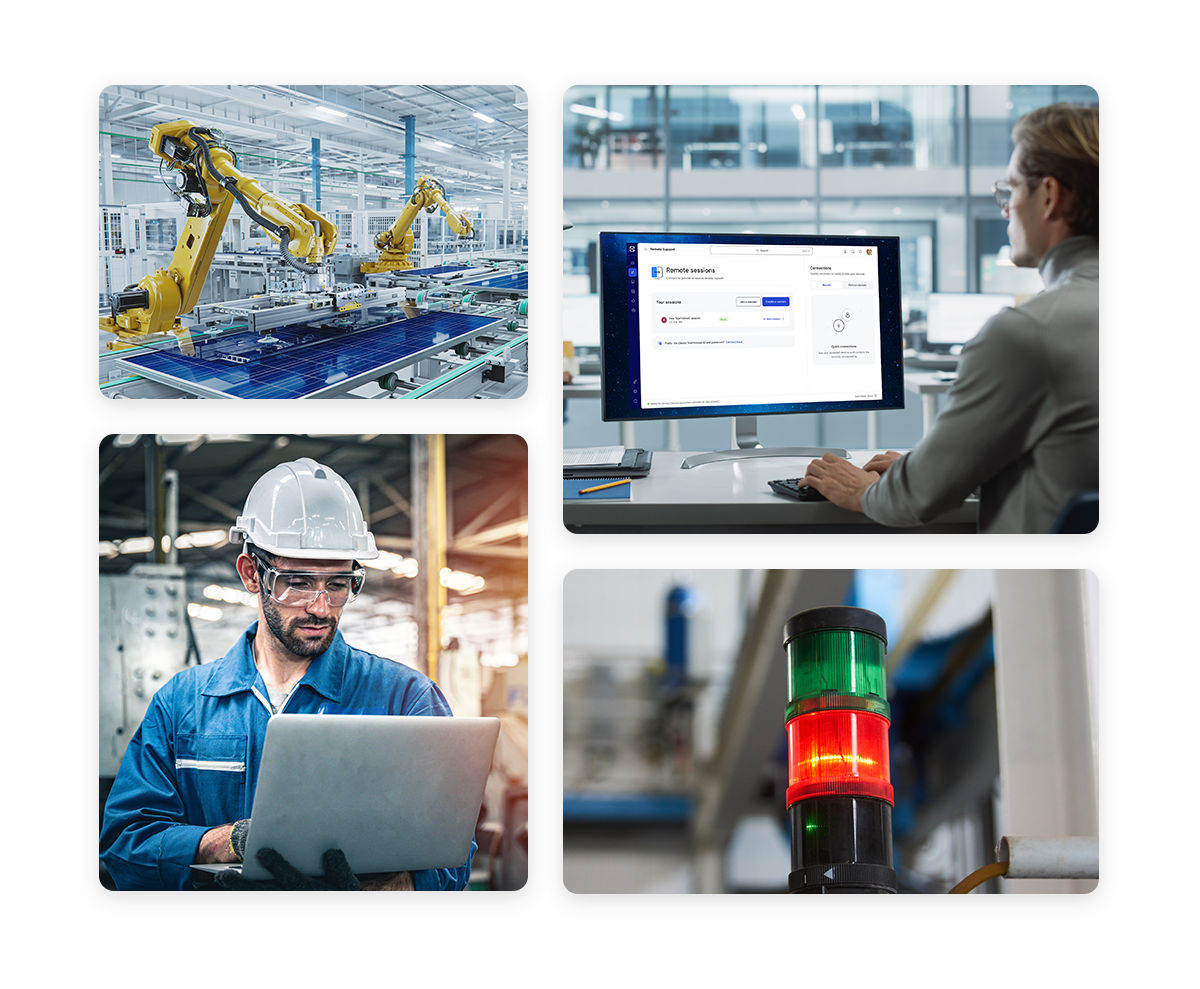
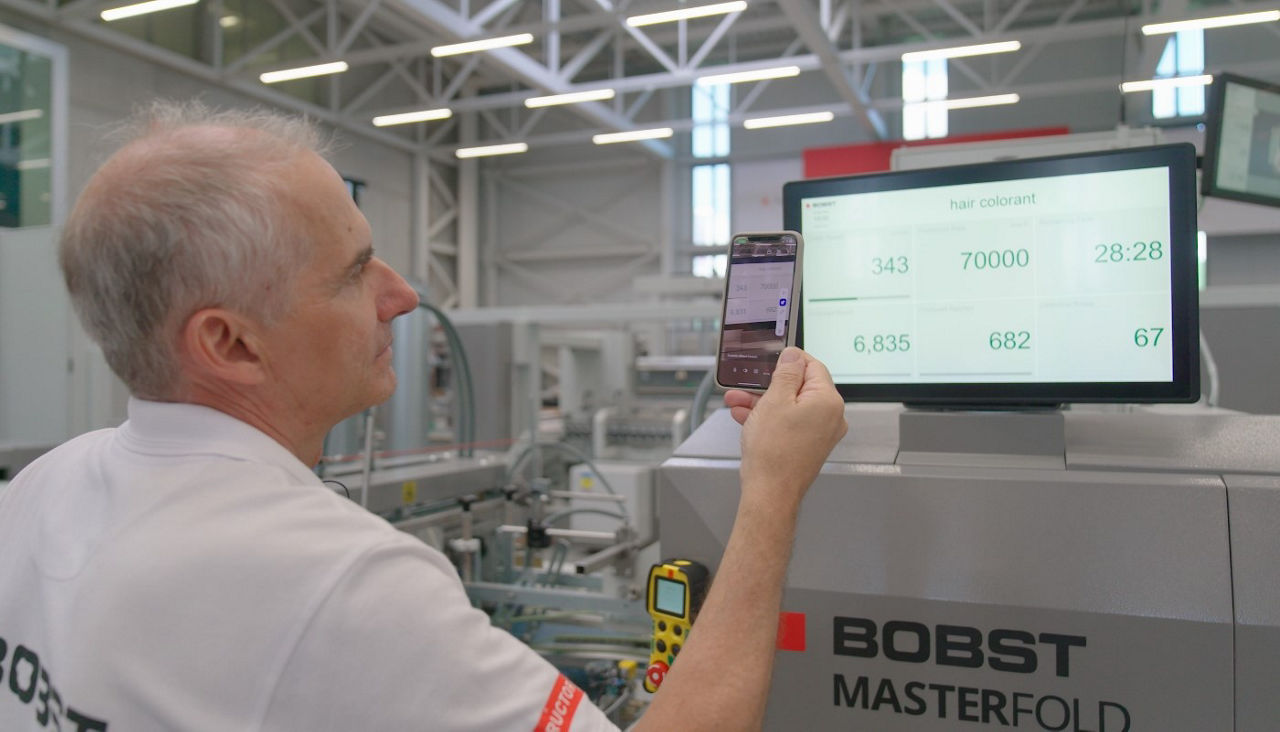
TeamViewer provides comprehensive remote monitoring and control capabilities for your industrial ecosystem. Production managers can oversee multiple production lines from a central location, conducting real-time analysis without physical floor walks.
Maintenance teams gain secure remote access to troubleshoot equipment, run diagnostics, and deploy updates, which is especially valuable for hazardous or remote locations. Detailed logging supports regulatory compliance while generating data for predictive maintenance, helping reduce operational disruptions and improve efficiency.
TeamViewer scales across global enterprise operations, enabling centralized IT teams to deliver consistent, high-quality remote support worldwide.
The administration console provides complete connection visibility to help maintain security protocols while delivering detailed support analytics. Unattended remote access allows IT staff to perform maintenance, updates, and troubleshooting without end-user involvement.
Whether deployed on-premises or in the cloud, TeamViewer adapts to your enterprise architecture while ensuring the reliable remote support essential for business continuity.
Spotlight
Remote access software enables users to securely connect to and control computers, servers, and other devices from anywhere. Connections are established over the internet using encrypted communication and authenticated access.
Businesses use remote access software to provide IT support, enable remote work, and access critical systems from anywhere. It also helps IT teams manage and maintain servers and endpoints without being on site.
Popular examples include TeamViewer, AnyDesk, Chrome Remote Desktop, Microsoft Remote Desktop, and VNC, each designed for different remote access needs.
Remote access software uses the internet to establish a secure connection between computers, devices, or servers, enabling users to access and manage systems from virtually anywhere.
Advanced security technologies, such as end-to-end encryption and multi-factor authentication, help protect every session and ensure that only authorized users can connect. Once connected, users can securely view, control, and interact with remote systems as if they were physically present at the device.
Yes, remote access software can be very safe when it uses industry-standard security technologies such as TLS-secured connections and AES 256-bit encryption to protect data in transit. Strong authentication measures, including multi-factor authentication (MFA), help ensure that only authorized users can access remote devices and systems. When evaluating a remote access solution, look for robust encryption, secure authentication options, and granular access controls to help keep connections protected.
The best tool will largely depend on your needs and preferences. TeamViewer stands out for its secure, reliable remote access connections across multiple devices. While others compromise on security or core functionality, TeamViewer delivers enterprise-grade protection and universal compatibility in an intuitive package.
The combination of secure encryption, cross-platform support, and thoughtful design makes TeamViewer the preferred choice for millions of users worldwide looking for dependable remote access without limitations.
TeamViewer is one of the best remote access software solutions for Windows, offering cross-platform support, advanced security, and an intuitive user experience.
Yes. TeamViewer offers a free version for personal, non-commercial use, making it easy to stay connected to the devices that matter most. Whether you're helping family members with technical issues, accessing files on your computer while traveling, or managing your personal devices from anywhere, you can take advantage of essential remote access capabilities at no cost.
For IT teams that require more comprehensive remote connectivity solutions, TeamViewer offers advanced features, enhanced security, and scalability for business use.
Yes, Microsoft Remote Desktop Protocol (RDP) is a free remote access tool, but it often requires complex network setups and can be less straightforward to use than TeamViewer. RDP users typically face challenges with router configurations and firewall settings, and its compatibility can be more limited depending on the devices and operating systems involved.
TeamViewer helps eliminate these barriers by providing a seamless remote connection experience across platforms without the technical complexity. For users seeking simplicity, flexibility, and broad compatibility, TeamViewer offers a powerful alternative to basic RDP.
Microsoft Remote Desktop offers a free option for Windows users, but can be less flexible for cross-platform remote access and often requires additional configuration. The built-in Windows tool may involve network and firewall setup, and its support for connecting across different devices and operating systems is more limited.
TeamViewer simplifies remote access by enabling secure connections across Windows, macOS, Linux, Android, and iOS without complex network configuration. With enterprise-grade security and an intuitive user experience, TeamViewer helps users connect quickly and work seamlessly across devices.