Your reliable remote desktop software—now smarter with AI
TeamViewer Remote
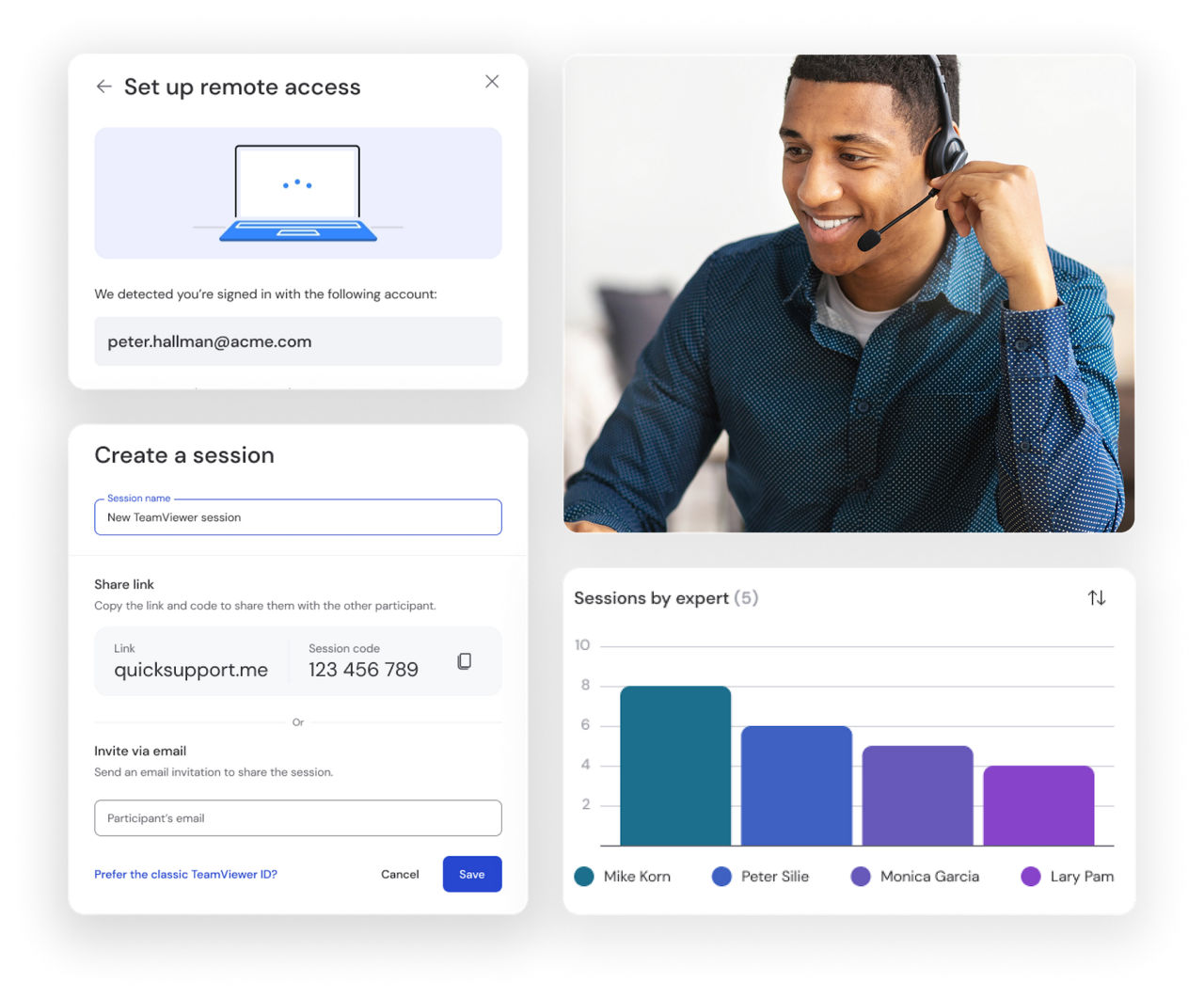
Whether it's providing remote connections, solving tech issues, or accessing customers' mobile screens—TeamViewer offers all this and more.
TeamViewer protects your remote connections with enterprise-grade encryption standards, ensuring your data remains completely private and secure.
Every session is safeguarded with AES-256 bit encryption and TLS 1.2 protocols, providing the highest level of security.
Access and control any device regardless of operating system with TeamViewer's universal remote desktop connection.
Connect seamlessly between Windows, use the remote desktop connection for macOS systems, iOS, or connect to Linux, Android, Raspberry Pi, and other platforms and manage your digital ecosystem from anywhere.
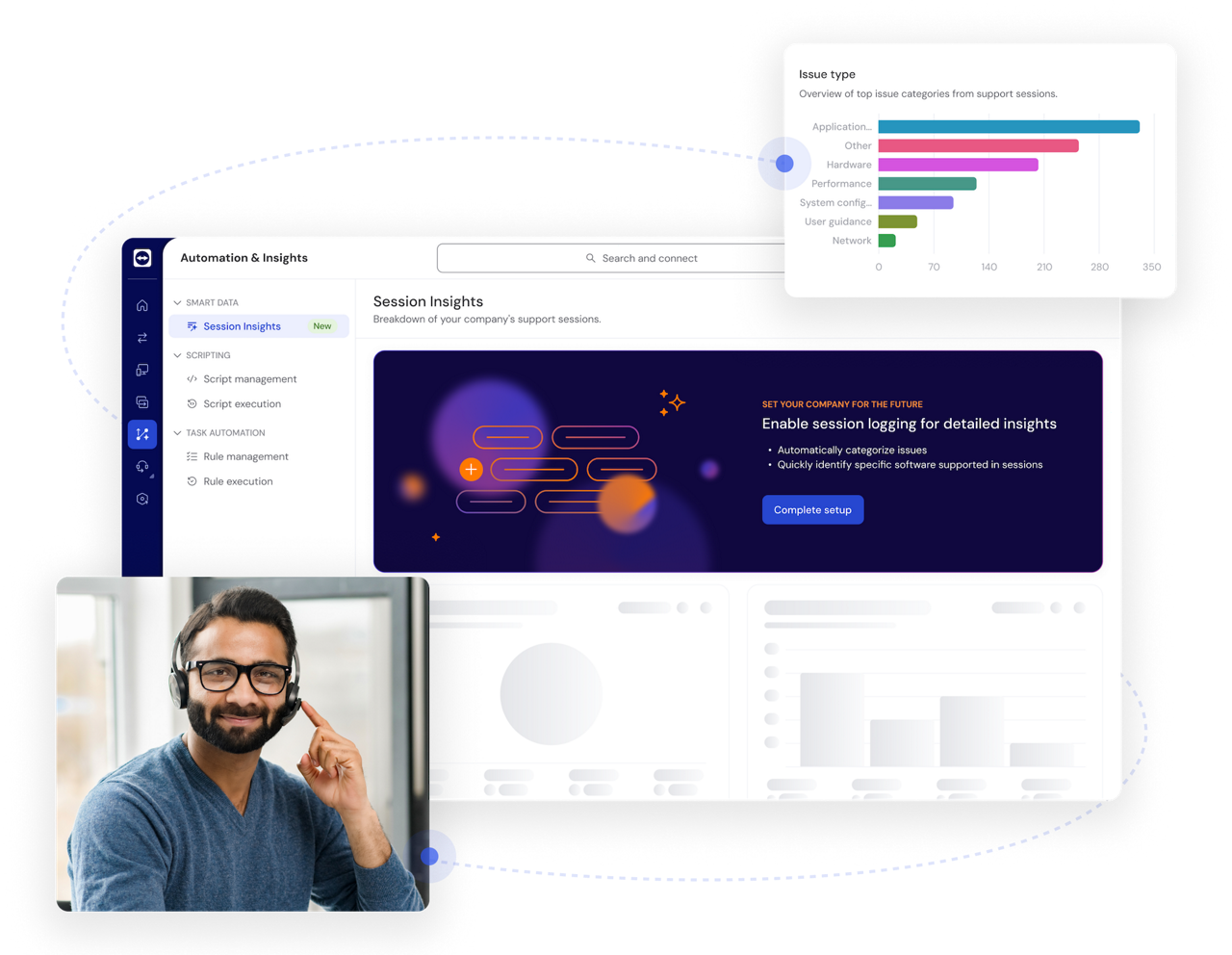
Boost productivity with AI-powered insights and automation, from real-time session summaries to in-session troubleshooting with Tia.
Discover how TeamViewer AI helps your support team resolve issues faster and work more efficiently.
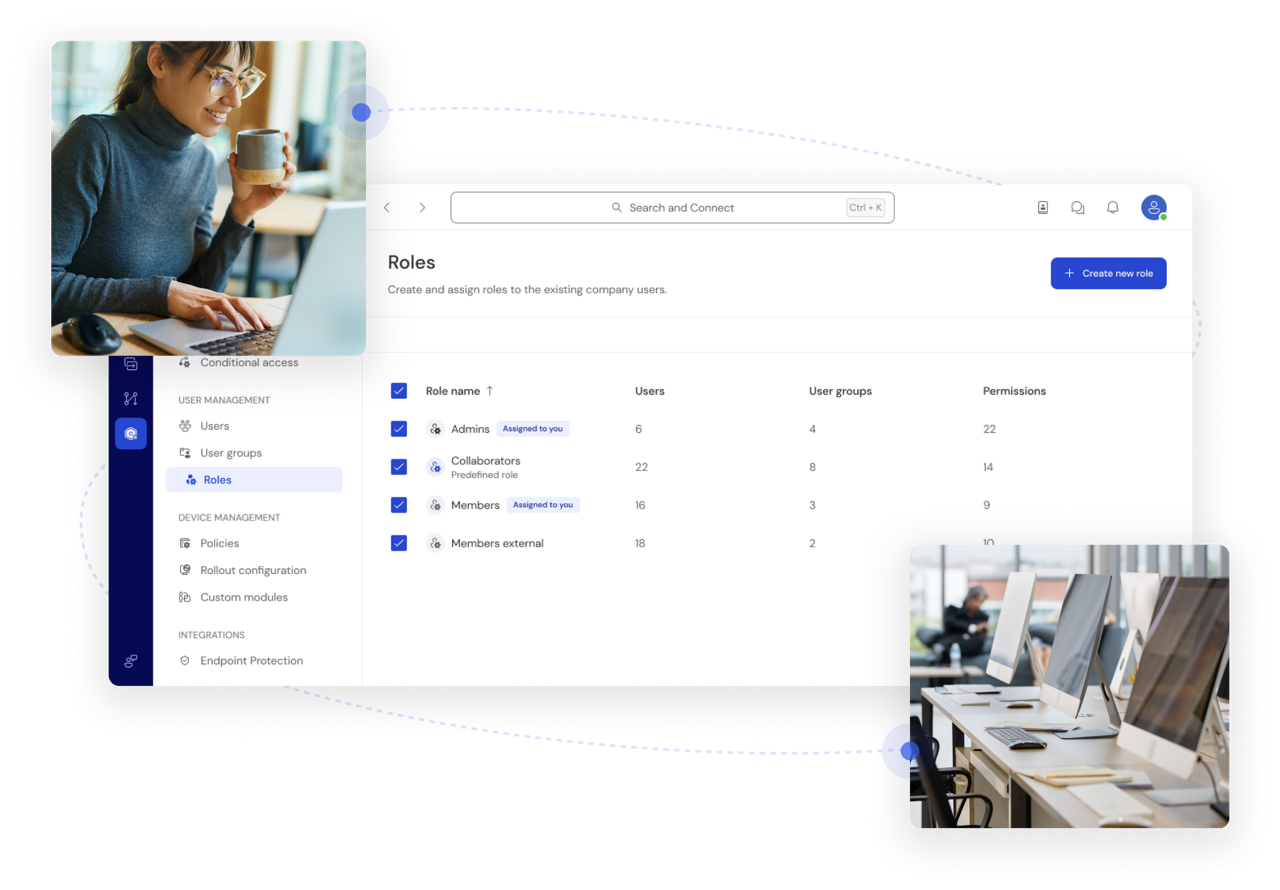
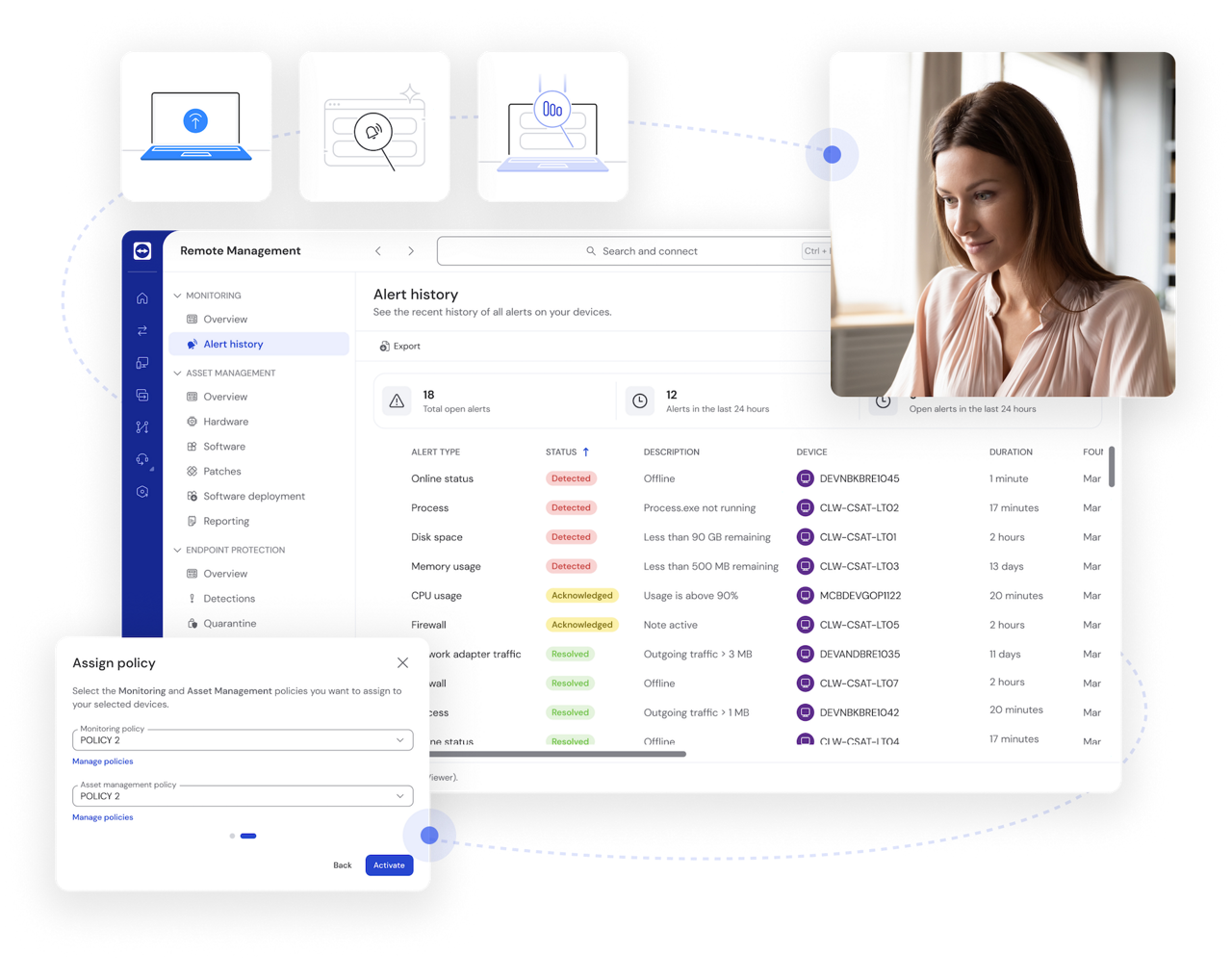
Maintain control of critical systems even when no one is physically present to authorize connections. TeamViewer's unattended remote desktop access feature allows you to define precisely who can access specific devices and what actions they can perform through customizable role-based permissions, ensuring both security and operational flexibility.
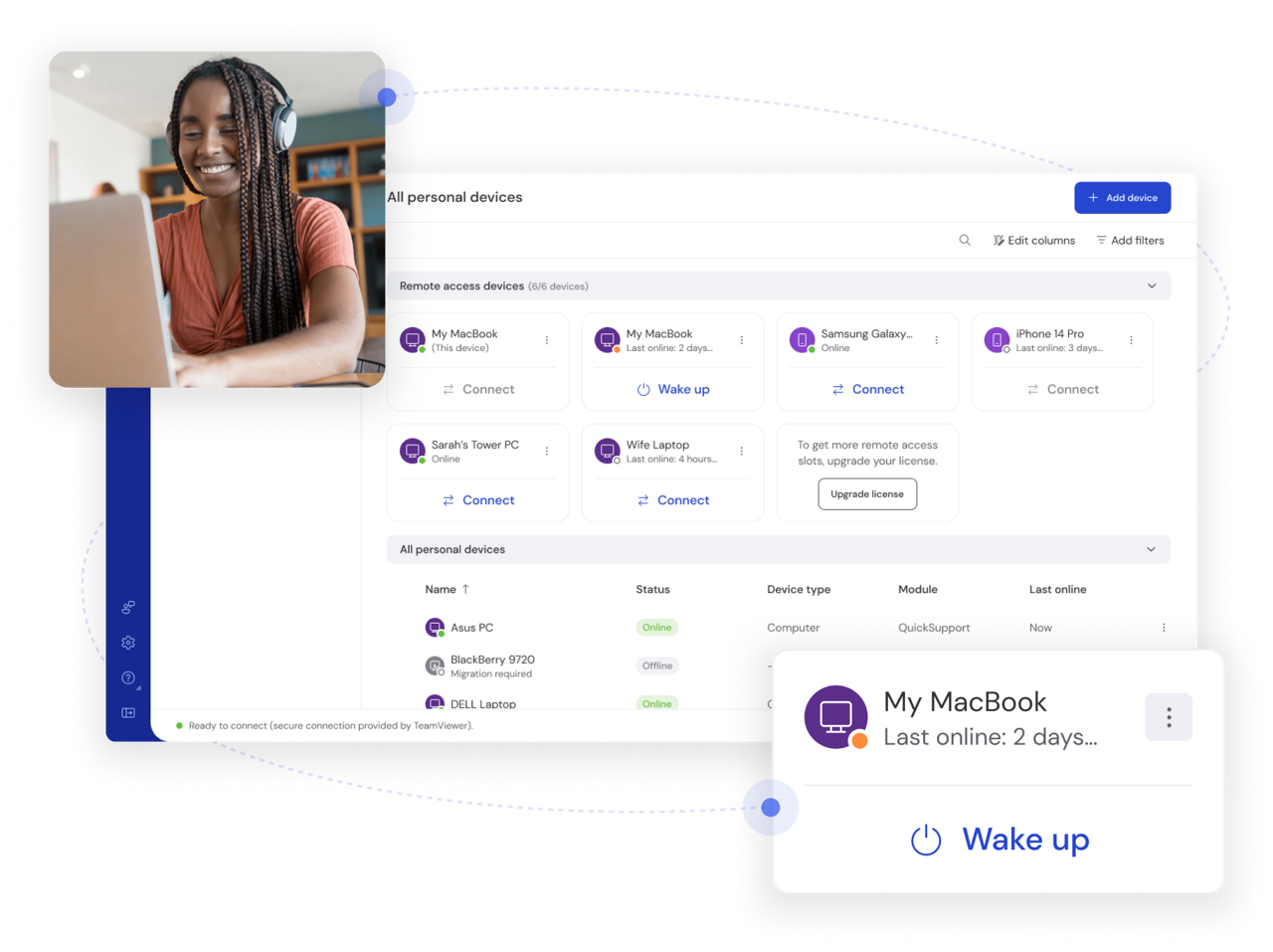
Power up offline computers remotely with TeamViewer's Wake-on-LAN functionality. This feature allows you to wake computers from sleep mode or even a powered-off state to perform maintenance, run backups, or access critical files whenever needed.
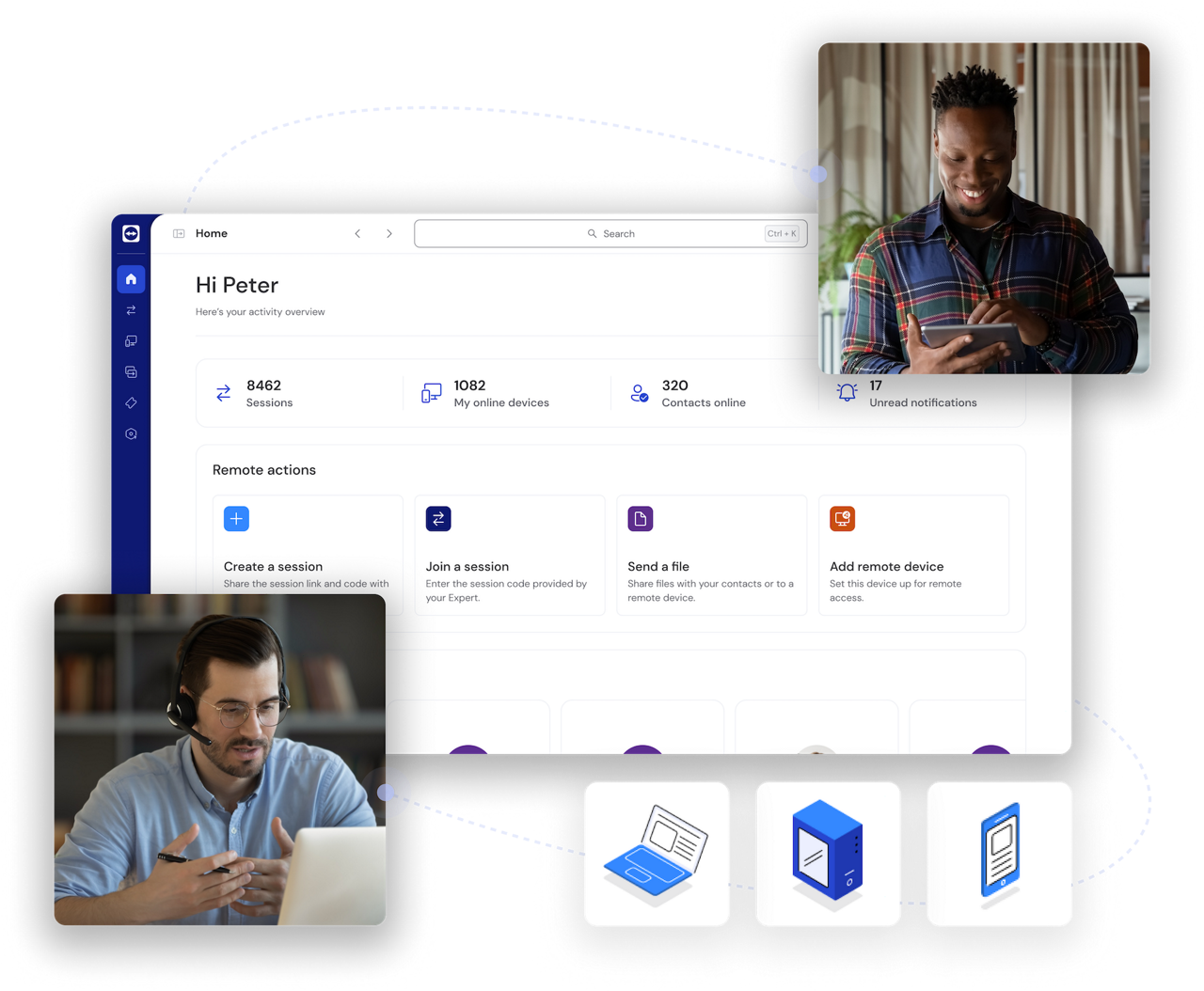
Document every action with comprehensive session recordings and detailed audit trails. TeamViewer's remote desktop client automatically maintains logs of all remote connections, including who connected, when, and for how long, providing crucial accountability for security compliance and helping organizations meet regulatory requirements like HIPAA and GDPR.
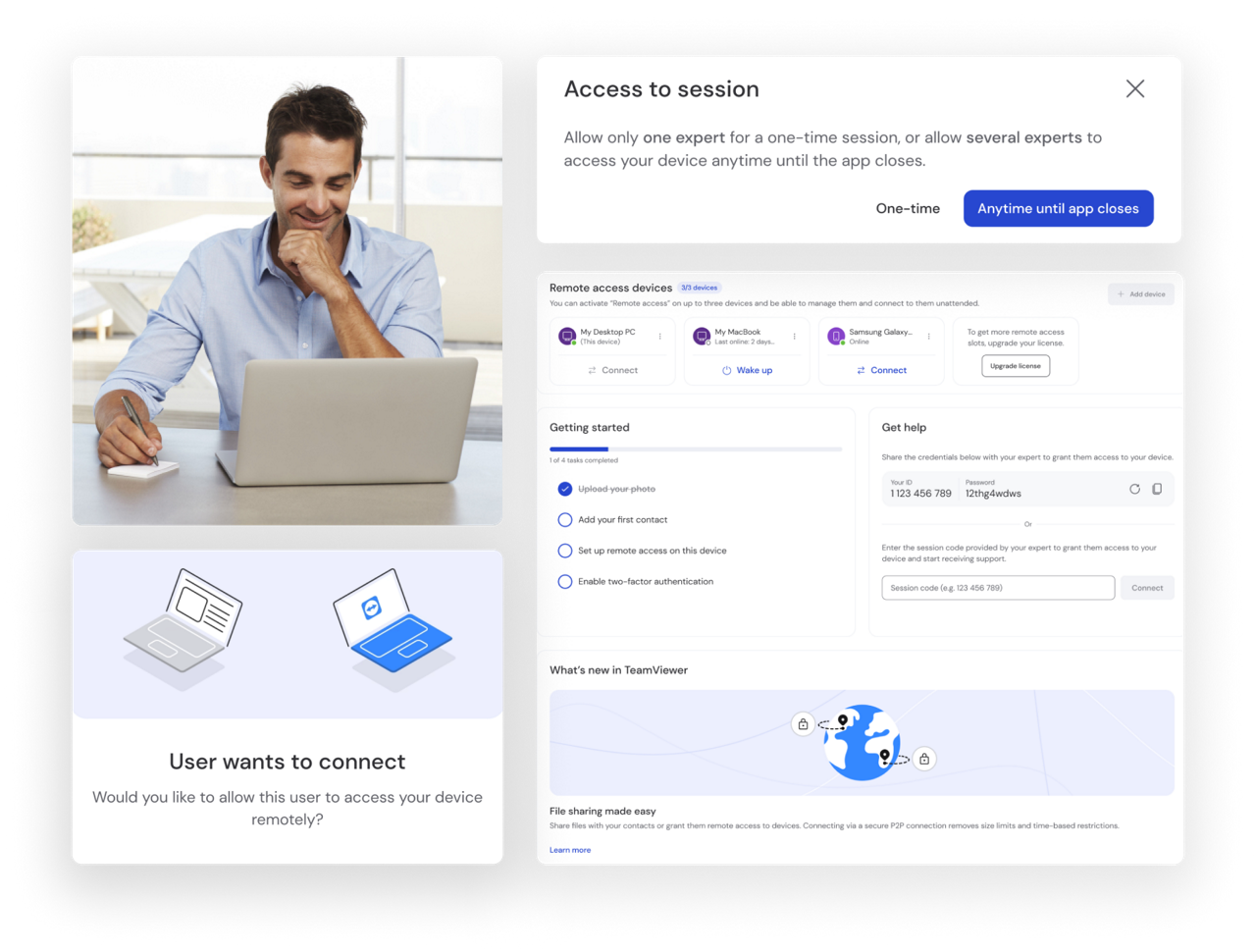
Experience crystal-clear remote visualization across multiple displays with TeamViewer's advanced screen rendering technology. The high-definition video quality ensures you can see every detail on remote screens while the multi-monitor support allows you to easily navigate between different displays on the remote system, making complex remote work just as effective as being there in person.
Enterprise-grade protection with end-to-end encryption keeps your data and connections secure. Single sign-on and custom access controls ensure robust security at every level.
Universal access across all major platforms and devices—including Windows, Mac, Linux, iOS, and Android—delivers industry-leading compatibility.
From individuals to enterprises, TeamViewer scales effortlessly with your needs, supporting teams of any size with flexible deployment options.
A user-friendly interface eliminates complexity, allowing anyone to set up and use TeamViewer without technical expertise.
TeamViewer's remote desktop client seamlessly works with your existing tools, including Microsoft, Salesforce, ServiceNow, and more.
TeamViewer offers multiple ways to establish secure remote connections across all devices.
TeamViewer meets a wide range of remote support needs for users across all industries and organizational sizes.
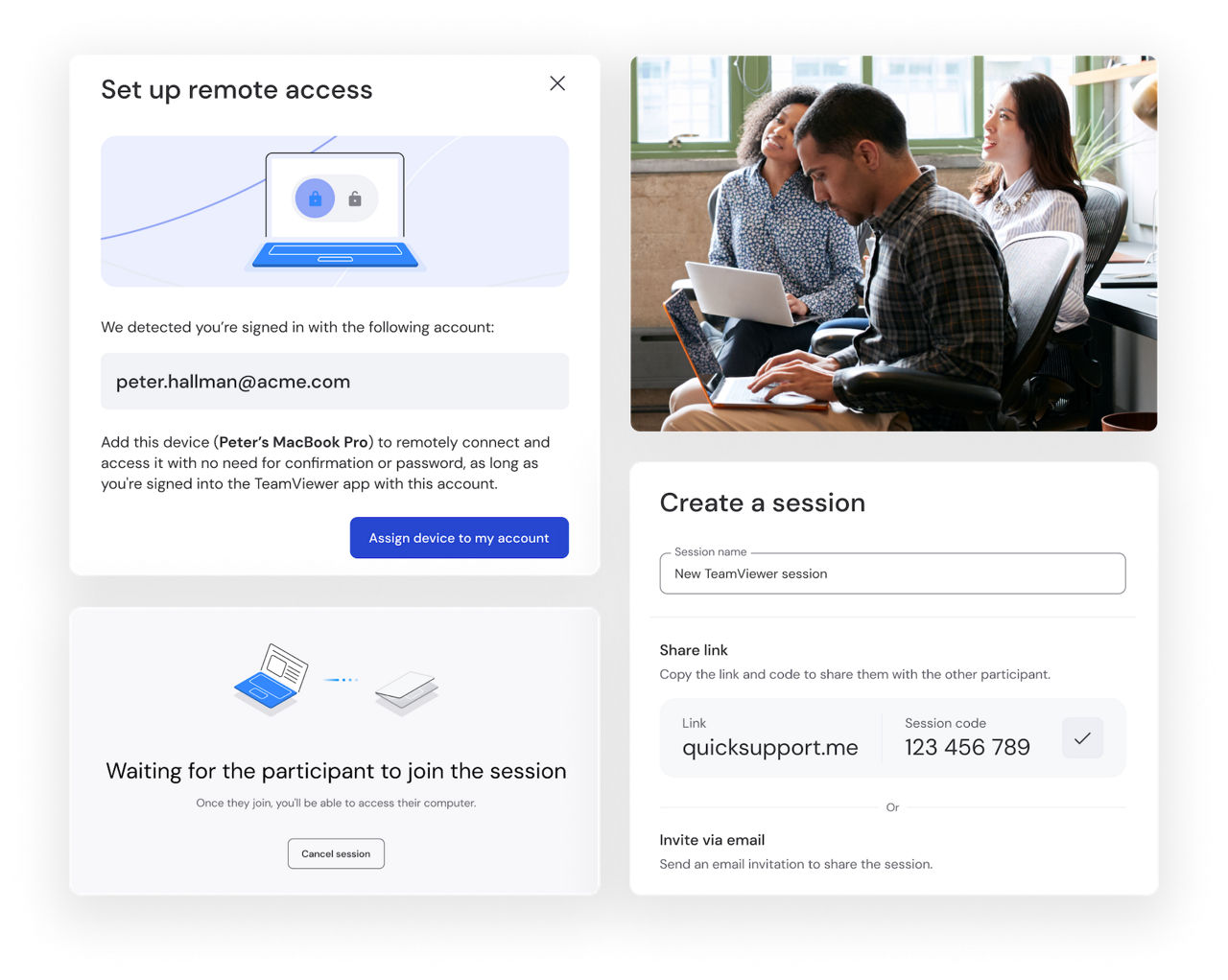
Small businesses rely on TeamViewer's secure remote desktop software to stay connected to the systems that keep operations running. Access office computers from anywhere to use business software, retrieve important files, manage back-office tasks, or support point-of-sale systems without being on site.
With a simple and intuitive interface, employees can get up and running quickly, helping businesses stay productive and responsive wherever work takes them.

TeamViewer makes it easy to access personal devices from anywhere. Connect to a home desktop while away, retrieve files when needed, and securely move content between devices without complicated setup.
The streamlined interface helps users stay productive and keep important information within reach wherever they are.
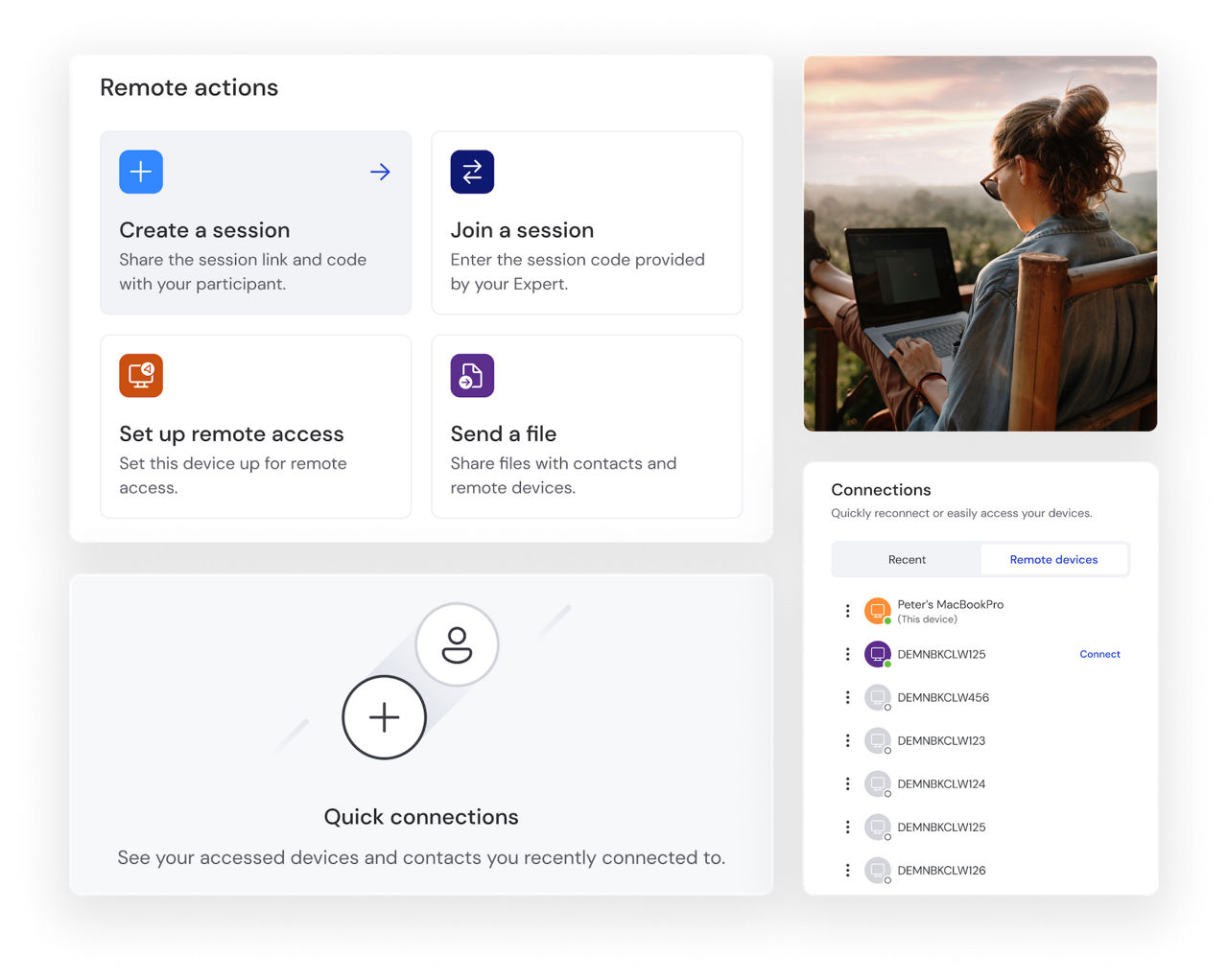
Digital nomads use TeamViewer to access their full office desktop from a lightweight laptop, without carrying multiple devices while traveling. Open business applications, retrieve files, and work with the same tools and settings you'd use in the office, wherever internet access is available.
A simple, intuitive interface makes it easy to connect and get started quickly, helping professionals stay focused and productive on the move.
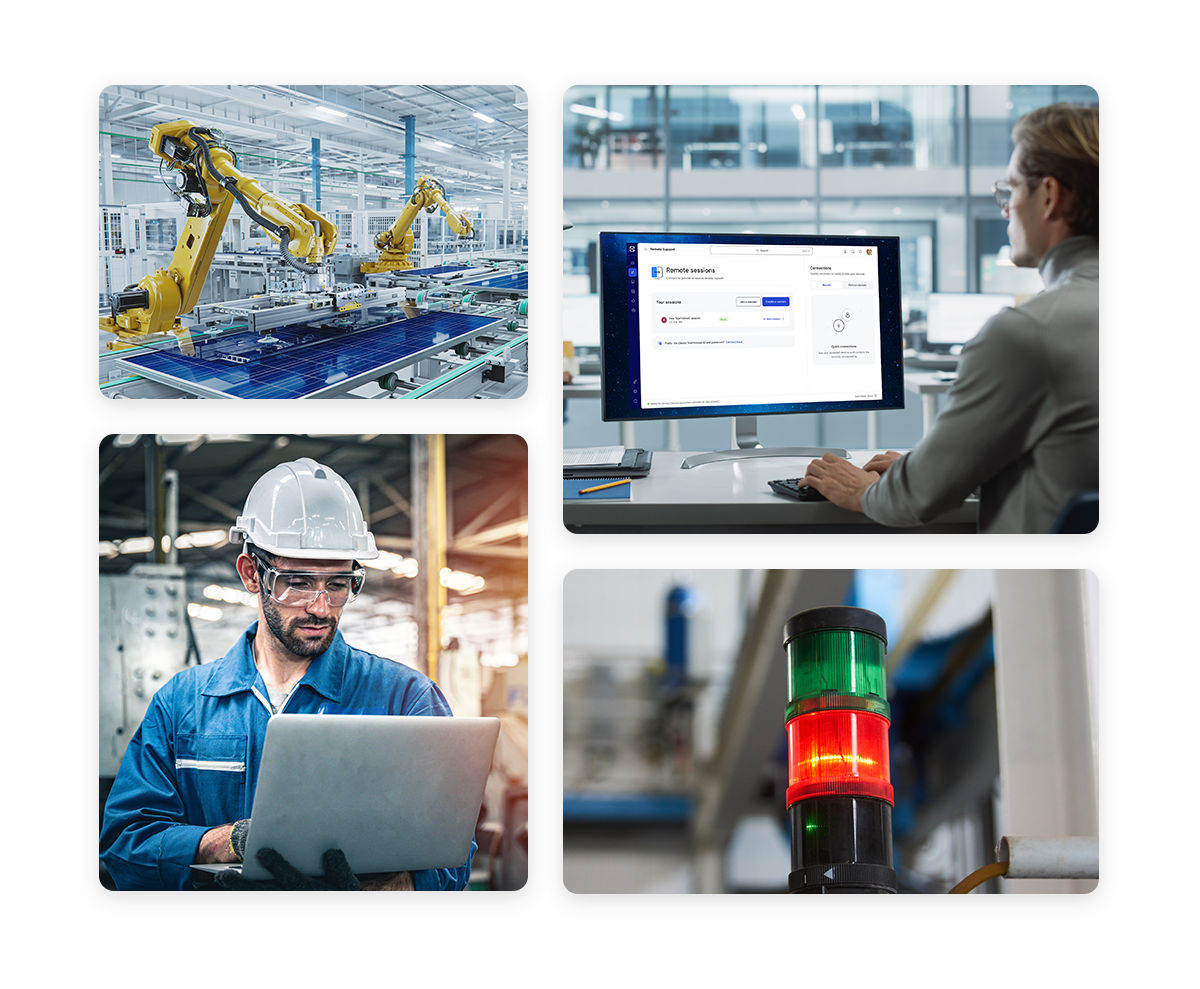
Industrial production teams use TeamViewer to securely access HMI/SCADA workstations and machine terminals without time-consuming floor walks. Engineers and maintenance personnel can connect remotely to review system data, troubleshoot issues, and perform operational tasks from anywhere, helping reduce downtime and improve efficiency.
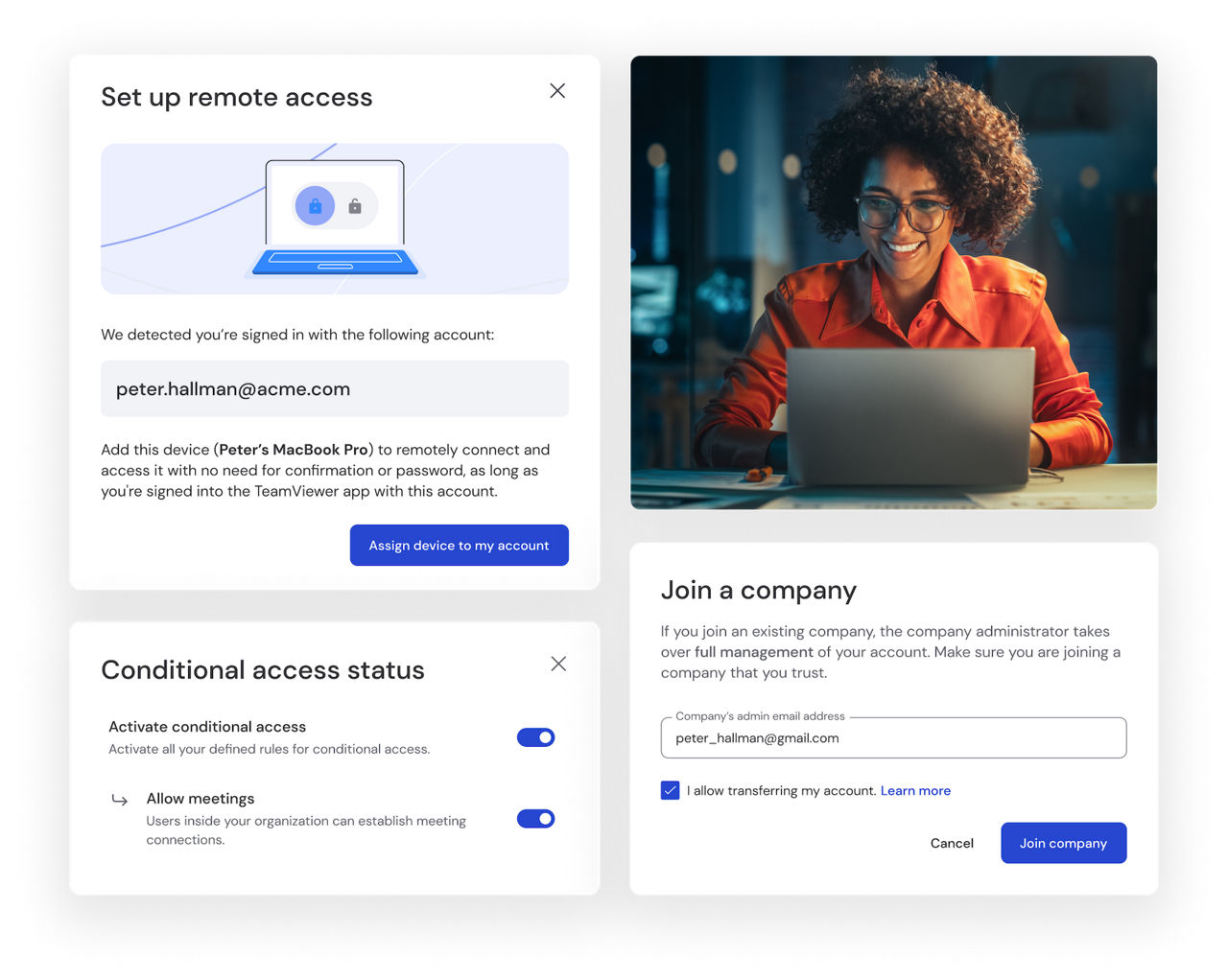
Large enterprises rely on TeamViewer to provide secure, standardized desktop environments across distributed workforces. Employees can access familiar applications, files, and settings from any location, while IT teams streamline deployment, enforce policies, and maintain centralized control to support security, compliance, and operational consistency at scale.
Spotlight
Remote desktop technology allows you to access and control a computer from a different location, viewing its screen and interacting with it as if you were sitting in front of it. The remote computer transmits visual information over a network, while keyboard and mouse inputs from the local device are sent back in real time.
This enables users to run applications, access files, and manage systems remotely with a seamless experience. Common use cases include remote work, IT support, accessing office or home computers while away, and maintaining systems across multiple locations.
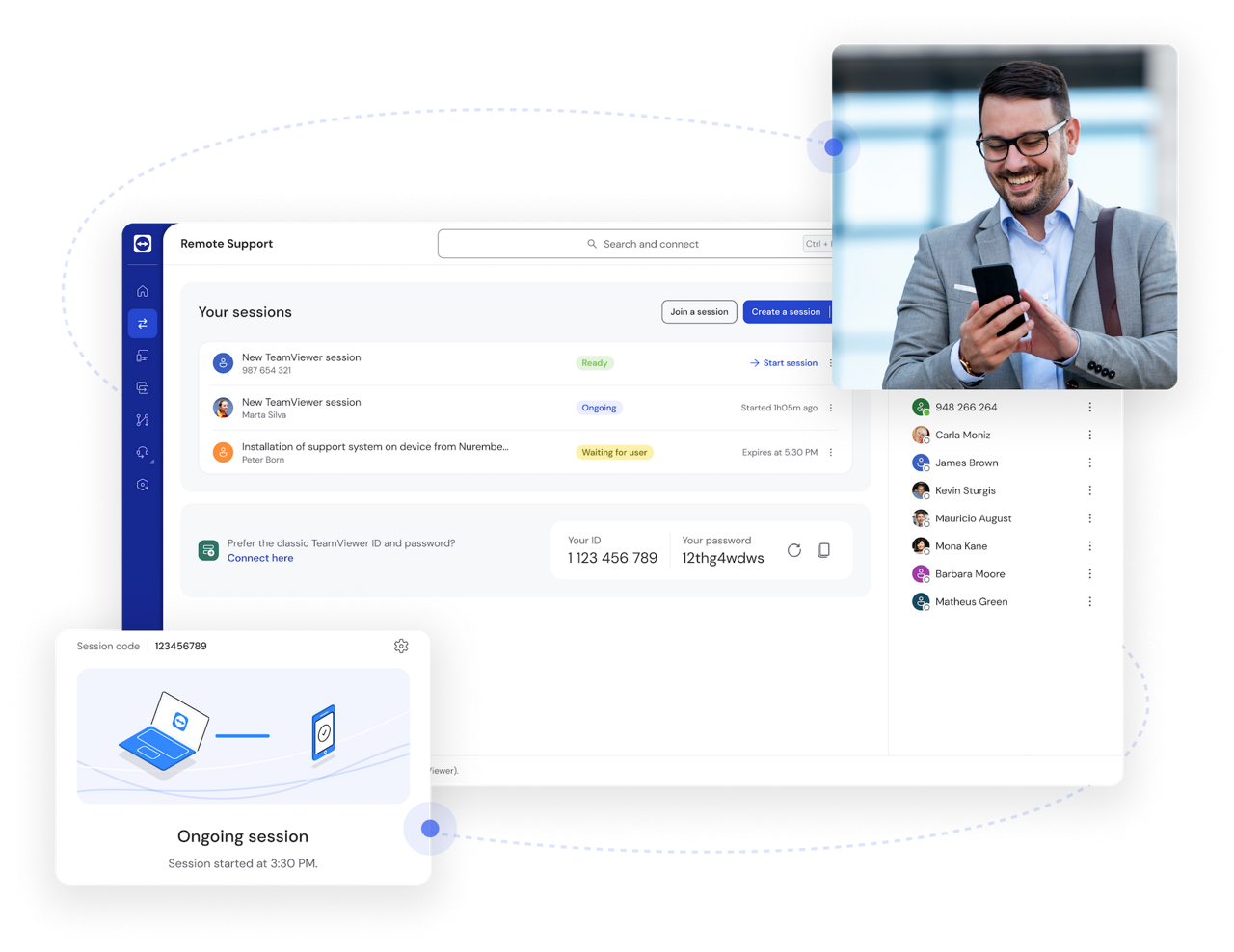
With TeamViewer, simply install the application on both devices, start the program, and enter the ID and password of the remote device you want to connect to.
TeamViewer offers both a free remote PC tool for personal use and professional plans for businesses with additional features and security.
What constitutes the best remote desktop software depends on your specific needs, devices, and use case. Popular options include Chrome Remote Desktop, Microsoft Remote Desktop, and TeamViewer, each offering remote access and control capabilities.
TeamViewer stands out for its broad cross-platform support, unattended access features, and advanced security controls, making it a versatile choice for individuals, IT teams, and businesses managing remote devices.
Yes, remote desktop software can be safe when it uses strong encryption and secure authentication methods to protect connections and data. Features such as multi-factor authentication, device approval, and access controls help prevent unauthorized access.
Users should choose a trusted solution, keep software up to date, and verify that security features are enabled before connecting remotely.
With TeamViewer, establish a connection by entering the partner ID of the remote device, or connect through your saved contacts after setting up your account.
Remote desktop refers specifically to accessing and controlling a remote computer, allowing you to view its screen and interact with it as if you were sitting in front of it.
Remote access is a broader term that includes remote desktop connections as well as access to servers, mobile devices, networks, and unattended endpoints. In other words, remote desktop is one type of remote access, while remote access covers a wider range of devices and use cases.