IT access and support
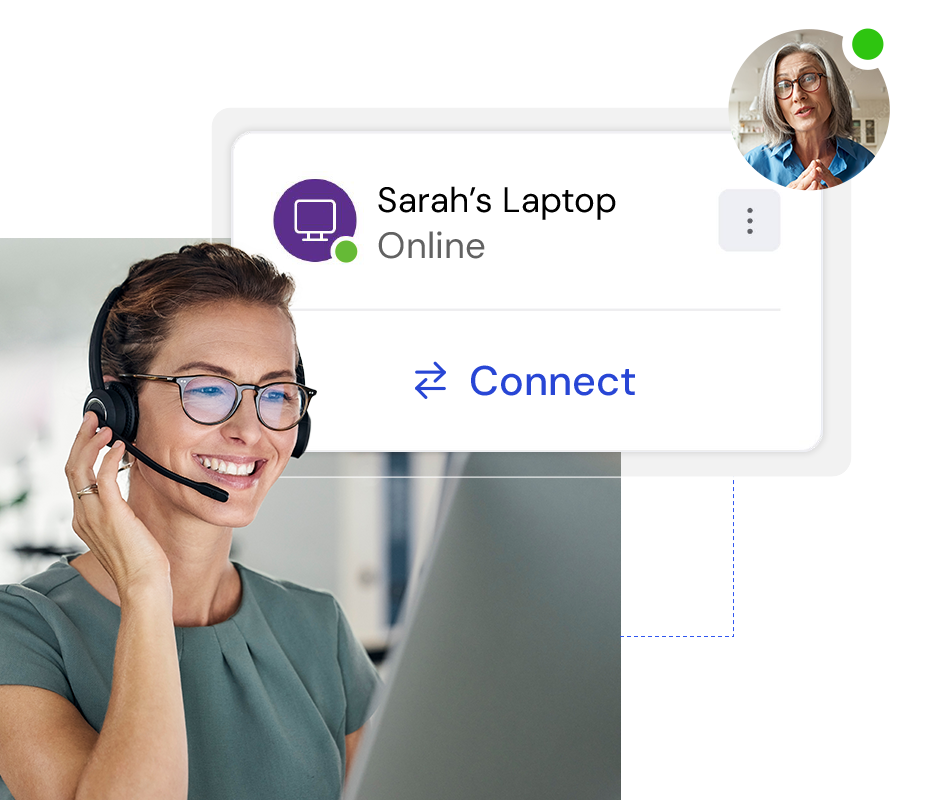
Fix issues remotely. Free for personal use.

Before issues escalate, turn to the platform you can trust.
Ensures a smooth and uninterrupted digital experience for employees, minimizing frustrations and unnecessary disruptions.

Optimize processes with enhanced visibility and automation, driving proactive remediations, exceptional service, and reduced costs.
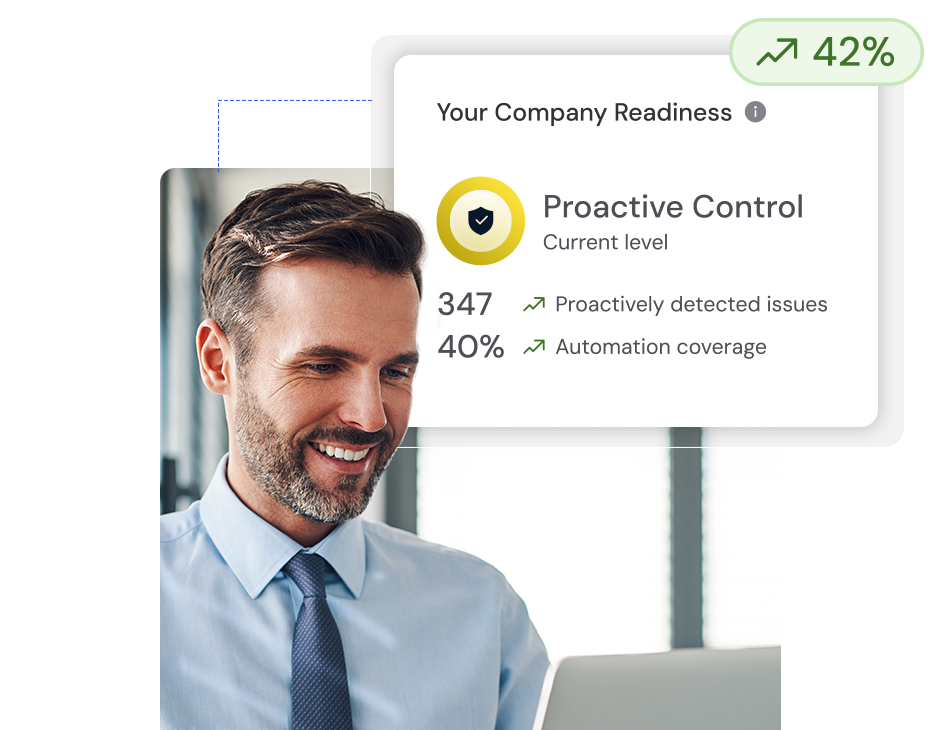
Resolve IT issues proactively and in real-time to reduce service desk incidents, minimize downtime, and maintain smooth, efficient operations.
Identify, notify, and fix compliance drift, digital friction, and end-user frustration issues.
Trusted by IT teams around the world
Real-time visibility, actionable insights, and automation built for tomorrow.
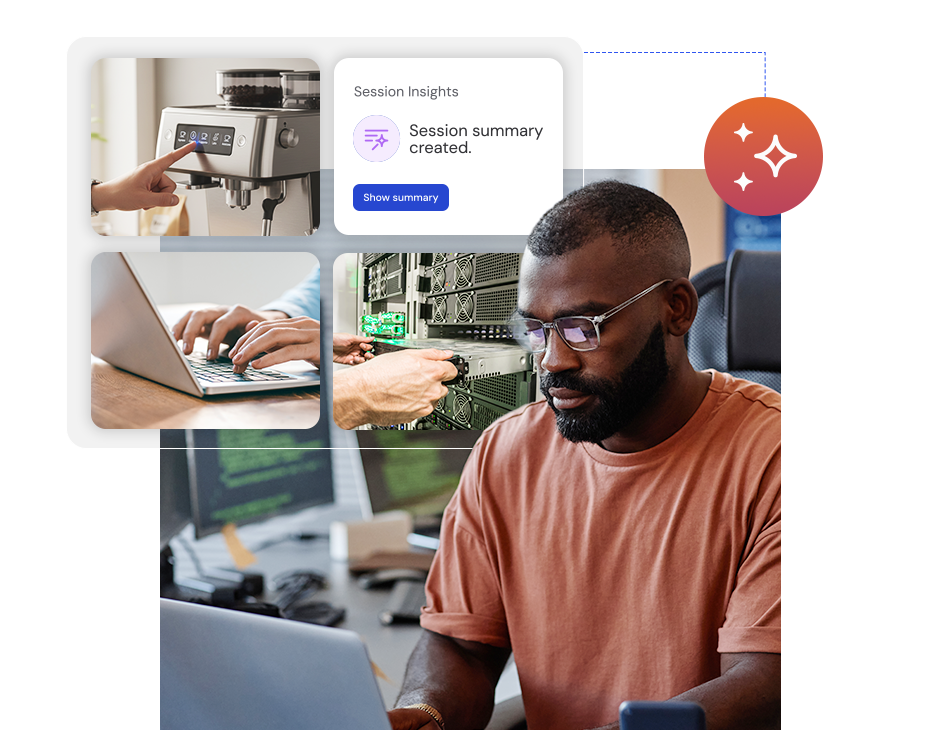
Tia, your AI agent, learns from every support session to predict, prevent, and rapidly fix IT issues.
Tia’s automated session summaries save you time, augment your human experts, and help Tia build new automations to cut digital friction and time-wasting repetitive tasks.
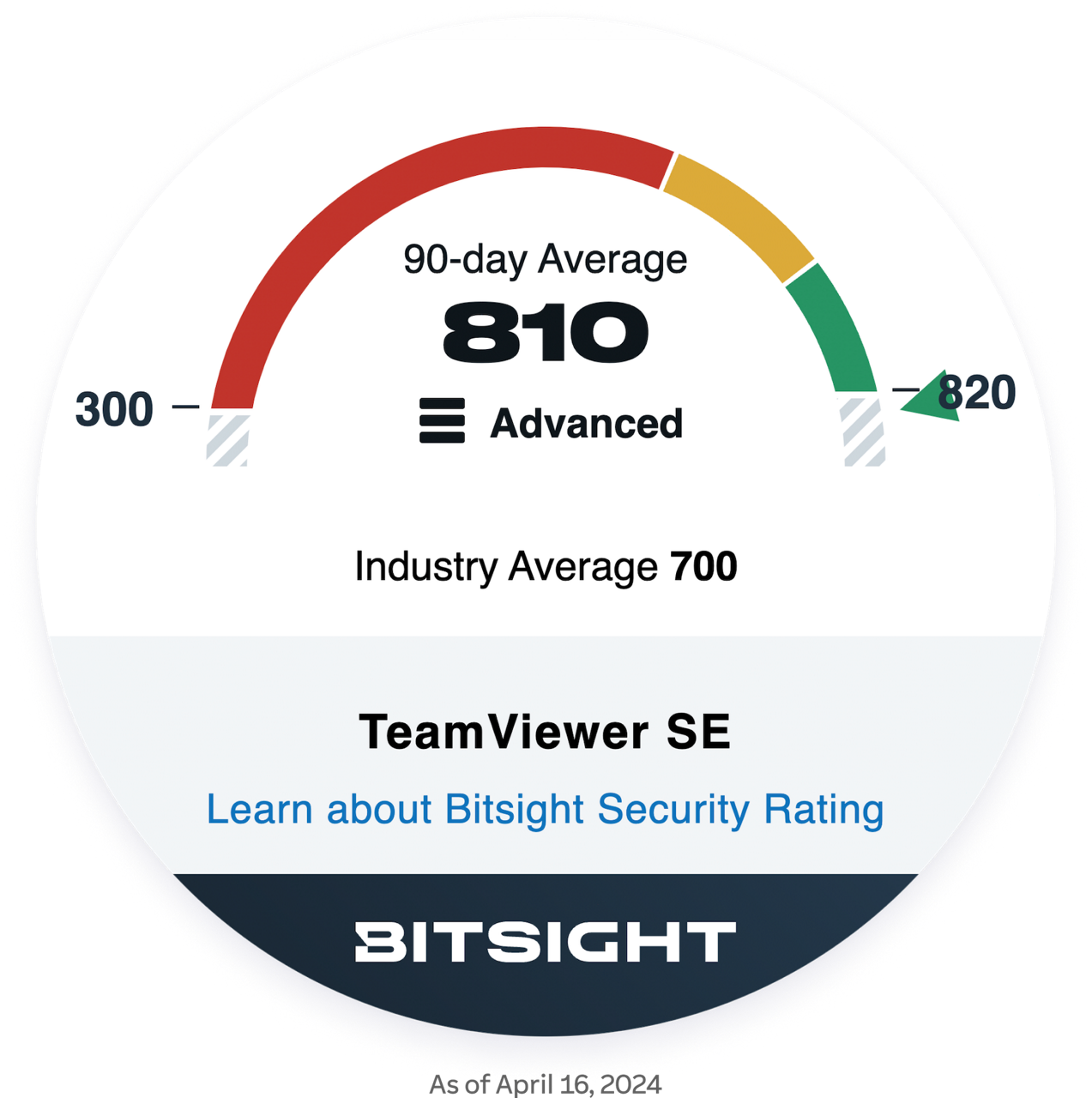
BitSight Security Rating provides data-driven, dynamic measurements of an organization’s cybersecurity performance. It is the most widely adopted security ratings solution for all industries and markets.
Compliance with ISO/IEC 27001, HIPAA/HITECH, and SOC 2 and 3 reflects our commitment to data protection, operational integrity, and regulatory alignment. So you can work with confidence.


Enhance your TeamViewer Remote subscription with our powerful add-ons for monitoring, managing, and protecting your entire IT ecosystem.

Gain instant visibility into your IT systems with asset tracking and management.

Onboard, manage, and monitor mobile devices in your company.

Prevent unnecessary downtime and ensure your IT systems are stable, secure, and always running smoothly.

Protect your devices wherever they are with next-gen cyber defense against viruses, zero-day exploits, ransomware, and more.

From Hamburg to Namibia—with TeamViewer, the Steps for Children team can ensure all devices and systems are up to date and operational, helping volunteers focus on the tasks that matter most.

To deliver exceptional education, Edith Cowan University (ECU) relies on exceptional IT support. With TeamViewer, ECU can provide remote support to 3,700 staff members and 31,000 students across four campuses.

The Salvation Army (TSA) has spent over 150 years helping those in need. To continue this work, it needs a seamless and secure IT infrastructure. TeamViewer enables this, delivering an affordable, flexible digital workplace for 10,000 employees.
Connect with one of our customer success specialists and start defining your TeamViewer setup.