Solve any IT issue from anywhere, any time, with AI
TeamViewer Remote
Downtime for customers and employees is costly and frustrating. But it’s also preventable. Unnecessary travel, reduced productivity, and lost data can all be avoided by using TeamViewer to fix small issues before they become big problems.
Enhance your remote IT support with integrated device monitoring, asset and patch management to stay on top of issues, keep your mean time to repair (MTTR) short, and your downtime low.
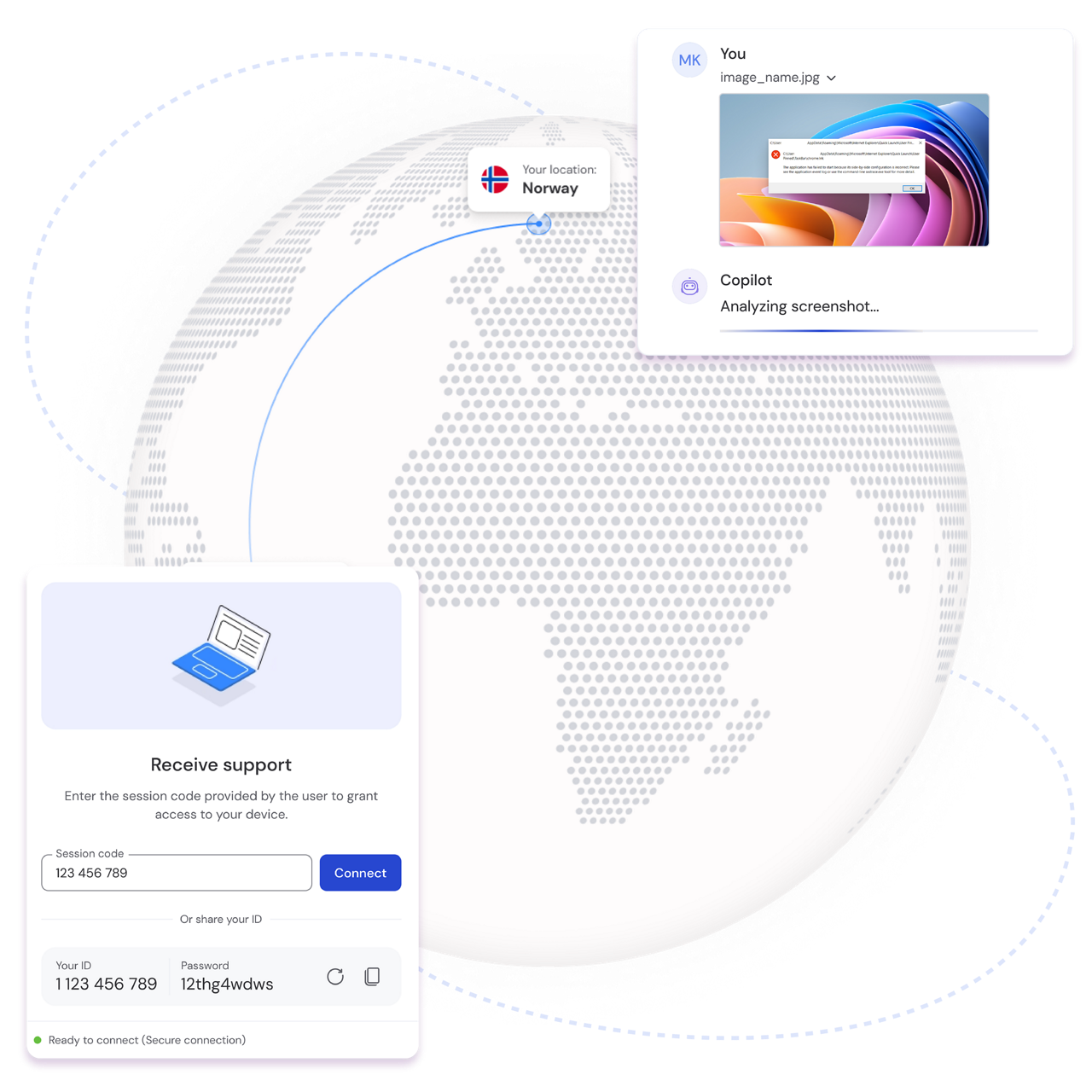
Your colleagues and partners rely on you for fast and effective IT support. With TeamViewer Remote you can support users immediately and fully remotely — even without the need for software installation. You can also:
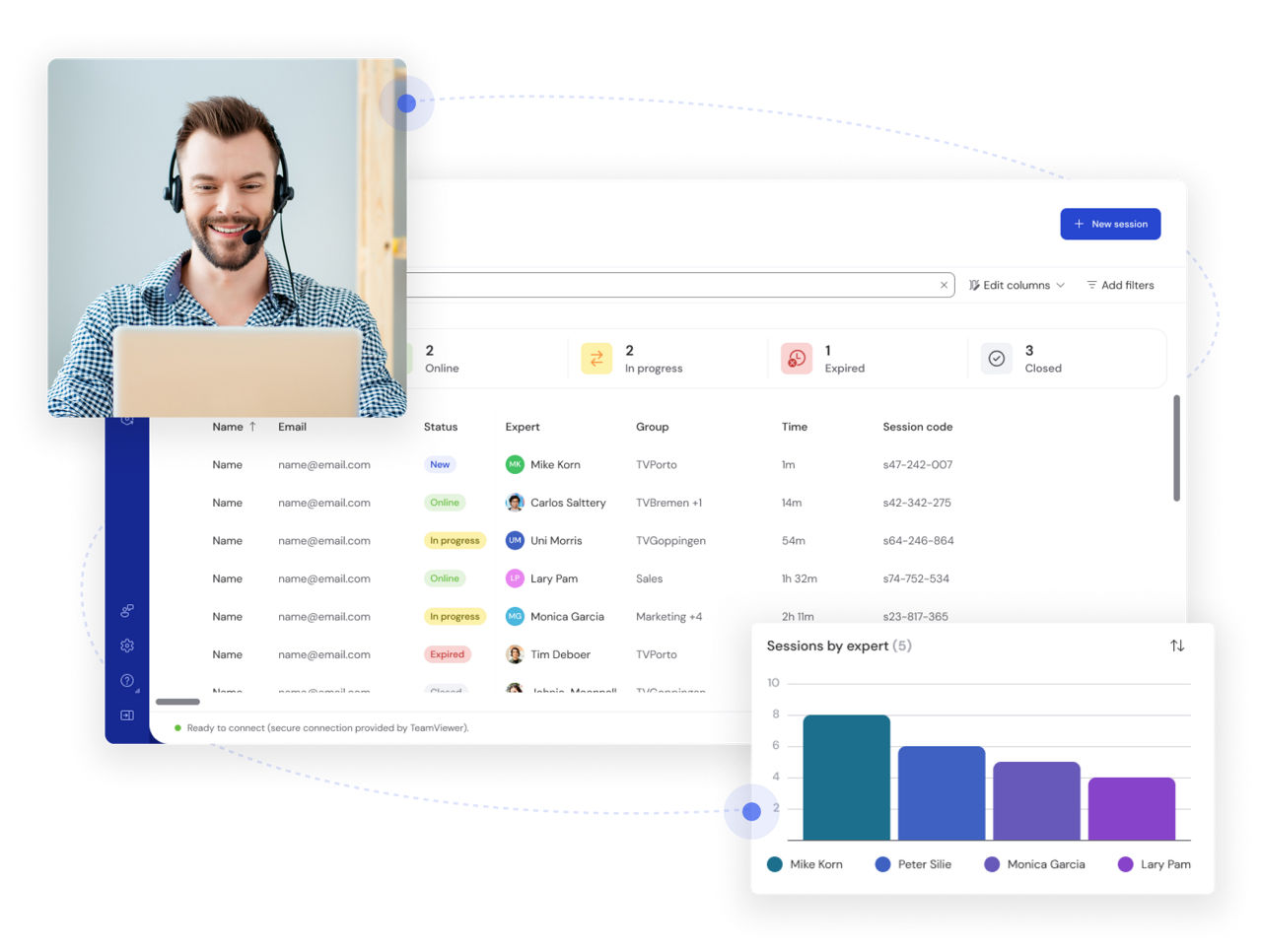
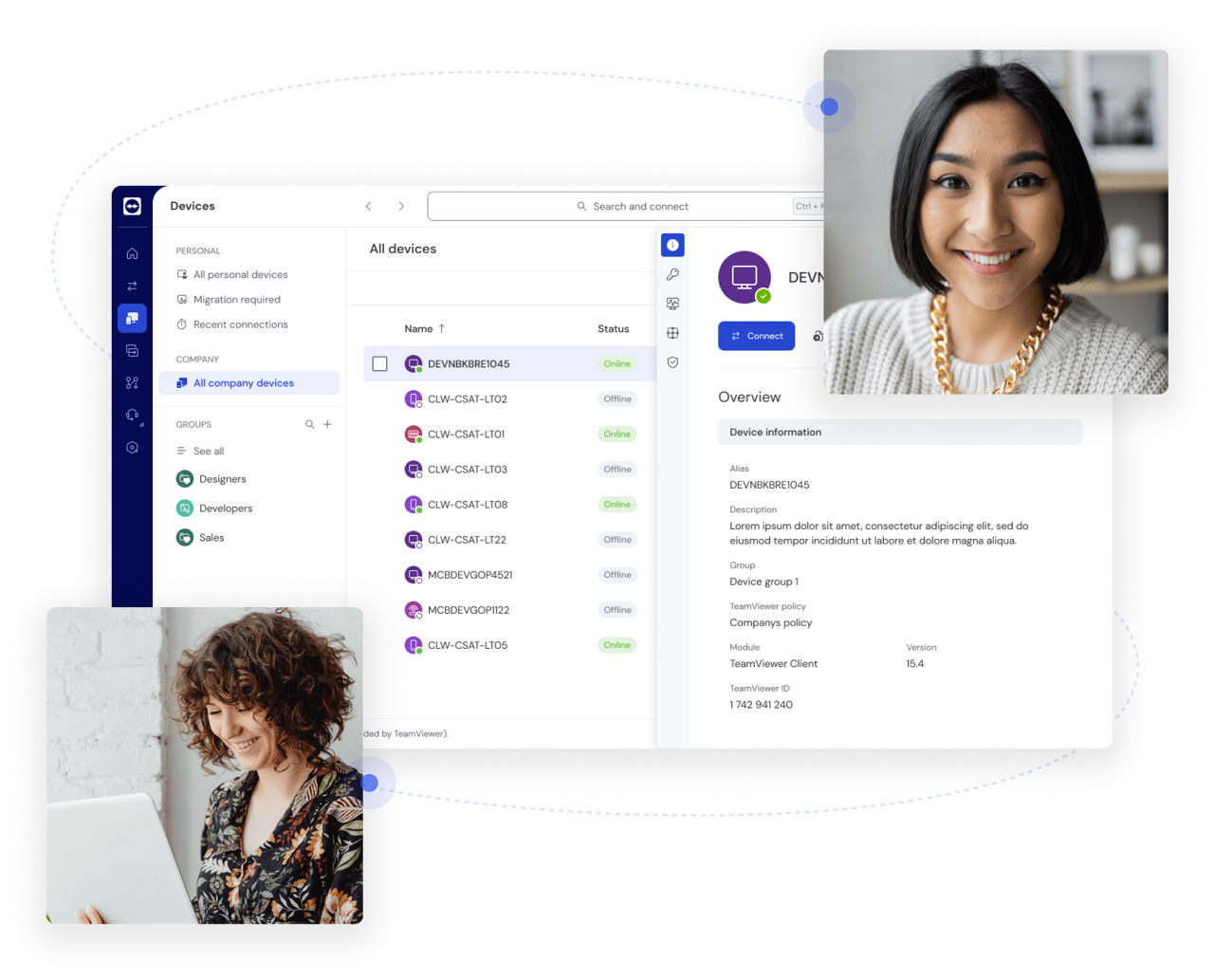
Your customers expect expert support — fast. TeamViewer Remote gives you a central dashboard to monitor, manage, and access all your devices, systems, and services. You can also:
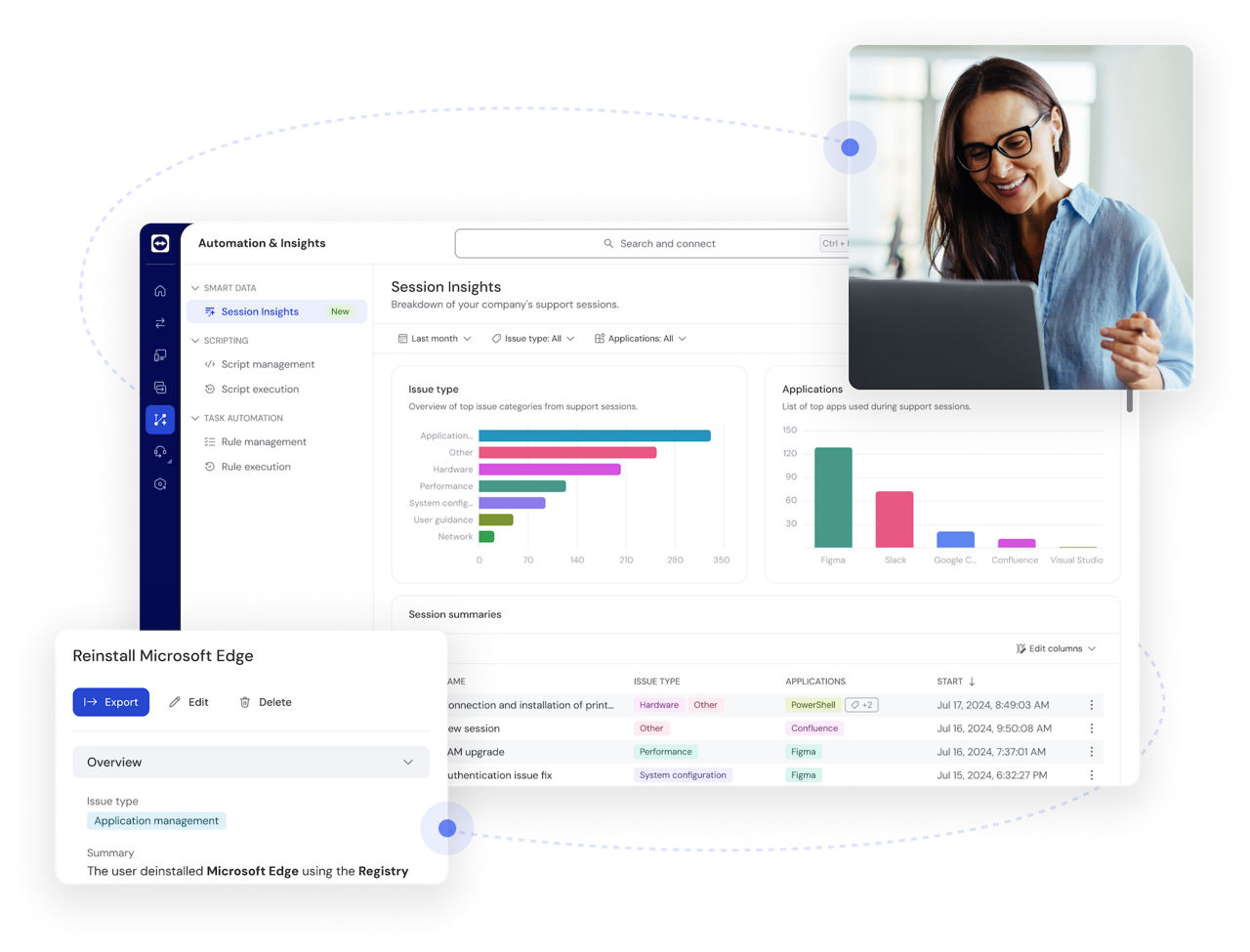
IT support teams are facing a growing number of IT support cases. TeamViewer Remote takes care of repetitive and time-consuming case documentation and provides deep insights into support patterns.
Real-time visibility, actionable insights, and automation built for tomorrow.
TeamViewer ONE combines remote support, endpoint management, AI automation, and DEX capabilities to identify, resolve, and prevent issues before they hurt productivity.
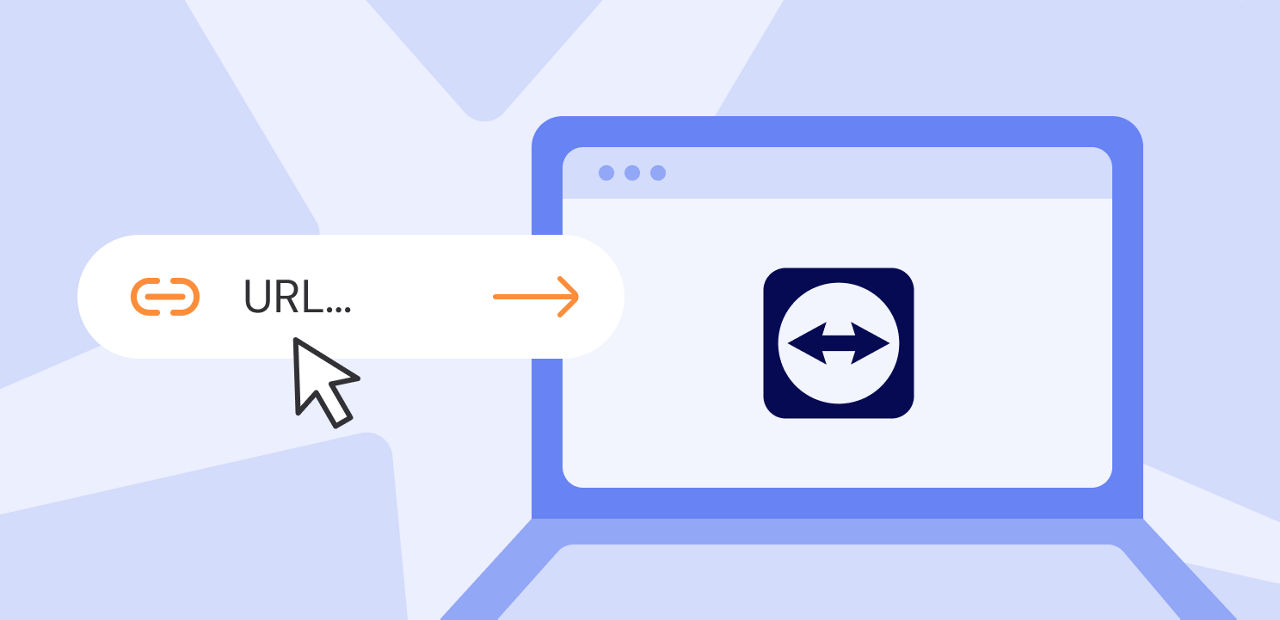
Connect more easily and more securely with remote sessions, without the need of sharing ID and password.
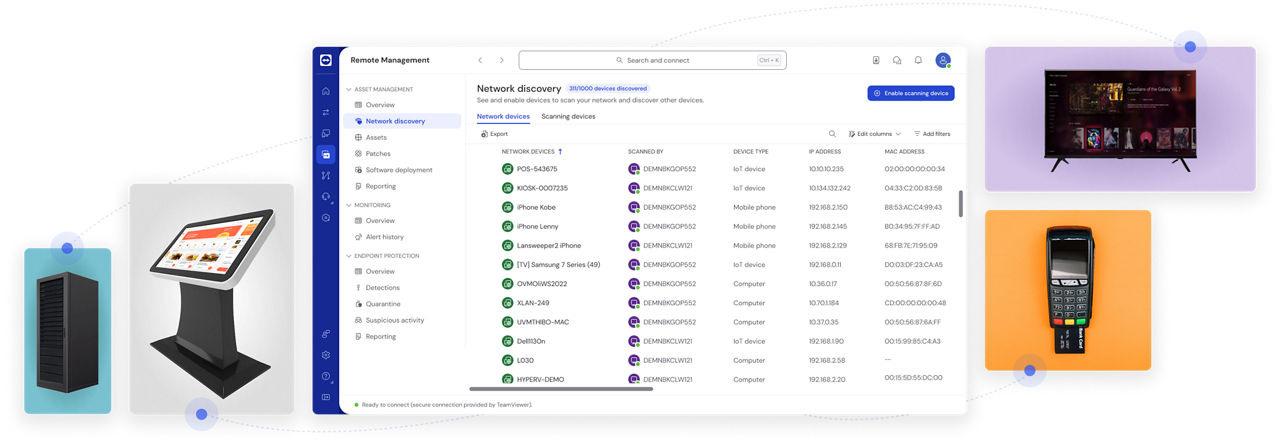
TeamViewer Remote makes it easy to access and maintain remote point-of-sale (POS) devices, kiosks, digital signage, servers, and all kinds of other unattended devices securely and discretely.
Establish mobile-to-mobile connections and provide support on the move, transfer files quickly to the remote device, and receive alerts from unattended devices to immediately learn about issues.
TeamViewer is dedicated to working with non-profit and educational organizations. Here’s how:

From Hamburg to Namibia—with TeamViewer, the Steps for Children team can ensure all devices and systems are up to date and operational, helping volunteers focus on the tasks that matter most.

To deliver exceptional education, Edith Cowan University (ECU) relies on exceptional IT support. With TeamViewer, ECU can provide remote support to 3,700 staff members and 31,000 students across four campuses.
Support any operating system and device. And with the full-featured TeamViewer Remote web client, you can access all your devices from any browser.
Spotlight