Get more from your Tensor license

Switch now to access exclusive features built for exceptional remote support.

Your workflow, only smarter

By switching to TeamViewer Tensor’s new user interface you’ll:

  • Keep your familiar workflow and layout for an easy transition.
  • Continue organizing your devices, contacts, and session codes like always.
  • Save time with powerful new productivity tools.
New ways to supercharge your efficiency

Discover a shortcut to everything

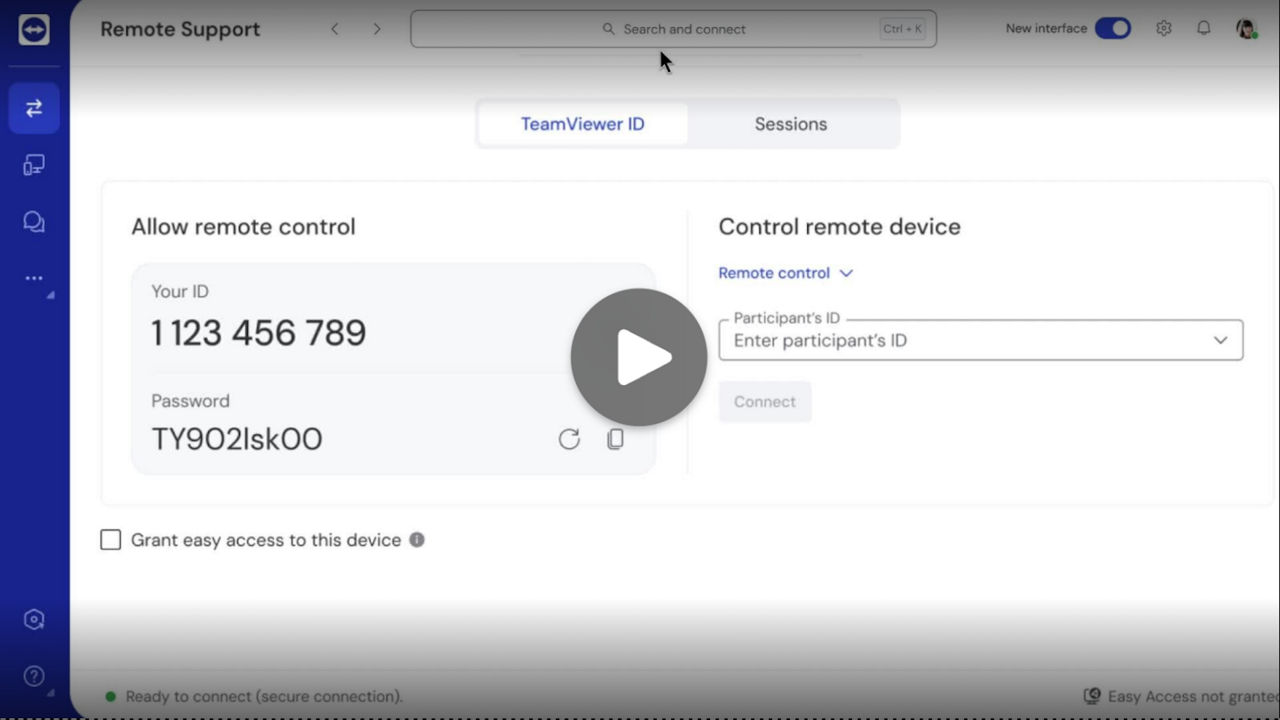
Use Global Search to quickly locate any device, group, feature, or setting.

  • Immediately perform actions, like connecting to a device, directly from the search results.
  • Accessible from anywhere in the app.

Connect faster, save time

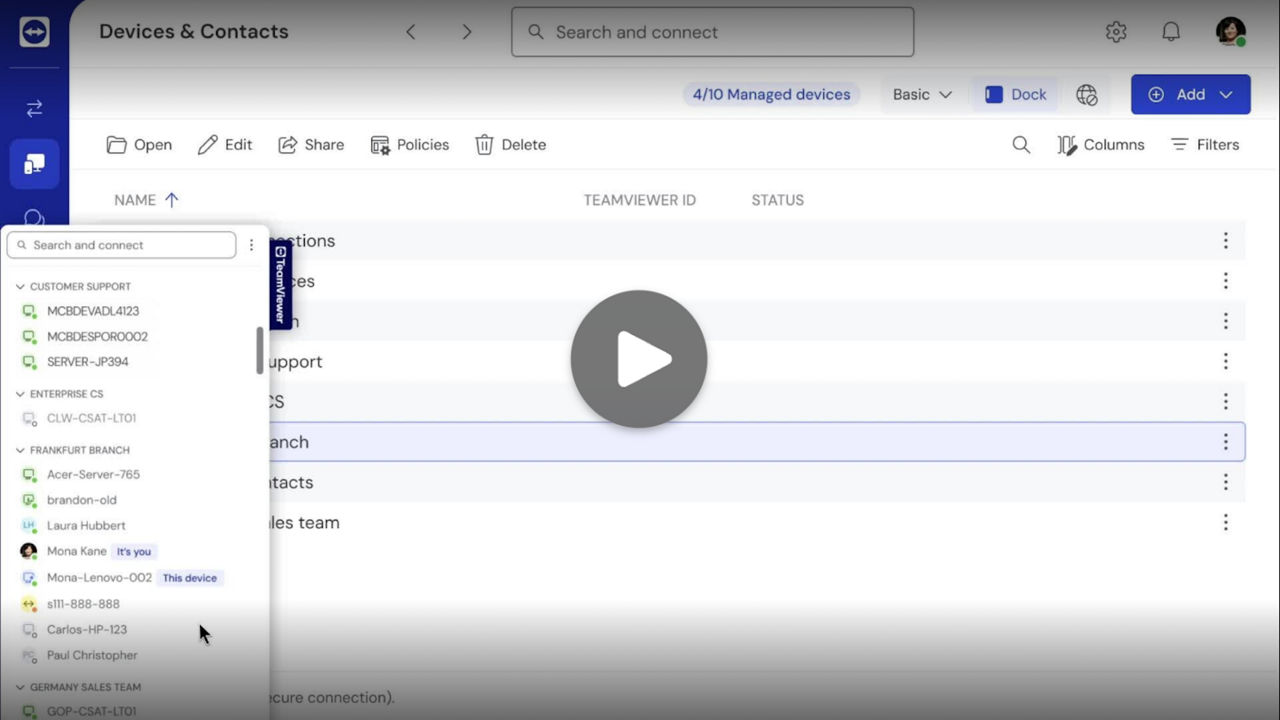
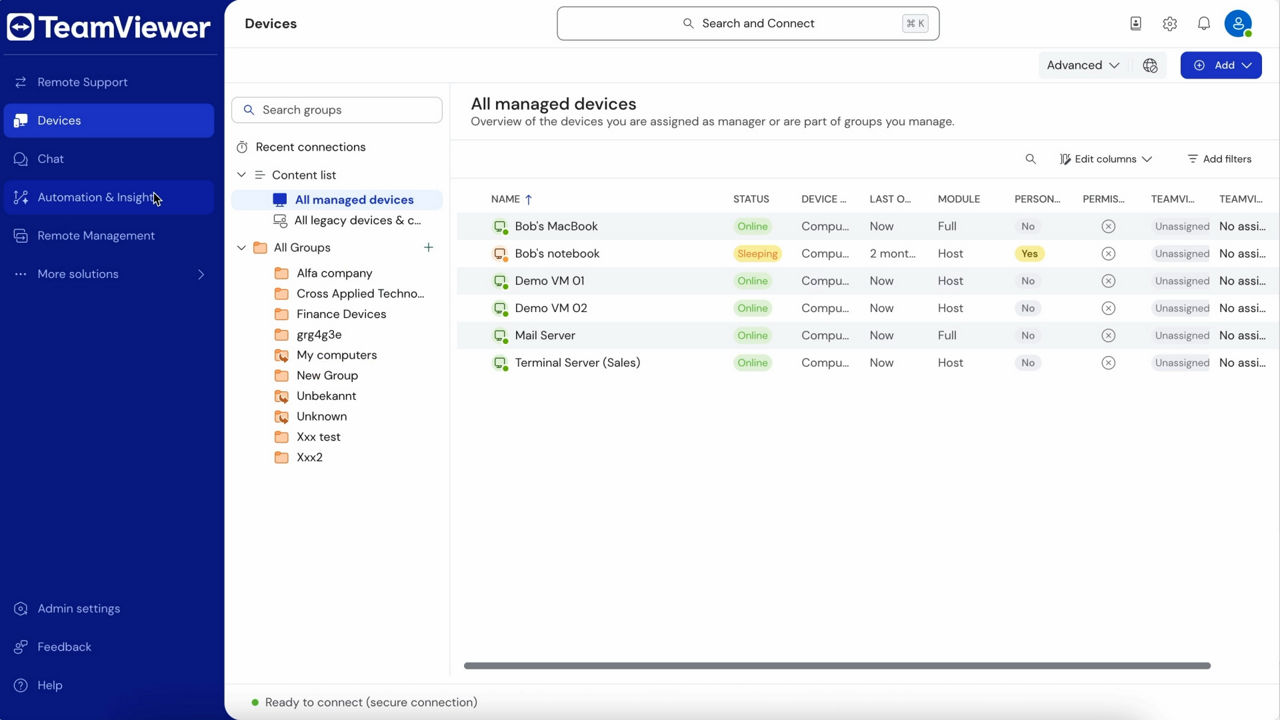
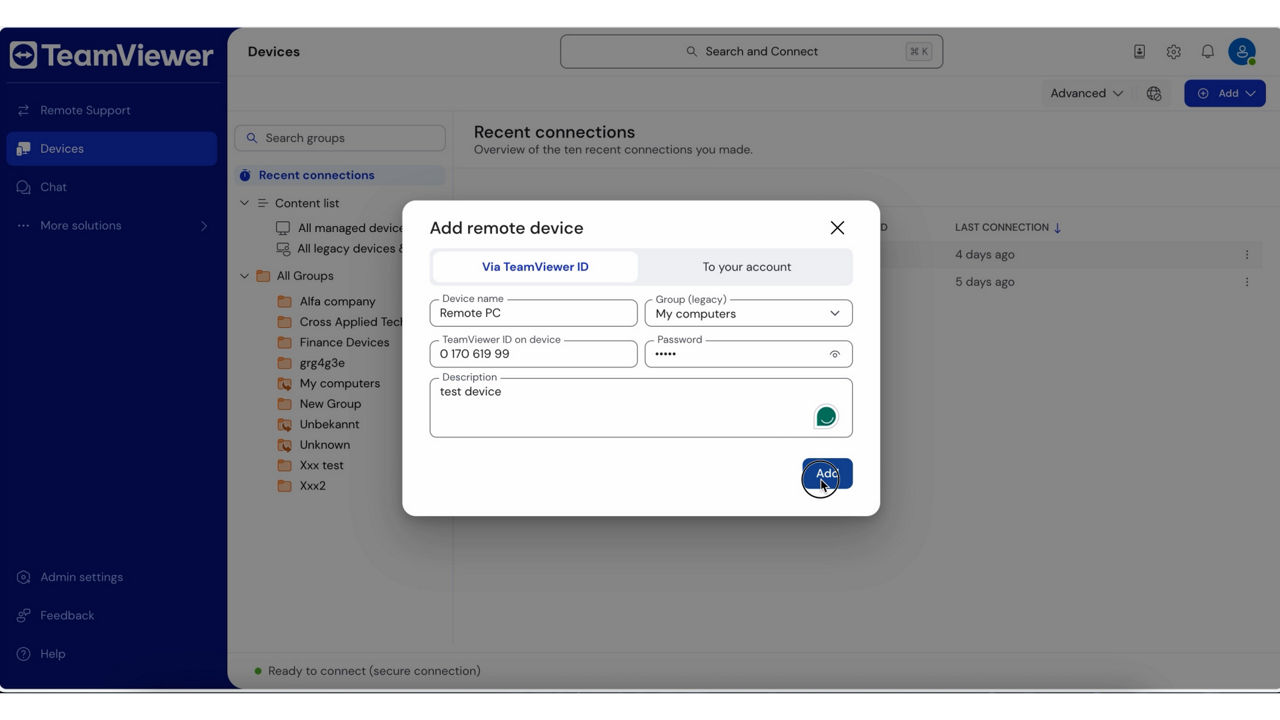
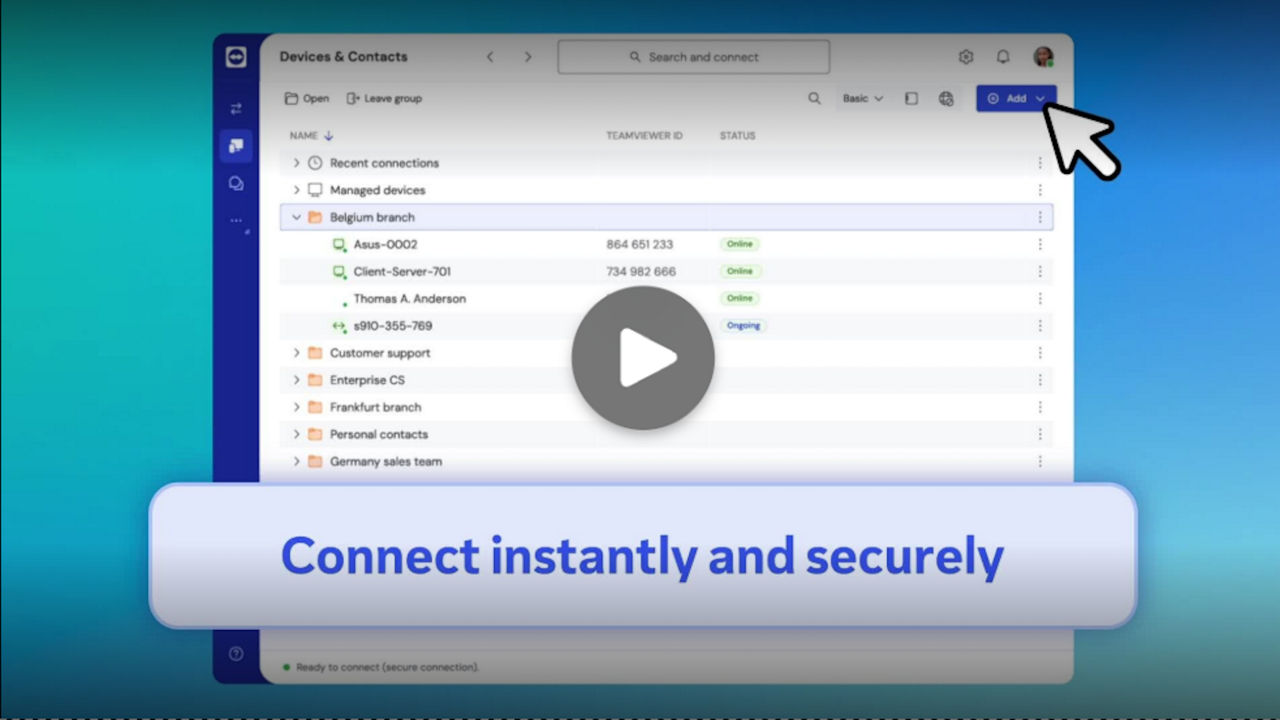
Speed up your workflow with the Device Dock—your compact, always accessible device view.

  • Click open the dock to view all online and offline devices. Connect instantly.
  • Hide it again to keep your workspace clutter-free.

Switch now—it’s free!

Simply log in to TeamViewer and activate the New interface toggle at the top of your screen. Easy.

Get all your tools in one app

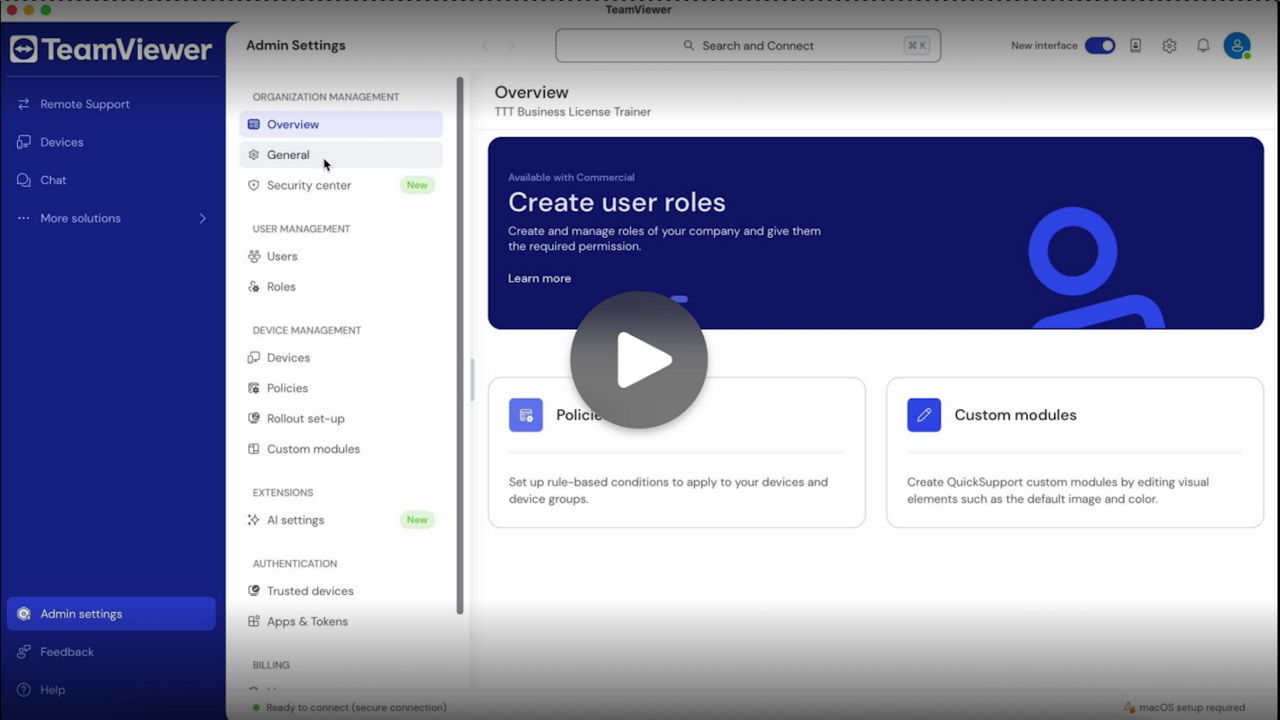
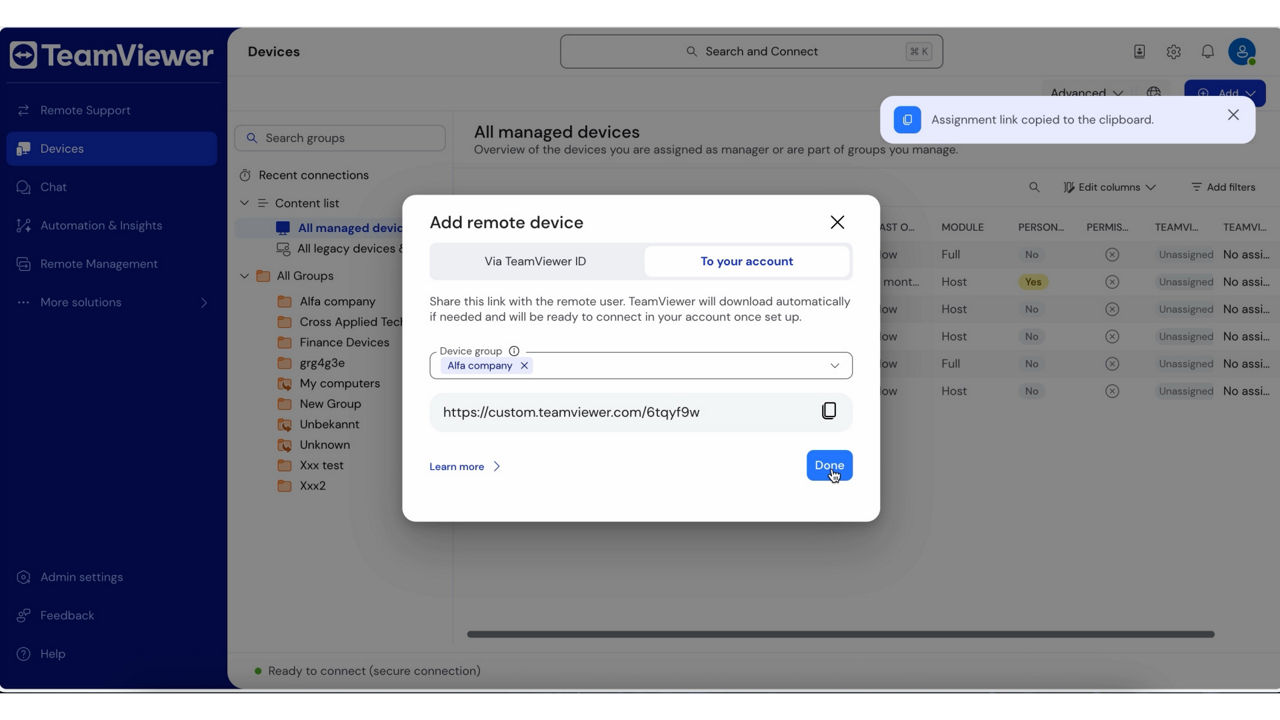
Improve efficiency with Management Console features now fully integrated.

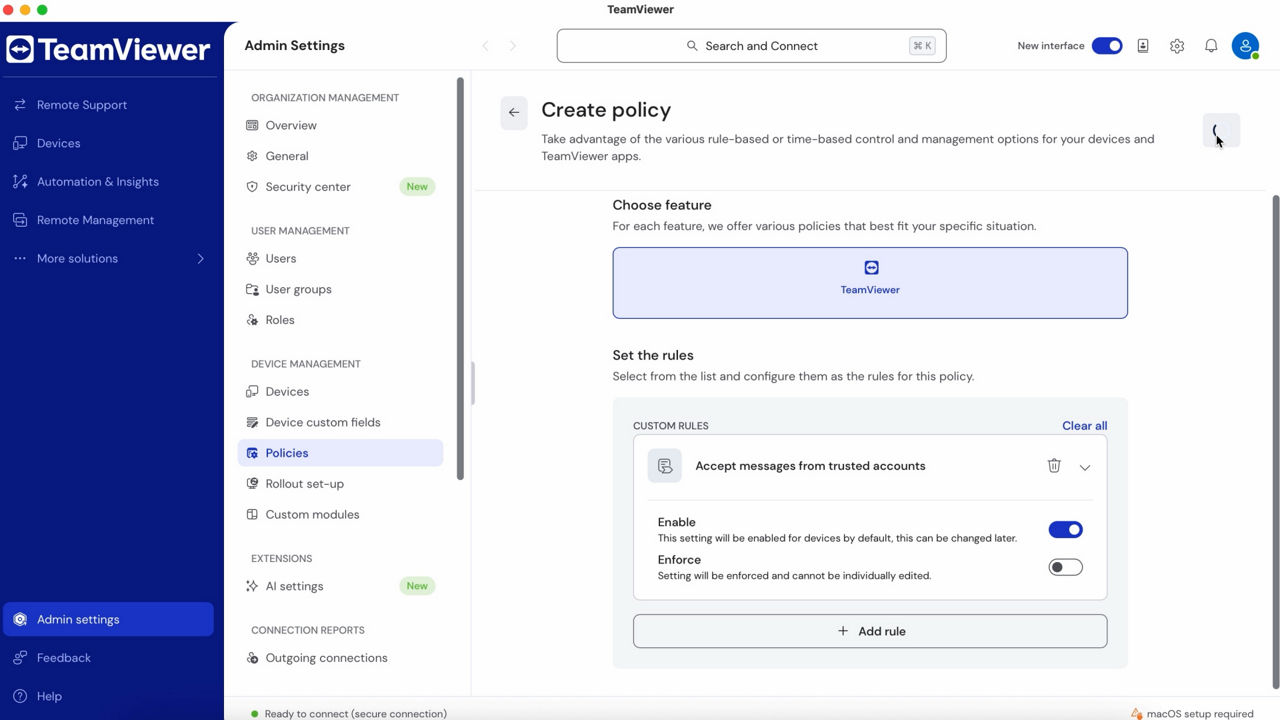
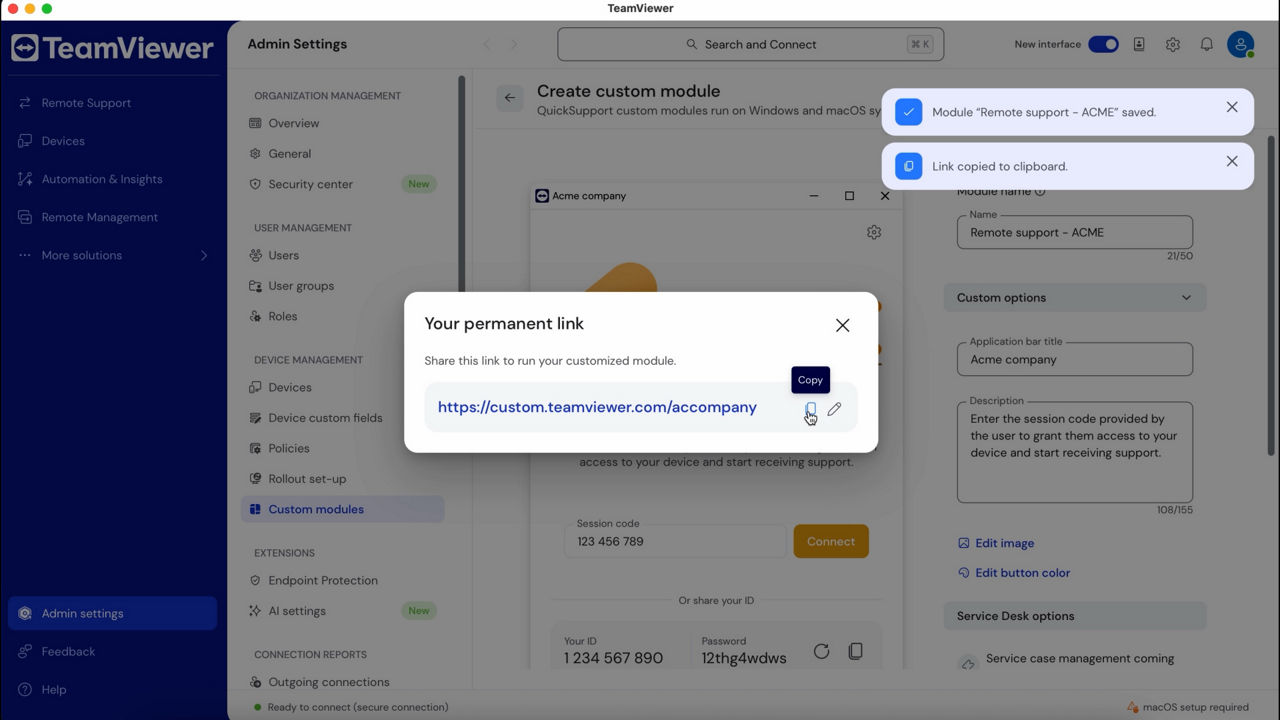
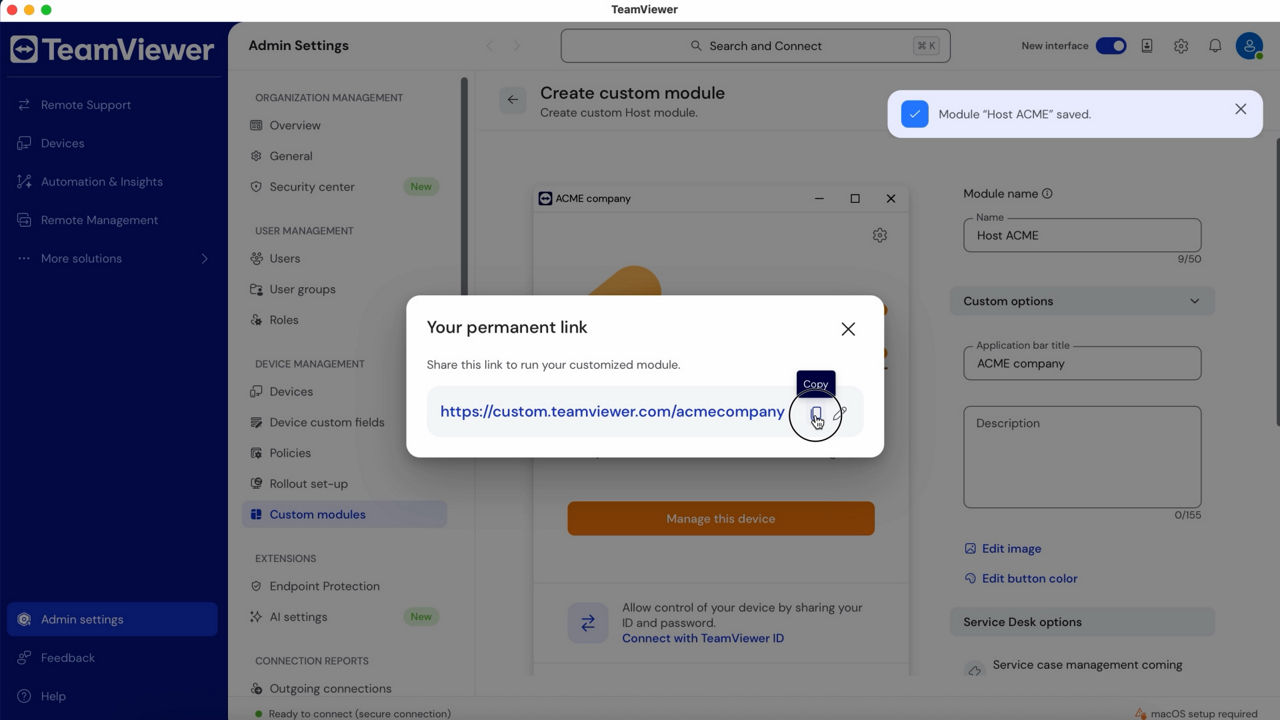
  • Update policies and create custom modules (QuickSupport and Host) in Admin settings.
  • Manage incoming support requests via Service Queue.

Automate and accelerate with AI

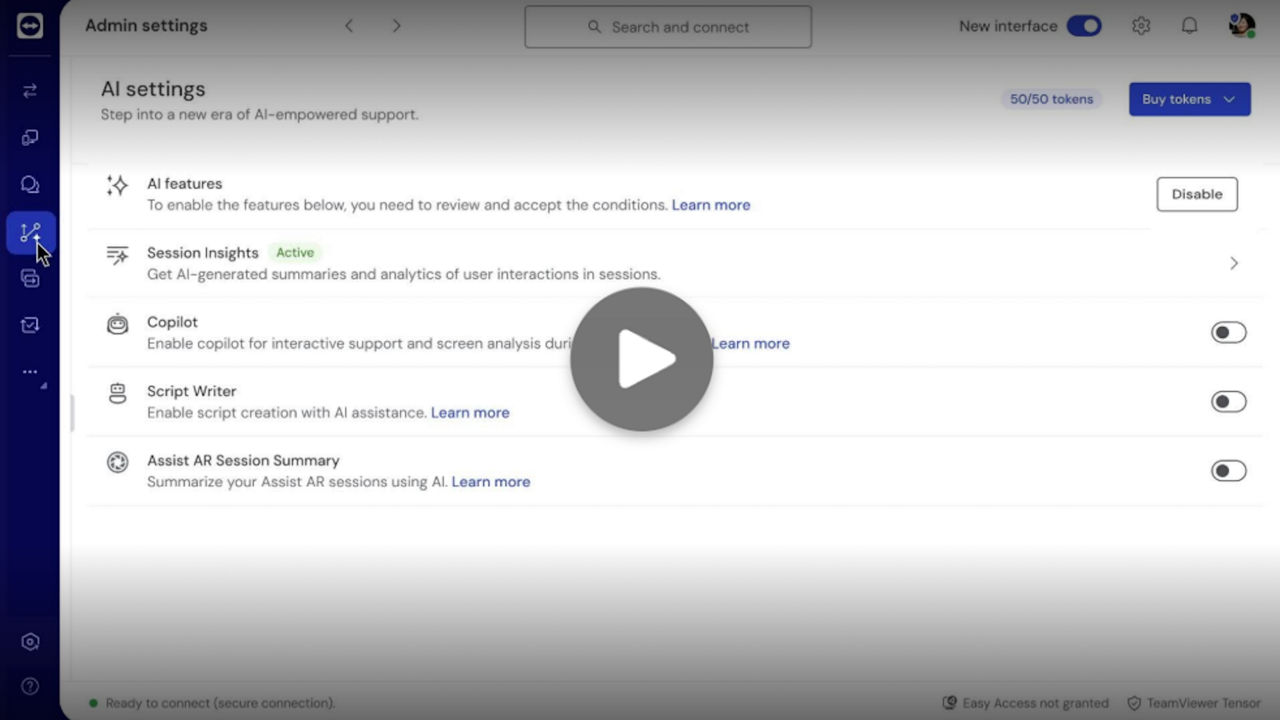
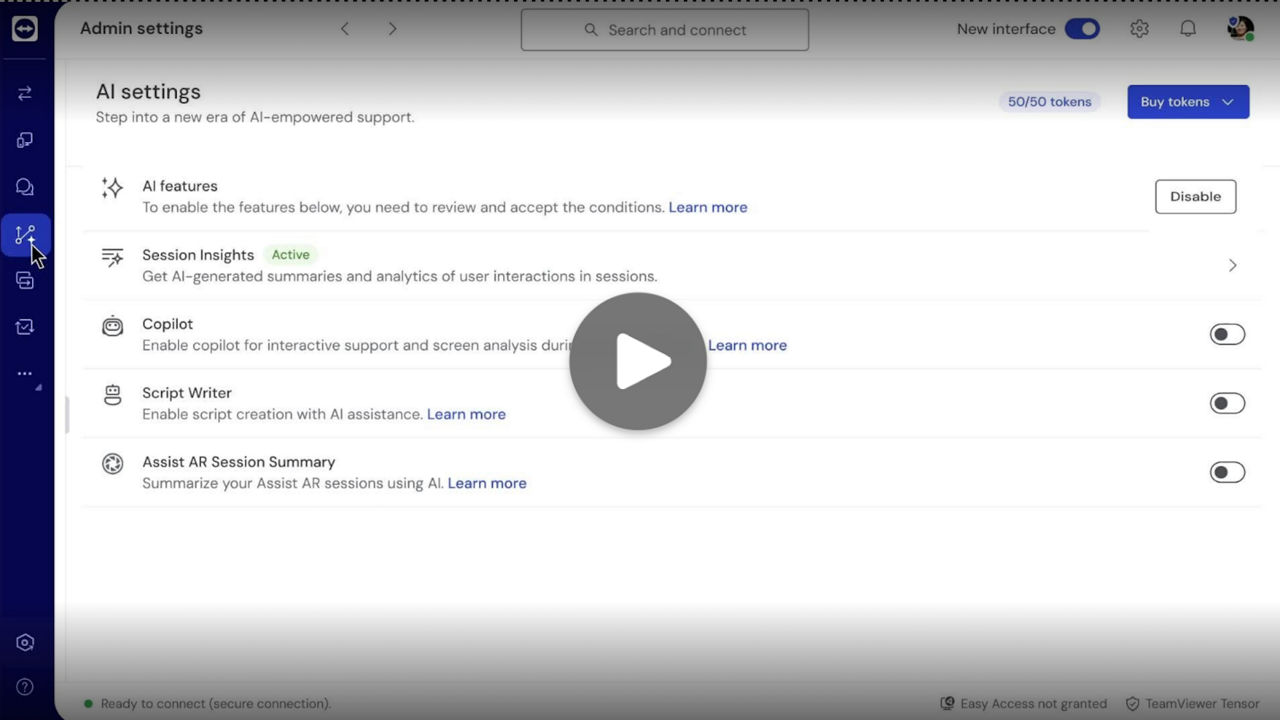
Deliver better support with TeamViewer AI.

  • Auto-generate support case summaries, learn, and improve using Session Insights.
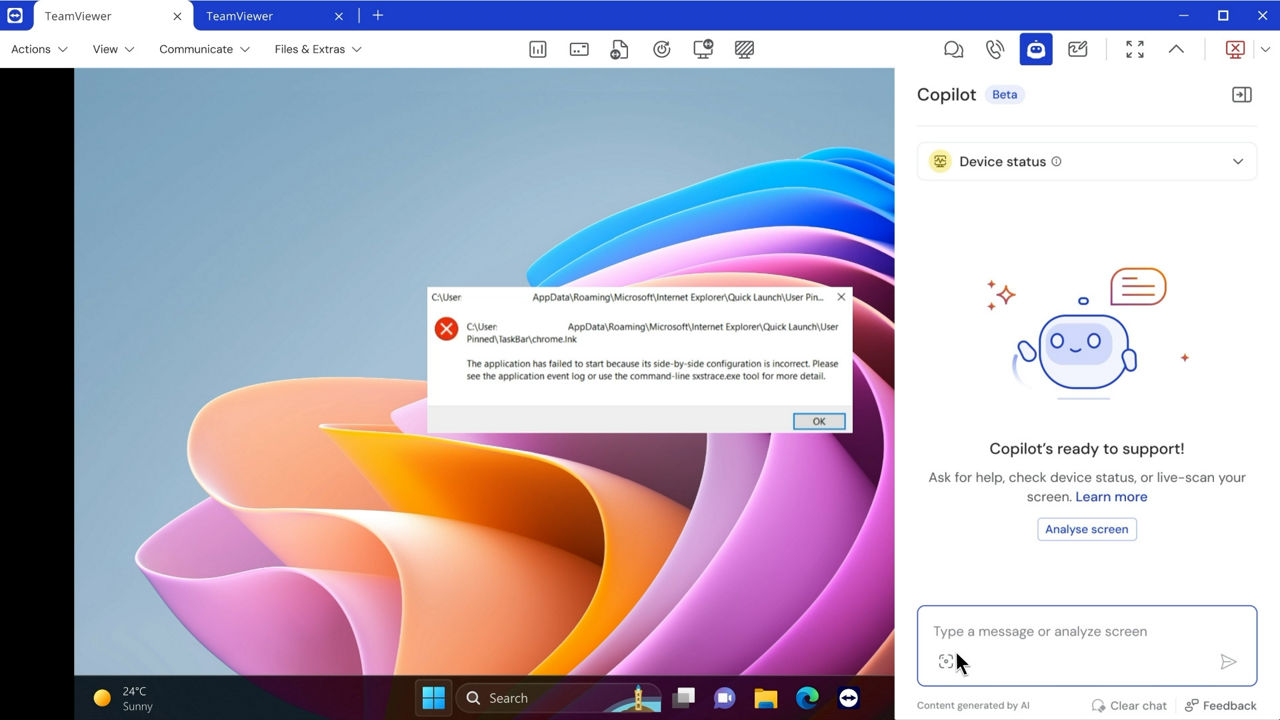
  • Get real-time troubleshooting recommendations based on data-driven insights with TeamViewer Tia.

Keep your organization ahead of risks

Secure smarter and act faster with TeamViewer Security Center.
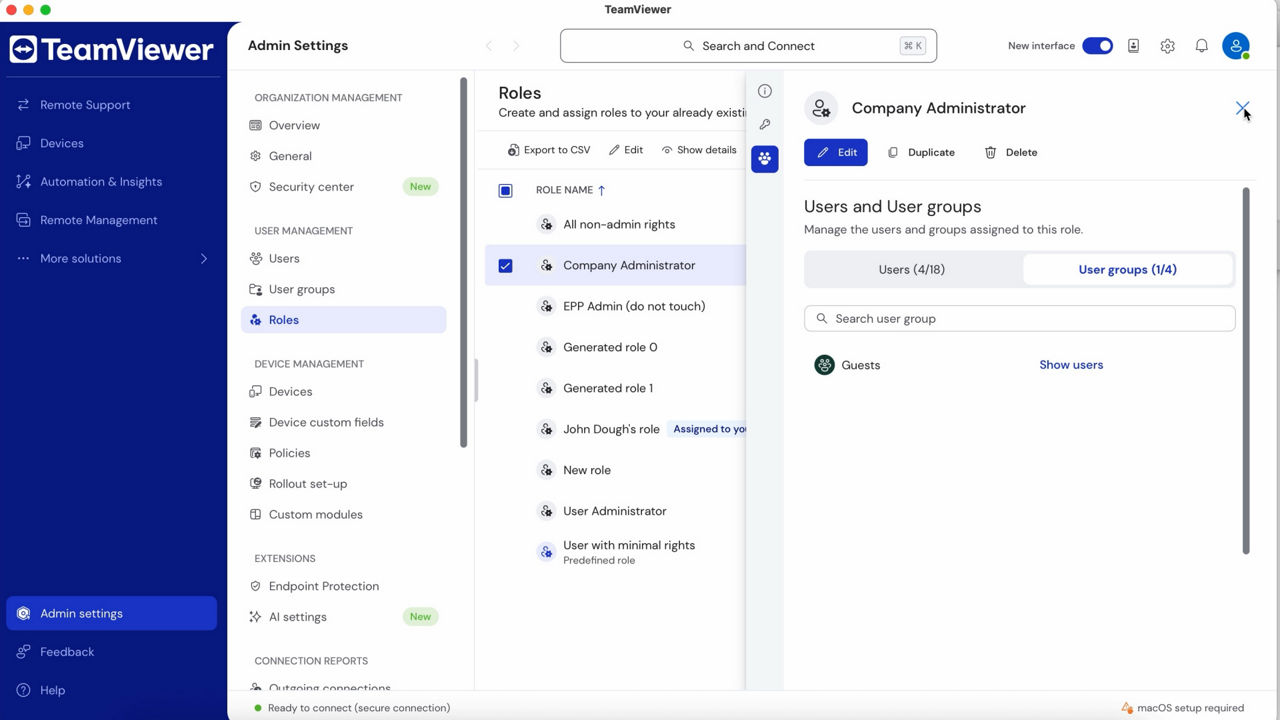
  • Maintain user oversight by managing authentication settings like SSO, 2FA, and deactivate dormant accounts.
  • Customize remote session parameters and enable connection reports to track activity and enforce policy for visibility and compliance.
  • Activate Conditional Access to control who can access devices, set permissions, and block unauthorized users.

Get familiar with what’s new

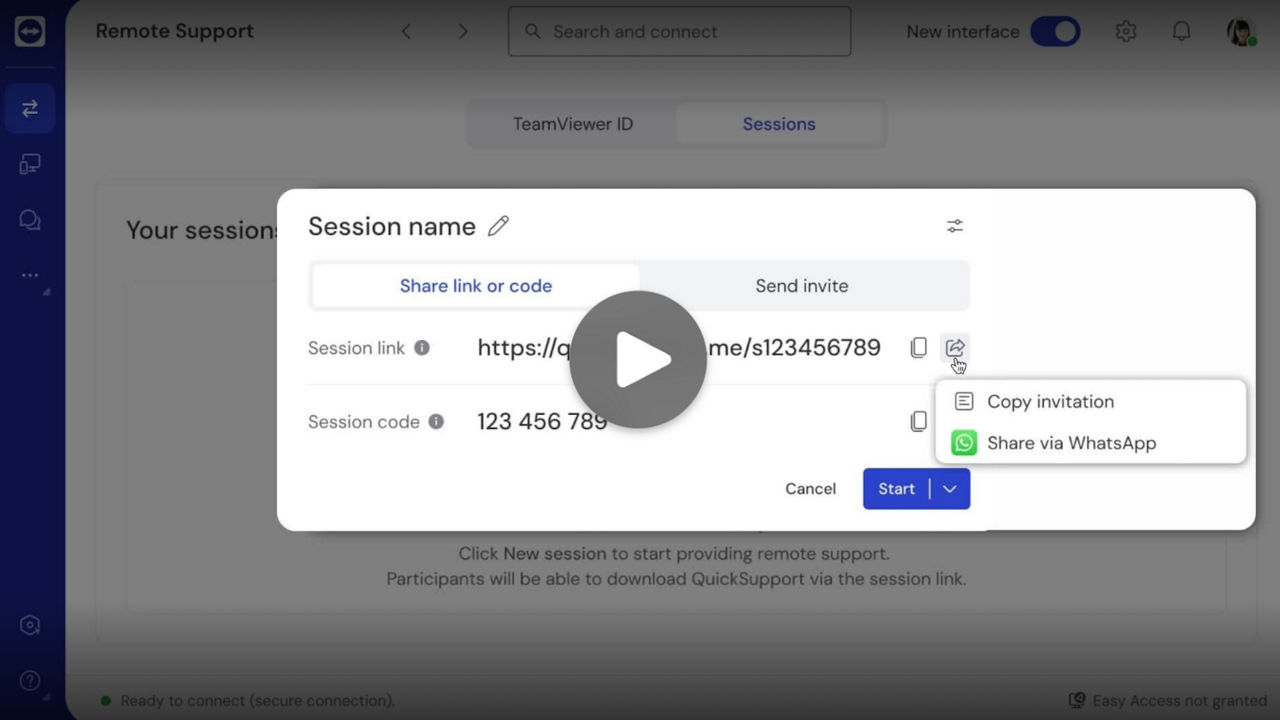
TeamViewer Tensor's powerful new features are easy to master. Check out these short videos to start using them with confidence.

Ready to get more from your license?

Switching to the new Tensor UI is easy, admins can now implement a policy and/or activate the New interface toggle at the top of your screen. Done.

Questions?

Explore more details about the new TeamViewer Tensor user interface.

Get in contact

Reach out, and one of our customer support experts will get in touch.