Create, render, and collaborate from any device, anywhere.
highlights

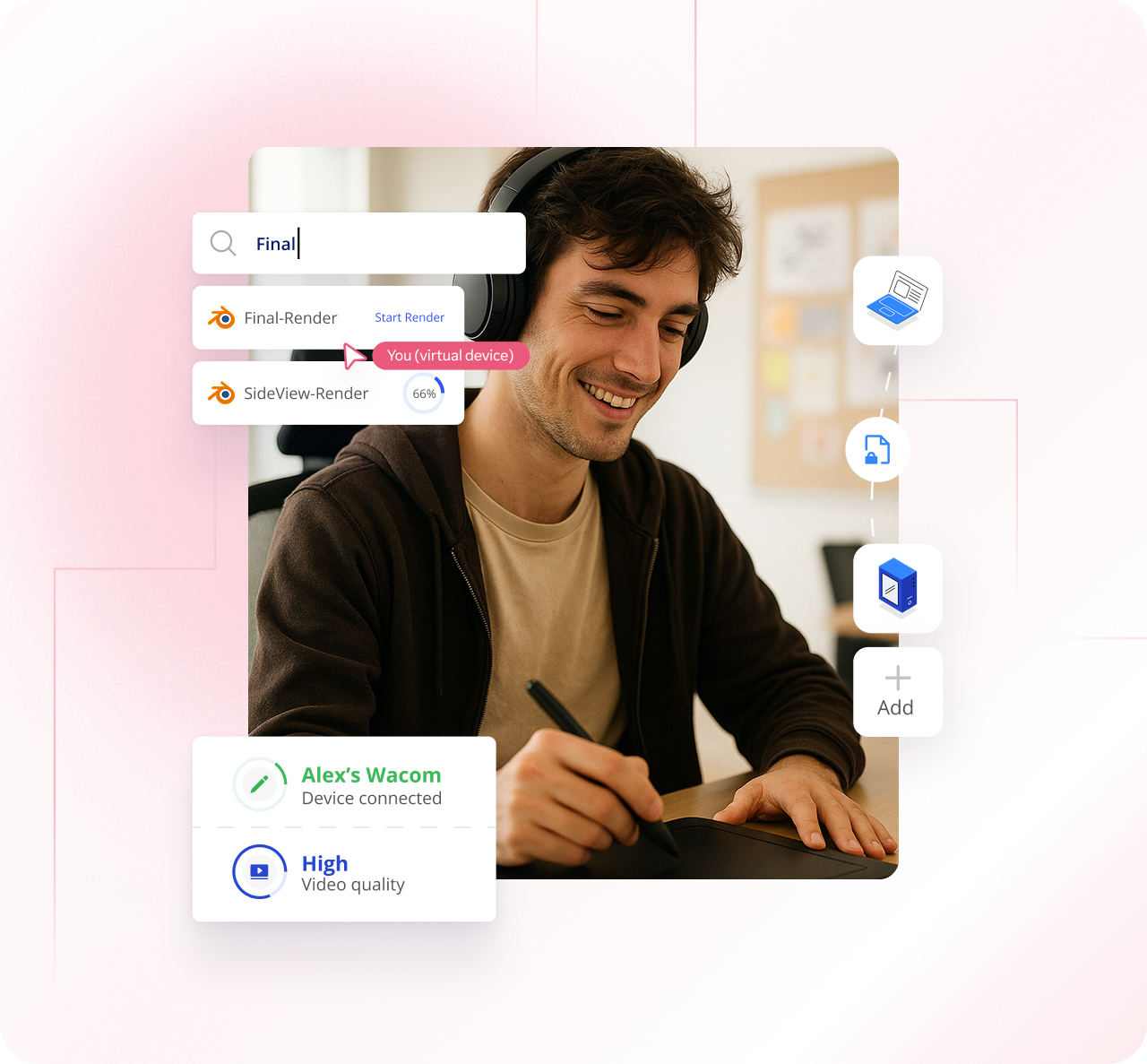
Responsive control for demanding applications, ensuring your mouse, keyboard, and drawing tablet input is unparalleled.

High quality color fidelity essential for professional color grading, visual effects, and graphic design work.

Plug in a keyboard, mouse, drawing tablet, or gamepad, and do your job with unparalleled Input accuracy & control

Access upto 3 devices from anywhere and never let your work get interrupted

Allow team members to collaborate easily for sharing feedback, knowledge, and assistance on tasks.

Remotely access your high-performance PC to run Maya, Blender, After Effects, and other GPU-intensive tools.
Why TeamViewer
Massive user base who rely on us daily for secure remote connections.
Remote software built on decades of industry experience.
We offer industry-grade security with 256-bit encryption and SSO.
Wake up sleeping devices and access them remotely as per your needs.
Pool computers and let team members access them on-demand.
Securely invite guests and collaborators for limited periods of time.
Easily share files between your workstation and remote device.
USE CASES

Access your powerful system to run softwares like Blender and Maya with high quality color accuracy.

Edit high-res video and perform precise, synchronized audio mixing with crystal-clear output.

Initiate massive renders and work with 3D models using CAD tools from your remote device.
Connect to your workstation in just three simple steps

1. Launch TeamViewer Creative
Open TeamViewer Creative on the device you are using. Start a remote session request to your powerful host workstation.

2. Link to your host PC
Make sure TeamViewer Creative is running on your main workstation. Follow the prompt to create a secure link between your devices — your connection is ready in seconds.

3. Start creating instantly
The session starts instantly, giving you full remote control. You are connected to your resource-intensive software and projects, start creating from anywhere.
Pricing
Access your professional workstation from any device. Enjoy low-latency control and true color fidelity for seamless, high-end creative production. Ready to unlock your remote studio?
VAT will be applied on the next step during the checkout process
At TeamViewer, we offer our customers annual subscriptions, which are paid for and renewed on an annual basis.
At TeamViewer we accept payment via Visa, Mastercard, American Express, JCB, and PayPal. Bank transfers are also accepted in Germany, Austria, and Switzerland.
Your subscription will automatically renew every 12 months unless you terminate your contract by submitting a support ticket or notifying us in text form, at least 28 days before the end of the initial term or any renewal term.
Managed devices are devices assigned to the company account and centrally managed within the company profile by the administrator.
An endpoint is a device connected to TeamViewer.