TeamViewer Remote

It’s time for a new view

TeamViewer Remote is here: With new features and a fresh look, the world's most trusted remote connectivity solution is now better than ever.

What’s new in TeamViewer Remote?

Even more efficient

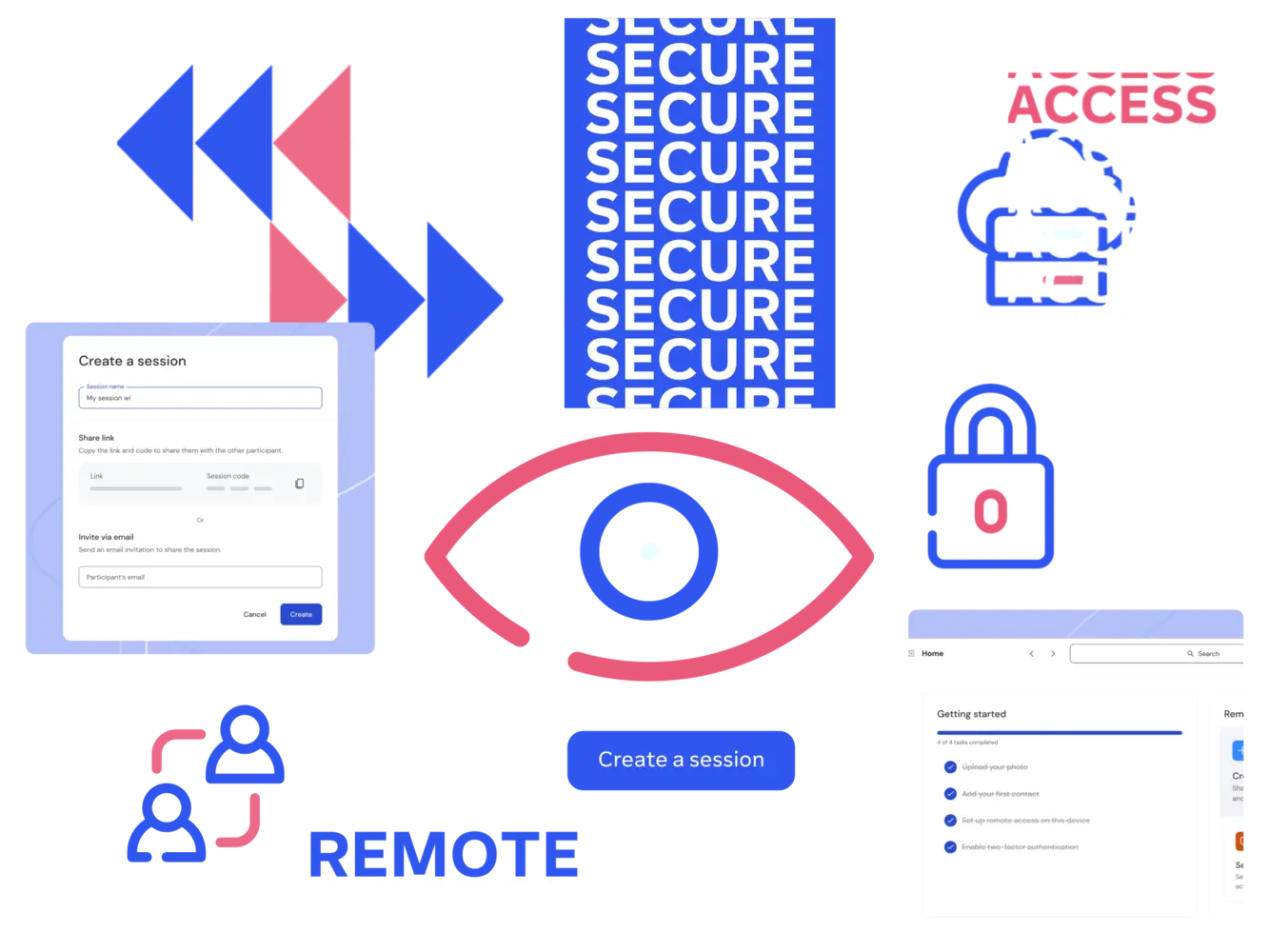
Create a session directly from your browser with the new web-based platform, without needing to install any software. Quick start and search tools make it faster to get started with remote sessions, and a new guided onboarding process means you'll be started in no time.


Man using laptop while standing

Even more secure

Our "security by design" approach to TeamViewer Remote provides you with even stronger protection. Features such as a new origin detection system, two-factor authentication and enhanced authentiction capabilities ensure you can trust you're connecting to who you should be.

Woman using laptop and smartphone

Even easier to use

We've redesigned our platform to make it easier for you to use, providing you with a better user experience. Our improved chat features make it easier to collaborate with your connections, and remote monitoring and management dashboards are now integrated, saving you time and providing you with a better view of your remote access and management requirements.

Woman using laptop at home

Customer success spotlight

Explore more success stories

Award-winning software for both individuals and companies

G2 Award: Leader
G2 Award: Momentum Leader
G2 Award: Fastest Implementation, Mid-Market (MDM, SAP Store)
G2 Award: Best Meets Requirements, Enterprise (SAP Store)
G2 Award: Top 50 IT Infrastructure Products
G2 Award: Users Love Us

Get started with the all-new web client

With TeamViewer Remote, you can now connect without any downloads. Get started in seconds with the next generation of the world's most trusted remote access and support solution.

Illustration for the TeamViewer Remote web client