Nowadays, most of our collaboration happens online. With tools that help us chat, share ideas, and work together.
TeamViewer’s integration with Google Meet takes this to another level by adding remote control capabilities directly into the Google Meet interface. This makes troubleshooting and real-time collaboration easier and more efficient.
In just four months, over 145,000 people have installed this integration, showing just how quickly businesses and individuals are recognizing its potential to help them solve problems more efficiently.
Read on to find out how TeamViewer’s integration with Google Meet can help you work smarter.
In this article:
- From conversation to action
- Key benefits of the integration
- Built for enterprise
- A partnership for the future
- How to get started
From conversation to action
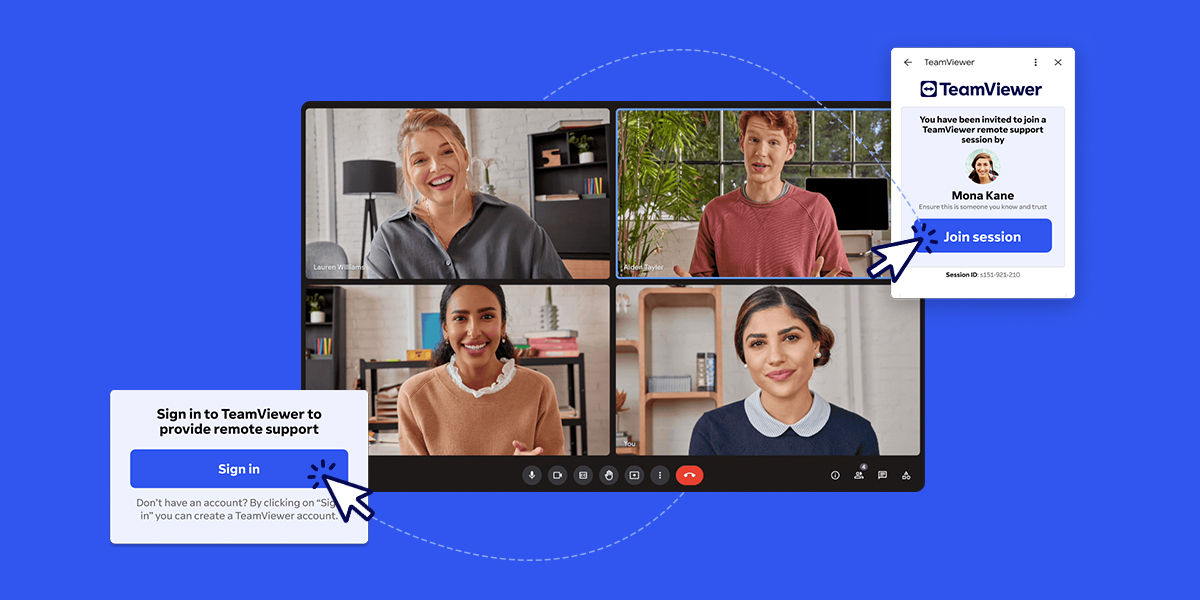
Every day, millions of people use Google Meet. It’s a great tool for communication, but sometimes, video and voice aren't enough.
With the TeamViewer integration—available now in the Google Workspace Marketplace—Google Meet users can instantly launch a TeamViewer session, connect to a device, and resolve problems, all without leaving the app.
As Stefan Prestele, SVP of Strategic Alliances at TeamViewer, points out: “It’s a seamless way to switch from talking about a problem to actually fixing it.”
TeamViewer’s integration with Google Meet bridges the gap between conversation and action, letting users resolve IT issues more quickly and efficiently.
Key benefits of the integration
Faster resolution of IT issues
The integration of TeamViewer into Google Meet helps IT professionals collaborate more effectively and solve problems faster.
Take, for example, a business with a sales team that relies on customer relationship management (CRM) software to track client interactions. A remote salesperson notices that the CRM isn't loading properly. They’ve tried restarting their computer, but nothing has worked, and they’re unable to access important client information they need for an upcoming meeting.
Without TeamViewer, resolving the issue might involve a long, complicated conversation—or worse, an unplanned visit to the company’s head office. And even if a remote support tool is available, switching between apps adds unnecessary delays and potential confusion.
With the TeamViewer integration, the IT support team can begin in Google Meet to discuss the issue with the remote salesperson. Once they identify what might be wrong, the IT professional can seamlessly initiate a TeamViewer session without leaving Google Meet. From there, they can remotely access the salesperson’s computer, troubleshoot the problem, and resolve it immediately.
Resolving IT issues quickly prevents larger disruptions. This integration combines real-time communication with interactive troubleshooting, helping IT teams fix problems faster and more efficiently.
More engaging support experiences
Collaboration isn’t limited to IT troubleshooting—it’s about empowering employees, teams, and customers to succeed.
Take onboarding a new employee, for example. They often need access to multiple apps, some requiring special permissions or guidance on how to use them.
With the TeamViewer integration, IT support can host a Google Meet session to discuss the employee’s needs. When action is required, the supporter can seamlessly switch to a TeamViewer session to remotely access the employee’s device, adjust permissions, and install the necessary software.
To help get their co-worker up to speed, the supporter can even demonstrate how the software works directly in their environment, creating a personalized experience that sets them up for success.
A simple, browser-based experience
Ease of use is central to this integration.
“It’s a frictionless, in-browser experience,” Stefan explains. “Users can quickly start remote sessions directly from Google Meet and notify other people in the meeting.”
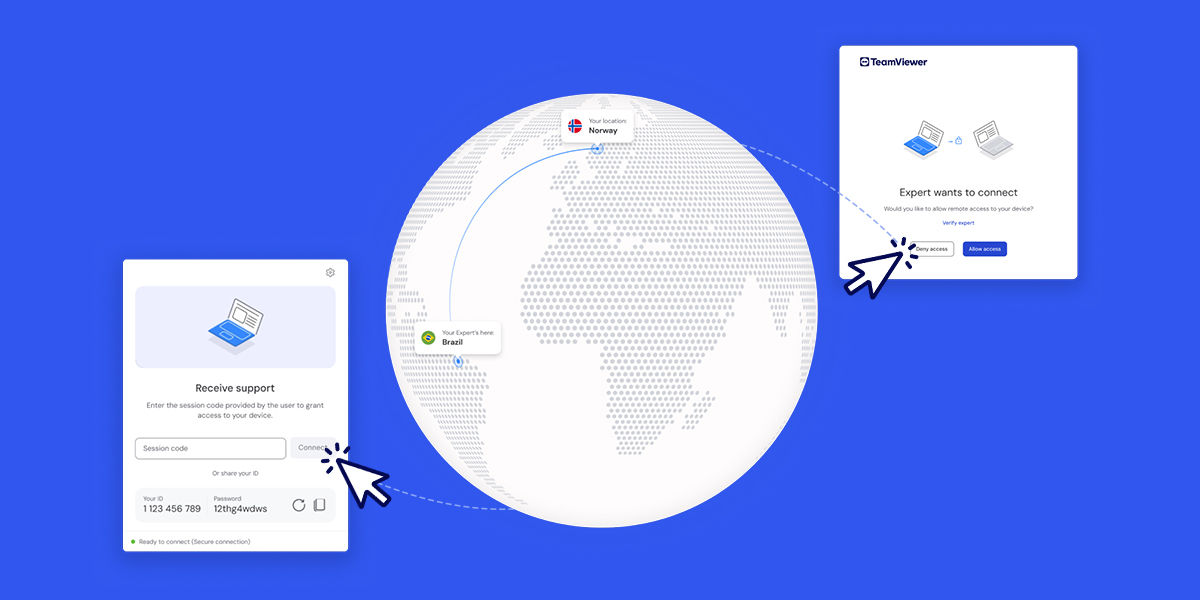
For supporters—the person initiating the TeamViewer session—it takes just a few clicks within the Google Meet interface to start a remote-control session. Recipients are notified via a banner on their screen and can accept the session with a single click.
Once accepted, the TeamViewer session launches instantly in a new browser tab—no software installation required.
This streamlined workflow minimizes interruptions, keeps collaboration on track, and ensures faster problem-solving.
Keen to see how it works? Watch the video below.
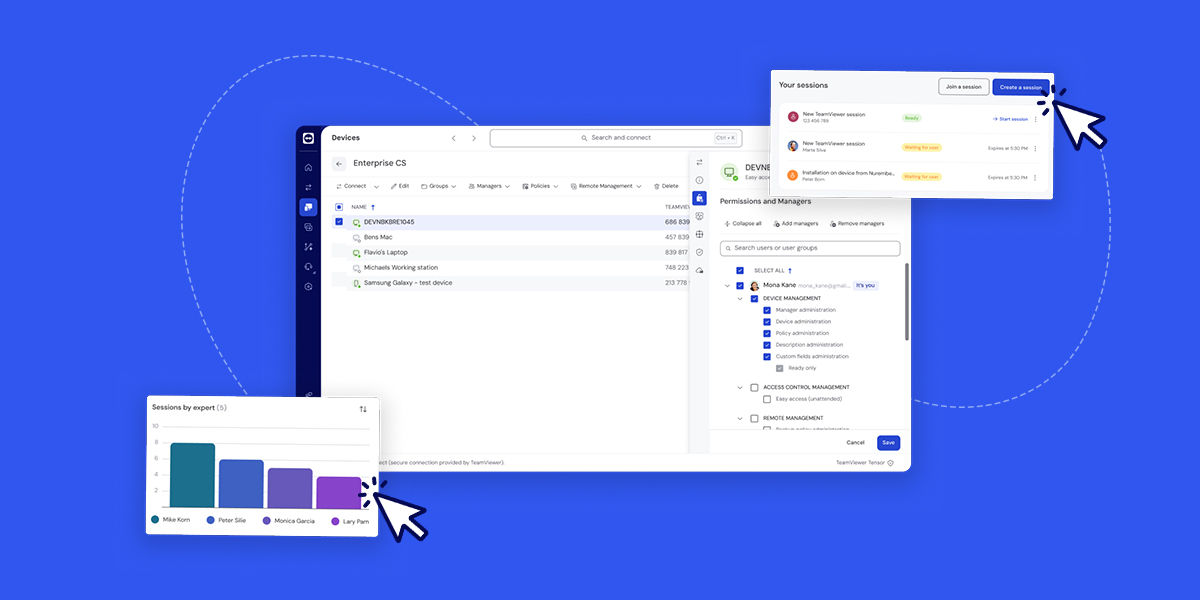
TeamViewer’s integration with Google Meet creates a powerful solution for enterprise businesses.
“Our Tensor platform is specifically tailored to complex IT environments that demand high-level security and flexibility,” explains Stefan.
With TeamViewer Tensor, enterprises benefit from:
- Conditional Access: Ensures that only authorized personnel can access certain data sources, services, and applications.
- Bring Your Own Certificate (BYOC): Allows enterprises to use their own security certificates, helping meet compliance requirements.
- Single Sign-On (SSO): Simplifies user authentication by integrating with existing enterprise credentials.
- Comprehensive auditability: Provides detailed records of all remote sessions, ensuring transparency and accountability.
By integrating TeamViewer Tensor’s advanced features, enterprises using Google Meet can deliver enhanced support to their endpoints while maintaining strict security controls.
A partnership for the future
TeamViewer’s integration with Google Meet marks a major step forward in digital collaboration.
By combining the strengths of both platforms, teams can collaborate more effectively and solve problems faster, no matter where they are.
With its seamless browser-based functionality and the ability to scale up to enterprise-grade features, this integration is a game-changer for organizations of any size.
Discover the future of remote collaboration—try the integration today for free.
How to get started

Explore more insights
-
Tool sprawl holds back digital workplace maturity. Learn how a unified digital workplace platform can help.
-
Learn what a file extension is and why it matters for your files. This short suffix tells your OS which app to use, preventing errors and improving workflow.
-
You’ve downloaded TeamViewer — now what? Get secure from the get-go with some security golden rules.