Access and support any mobile device, anywhere
Mobile device support
Our working world is becoming increasingly mobile. From smartphones to digital signs to rugged handhelds, mobile devices take various forms and companies rely on them to keep their business operations running. It is therefore crucial for IT experts to have an easy and efficient way of accessing and supporting mobile devices, whether there is a user at the receiving end or not. TeamViewer Remote offers comprehensive remote access software and support functionalities for Android and iOS devices, so you can access them wherever you go.

Remotely access and support Android and iOS devices, from your computer or mobile device.
Your customers, colleagues, and employees, are always on the go, with smartphones and tablets in hand. As soon as technical issues get in the way of their day-to-day work, on-demand remote support becomes crucial.
With TeamViewer's mobile device support, you can easily resolve mobile device issues, from your computer, tablet, or smartphone. Once the connection receiving the support has the TeamViewer QuickSupport app installed on their Android or iOS device, the problem can be quickly solved.
Get permanent access and remote control for unattended Android mobile and commercial-grade devices to provide support when there is no one on the receiving end.
TeamViewer is the only remote connectivity solution offering full unattended access and control for more than 100 brands of Android-based devices. From mobile phones and tablets to commercial-grade devices like digital signage and point of sale (POS) systems, TeamViewer lets you remotely connect to Android devices with just a few clicks — even when no one is operating the device.
All you need to do is install the TeamViewer Host app on the remote device, then you can run updates, adjust settings, and transfer files remotely from anywhere, anytime.

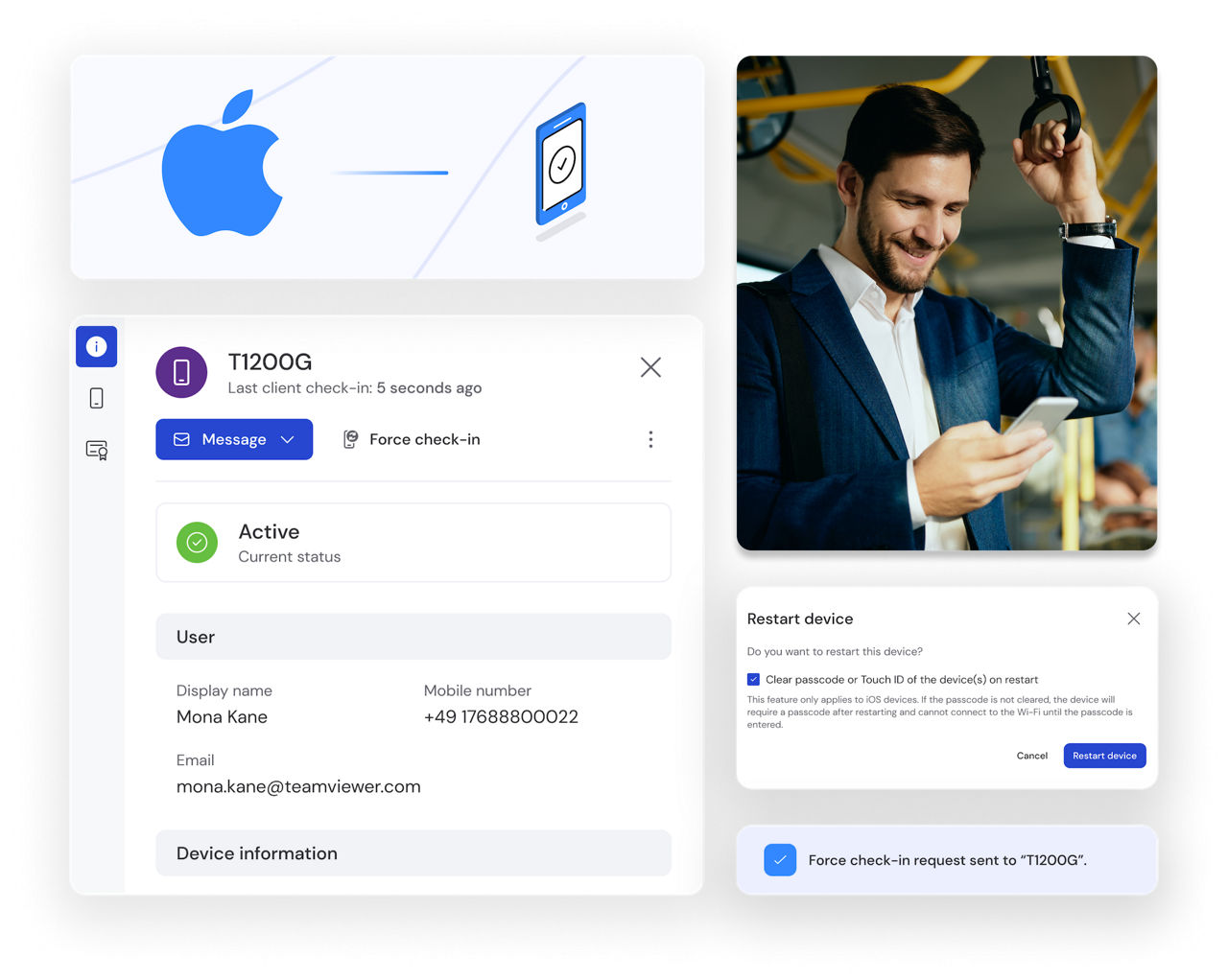
Track CPU load, disk space, and operating system versions, and configure mobile devices remotely.
View the status of all your managed devices to monitor critical aspects such as storage, CPU, and memory usage. Push Wi-Fi settings to Android or iOS devices in seconds, import iOS configuration profiles, or uninstall unauthorized apps on Android devices.

Administer, manage, and support mobile devices in your organization by integrating TeamViewer with your MDM or EMM solution.
The TeamViewer QuickSupport and Host apps allow you to access and support attended or unattended mobile devices for your organization. These include commercial-grade devices running on Android, such as digital signage, interactive kiosks, and POS systems. With our pre-built integrations, rolling out our apps enterprise-wide with your favorite mobile device management (MDM) or enterprise mobility management (EMM) solution is fast and easy. Available now for IBM MaaS360, Microsoft Intune, MobileIron, and more.
Remote access and remote support for all kinds of Android-based devices
TeamViewer is partnering with more than 100 leading OEMs to enable remote access and remote support not only for Android smartphones and tablets, but also for Android-powered commercial-grade devices, such as point of sale (POS) systems, interactive kiosks, and digital signage. Learn more about our industry use cases and OEM partnership opportunities.
Remotely access and support Android devices from your computer, tablet, or smartphone to resolve issues quickly, manage settings, transfer files, and more.
We’re continuously expanding our device coverage based on feedback from our community. If your Android device is currently not supported, connect with us so we can learn more about your needs.

*Not all models from a specific brand may be supported.
Commonly used in retail and outdoor advertising, digital displays and billboards are all about getting the right message to the right people at the right time. Instant remote access to Android-powered digital signage through TeamViewer allows admins to update promotions on the fly — transferring and uploading files, installing software patches, and resolving problems immediately.
TeamViewer helps retailers and food service operators keep their point of sale (POS) devices running smoothly at all times. When on-site employees can’t solve technical problems themselves, remote experts connect through TeamViewer to troubleshoot the affected device, solving problems in minutes, not hours.
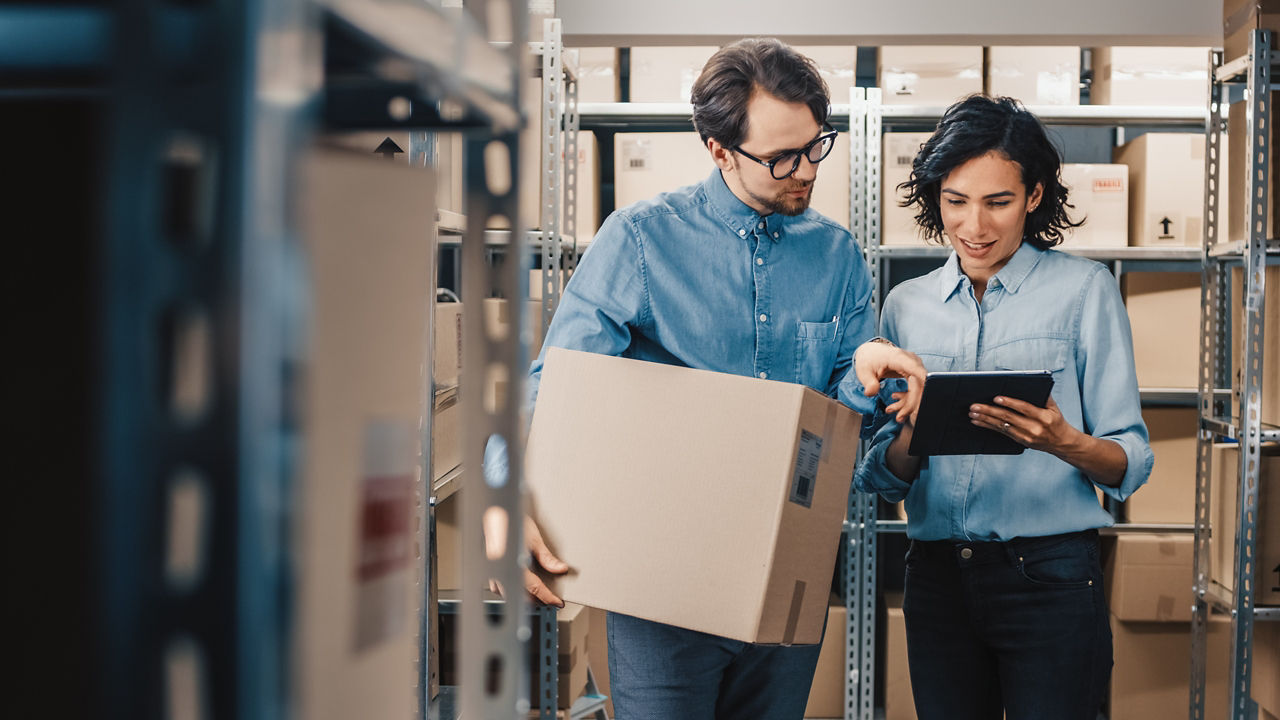
Used in factories, warehouses, and in the field, rugged devices are built to withstand the harshest conditions indoors or outdoors. TeamViewer works to seamlessly support these Android-based rugged devices regardless of environmental conditions — even in low bandwidth areas.
Spotlight
Want to use TeamViewer Remote to support Android and iOS mobile devices? With the mobile device support add-on for TeamViewer Remote, you can provide remote support through secure desktop-to-mobile or mobile-to-mobile connections.
Need a TeamViewer Remote plan? No problem, find the best licensing option for your needs, and select the mobile device support add-on before checkout.
Disclaimer:
Android is a trademark of Google LLC. The Android robot is reproduced or modified from work created and shared by Google and used according to terms described in the Creative Commons 3.0 Attribution License.