Supporting mobile devices has become a critical part of enterprise IT operations. Employees rely on iPhones for communication, productivity, authentication, and access to business applications, which means IT teams must be prepared to troubleshoot issues quickly regardless of location. Unlike traditional desktop operating systems, iOS is designed with strict security and privacy protections that limit full remote control. However, organizations can still remotely view devices, guide users through troubleshooting steps, and provide efficient support using the right tools.
Can you remotely access an iPhone?
The answer depends on what you mean by "remote access". Apple's security model generally prevents full unattended remote control of an iPhone in the same way an administrator might remotely control a Windows PC. However, IT teams can typically:
- View the iPhone screen remotely
- Guide users through troubleshooting steps
- Diagnose configuration issues
- Assist with application problems
- Support device enrollment and setup
- Resolve connectivity issues
This level of access is often sufficient for enterprise support scenarios.
Why enterprises need remote iPhone support
Modern organizations support increasingly distributed workforces. Common support situations include:
- Mobile application issues
- Device enrollment problems
- Email configuration errors
- VPN connectivity issues
- Authentication failures
- Mobile device management (MDM) enrollment
- User onboarding
Without remote support capabilities, resolving these issues often requires lengthy calls or in-person assistance.
Method 1: Use a remote support platform
One of the most effective ways to support iPhones remotely is through a dedicated remote support solution.
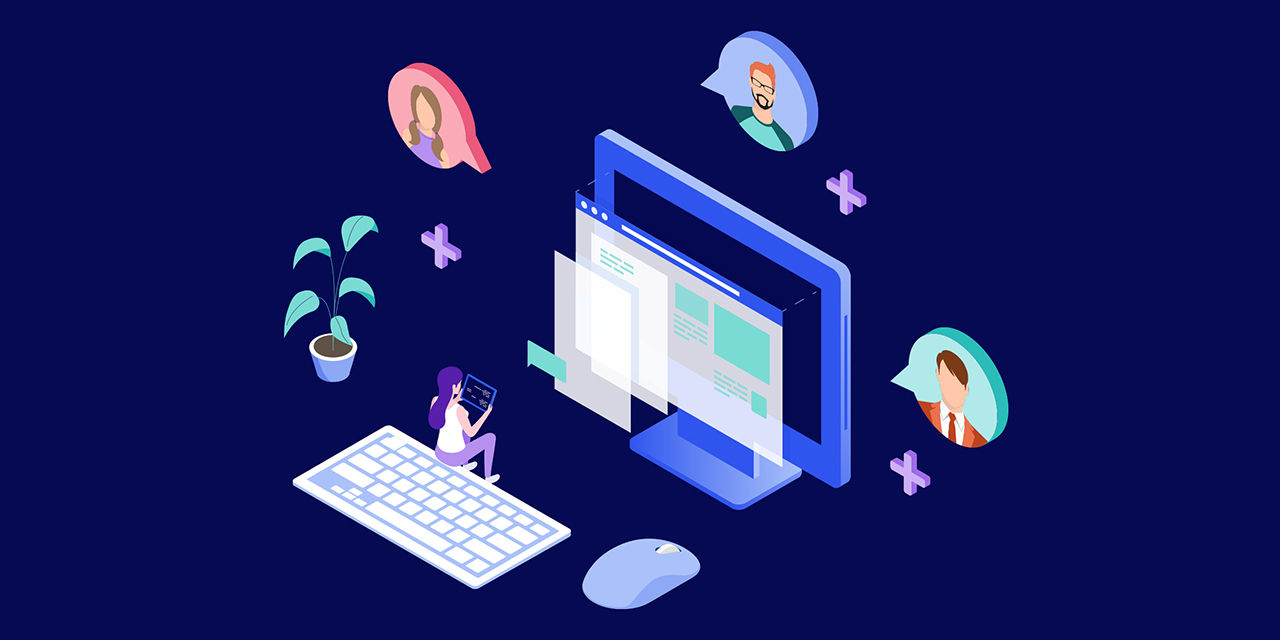
Platforms such as TeamViewer enable IT teams to securely connect with users, view device screens, and provide real-time guidance during troubleshooting sessions. This allows support staff to see exactly what the user sees, reducing misunderstandings and accelerating issue resolution.
For enterprise environments, remote support platforms can help:
- Reduce support resolution times
- Improve user experience
- Support remote and hybrid employees
- Provide visual troubleshooting assistance
- Minimize the need for onsite support
This approach is often preferred for help desk and service desk operations.
Method 2: Use Mobile Device Management (MDM)
Many organizations manage iPhones through an MDM platform. MDM solutions help administrators:
- Configure devices remotely
- Enforce security policies
- Deploy applications
- Manage settings
- Monitor compliance
- Remotely wipe corporate data when necessary
While MDM platforms do not typically provide full remote control, they are an important part of enterprise device management.
Method 3: Use screen sharing during support sessions
Some support workflows allow users to share their screens during a support session.
This enables IT personnel to:
- Observe device behavior
- Review settings
- Diagnose configuration problems
- Verify application functionality
Screen sharing can be particularly useful when troubleshooting complex issues that are difficult to describe verbally.
Security considerations
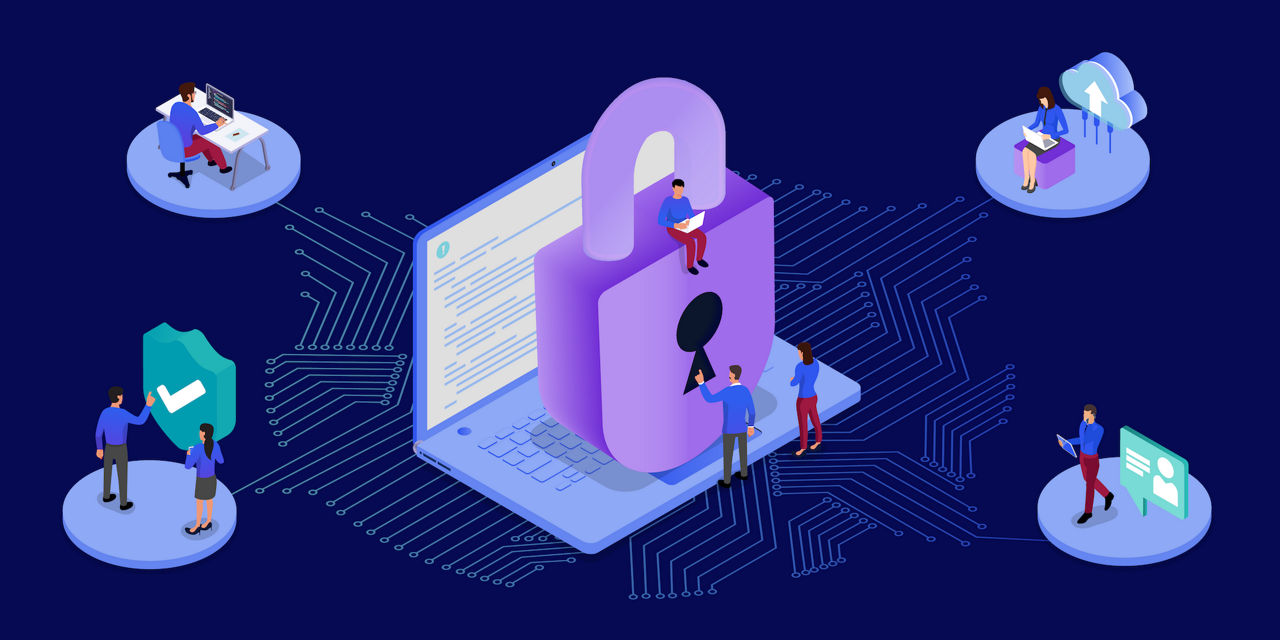
Remote support should always be implemented with security in mind.
Organizations should:
- Use secure support platforms
- Authenticate users before support sessions
- Follow corporate security policies
- Limit access to authorized personnel
- Maintain audit logs where appropriate
- Protect sensitive business information
Mobile support processes should align with broader security and compliance requirements.
Common enterprise iPhone support issues
IT teams frequently assist with:
- Email synchronization problems
- VPN configuration issues
- Authentication and MFA challenges
- Wi-Fi connectivity problems
- Application installation failures
- Device enrollment errors
- Security policy enforcement
Remote support tools can significantly simplify troubleshooting in these scenarios.
Best practices for remote iPhone support
To improve support efficiency:
- Standardize support procedures
- Use approved remote support platforms
- Document recurring issues
- Integrate support with device management processes
- Train support staff on iOS-specific workflows
- Maintain clear escalation paths
Consistent support processes help reduce downtime and improve user satisfaction.
Final thoughts
How to remotely access an iPhone for enterprise IT support
As iPhones become increasingly important business devices, organizations need efficient ways to support users regardless of location. While Apple's security model limits traditional remote control capabilities, IT teams can still provide effective assistance through screen sharing, remote support platforms, and mobile device management solutions. For many enterprises, tools such as TeamViewer provide a practical way to remotely view devices, guide users through troubleshooting steps, and deliver faster support without requiring physical access to the device.