ScreenConnect is a remote access and remote support solution that allows IT professionals, managed service providers (MSPs), and help desk teams to connect to devices over the internet. It enables technicians to view and control remote computers, troubleshoot issues, transfer files, and provide technical assistance without being physically present. The software is designed to help organizations deliver faster support, reduce downtime, and manage devices across multiple locations. Whether an employee is working from home, traveling, or located in a different office, technicians can remotely access their systems and resolve problems in real time.
How does ScreenConnect work?
ScreenConnect creates a secure connection between the technician's device and the computer requiring support.
Typically, the process works as follows:
- A user requests technical assistance.
- The technician sends a session invitation or accesses a managed endpoint.
- The user grants access when required.
- The technician can view the remote screen and, depending on permissions, take control of the device.
- Troubleshooting, system maintenance, software deployment, or training can be completed remotely.
Because the connection occurs over a network rather than through physical access, support teams can assist users regardless of their location. This remote-first approach has become increasingly important as organizations support hybrid and distributed workforces.
Key features of ScreenConnect
ScreenConnect includes a range of capabilities designed for IT support and endpoint management.
Remote control
The platform enables technicians to access and remotely control computers as if they were sitting in front of them. This allows support staff to diagnose issues, change settings, install software, and guide users through technical processes.
Unattended access
IT teams can connect to managed devices even when no end user is present. This unattended access feature is particularly useful for server maintenance, after-hours support, software updates, and routine administration tasks.
File transfer
Technicians can transfer and receive files directly during support sessions. This streamlines software deployment, log collection, and troubleshooting workflows.
Multi-platform support
ScreenConnect supports a variety of operating systems, allowing organizations to assist users across different device environments.
Session collaboration
Some deployments allow multiple technicians to join support sessions, enabling teams to collaborate on complex incidents and escalations.
Security controls
Remote support solutions commonly include access permissions, session logging, authentication controls, and encrypted connections to help protect organizational data and maintain accountability.
Common ScreenConnect use cases
ScreenConnect is used across many industries and IT environments.
Help Desk support
Service desk teams use remote access tools to troubleshoot user issues without requiring an on-site visit. Many common problems—including software errors, printer issues, configuration changes, and application support—can be resolved remotely.
Managed service providers (MSPs)
MSPs frequently support multiple clients across different locations. Remote support platforms enable technicians to manage devices efficiently while reducing travel costs and response times.
Remote workforce support
As hybrid and remote work models become more common, organizations need reliable ways to assist employees wherever they work. ScreenConnect helps IT teams provide support to remote users while maintaining productivity.
Server administration
System administrators can remotely maintain servers, perform updates, monitor systems, and address incidents without needing direct physical access.
Employee training
Remote control sessions can also be used to demonstrate processes, guide employees through applications, and deliver technical training.
Benefits of using ScreenConnect
Organizations adopt remote support platforms for several reasons.
Faster issue resolution
Technicians can connect directly to affected devices, often identifying and resolving problems more quickly than traditional phone or email support.
Reduced downtime
When users receive immediate assistance, productivity losses can be minimized and business operations can continue with fewer interruptions.
Lower support costs
Remote support reduces the need for on-site visits, helping organizations save time and operational expenses.
Improved user experience
Employees often prefer receiving assistance directly through a remote session rather than attempting to follow lengthy troubleshooting instructions.
Greater IT efficiency
Support teams can manage a larger number of endpoints and users from a centralized location, improving resource utilization.
Security considerations for remote support tools
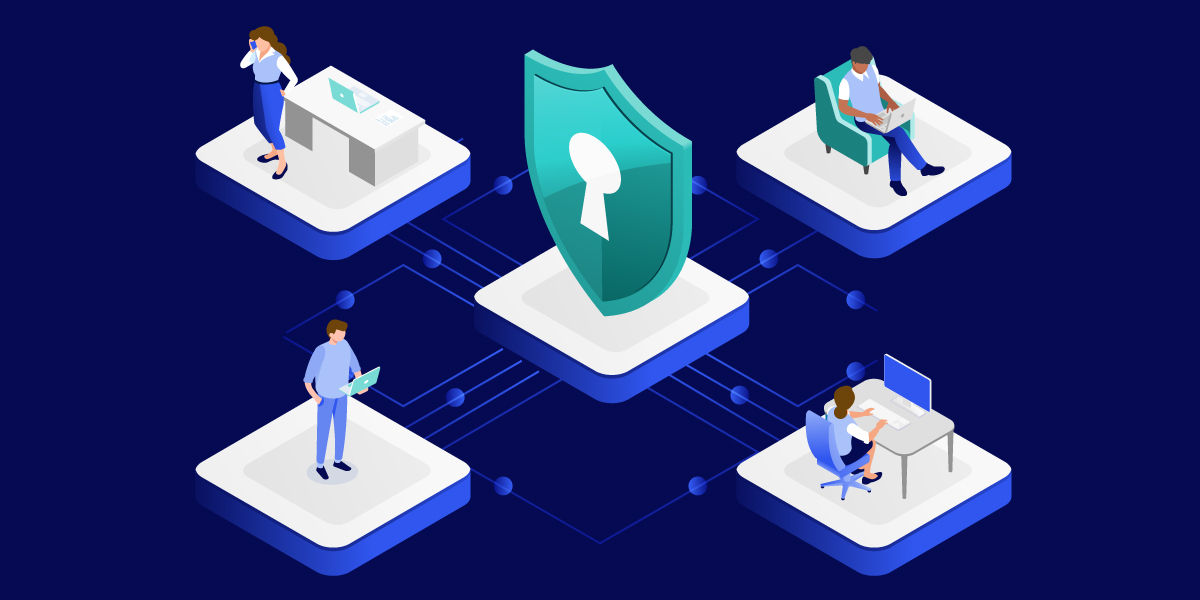
Like any remote access solution, ScreenConnect should be deployed with security best practices in mind.
Organizations should:
- Enforce strong passwords.
- Use multi-factor authentication (MFA).
- Apply software updates promptly.
- Restrict access through role-based permissions.
- Monitor and audit remote sessions.
- Review endpoint access policies regularly.
Secure configuration is essential because remote access software can become an attractive target for cybercriminals if poorly managed. IT teams should balance accessibility with security to ensure remote support remains both effective and protected.
Modern remote support alternatives
ScreenConnect is one of many solutions available in the remote support market. Organizations evaluating remote access platforms often compare multiple tools based on their security capabilities, ease of deployment, scalability, and management features.
TeamViewer is one of the best-known alternatives and is widely used by businesses that need secure remote support, remote access, and device management across distributed environments. Beyond remote control, modern platforms increasingly offer capabilities such as centralized endpoint management, remote monitoring integrations, unattended access, and support for hybrid workforces.
When selecting a remote support solution, organizations should consider factors such as:
- Security and compliance requirements
- Authentication options
- Scalability for future growth
- Device management capabilities
- Cross-platform support
- User and technician experience
- Integration with existing IT tools
Choosing the right platform can help IT teams improve service delivery while maintaining strong security standards.
Final thoughts
What is ScreenConnect
ScreenConnect is a remote support and remote access solution that helps IT teams troubleshoot devices, assist users, and manage systems from virtually anywhere. Its remote control, unattended access, file transfer, and collaboration features make it a valuable tool for help desks, MSPs, and internal IT departments. As organizations continue to support remote and hybrid work, remote support platforms play an increasingly important role in maintaining productivity and minimizing downtime. Whether businesses are evaluating ScreenConnect or other solutions such as TeamViewer, the key is finding a platform that aligns with their operational requirements, security expectations, and long-term IT strategy.