Hero highlight: Gradient

Secure IT management starts with Managed Devices
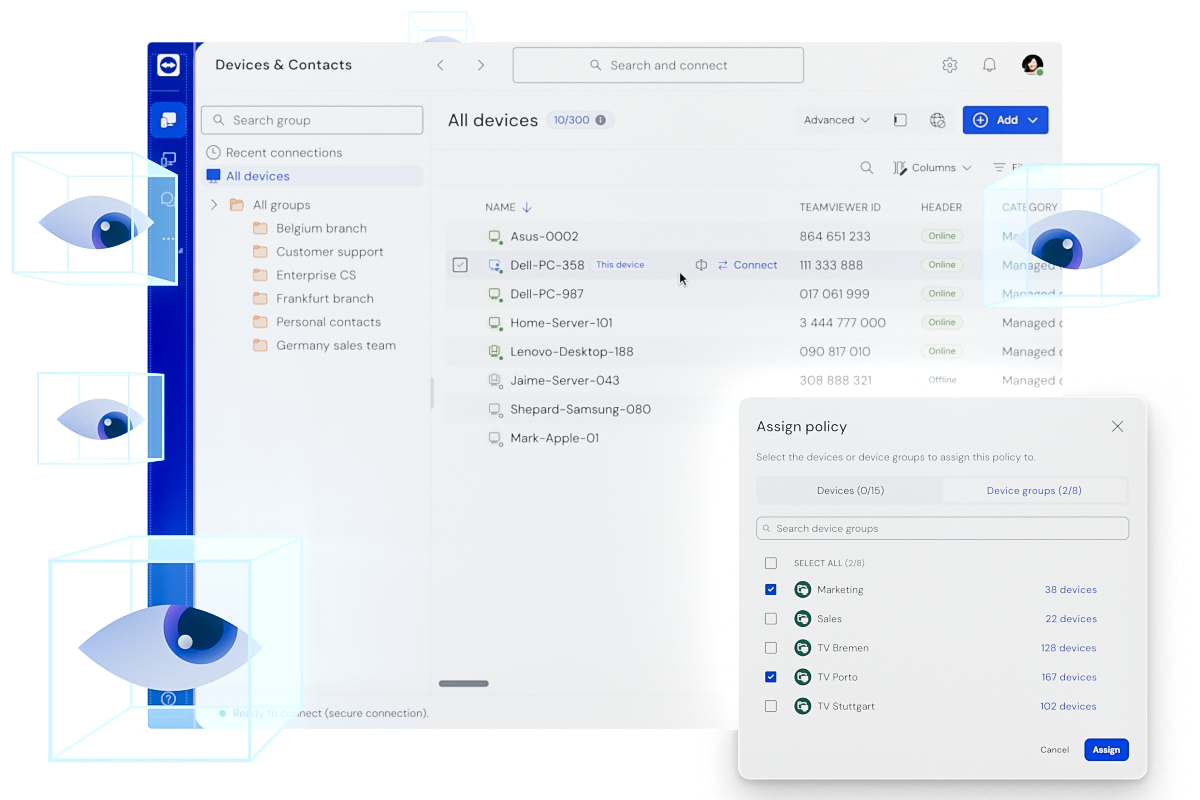
Bring your devices into a secure, companyowned ecosystem at no extra cost, already included with your TeamViewer license.

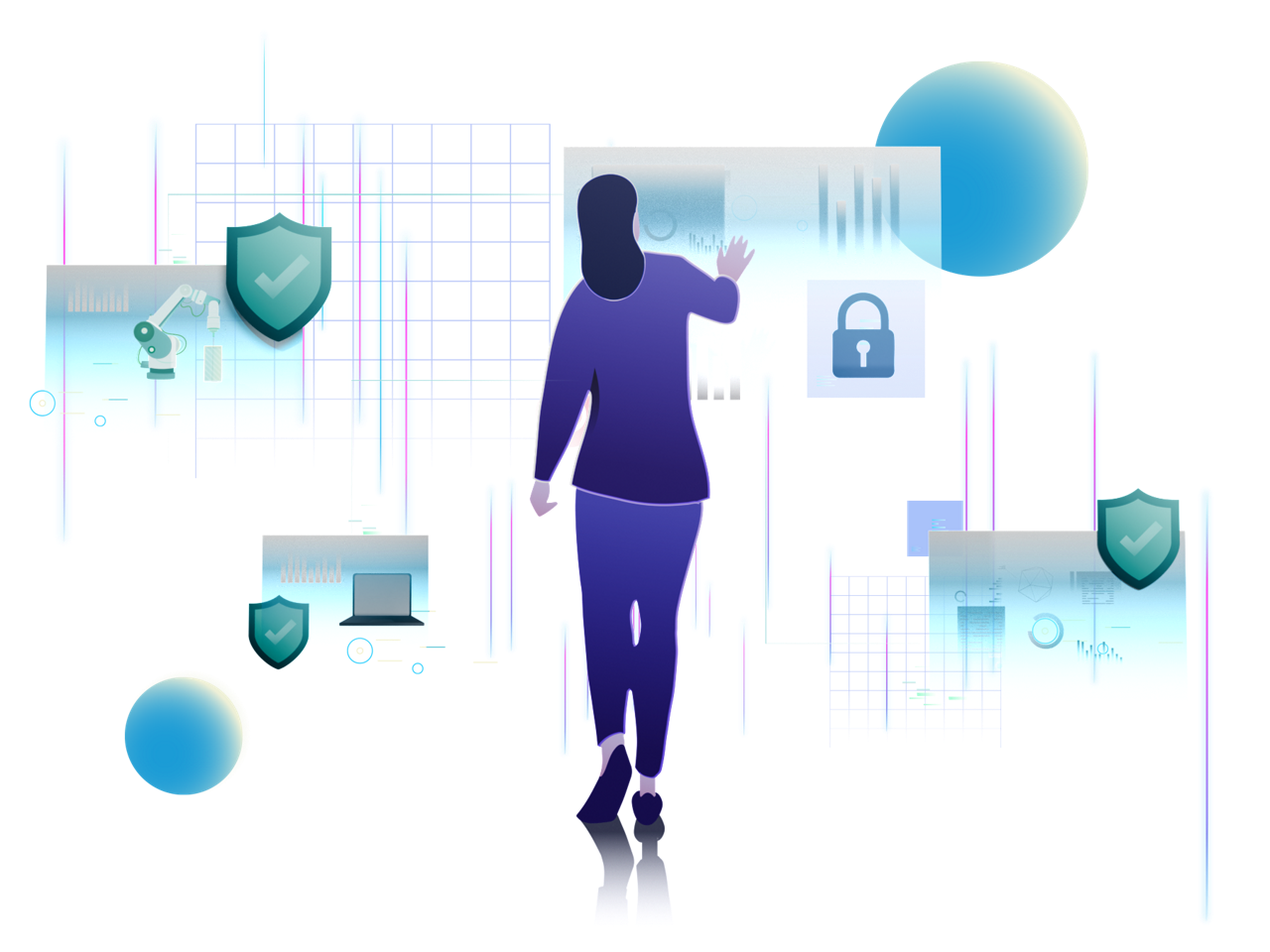
Illustration showing woman checking device statuses in front of a big screen

Take ownership of your device environment

Managed Devices bring your endpoints into a secure, company-owned ecosystem offering centralized ownership, increased visibility and robust management, helping you to keep your environment secure, organized and efficient.

Rather than supporters adding devices to their user accounts individually and sharing access ad hoc, devices are assigned to your TeamViewer company. This enables admins to control who can connect and what they can do, enforce policies consistently, and leverage advanced capabilities with confidence across the entire device landscape.

Centralized control over every company device

While the basic method of adding devices via ID and password is sufficient for short-term, quick access, Managed Devices offers greater value and enhanced security.

Using Managed Devices, you can:

  • Maintain consistent control across your entire device landscape
  • Improve security through policy enforcement and access rights
  • Enable shared ownership and collaboration across your company profile, or securely grant access to external trusted partners
  • Enhance your support with proactive monitoring, automated remediation, and maintenance add-ons such as Remote Management and DEX Essentials

It’s a zero cost upgrade from basic access to full-scale device management and security.

Managed Devices vs. username/password access

Managed Devices

Full control with device-based access

Credential-based access

With username and password

Authentication

Secure, identity-based authentication

Username and password–based authentication

Availability

Wake sleeping devices remotely with Wake-on-LAN

Requires device to be online and user present

Permissions

Role- and group-based permissions, automatically inherited

Same access level for all users

Admin control

Device assigned to the company, ensuring uninterrupted administrative control

Virtual monitor

Add virtual monitors to headless or screen-limited devices during sessions

Policies

Assign policies across devices or groups

Bulk actions

Update or manage multiple devices at once

Additional capabilities

Unlock Remote Management and DEX Essentials add-ons

Trust and transparency

With Managed Devices, you maintain strong security and clear accountability.

  • Admins can control which tools and actions are permitted in each session, thereby reducing risk and ensuring compliant support. 
  • Detailed, audit-ready reports of all incoming and outgoing connections provide accountability and simplify compliance reviews.
  • Role- and permission-based access limits connections to authorized users and devices, preventing unauthorized access and costly errors. 

Key features of Managed Devices

Core capabilities

  • Enable secure, one-click, unattended access to allow for ongoing support and proactive maintenance
  • Use Wake-on-LAN to wake sleeping or offline devices and reduce downtime
  • View and filter rich device details such as OS, applied policies, and connection status for enhanced visibility and control
  • Organize devices into groups based on region, team, or use case to delegate ownership and scale administration
  • Standardize settings and enforce security automatically by assigning policies that are inherited across devices or groups
  • Perform bulk actions across many devices at once to reduce repetitive work and minimize configuration errors
  • Define user roles and granular permissions to ensure that only authorized individuals have access to the correct devices
  • Advanced capabilities
    • Use monitoring and smart alerts to detect issues early and trigger automated, policydriven remediation, resolving common problems without the need for manual intervention
    • Cut mean time to recovery (MTTR) and reduce repetitive tasks while boosting ROI, by scheduling maintenance and centralizing patching
    • Track device health and trends to prevent downtime and ensure that endpoints remain compliant and performant with DEX Essentials
  • AI-powered capabilities
    • Faster troubleshooting by using Tia to identify root causes and recommend next steps based on past cases, verified insights, and live device data
    • Automated documentation by generating audit-ready session summaries that save time, improve consistency, and strengthen knowledge sharing across teams
    • AI-assisted scripting by converting resolved incidents into reusable scripts to standardize fixes, reduce repetitive work, and scale proven solutions across devices and groups

Key benefits for your team

For admins

  • Collaborate seamlessly by assigning devices and groups to your company for uninterrupted access, even if the primary admin is unavailable
  • Manage access centrally with role-based permissions and policy enforcement across your entire device landscape
  • Boost productivity and security by ensuring every user has the right level of access to work efficiently
  • Stay in control by managing all devices, users, reports, and policies from one unified interface

For supporters

  • Connect effortlessly via unattended access eliminating the need to enter IDs or passwords for each session
  • Increase your efficiency by customizing the device list view with flexible columns, filters, and sorting options
  • Maximize productivity by managing devices on a large scale using bulk actions
  • Unlock additional value by leveraging advanced capabilities like Remote Management and DEX Essentials (available only on Managed Devices)

The foundation of secure, scalable IT management

Managed Devices are more than a feature, they’re the foundation for secure, scalable IT operations. They unlock powerful add-ons, reduce downtime, and streamline day-to-day support.

Setup is simple, whether you prefer self-service or guided assistance from our customer support team. You can continue to connect via ID/PW if needed, while enjoying all the benefits of Managed Devices.

Start managing your devices today! They’re included in your license already.