
Meet Tia, your AI troubleshooting agent
IT teams waste hours manually diagnosing and resolving every issue. And when solutions are found, they often stay trapped with individual experts. That makes support slower, less consistent, and harder to scale.


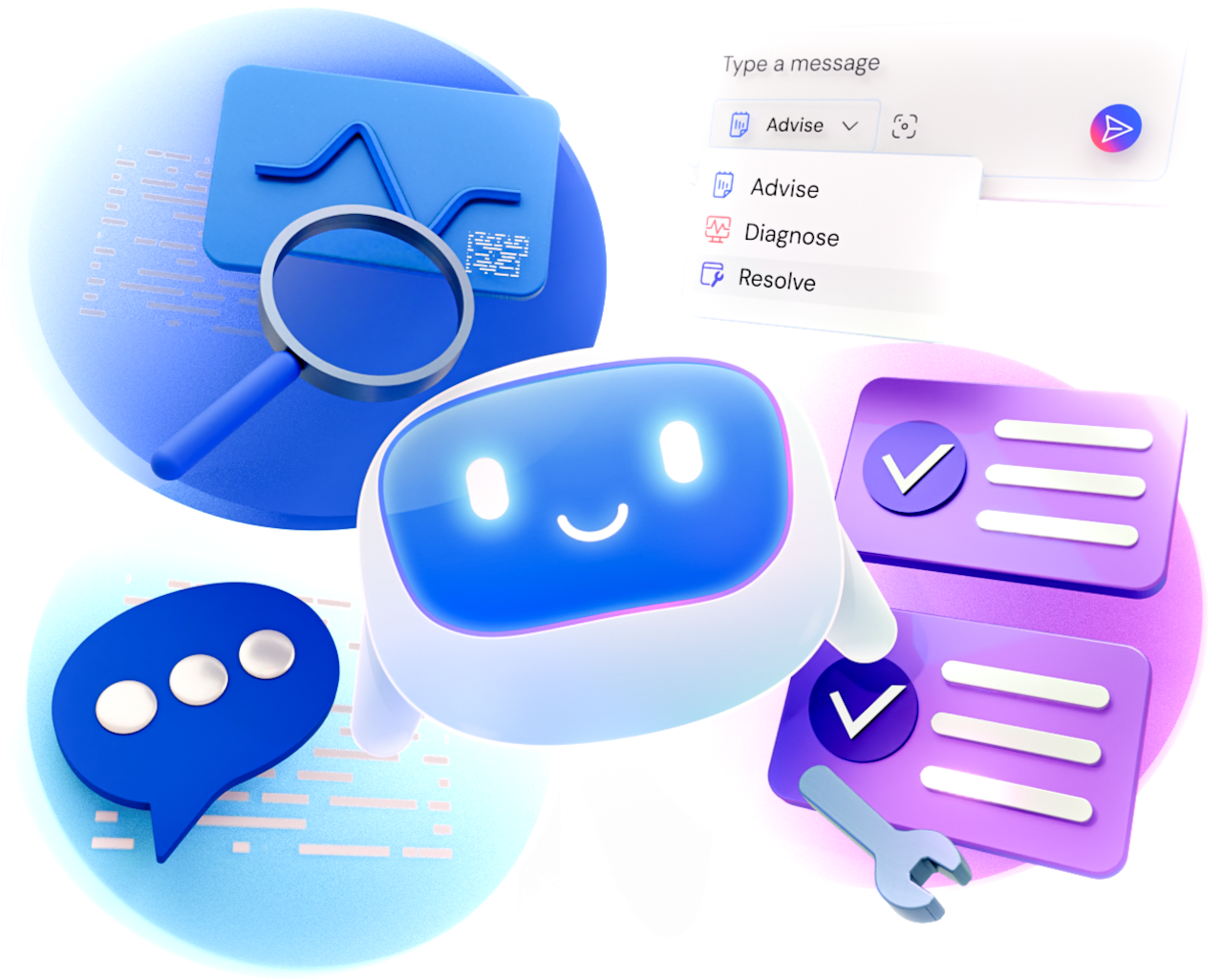
Tia works directly inside TeamViewer support sessions. It investigates root causes, recommends the right fix, and, with approval, resolves the issue and validates the outcome.

You decide exactly how far Tia goes. Three progressive modes (Advise, Diagnose, and Resolve) let you choose which actions Tia can perform for every user, team, or device.

Every action taken, either by Tia or the supporter, is captured in a session summary. This helps IT teams share knowledge and gives security teams an auditable view of every session.
Experience AI troubleshooting by starting your commitment-free TeamViewer trial.
Every action taken by Tia or the IT expert during a session is recorded and captured in Session Insights.
Diagnose and Resolve modes require admin assignment and work only on company-managed endpoints.
Diagnose mode is read-only, and remediation actions are available only in Resolve mode.
Get Tia Troubleshooting with your free TeamViewer trial.