Patch management software for full asset control
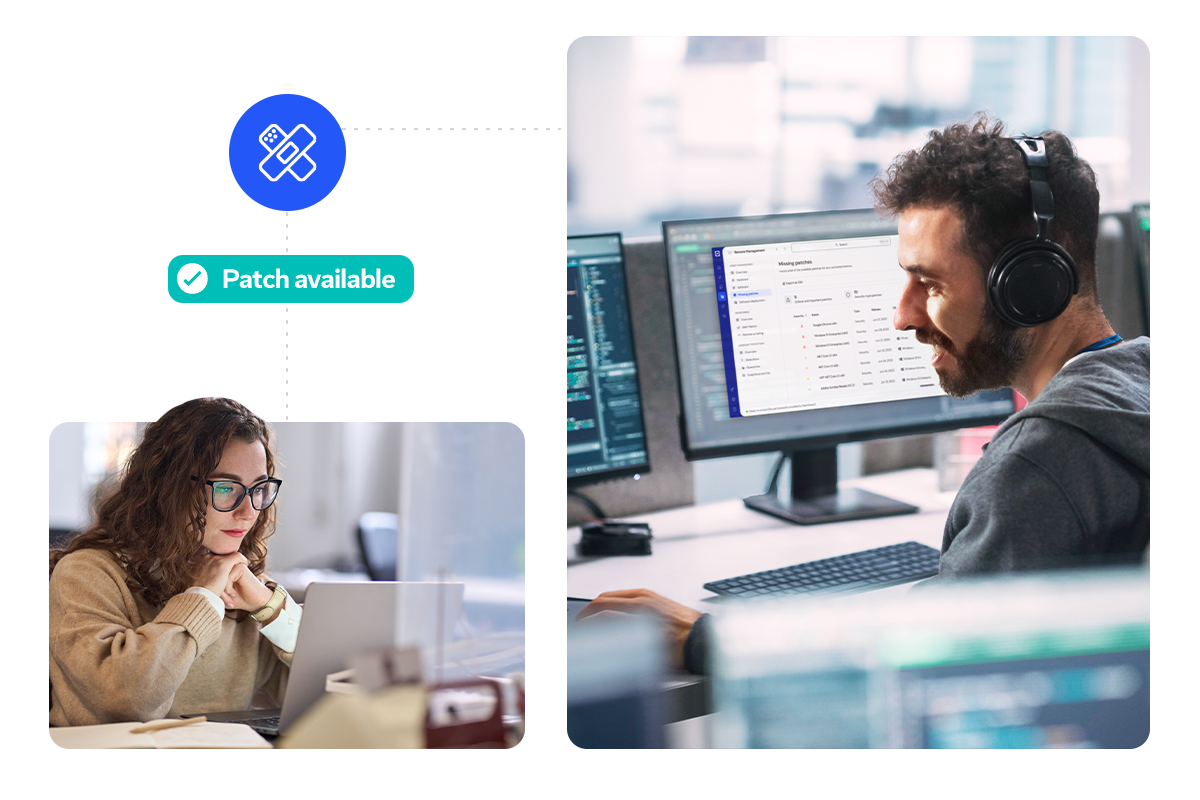
Patch management tools help monitor update notifications, fix security vulnerabilities, and keep your business-critical systems running smoothly. While traditional approaches rely on manual processes that drain IT resources and increase the chance of security risks, best patch management software like TeamViewer allows you to manage all updates and deploy patches from a single, centralized view.
Here’s how a more intelligent patch management process can benefit your IT team and the wider business.
Unpatched software is a top entry point for cyber attacks. A dedicated patch manager doesn’t just close security gaps — it prevents breaches, avoids costly downtime, and removes the risk of missed updates due to human error.
Modernizing patch management
When your IT landscape grows more complex each year, a modern patch management system ensures every device stays secure, updated, and protected while keeping the workload for your team under control.
The CVE threat is here to stay. IT and security teams must avoid a scenario, in which they roll out a patch, but overlook a couple of endpoints. These vulnerabilities can be exploited for many possible attacks, including denial of service, information theft, or remote code execution.
With patch management tools, the rollout and deployment of security patches can be automated. None of your assets will ever be overlooked again.
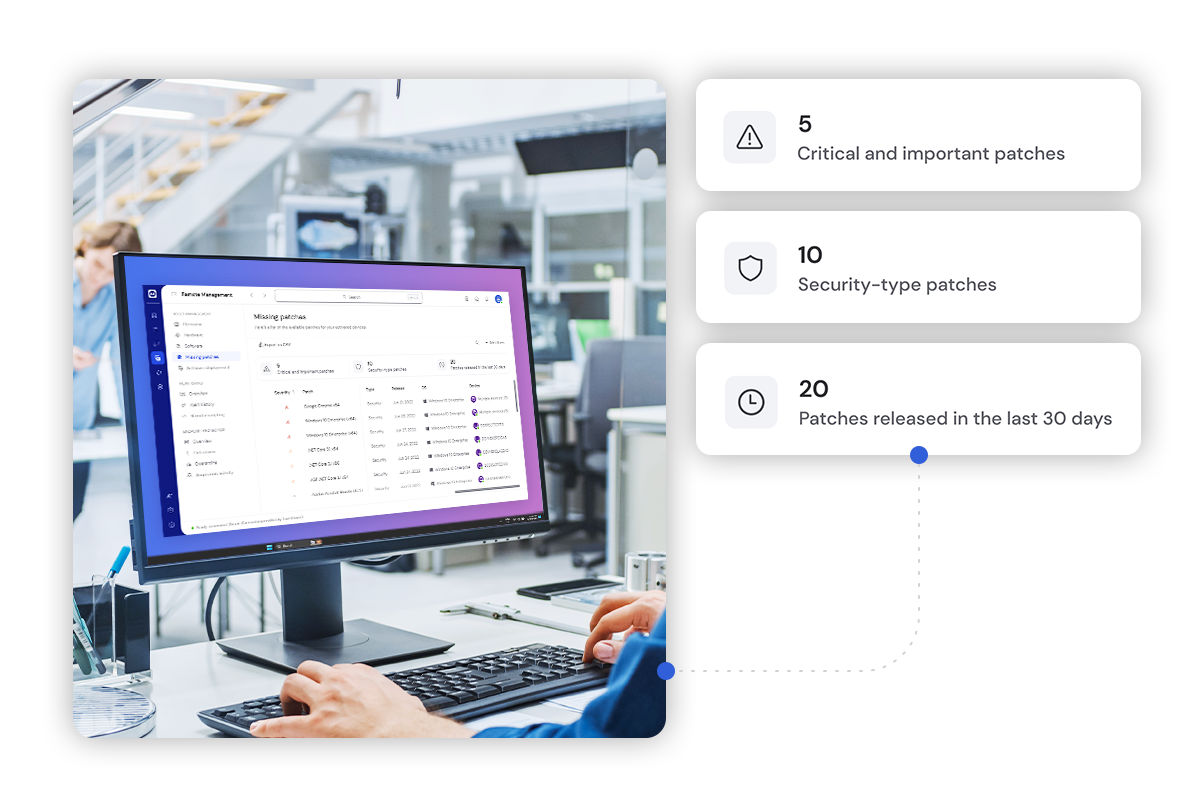
The volume of software assets is growing. Even if your workforce headcount remains static, the sheer volume of patch rounds is only going to increase. Without continuous monitoring, a capacity tipping point is inevitable. It’s just a matter of when.
With automated patch management software in place, you can embrace digital transformation and approve a whole host of new applications and projects, without sacrificing endpoint security.

Dispersed workforces, remote employees, and IoT devices across multiple sites make manual patching practically impossible. You can't walk desk to desk and rely on users to install patches themselves.
Patch management platforms with remote capabilities change this. Deploy updates to every device simultaneously, verify successful installation from a central location, and maintain consistent security across your entire infrastructure, regardless of where your people or equipment are located.
Stop gaps before attackers find them and keep your entire infrastructure protected.
TeamViewer gives you everything you need to keep every part of your IT infrastructure up to date and protected.
Decide on your patching policies and automate your processes in a way that works best for your business. Accelerate digital transformation while safeguarding your business from the constant threat of software vulnerabilities. TeamViewer makes it all possible.
Automatically deploy patches for Windows and macOS, plus for hundreds of supported third-party applications. Keep your entire IT estate secure without manual intervention from a single, centralized location.
Define individual policies to meet varying needs across users, departments, or customers. Automate routine updates while retaining manual control over sensitive applications. Configure rules that match your security requirements and compliance standards.
Gain complete visibility across your network by automatically detecting vulnerabilities caused by outdated software. View and manage the status of all devices and software assets from one dashboard, tied directly to your IT asset management strategy.
See what patches are live and check device status from one convenient, easy-to-use dashboard. Monitor your entire infrastructure at a glance, making it simple to stay on top of updates and maintain security across all resources.
Fully integrated into TeamViewer Remote, all it takes is the click of a button to roll out your patch management solution remotely. No complex infrastructure needed. Deploy across your entire fleet quickly and efficiently from wherever you're working.
Remote patch management software provides instant support and resolves patch-related issues. Connect to any device remotely to check performance after significant vendor updates, reconfigure applications, and fix problems without leaving your desk or requiring physical access.
Case studies
Companies that prioritize security and efficiency rely on TeamViewer. Here's what they achieve.
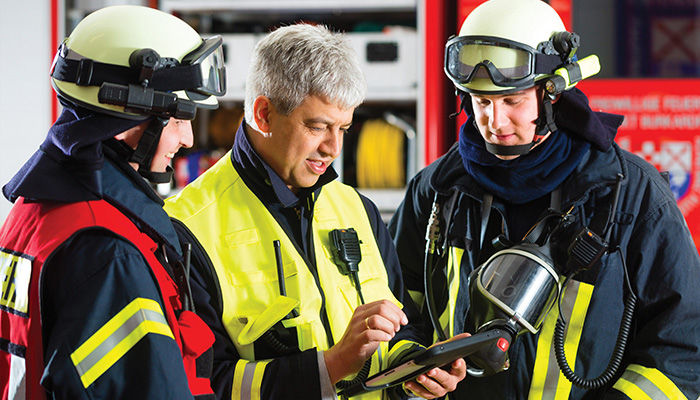
When seconds count in emergency response, IT failures aren't an option. The Oberursel Fire Brigade turned to TeamViewer to maintain their critical systems with just one IT manager.
Results:

Managing 500 clients across Germany and Austria, MG-IT-Service struggled with unreliable patching that required constant manual rework. Switching to TeamViewer transformed their service delivery.
Results:

With rapid expansion from 25 to 38 stores, Lucky Bike's IT team needed to manage 1,400 devices across Germany while maintaining security and supporting growth. Manual updates couldn't keep pace.
Results:
Automate patch management with TeamViewer to save time and protect all your assets.