Hero highlight: Gradient

Get instantly immersed in any project — from anywhere

Remote access and support with the TeamViewer Remote client

Empowering freelancers and digital nomads with TeamViewer Remote

In theory, being a digital nomad means that you produce amazing work for your clients from anywhere, with no geographical constraints. But in practice, things are a little more complicated. For secure access to information and business assets, and seamless project delivery, you must choose the right remote connectivity and remote access software.

Grasping project requirements
Accessing assets
Communication and collaboration
Maintaining security

TeamViewer has everything you need

  • A cross-compatible remote connectivity solution that enables freelancers to participate in any project, from anywhere 

  • Full remote access to the devices, applications, files, and servers you need to get the job done

  • Remote control capabilities that allow you to view, guide, and deliver solutions to your clients from a distance

  • Unattended access that enables secure, remote connections to client infrastructures at any time

  • Full support for real-time collaboration to keep projects on track 

  • End-to-end data encryption to protect sensitive client information

Young woman making notes behind computer

Find the license that’s right for you

Choose if you need TeamViewer for yourself or your team.
Trustpilot logo
118,115 reviews
G2 logo
3,649 reviews
TrustRadius logo
2,714 reviews
Capterra logo
11,513 reviews

Reliable, secure remote access and collaboration for freelancers and digital nomads

A cross-compatible remote connectivity solution for every project

From Airbus to Ford, DHL to Coca-Cola, TeamViewer is trusted by businesses of all sizes the world over. Many of your clients will be familiar with TeamViewer already. If not, the set-up process is so simple you’ll be good to go in no time. 

TeamViewer lets you remotely connect to and access any computer, regardless of its operating system. This includes proprietary business devices your clients may be working with, such as point-of-sale units and production-line equipment.

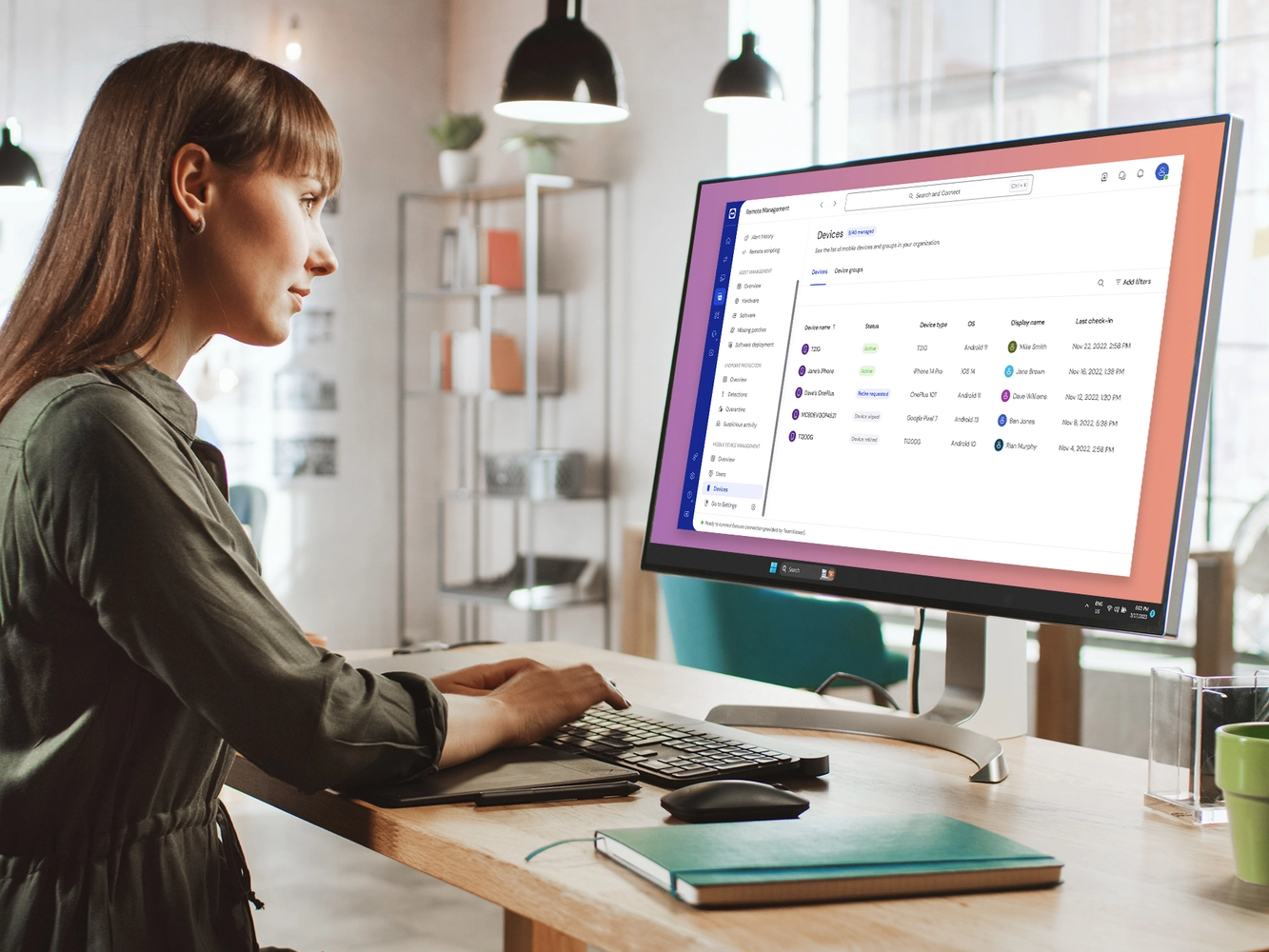
Mobile Device Management: Device Configuration

Full, secure remote access

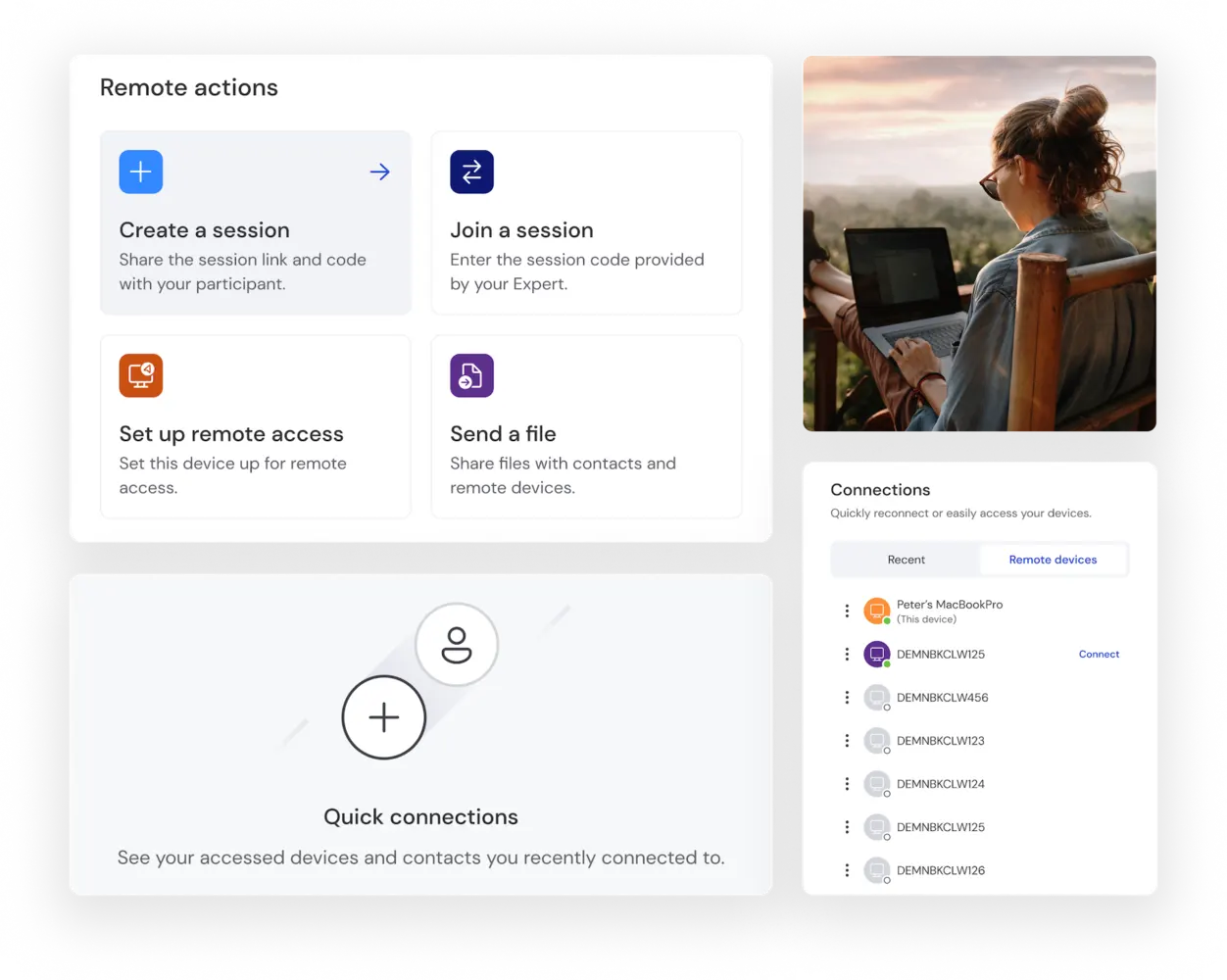
TeamViewer lets you securely access the assets you need to complete your task from any device, wherever you are. This includes access to client devices and equipment, files, documents, databases, and software applications. 

Some clients may be nervous about an ‘access all areas’ approach. TeamViewer enables them to configure the access permissions of freelancers and project participants on a granular level.

Woman using laptop and smartphone

Remote control capabilities

TeamViewer is ideal for freelance contracts that involve the provision of technical support. Featuring full remote control capabilities, the solution lets you establish an instant connection with your client’s devices, access system files, diagnose problems, and deliver a quick fix - wherever you happen to be.

Concentrated bearded young man searching information on website and working on freelance on development graphic project at modern laptop using wireless internet connection in cafe interior

Unattended access

Operating in a different time zone than your client? Need to carry out maintenance outside of your client’s working hours? No problem. TeamViewer’s secure unattended access functionality lets your clients grant you permission to access and control computers, servers, and other devices that aren’t actively monitored by a user. This includes built-in Wake-On-LAN capability, which lets you wake devices that are powered off.

Customer success: Philips

Real-time collaboration

TeamViewer’s features include screen sharing from any device to any device and allow you to annotate and highlight as you go. Chat, voice, and video call features are all integrated directly into the platform. It also enables live document collaboration, allowing multiple freelancers and client employees to access and edit assets simultaneously. 

From screen-sharing sessions to virtual ‘hands-on’ troubleshooting, TeamViewer can help you keep your freelance projects on track.

Lady wearing glasses and wireless headest at virtual meeting

Ensuring security

TeamViewer keeps all commercially sensitive information you exchange with your clients confidential, thanks to 256-bit AES end-to-end encryption. Multi-factor authentication (MFA) significantly reduces the risk of unauthorized access - even if your login credentials get into the wrong hands.

Creative lock sketch with chip hologram and hands typing on computer keyboard on background, protection of personal data concept. Multiexposure

Award-winning software for both individuals and companies

G2 Award: Leader
G2 Award: Momentum Leader
G2 Award: Fastest Implementation, Mid-Market (MDM, SAP Store)
G2 Award: Best Meets Requirements, Enterprise (SAP Store)
G2 Award: Top 50 IT Infrastructure Products
G2 Award: Users Love Us

TeamViewer Remote for freelancers: Wowing clients and pushing boundaries as a digital nomad

Enabling fully cross-compatible remote access, remote support, and remote device control, TeamViewer Remote is loved by freelancers - and trusted by businesses the world over. Here are some of the ways TeamViewer Remote can help take your freelance relationships to the next level:

Extending what’s possible

Up until recently, working remotely for a client was feasible for some roles, but not for others. For instance, what if you need to thoroughly analyze the client’s IT infrastructure? What if they need you to deliver a hands-on fix at short notice? 

With easy-to-use remote control capabilities, TeamViewer Remote lets you get eyes on any device, investigate, diagnose, and fix the problem. This opens up the digital nomad model to a much wider range of specialist roles. These include customer support, IT help desk, production line maintenance, systems and network engineering, and cyber security (to name just a few). And when you’re on the go, TeamViewer lets you remotely access your primary work tools at any time, ensuring you can continue working on projects seamlessly.

Strengthening client relationships

Complicated set-up processes, downtime, interrupted meetings, difficulties reaching you: when these little frustrations add up, they can harm your client relationships. TeamViewer Remote is quick and easy to deploy - and even easier to use. Enterprise-grade platform stability, high transmission speeds, and premium image quality all help to ensure a smooth client experience. 

Supporting visually rich presentations, videos, chats, screen sharing, and hassle-free file transfer, TeamViewer Remote has everything you need to showcase your work, provide updates, and exceed client expectations.

One solution to meet the needs of all your clients

If you’re managing multiple contracts at once, you’re likely working with a variety of applications and platforms for client communication, project management, and performance tracking. Cross-platform compatibility is one of TeamViewer’s biggest draws for freelancers. Whatever devices or operating systems clients have in play, TeamViewer Remote may be the only remote access platform you’ll ever need. 

Different clients will have different policies surrounding access to files, devices, and other assets. TeamViewer supports fully customizable authorizations and access controls. This means you can tailor the set-up on a client-by-client basis to match their specific preferences.

Why choose TeamViewer?

Key icon
Security

With TeamViewer Remote, your clients’ information - along with your reputation - are in the safest possible hands. 

End-to-end 256-bit AES encryption ensures that sensitive data remains confidential during remote sessions and in transit. Enhance client trust with secure data center hosting, multi-factor authentication support, audit trails, session logging, and compliance with standards such as GDPR and ISO 27001.

Growth icon
Performance

High transmission speeds and image quality ensure a hassle-free user experience and ease of communication which are essential for maintaining strong customer relationships. Even in environments with low internet bandwidth, TeamViewer Remote delivers stable connections and the best possible transmission quality. Likewise, TeamViewer Remote’s compression capabilities ensure secure and rapid file transfer, even for large files.

Remote operations icon
Flexibility

TeamViewer Remote is easily customizable for diverse use cases and client preferences. This includes personalized access permissions and fine-grained control over file sharing. To ensure the best user experience, users can adjust connection settings based on their internet speed. This is particularly beneficial for clients you have in remote locations or those dealing with fluctuating network conditions.

See what our customers have to say