Android remote control software for secure access and remote support
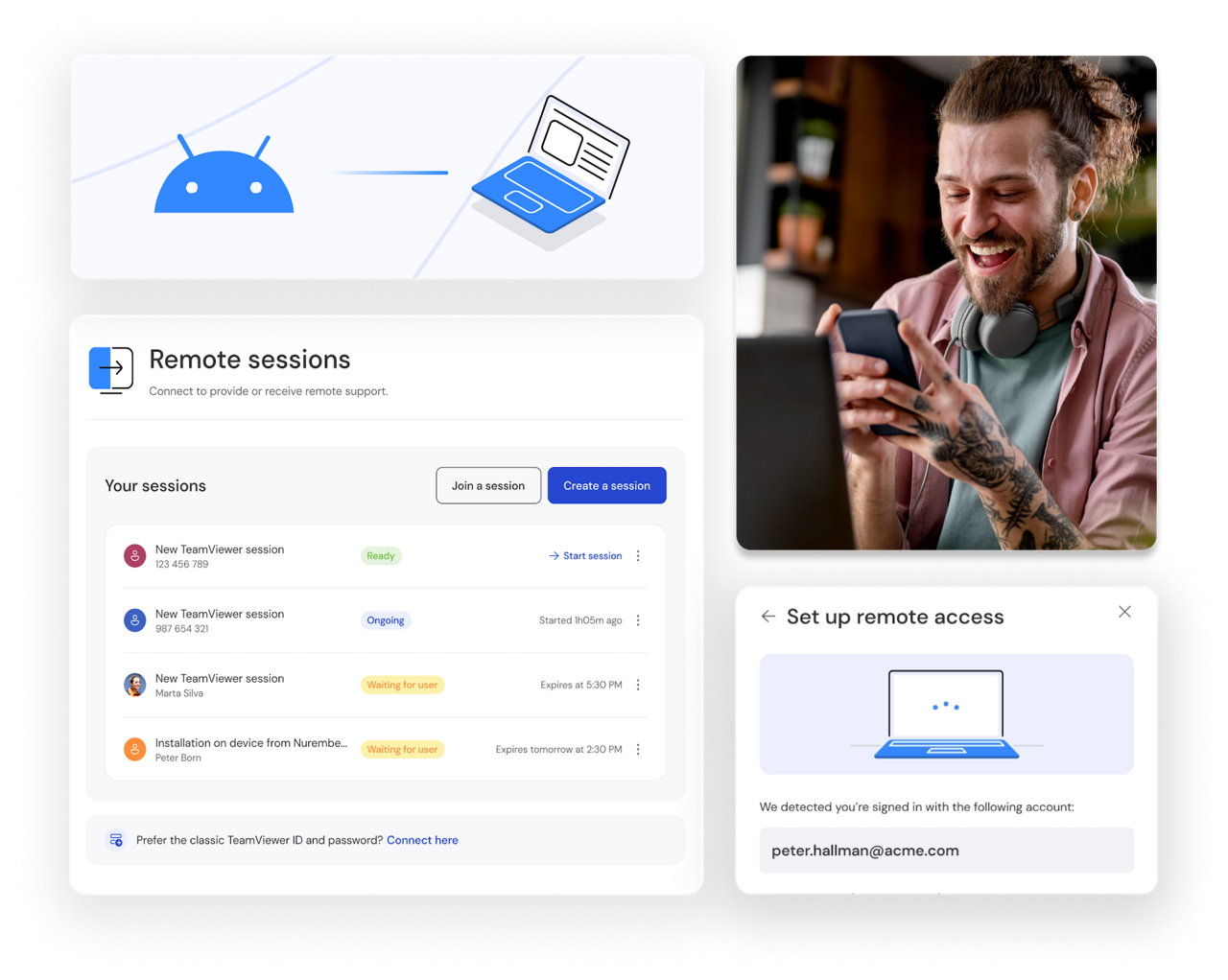
Provide instant support to Android users by remotely viewing and controlling their devices. Diagnose problems, adjust settings, and resolve technical issues in real time. Solve problems faster and reduce unnecessary downtime.
Monitor device status, including storage, CPU, and memory usage, to keep Android devices running smoothly. Track performance across your entire fleet, identify potential issues before they escalate, and perform maintenance from anywhere.
Access and remote control PC from Android devices or control Android devices from your PC to stay productive while traveling or working remotely. Switch seamlessly between devices and enjoy the flexibility to work efficiently from any location.
Support field workers, remote employees, or customers without needing physical access to their phones, computers, or other devices. Resolve issues quickly for distributed teams, reduce response times, and keep mobile workers focused on their tasks.
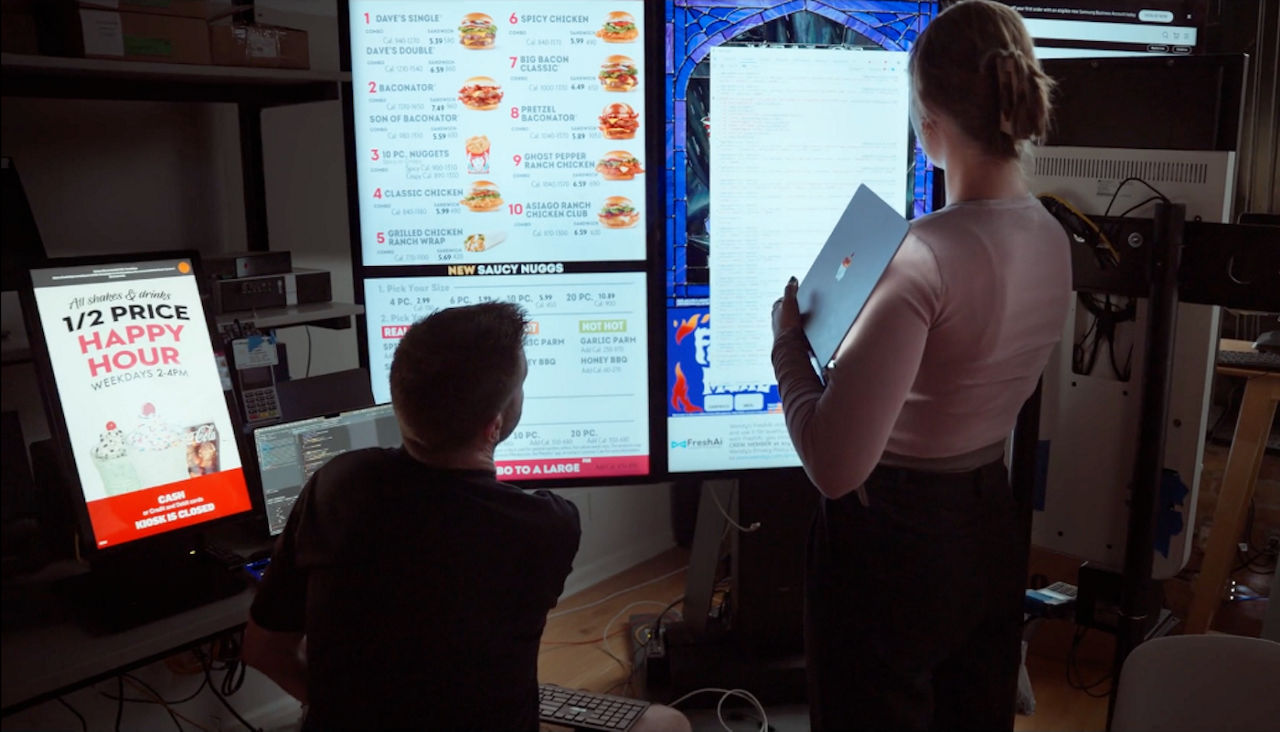
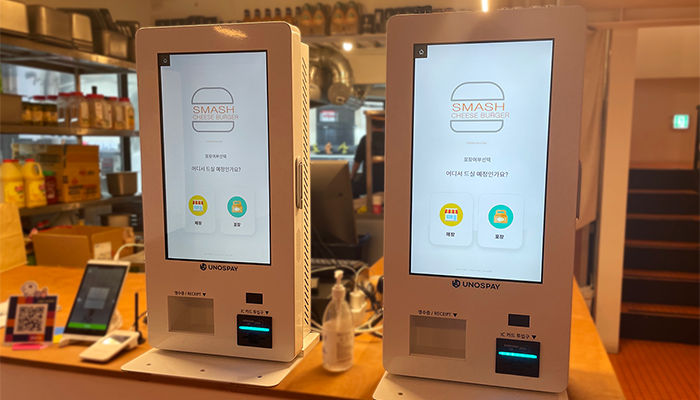
Remotely manage Android-based hardware such as POS systems, kiosks, vending machines, TV devices, and digital displays. Update software, troubleshoot issues, and ensure performance improvements across multiple locations, all from a central console.
TeamViewer delivers the most comprehensive Android remote control solution, combining security, flexibility, and ease of use in one platform.
Get the features you need to support, monitor, and manage Android devices efficiently, all from one platform. Resolve technical issues faster by taking direct control of Android devices. Guide users through complex tasks, adjust configurations, and fix problems in real time.
Keep business-critical hardware running smoothly across all locations. Track performance, address issues instantly, and maintain uptime for POS systems and digital signage.
See exactly what users see to diagnose problems accurately. Provide clear guidance and help resolve issues quickly without confusion or back-and-forth communication.
Perform maintenance and updates on your schedule, not your users'. Access devices anytime for routine tasks, monitoring, or urgent fixes. Even during off-hours.
Deliver secure, transparent support that respects user privacy. Use the QuickSupport app to grant and receive access to remote devices, ensuring compliance and building trust with your support process.
Spot potential problems before they escalate. Track CPU, RAM, storage, battery status, and system information across your fleet to maintain optimal performance.
Connect to Android devices via desktop application, mobile app, or web browser. Keep your teams productive whether they're at their desk or in the field.
Yes, TeamViewer lets you remotely control compatible Android devices from Windows, macOS, or Linux computers. You can troubleshoot issues, configure settings, and guide users through tasks, without physical access to the device.
Absolutely. TeamViewer protects every connection with AES-256 encryption and optional two-factor authentication. All sessions meet enterprise-grade security standards, ensuring your data and devices stay protected during remote access and support.
You'll need either the TeamViewer Host app for unattended access or the QuickSupport app for on-demand sessions. Both are available on Google Play as a dedicated Android remote control app built for secure remote access and support.
Yes, with the TeamViewer Host app installed. This enables permanent, unattended access so you can connect to devices 24/7 for maintenance, monitoring, and troubleshooting, even when no one is available to grant permission.
Host provides permanent, unattended access for 24/7 remote management. QuickSupport enables on-demand sessions that require user approval, ideal for interactive support where transparency and user consent are important for security and compliance.