Hero highlight: Gradient

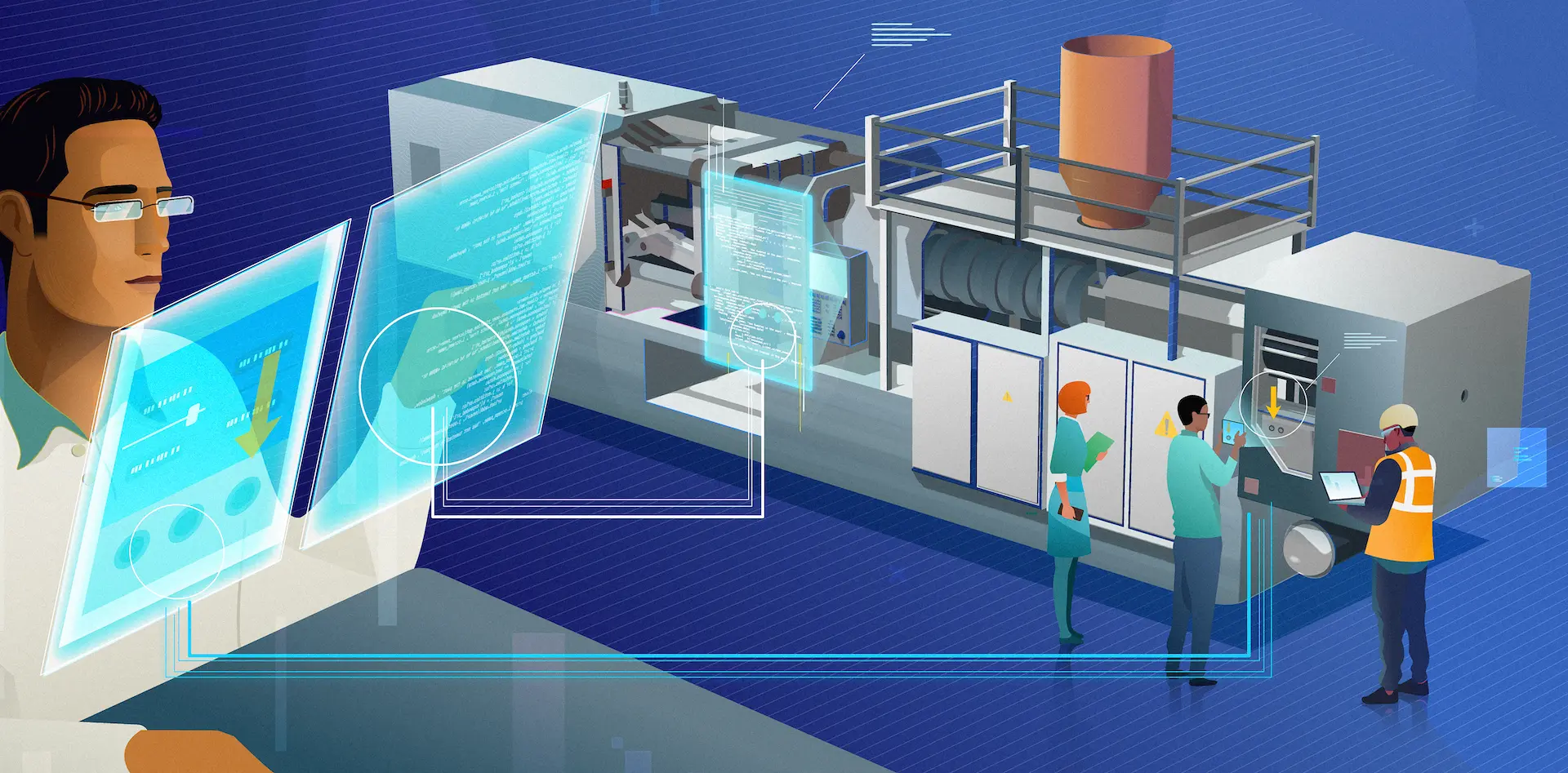
Fast, effective, and from a distance—a better way to solve issues

Deliver a streamlined after-sales service experience with TeamViewer Smart Service.

Smart Service enables end-to-end remote troubleshooting, from reporting, assessing, and solving an issue to documenting resolution steps and capturing acquired knowledge.

AR solutions for after-sales service
TeamViewer named a Leader by Gartner®

TeamViewer is a Leader in the 2026 Gartner Magic Quadrant™ for DEX Management Tools.

What is TeamViewer Smart Service?

Troubleshoot machinery and equipment fast and reliably with secure connectivity solutions from TeamViewer.

  • Cut unproductive downtime to a minimum
  • Capture knowledge and make it accessible
  • Empower your after-sales teams to work smarter
  • Delight your customers and keep them happy in the long run

These companies trust in TeamViewer’s after-sales service solutions

Cimbali Group logo
Bobst logo
teamtechnik Group logo
Buehler logo

Troubleshoot support cases immediately with our remote after-sales service solution

Remote access and control icon

Equip experts with secure remote access and control for any connected device.

Meter icon

With remote expertise, on-site staff can diagnose and resolve issues immediately.

Expand icon

Centralize communication and problem reporting with several ways to provide support.

Illustration: machine maintenance

Tell us about your business, and we’ll help you digitalize your after-sales service.

Why choose Smart Service?

Enhanced customer satisfaction icon
Increased customer satisfaction

Solve even the most complex issues with a variety of ways to troubleshoot remotely.

App connectivity icon
Scalable and secure operations

Let industry-grade, secure connectivity replace cumbersome, customized in-house solutions.

Increased technician efficiency icon
More efficient problem solving

Streamline communication and remote troubleshooting in one solution for precise and efficient problem resolution.

Data presentation icon
Gain actionable insights

Track and document sessions automatically and make them easily accessible within your existing infrastructure.

The benefits of TeamViewer Smart Service

Session summary

Capture, summarize, and leverage

Improve expert productivity and ensure transparency by transcribing service calls and creating a concise summary of the problem that occurred and its resolution with the help of AI.

Call summaries as seen in the TeamViewer client

Tia for troubleshooting

Turn session summaries into real-time insights

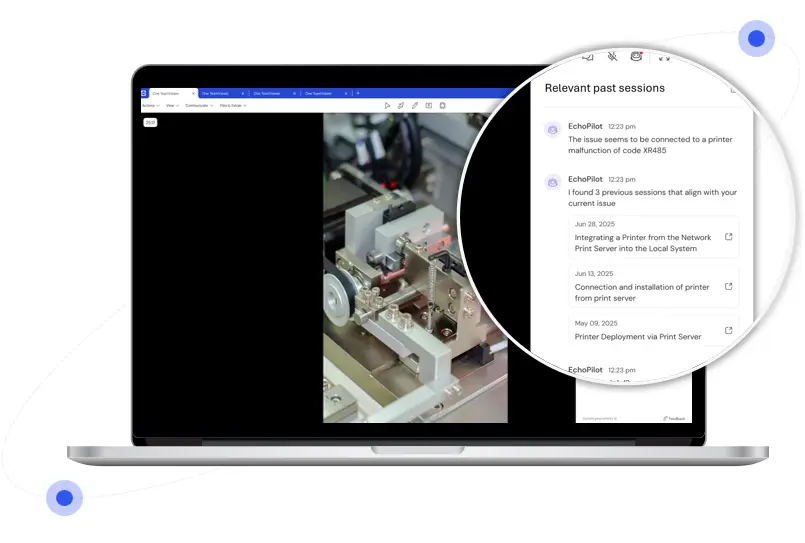
Resolve recurring issues faster during remote assistance calls with in-session AI suggestions based on past session insights, allowing you to find the right information instantly and deliver seamless support every time.

Relevant past sessions suggested for troubleshooting by TeamViewer Intelligent Agent (Tia)

Whatever your industry, we have the solution

Industrial manufacturing

Safeguarding your customers’ operation is your number one goal and downtime isn’t an option? TeamViewer Smart Service lets you address issues instantly.

Medical devices

When precision is everything, you want to see the problem as if it were right in front of you. Smart Service lets you stay a step ahead, identifying and assessing issues remotely before they require a site visit.

Agriculture

Don’t let long distances stand in the way of troubleshooting when a system fails. Reach your customer’s assets instantly, ensuring help is always at hand when it’s most needed.

Professional equipment

Transform troubleshooting into simple, guided procedures to make expertise accessible to anyone, enabling swift and effective issue resolution for every customer.

Any industry, one solution

Whatever your industry, whatever after-sales process you’d like to improve, we have the solution for you: TeamViewer Smart Service.


Contact us to discuss your specific use case.

Webinar: “Beyond the sale”

Do you need to reduce travel, improve service efficiency, and enhance customer satisfaction? Then it’s time to start providing after-sales services remotely.

Watch this webinar to get insights into the latest technologies and best practices.

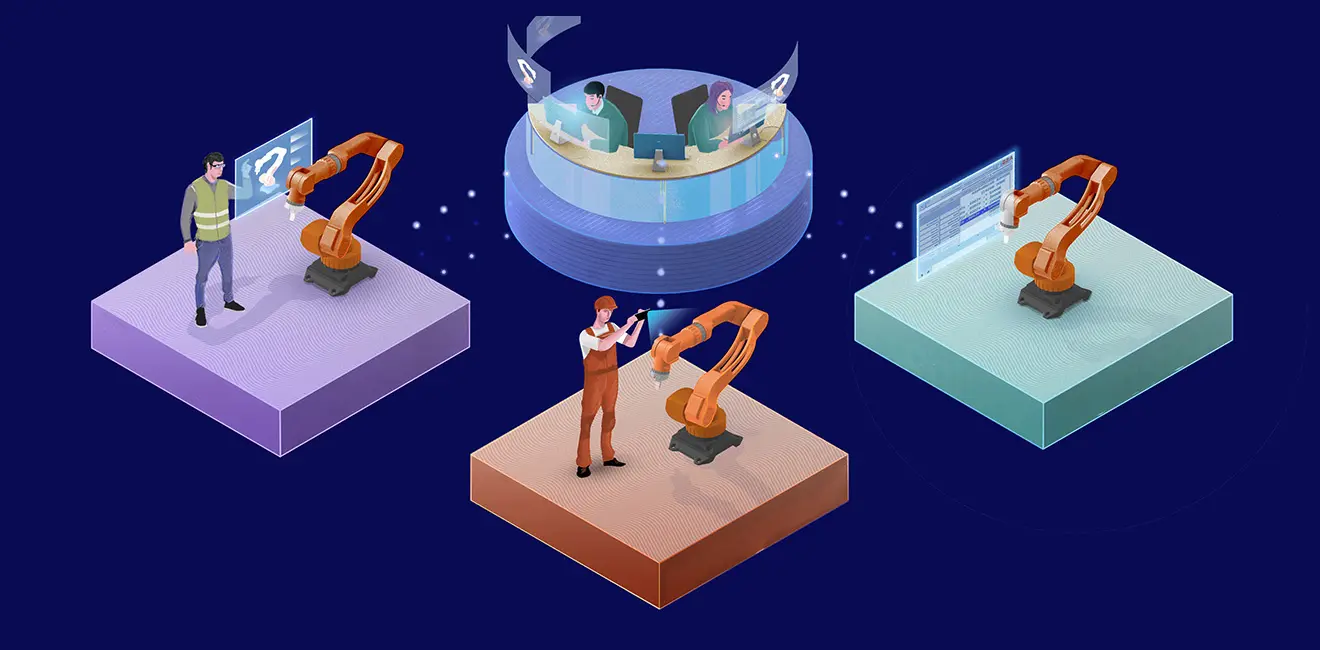
Illustration: after-sales support with TeamViewer Tensor, Frontline Inspect, and Frontline Assist

Key features

One-pagerTranslated Live Captions

Deliver support globally based on expertise—not language or location—with real-time translation for 130+ languages. Live captions and translations help you avoid misunderstandings and communicate effectively in noisy environments.

DatasheetConditional Access

Maintain full control over who can access data and devices with Conditional Access rules for remote access sessions. Manage permissions, remote sessions, and file transfers with centralized, cloud-based rules, ensuring secure access for vendors and staff.

One-pagerScan to Support

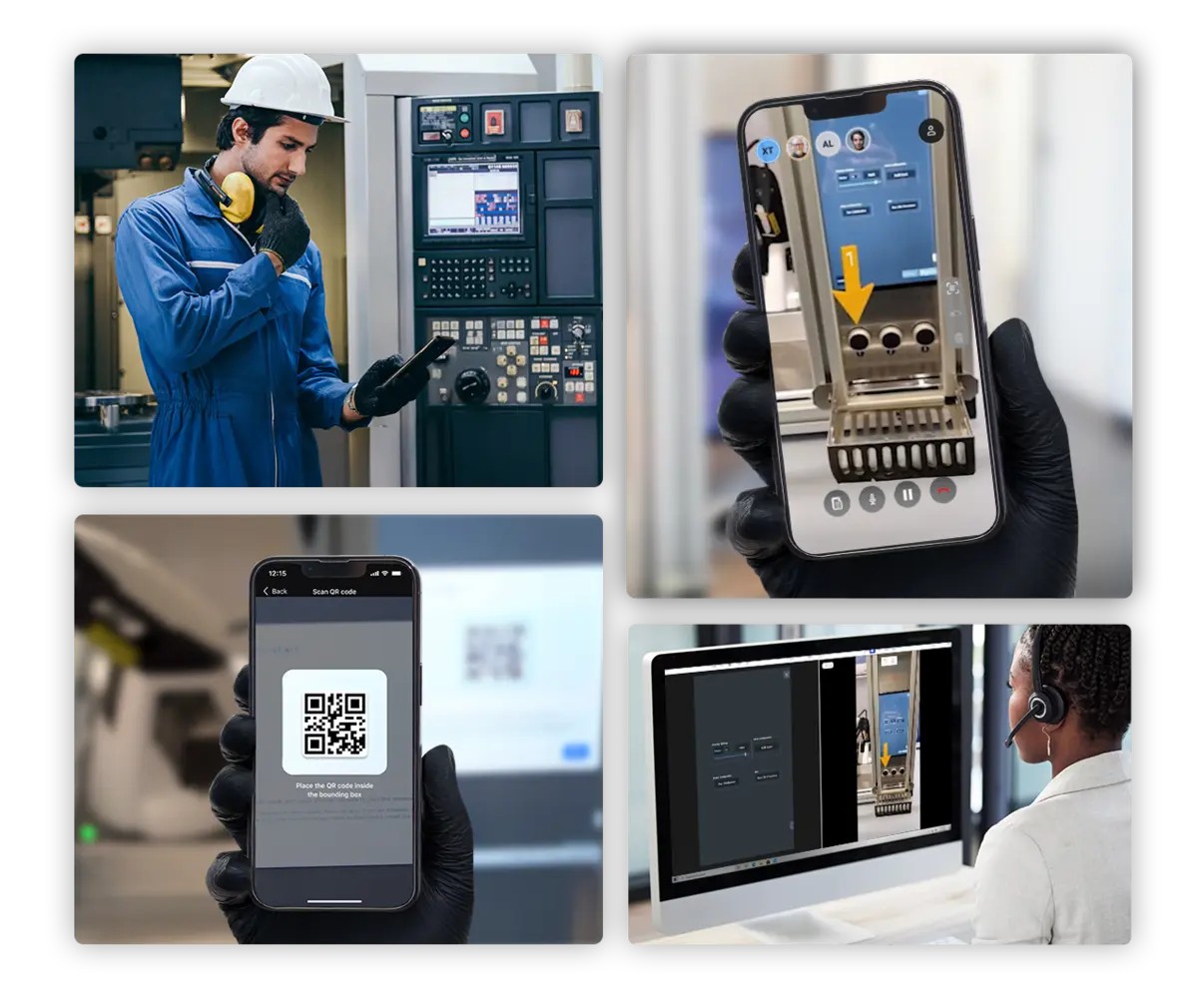
Make it easy to request support with the Scan to Support feature. Empower your customers to send a device-specific request to the right expert for real-time AR-powered assistance by simply scanning a code. No more wasted time on complicated request processes!

Find out more about Smart Service and how it can help streamline your after-sales operations

Transforming troubleshooting

Our impact on industry leaders

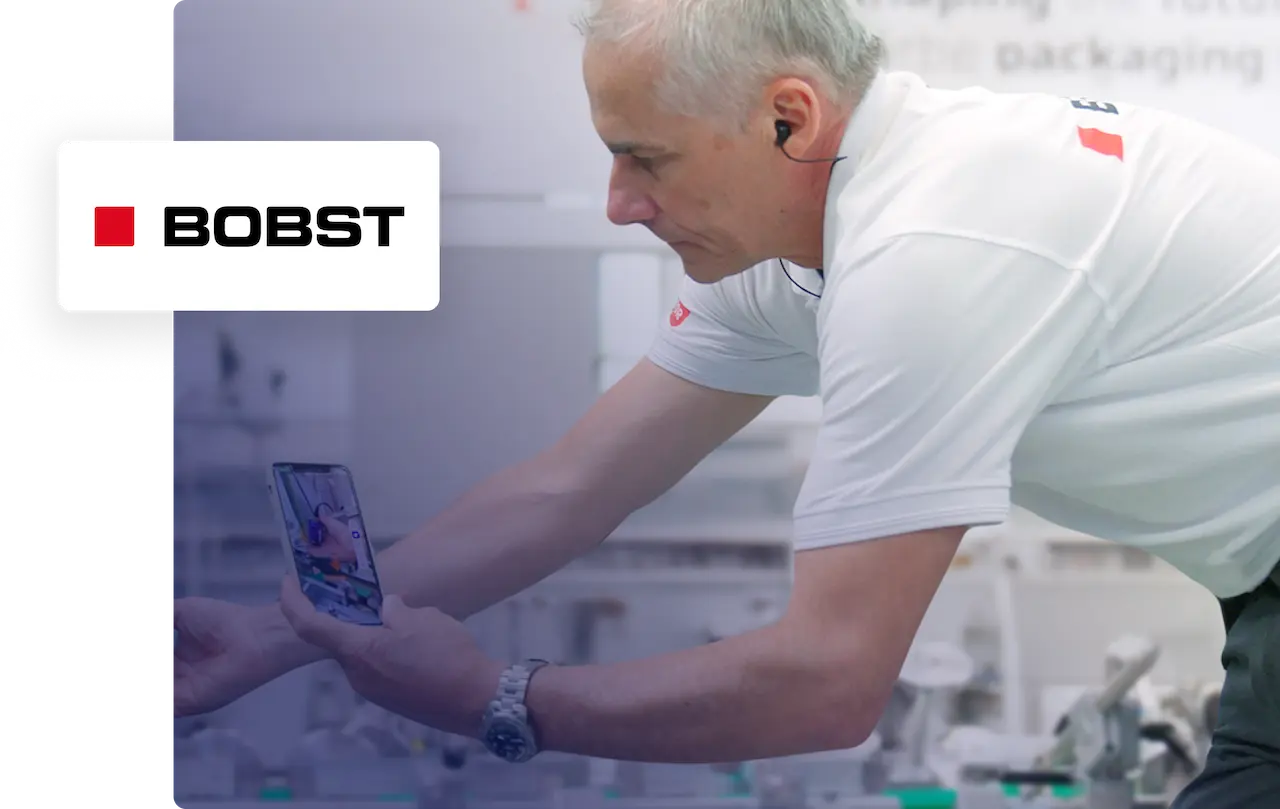
“We can solve around 80% of electrical issues thanks to remote assistance. 90% of which can be solved within a maximum of two hours.”​

Corentin Gilbert
Services Product Manager at BOBST

Quote icon

Have questions? Get in touch.

Want to know where remote technology can create the most value in your processes? We’re here to help.