Everything you need to know about:
Remote monitoring and management (RMM)
Everything you need to know about:
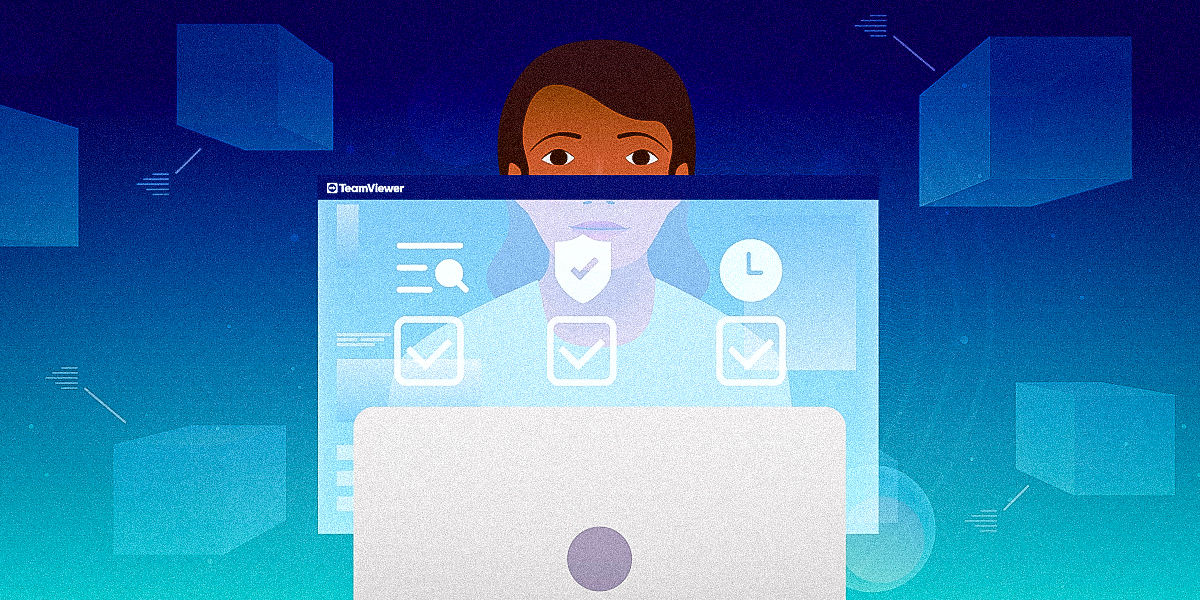
Businesses are under constant pressure to ensure their IT systems are reliable, secure, and running at peak performance. Enter remote monitoring and management (RMM), a game-changing approach to IT management that enables proactive system maintenance, centralized control, and unmatched efficiency.
Whether you’re an IT manager, a managed service provider (MSP), or a tech-savvy decision-maker, understanding what RMM means and how it works is essential. In this guide, we’ll break down RMM, explore its benefits, and help you determine whether it’s the right solution for your organization.
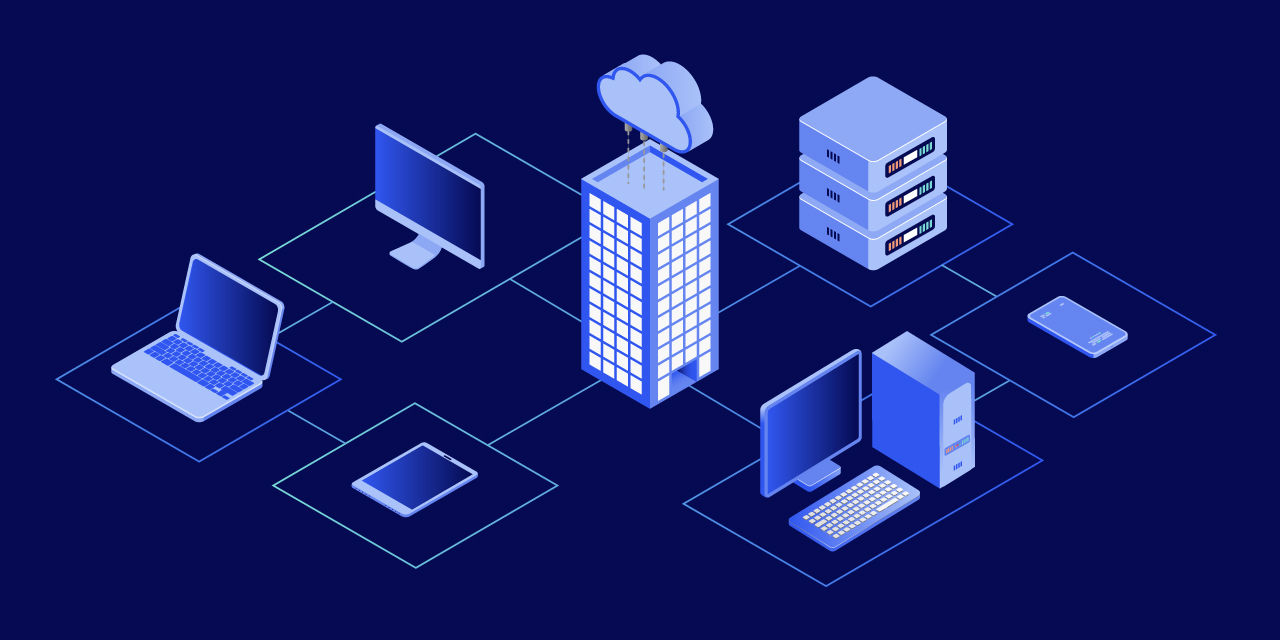
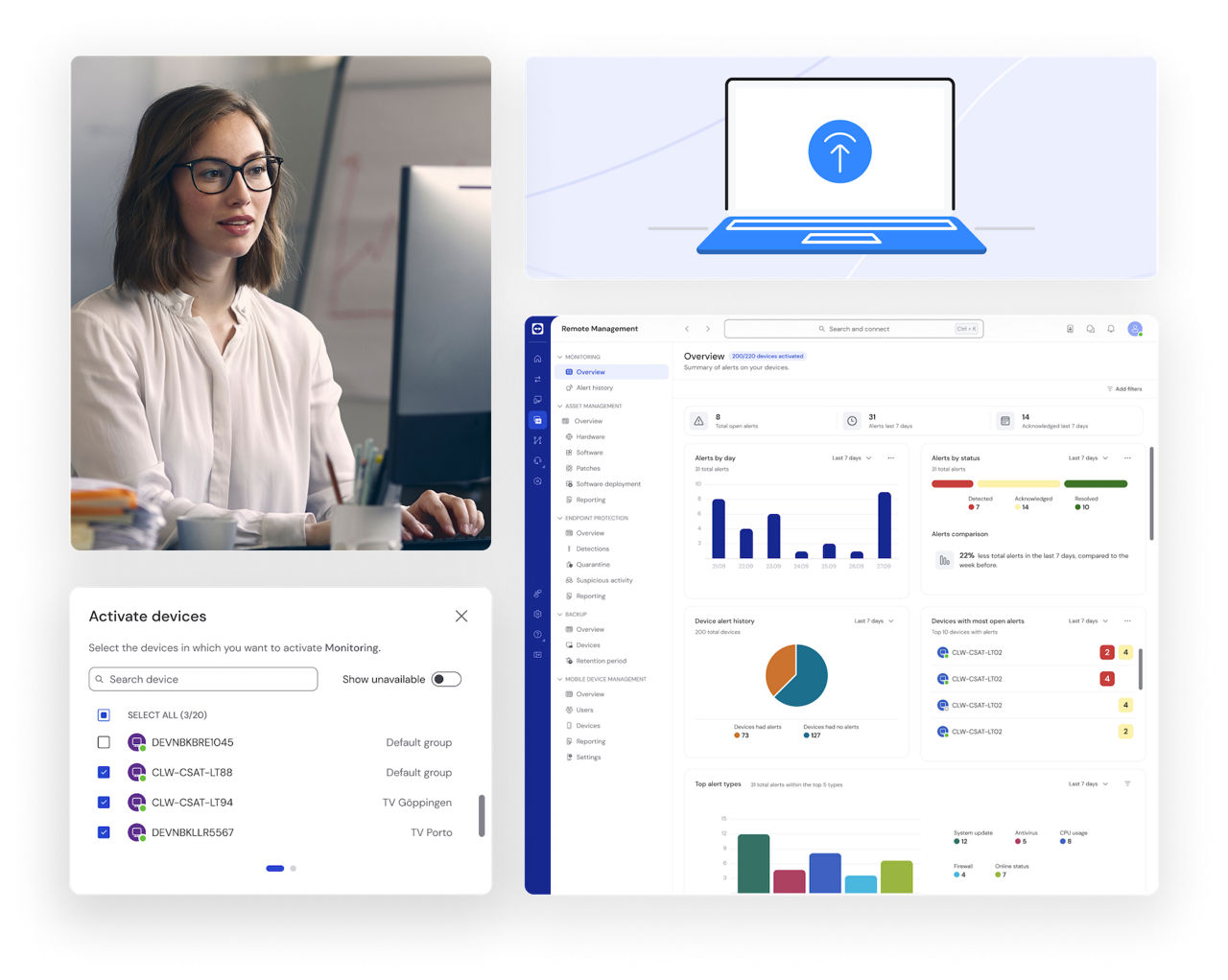
RMM stands for remote monitoring and management, a technology framework used by IT professionals to monitor, manage, and control endpoints and networks remotely. It provides visibility into the performance and health of devices, automates maintenance tasks, and allows for rapid troubleshooting, all from a centralized platform.
With RMM tools, IT teams can deploy software updates, patch systems, detect anomalies, and resolve issues before they disrupt operations. This proactive approach is central to modern IT strategies, especially in the age of hybrid and remote work.
Key benefits of remote monitoring and management:
Reduce system downtime with real-time alerts and rapid response mechanisms.
Control and monitor all endpoints from a single dashboard.
Schedule tasks like updates, patches, and scans without manual intervention.
RMM solutions are primarily used by:
To understand the true value of remote monitoring and management, it's important to look at the specific capabilities that make RMM tools so powerful. These core features work together to help IT teams operate more efficiently, respond faster to issues, and ensure system health at scale.
When evaluating RMM platforms, make sure they offer the following essential functions:
Together, these features power any effective RMM solution. By combining real-time monitoring, automation, secure remote access, and actionable insights, RMM platforms empower IT teams to stay in control, no matter how distributed their infrastructure becomes.
When these capabilities are integrated into a single, easy-to-use dashboard, IT operations become more proactive, resilient, and scalable. RMM functionality is often built into broader endpoint management software, enabling centralized control over thousands of devices.
Picture a team member in another country who complains about their laptop running slowly. With RMM and remote device management, IT doesn’t have to rely on the employee’s vague description of the issue. Instead, IT can view the system’s performance data in real time, identify a memory issue, and remotely resolve it, all in minutes.
Now consider a scheduled software update for a group of workstations. Instead of asking users to install updates manually, IT configures the RMM system to deploy them overnight, with a report confirming success.
If a critical service fails unexpectedly, RMM can automatically restart it or alert the team before end users even notice. The ability to monitor systems continuously and take preemptive action makes a measurable difference in service quality.
These examples highlight what RMM truly means: faster response, proactive IT, and better end-user experiences.

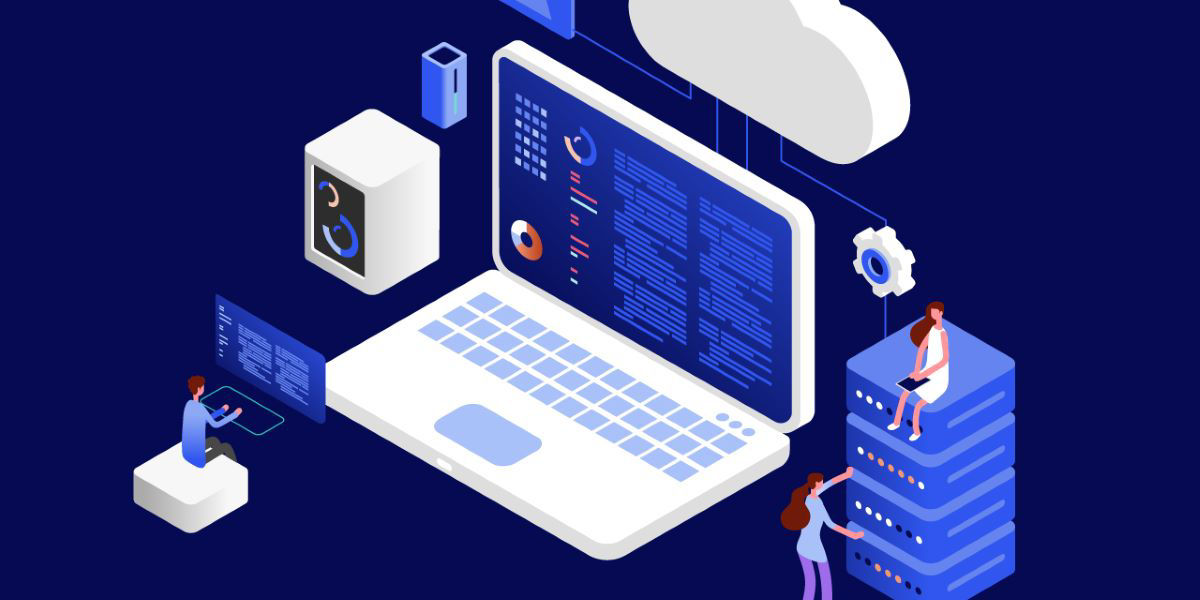
Monitor and manage Windows, macOS, Linux, Android and iOS devices in one place.
Manage devices with minimal setup effort and scale easily.
Combines remote access, monitoring, patching, and asset management.
Predefined templates, custom alerts, and automated actions.
600,000+ companies rely on TeamViewer for secure, scalable IT management.
TeamViewer Remote Management helps you detect issues before they happen, automate routine tasks, and support every endpoint.
MDM remote management means managing mobile devices remotely: installing apps, enforcing policies, or wiping data via a mobile device management (MDM) platform.
Online remote monitoring software is a cloud-based tool to monitor and manage devices remotely in real time, no local server needed.
Remote management on a phone indicates the phone is managed by an IT admin, which means they can remotely set up and control the device and carry out security actions.