Available for all major operating systems: Windows | macOS | Linux | Android | iOS | ChromeOS | Raspberry Pi

Download for free

TeamViewer for Windows

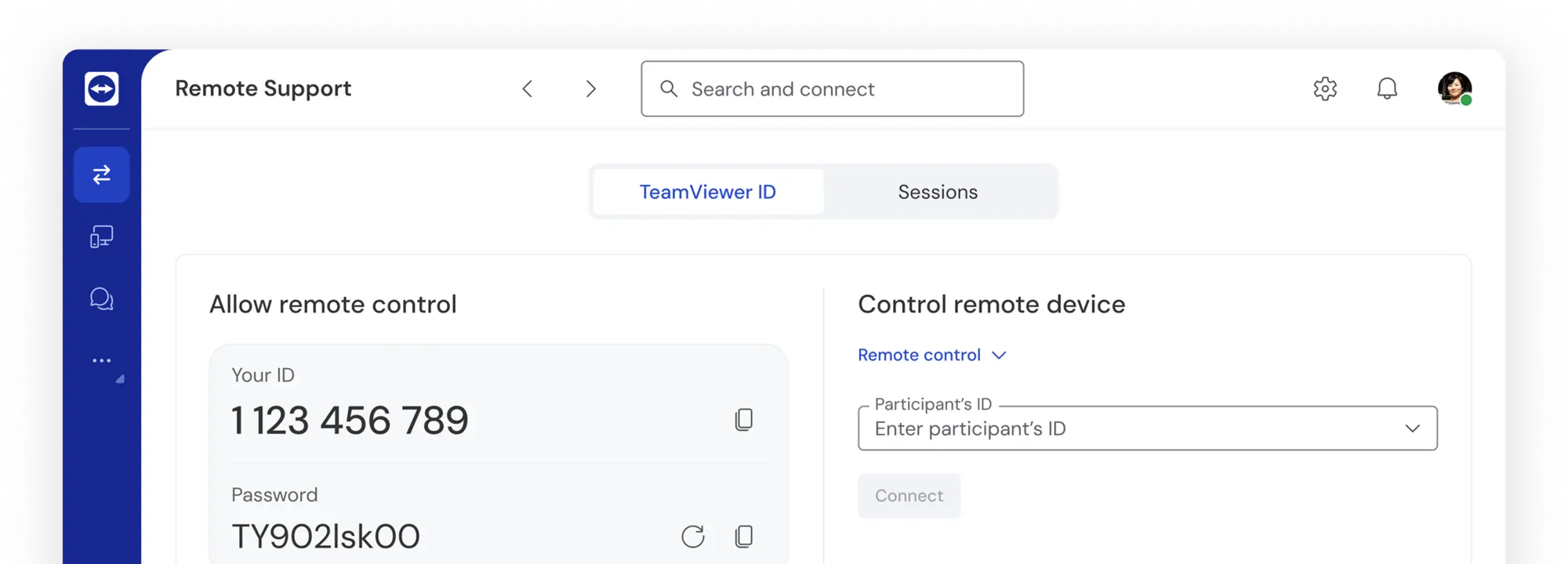
Access devices remotely and provide or receive support.

Download TeamViewerProvide support
Download QuickSupportReceive support

By installing and using TeamViewer, you accept our Terms and Conditions and our Privacy Policy.

TeamViewer Remote

Discover TeamViewer Remote

It’s time for a smarter view

TeamViewer AI redefines how remote access and support are delivered, empowering users to solve IT challenges faster, smarter, and with greater confidence.

Try our Business license for free with AI-powered solutions.

Pixel
Devices icon
Works on all devices

Sync with any device and OS—unlike other competitor products.

Support icon
Instant support

Start support sessions in seconds—just send a secure invite link.

Usability icon
Easy to use

Connect and add devices directly from the home screen.

Connection icon
Connect with confidence

Easily and quickly verify connection invitations before accepting.

Frequently asked questions

The free version is available for personal use only. This includes connecting between your personal devices or helping friends and family with remote support. Using TeamViewer for work-related purposes, within an organization, or any activity generating revenue (e.g., connecting to your work computer, supporting clients, or monitoring business devices) requires a commercial license. 

The TeamViewer full client is designed for providing remote support to end users. It gives you access to all features and functionalities in one place, allowing you to manage and control devices remotely. TeamViewer QuickSupport, on the other hand, is designed for end users to receive remote IT support. It’s a lightweight, executable program that requires no installation, enabling end-users to temporarily grant access to their devices for attended access and remote support.

TeamViewer prioritizes security and uses full encryption to protect your connections. This includes 4096-bit RSA private/public key exchange and 256-bit AES session encoding, ensuring a high level of protection. For more details, visit our Knowledge Base to learn about TeamViewer security. 

Yes, you can! Using our web app, you can start sessions directly from your browser to connect with saved contacts or devices, generate session links or session codes, or connect with TeamViewer IDs.

TeamViewer is compatible with various platforms, including Windows, macOS, Android, iOS, iPadOS, and ChromeOS. For the complete list, visit our Knowledge Base.

We recommend using the latest version whenever possible to ensure you have the most secure and up-to-date experience. You can find previous versions on this page. Simply select the version you need and follow the instructions to download and install it.