The five biggest risks are weak passwords, lack of MFA, outdated software, unencrypted communication, and poor permission management. These vulnerabilities give attackers easy entry points to your systems.
5 remote access security risks and 10 ways to mitigate them
Remote access technology has become an indispensable part of the work environment as it lets employees, IT teams, and support staff connect to devices and systems from anywhere in the world. Whether you're troubleshooting a colleague's computer, accessing files from home, or managing servers across multiple locations, remote access keeps work moving.
However, every remote connection is a potential weak link and an entry point for cybercriminals. Remote access security risks are real and costly. A single compromised connection can lead to data breaches, ransomware attacks, and significant financial losses. Small and mid-sized businesses face particular risk because they often lack the extensive security infrastructure of larger enterprises.
The good news? You can significantly reduce these risks with the right approach. This article will walk you through five common security vulnerabilities in remote access work and provide ten practical strategies to protect your organization. You'll learn how to secure your remote connections without requiring a large IT team or complex infrastructure.
In this article:
Are remote access tools secure?
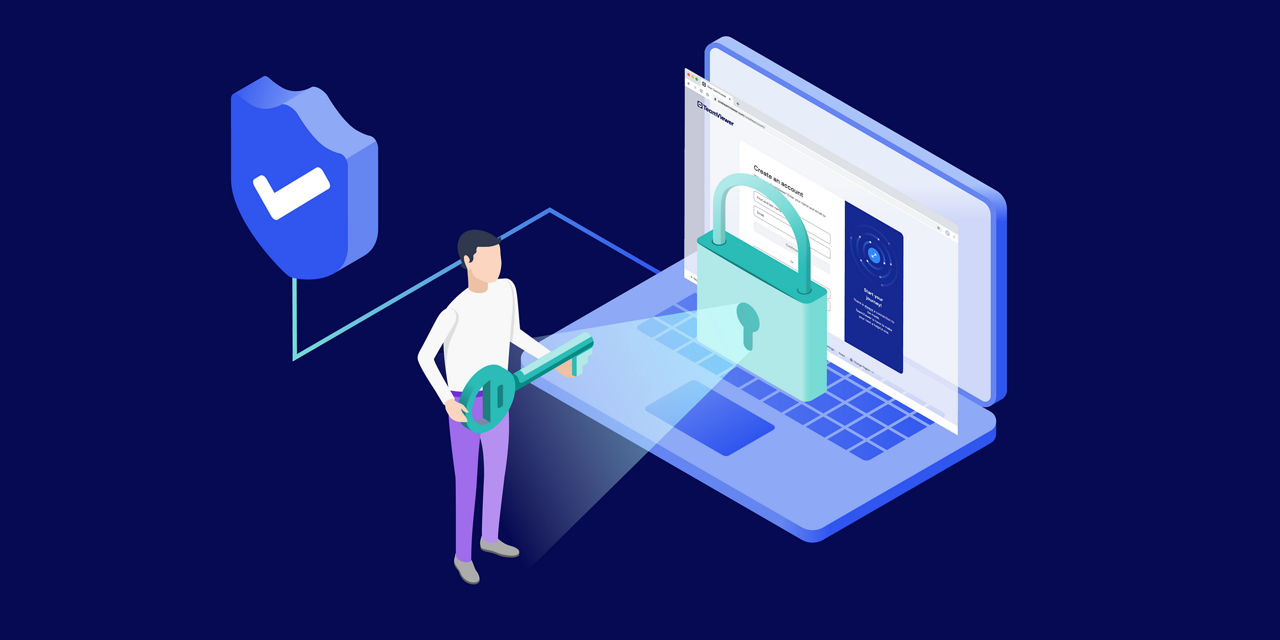
Remote access tools aren't insecure by default, but they do create opportunities for attackers. The security of any remote access solution depends heavily on how it's configured and used.
These are some of the most common reasons as to why remote access security matters now more than ever:
Remote work is the new normal
More employees connect from home networks, coffee shops, and co-working spaces than ever before. Each connection represents a potential vulnerability if not properly secured.
Cyberattacks have evolved
Hackers specifically target remote access tools because they provide direct entry to corporate networks. Weak passwords, outdated software, and misconfigured access controls have become common attack vectors.
Technology alone isn't enough
Modern remote access solutions include strong encryption, authentication mechanisms, and access controls. However, these security features only work when properly implemented and maintained.
Configuration mistakes are common
Many organizations rush to enable remote access without taking time to configure security settings correctly. This creates exploitable gaps that attackers actively seek out.
Small businesses face unique challenges
You need the flexibility of remote access but may lack dedicated security staff to monitor and maintain these systems. This makes it essential to choose remote access tools with built-in security features and to follow best practices for deployment.
While remote access tools aren't inherently problematic, the way they're installed and configured might be.
5 common remote access security risks
These five vulnerabilities represent the most common entry points for attackers targeting remote access systems. Understanding them is the first step toward protecting remote environments.
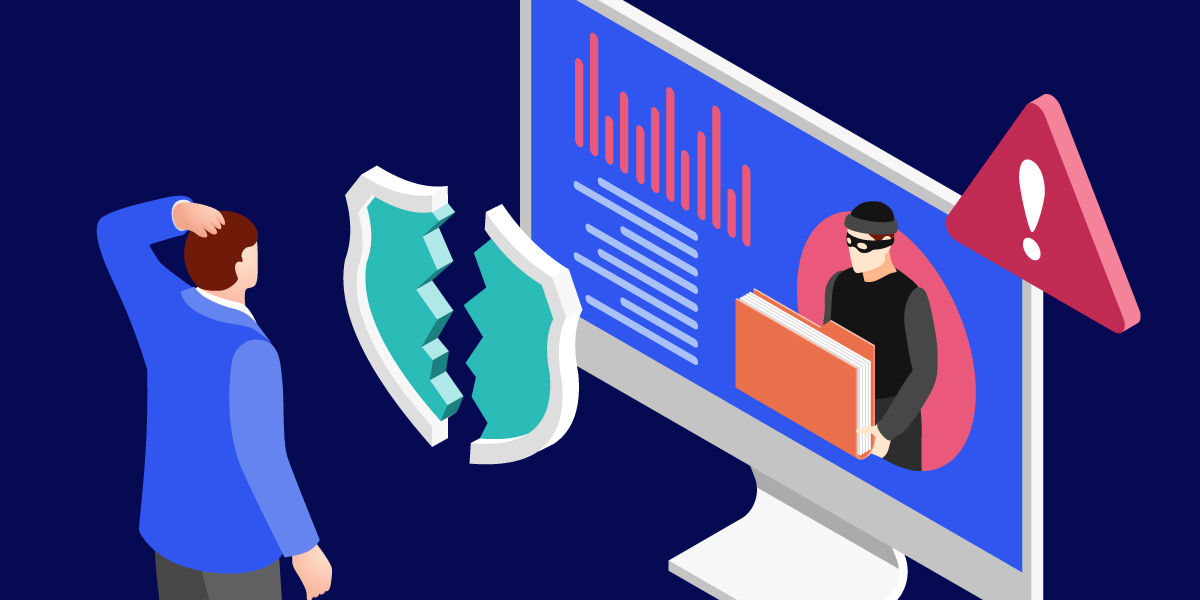
1. Weak passwords
Reused or weak passwords remain one of the easiest ways for attackers to gain unauthorized access. Credential theft at one service compromises confidential data on all corporate devices. Brute force attacks try thousands of password combinations until one works, and without proper protections, discovery is inevitable.
In 2016, Trend Micro found that CRYSIS ransomware operators were breaking into internet-exposed Windows servers by brute-forcing RDP passwords, mainly targeting SMBs in Australia and New Zealand. After guessing credentials, attackers deployed ransomware, encrypted systems, and demanded ransom, causing operational outages for businesses relying on those systems.
Once attackers gain access through a weak password, they can move laterally through your network, accessing sensitive data, installing malware, or setting up persistent backdoors for future attacks.
2. Lack of MFA
Relying on passwords alone is no longer sufficient. Multi-factor authentication adds a critical second layer of defense, requiring users to provide additional proof of identity beyond just a password. Without MFA, stolen or guessed passwords provide immediate access to your systems.
The most notorious example is probably the Colonial Pipeline incident, when Colonial Pipeline attackers used a compromised password for an inactive VPN account lacking MFA. They stole 100 gigabytes of data and caused multiple losses for the company and the economy at large. The company paid $4.4 million ransom. And the shutdown caused widespread fuel shortages, with over 70% of gas stations affected in some areas.
3. Outdated software
Software vulnerabilities are discovered regularly, and patches only protect you if you install them. Running outdated remote access software is particularly risky because attackers actively scan for known vulnerabilities. Once a security flaw becomes public knowledge, exploit tools become widely available, and unpatched systems become easy targets.
For example, in 2019, the DHS’ Cybersecurity and Infrastructure Security Agency (CISA) issued security advisories about multiple vulnerabilities in Pulse Secure and Palo Alto VPN products. However, some companies were slow to update. As a result, attackers exploited critical VPN vulnerabilities and executed remote code against government, military, and healthcare sectors.
This problem extends beyond the remote access tool itself. Operating systems, browsers, and supporting software all need regular updates. A vulnerability in any component provides attackers with an entry point.
4. Unencrypted data
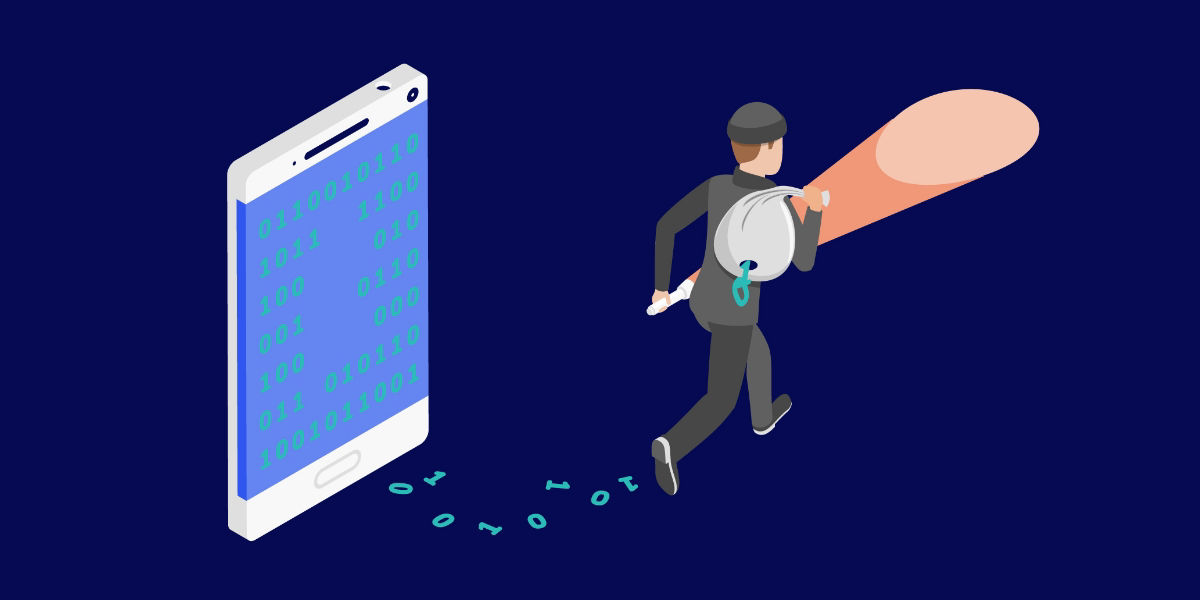
When data travels across networks without encryption, it's vulnerable to interception. Attackers can capture network traffic and read sensitive information including passwords, confidential documents, and proprietary data. This risk increases dramatically in remote work settings on public Wi-Fi networks in coffee shops, airports, and hotels where attackers can easily position themselves to intercept communications.
A typical example is Telnet as it servers send credentials and commands in clear text. Attackers on the same network segment can sniff Telnet traffic, recover passwords, and reuse them on other systems.
Man-in-the-middle attacks exploit unencrypted connections by inserting themselves between the user and target system. Modern encryption standards like AES-256 and TLS 1.2 or higher provide strong protection, but not all remote access tools implement proper encryption by default.
5. Inadequate device and user permission management
When everyone has access to everything, you've eliminated your security perimeter. Proper permission management ensures users can only access systems and data on the need-to-know basis. This limits damage if credentials are compromised or a device is infected.
With broad permissions, such as "Everyone" or "Domain Users," attackers can easily compromise data integrity through a single compromised user. Without centralized permission management, tracking who has access becomes impossible. Former employees may retain access after they've left, and contractors might have broader permissions than necessary. Proper device and user tracking also enables audit trails essential for security monitoring and incident response.
10 ways to strengthen remote access security
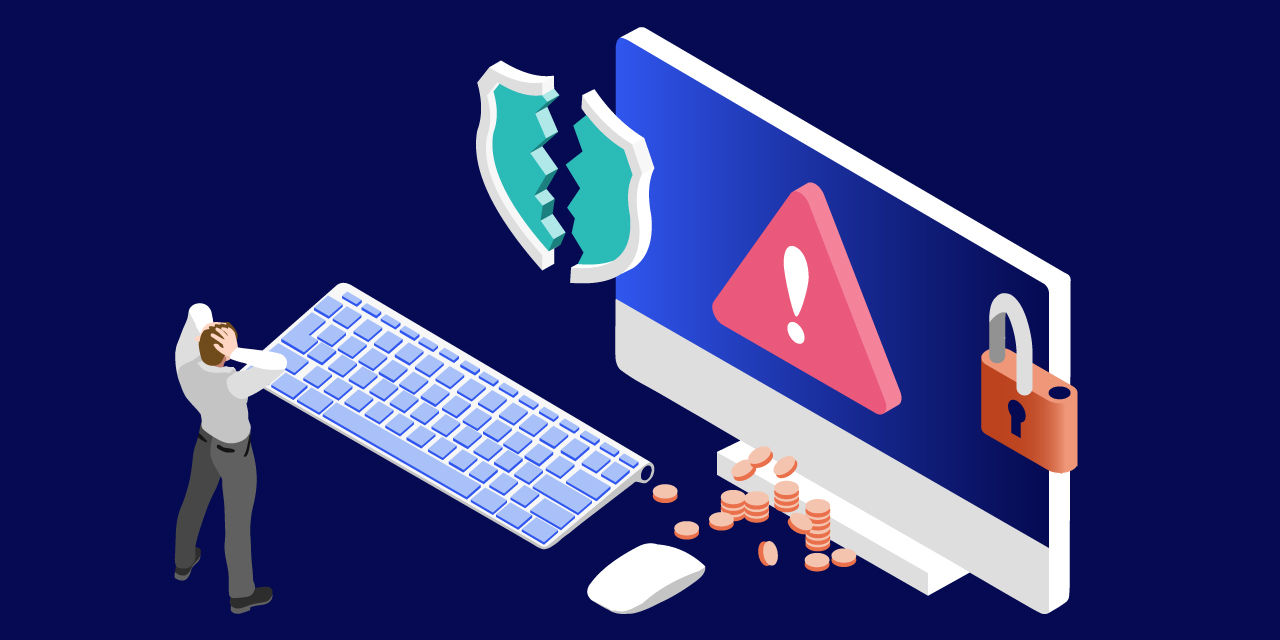
To establish a secure environment, it's essential to follow remote access best practices. By deploying these ten security measures simultaneously, you secure your remote access infrastructure. Using them in combination means your systems stay protected even if attackers bypass the first line of defense.
‼️ Vulnerabilities ‼️
✅Secure access ✅
1. Endpoint detection and response
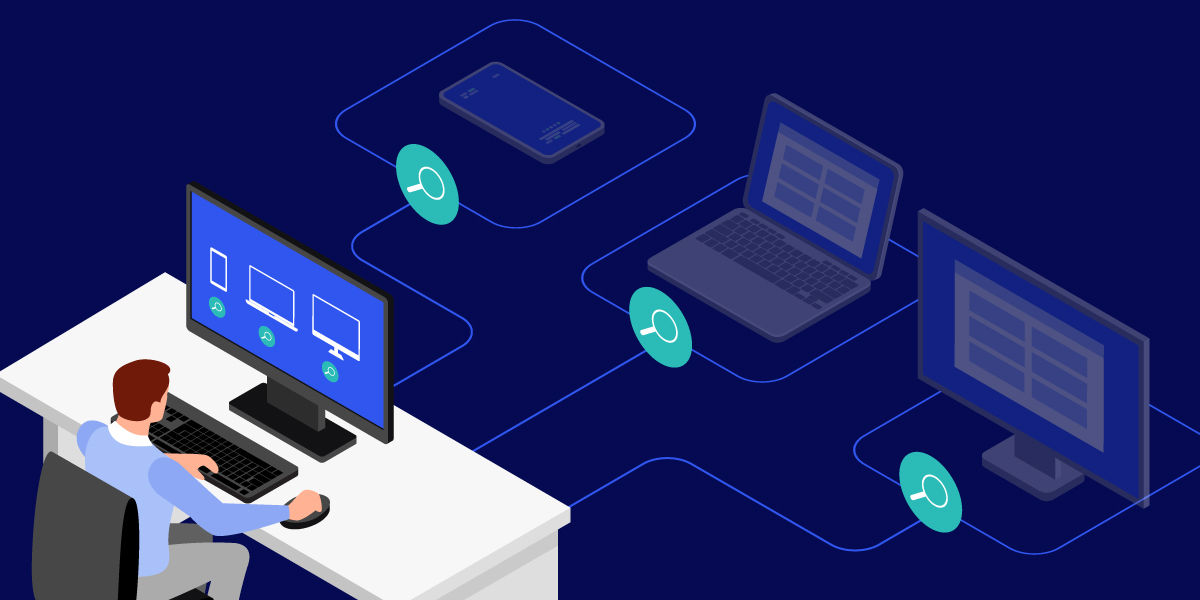
Endpoint detection and response (EDR) tools monitor devices for suspicious activity. These solutions can detect devices running outdated software, detect attempts to exploit weak passwords through unusual login patterns, and flag suspicious network communications. This makes it particularly valuable for organizations without dedicated security teams.
What you should do:
- Deploy EDR software on all devices that connect remotely to your network.
- Configure automated alerts for security concerns like multiple failed login attempts.
- Set up automatic isolation protocols to quarantine compromised devices immediately.
- Review EDR reports weekly to identify patterns that might indicate security issues.
2. Event logs
Event logs create a detailed record of all remote access activity. Who connected? When did they connect? What resources did they access? This information is essential for security monitoring and incident investigation.
Comprehensive logging helps identify security issues before they become serious problems. Repeated failed login attempts might indicate a brute force attack against weak passwords. Access attempts from unusual locations could signal compromised credentials. Pattern analysis of event logs reveals these threats.
What you should do:
- Enable comprehensive logging for all remote access connections.
- Store logs in a centralized, tamper-proof location for at least 90 days.
- Set up automated alerts for suspicious patterns like access from new countries.
- Review access logs monthly to verify all connections are legitimate.
- Use log analysis tools to identify trends that manual review might miss.
3. Conditional access
Conditional access evaluates each connection attempt based on multiple factors. Device health, user location, time of day, and other contextual information inform access decisions. You can require additional authentication for access attempts from new devices or unusual locations. High-risk scenarios can trigger stepped-up verification, while routine access from trusted devices proceeds smoothly.
What you should do:
- Create policies that require additional verification for connections from new locations.
- Block access from devices that don't meet your security standards.
- Restrict access to sensitive files during off-hours unless explicitly authorized.
- Set up geographic restrictions to block connections from countries where you don't operate.
- Test your conditional access rules regularly to ensure they work as intended.
4. Multi-factor authentication
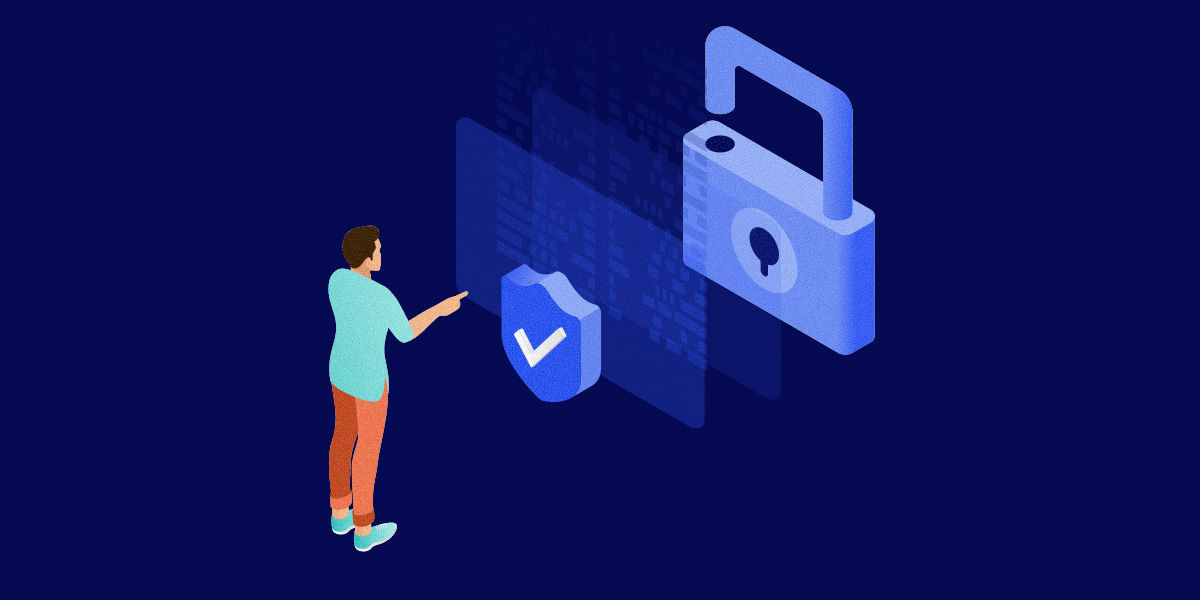
Multi-factor authentication (MFA) requires users to provide two or more forms of identification. Typically, this combines something you know (password) with something you have (phone app, security key) or something you are (fingerprint, facial recognition).
MFA dramatically reduces the effectiveness of weak password attacks. Even if attackers crack or steal a password, they can't access the system without the second authentication factor. This simple control prevents the vast majority of credential-based attacks.
What you should do:
- Require MFA for all remote access without exceptions.
- Use time-based authenticator apps rather than SMS codes for stronger security.
- Provide users with backup authentication methods in case they lose their primary device.
- Consider hardware security keys for users accessing the most sensitive systems.
- Provide employee training about MFA fatigue attacks where attackers spam authentication requests.
5. VPN
VPNs create encrypted tunnels for network traffic. All data passing through the VPN is protected from interception, addressing the unencrypted communication vulnerability.
VPNs are particularly important when employees connect from untrusted networks. Public Wi-Fi, home networks, and other environments outside your control can expose unencrypted traffic. A VPN ensures that even on these networks, your data remains secure.
What you should do:
- Require VPN use for all remote connections to company resources.
- Configure VPN to connect automatically when users join untrusted networks.
- Choose VPN solutions that use modern security protocols (avoid outdated PPTP).
- Split tunnel carefully—only route business traffic through VPN to maintain performance.
6. Zero trust network access
Zero trust architecture operates on a simple principle: never trust, always verify. Instead of assuming that users inside your network are safe, zero trust requires continuous verification of every access request.
This approach addresses poor permission management by enforcing granular access controls. Users don't get broad network access simply by authenticating successfully. Instead, each resource request is evaluated individually based on the user's identity, device status, and current security posture.
What you should do:
- Implement application-level access controls instead of network-level permissions.
- Verify user identity and device health before granting access to each resource.
- Monitor all connections continuously, not just at the point of initial login.
- Limit session duration and require re-authentication for extended work periods.
- Start with your most sensitive resources and gradually expand zero trust coverage.
7. Block and allowlist
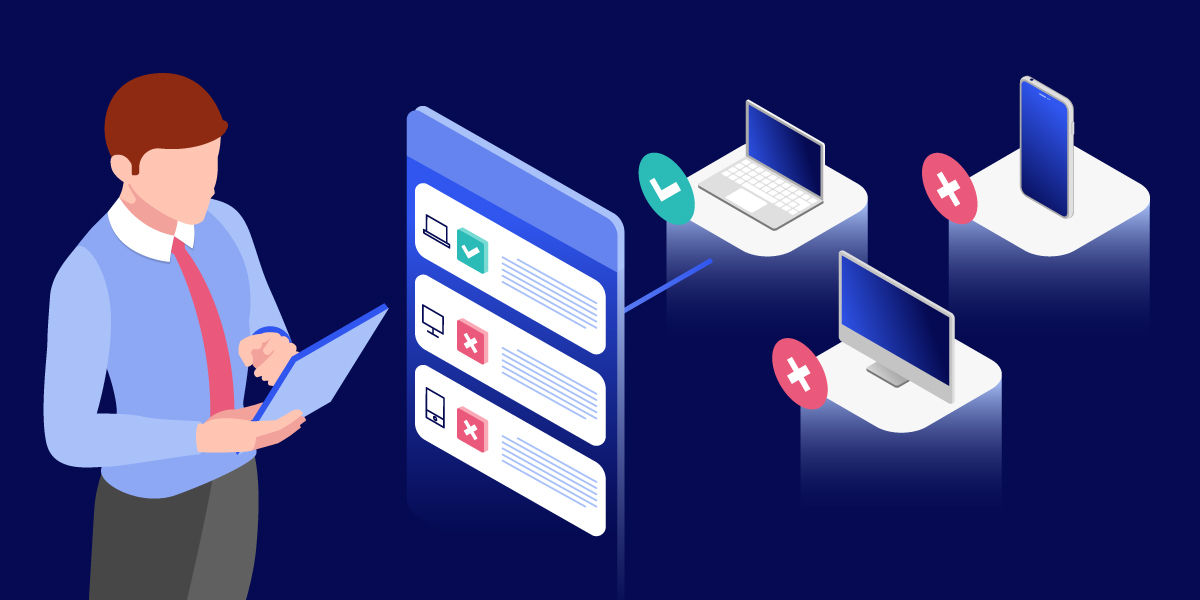
Blocklists prevent known malicious IP addresses, domains, or applications from accessing your systems. You can allowlist specific devices, ensuring that only company-managed endpoints can establish remote connections. This prevents personal devices or unknown systems from accessing your network.
What you should do:
- Create an allowlist of approved devices using unique hardware identifiers.
- Block connections from IP ranges associated with known malicious activity.
- Restrict access to specific countries where your organization operates.
- Maintain an allowlist of approved applications that can access company resources.
- Review and update your lists quarterly as your business needs change.
8. Patch management
Systematic patch management ensures that security updates are applied promptly across all systems. This directly addresses the outdated software vulnerability.
Automated patch management reduces the burden on IT staff. Systems can automatically download and install security updates, or at minimum alert administrators when critical patches are available. This ensures that known vulnerabilities don't remain unpatched for extended periods.
What you should do:
- Enable automatic updates for operating systems and critical applications.
- Create a patch testing process: test on a few devices before rolling out widely.
- Prioritize critical security patches and apply them within 48 hours of release.
- Maintain an inventory of all software versions across your remote access infrastructure.
- Schedule regular maintenance windows for updates that require system restarts.
9. Remote access policies
Clear policies define acceptable use of remote access tools. Policies should address password requirements, mandating strong passwords and regular changes. They should require MFA for all remote access. They should specify which devices are permitted and what security software must be installed.
What you should do:
- Document clear policies covering who can access what, when, and from where.
- Require password management to help employees maintain strong, unique passwords.
- Mandate security software (antivirus, firewall) on all devices used for remote access.
- Define consequences for policy violations to ensure accountability.
- Review and update policies annually or when your security needs change.
10. Role-based access control
Role-based access control assigns permissions based on job functions. Instead of managing access for each user individually, you define roles with specific permissions and assign users to appropriate roles.
This approach simplifies permission management while enforcing the principle of least privilege. Support staff get access to the systems they need to troubleshoot. Finance team members can reach financial applications. Executives have appropriate access for their responsibilities. Nobody has more access than their role requires.
What you should do:
- Define 5-10 standard roles that cover most of your organization's needs.
- Map each role to the minimum permissions needed to perform that job function.
- Review role assignments quarterly to ensure people still need their current access.
- Remove access immediately when employees change roles or leave the company.
- Create a streamlined process for requesting temporary elevated access when needed.
How secure is TeamViewer's remote access software?
- TeamViewer's remote access software addresses all five common security vulnerabilities through comprehensive security features. The platform provides enterprise-grade protection that's accessible to businesses of all sizes without requiring extensive IT resources.
You stay protected from interception and eavesdropping
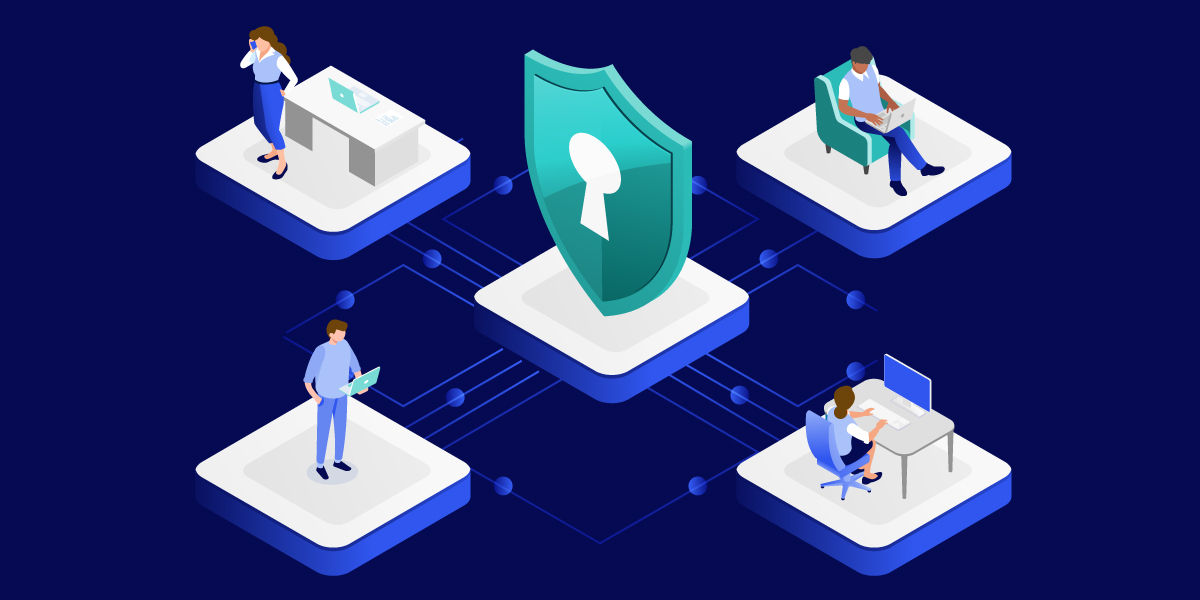
Your remote sessions are safe from prying eyes. End-to-end encryption using AES-256 and TLS 1.2 or higher standards means your data remains secure even when traveling across public networks. You can work confidently from coffee shops, airports, or home without worrying about attackers intercepting your communications.
This protection extends across all devices and platforms. Whether you're connecting from Windows, macOS, Linux, iOS, Android, or even Raspberry Pi, your data receives the same strong encryption. You're not managing different security configurations for different platforms.
You control exactly who gets in
Strong identity verification keeps unauthorized users out of your systems. Multi-factor authentication provides that essential second layer beyond passwords. Conditional access policies let you define exactly who can connect, from which devices, and under what circumstances. Block and allow lists let you specify permitted devices and locations explicitly. You can require additional verification for access attempts from new locations or devices.
Trusted device verification and company-managed device controls mean you know exactly which endpoints can access your systems. You're deciding who gets in, not hoping attackers stay out.
You know what's happening at all times
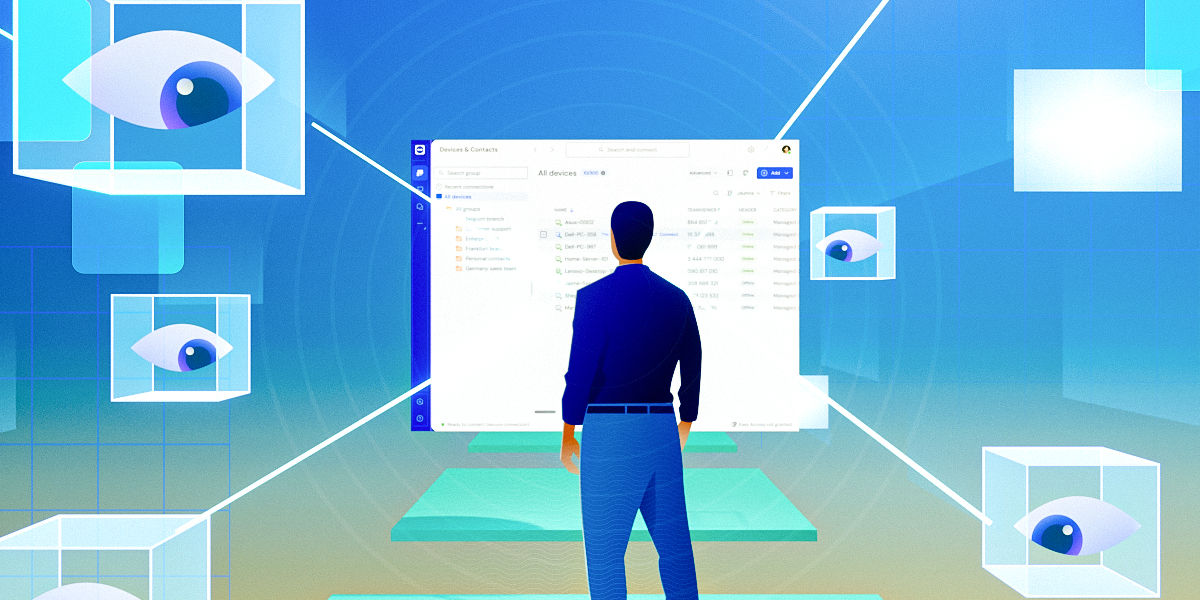
Complete visibility into remote access activity helps you spot problems early. Every remote session is logged with details about who connected, when, and what they accessed. Session recording captures activities for compliance and security review. Event logs provide the forensic data you need to investigate security incidents and identify remote access threats.
AI-powered Session Insights automatically generates summaries of support sessions. This helps you identify recurring issues and improve your support processes while maintaining detailed records for security purposes. The intelligence layer turns raw log data into actionable insights.
You stay current without effort
Automatic updates ensure you're never using unpatched software. You don't need to track software versions or schedule maintenance windows. TeamViewer handles updates seamlessly, eliminating the outdated software vulnerability that attackers commonly exploit.
This hands-off approach to security maintenance is particularly valuable for small and mid-sized businesses. You get enterprise-grade protection without needing enterprise-level IT staff to maintain it. The platform takes care of staying secure so you can focus on your business.
You meet compliance requirements with confidence
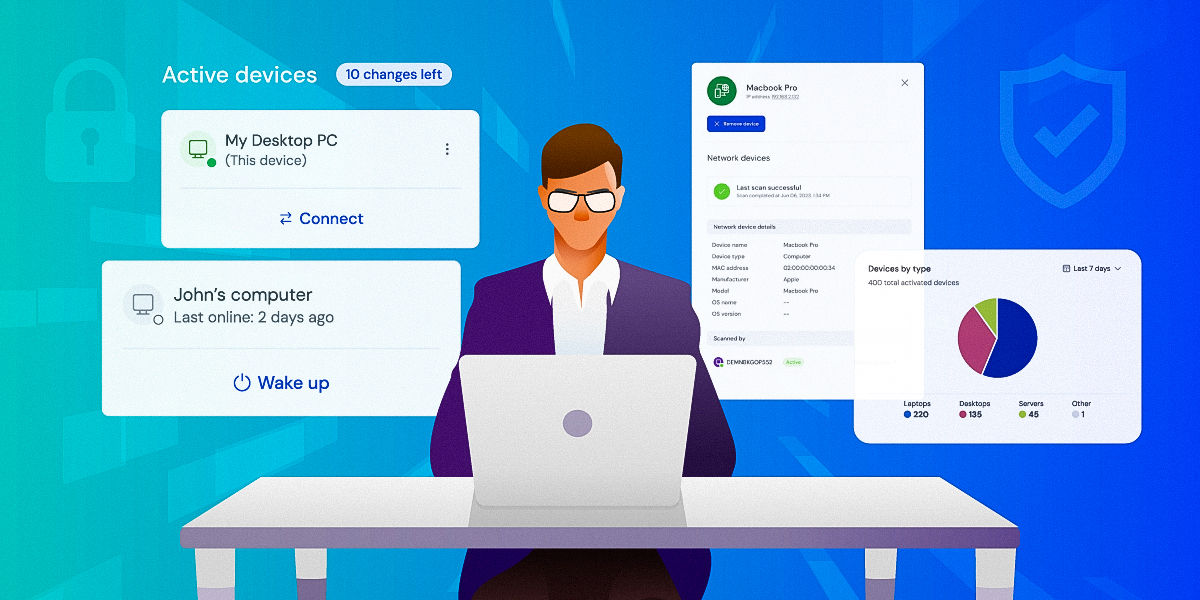
Compliance with industry standards demonstrates TeamViewer's security commitment. ISO certifications and GDPR compliance mean the platform meets rigorous international security requirements. For healthcare organizations, HIPAA compliance ensures patient data remains protected during remote sessions.
These certifications aren't just checkboxes. They represent ongoing commitment to security practices that protect your data and help you meet your own compliance obligations. When auditors ask about your remote access security, you have credible answers backed by recognized standards.
Secure your remote access with the best TeamViewer ever! Try it now for free.
Don't leave your business exposed to remote access security risks. Experience enterprise-grade security without the enterprise complexity. Start your free trial today and see how TeamViewer keeps your remote connections secure, compliant, and fully under your control.
Frequently asked questions
MFA requires two or more verification forms before granting access. Even if attackers steal a password, they can't access systems without the second factor, preventing most credential-based attacks.
No. VPNs encrypt traffic but don't verify identity beyond initial login, address endpoint security, or implement granular access controls. Comprehensive security requires multiple complementary controls working together.