AI-powered remote control software for every device, from anywhere
TeamViewer combines cross-platform remote control, unattended access, and AI-powered automation in a single platform, so IT teams and MSPs can support any device, anywhere.
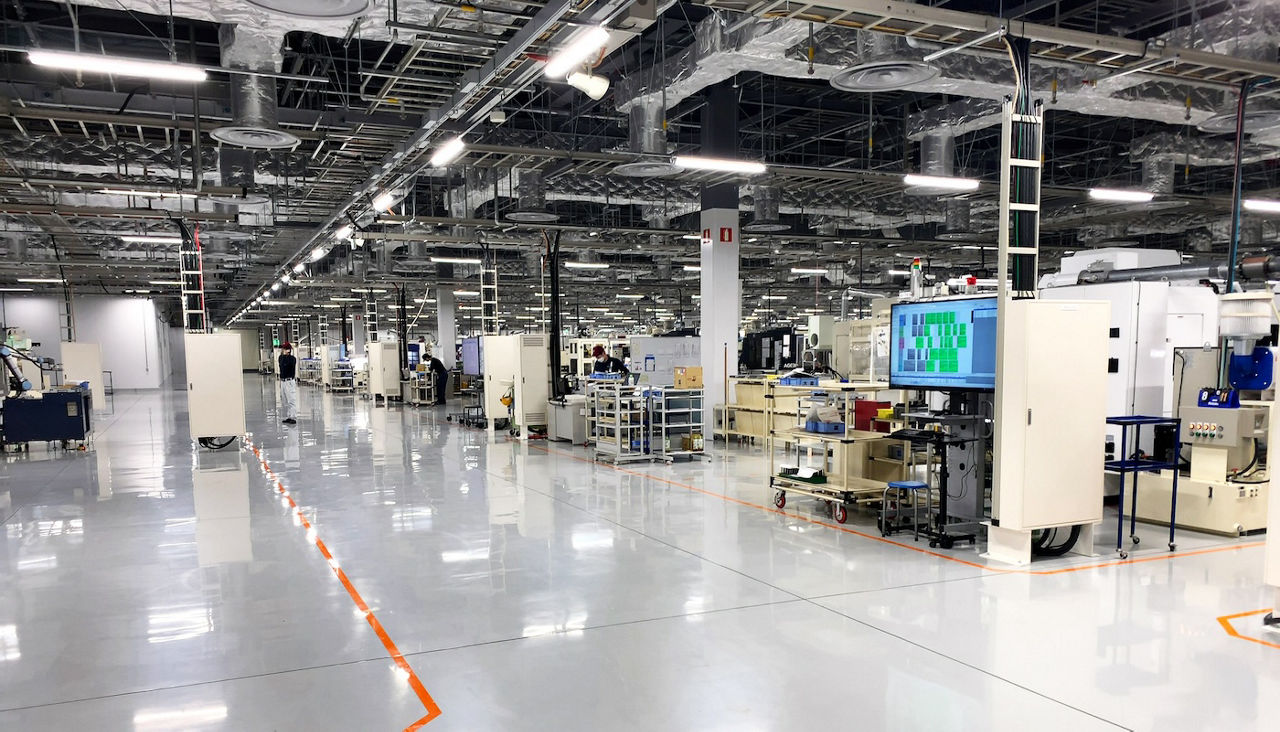
TeamViewer supports the highest combined total of 127 manufacturers among remote control software providers, so IT administrators and MSPs get cross-platform compatibility instead of compatibility headaches. Connect across PCs, mobile devices, servers, embedded systems, and IoT devices with the same login and the same remote control protocol.
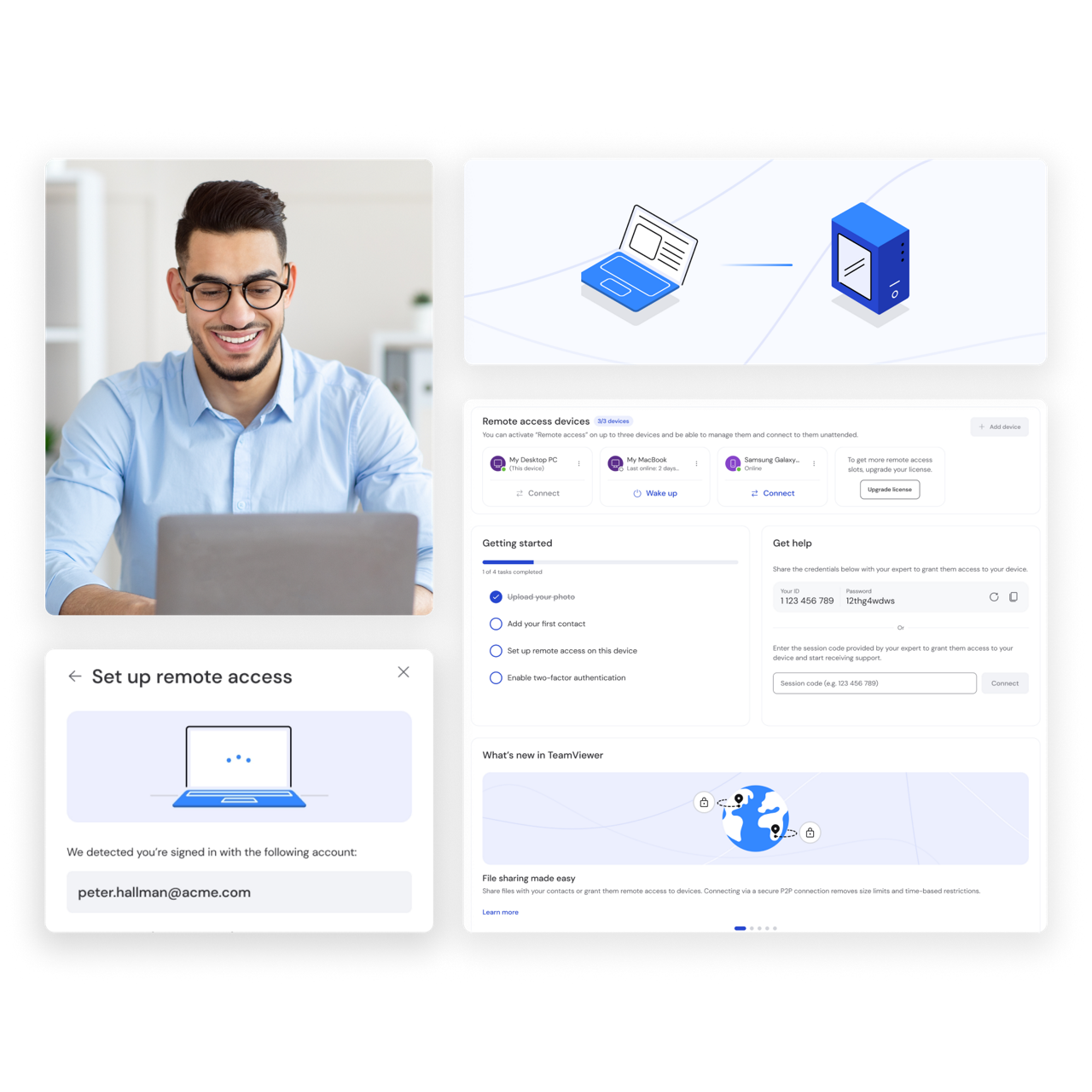
Get started in minutes. Install TeamViewer, launch the app, and connect using a partner ID and password. That's it. You control the remote device just like you're sitting in front of it, with no complex configuration needed. The remote PC control software works just as well for smartphones, printers, and other connected hardware.
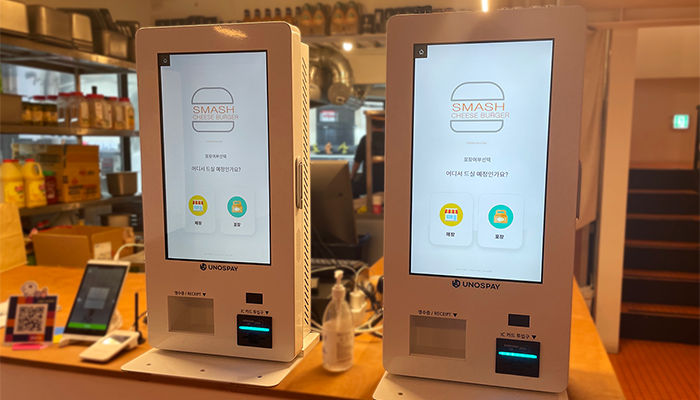
Unattended remote access gives IT admins and MSPs secure, always-on connections to servers, point-of-sale units, and industrial monitors, even across multi-client environments with hundreds of endpoints. That means your team can fix glitches, reconfigure settings, upload data, and roll out changes without anyone on-site, which is exactly what remote administration at scale requires.
TeamViewer AI adds a layer of support to your sessions: suggesting fixes based on real device data and turning each ticket into a documented, audit-ready record on its own. That means faster resolutions, less time spent writing up what happened, and more hours back for the work that actually needs a human.
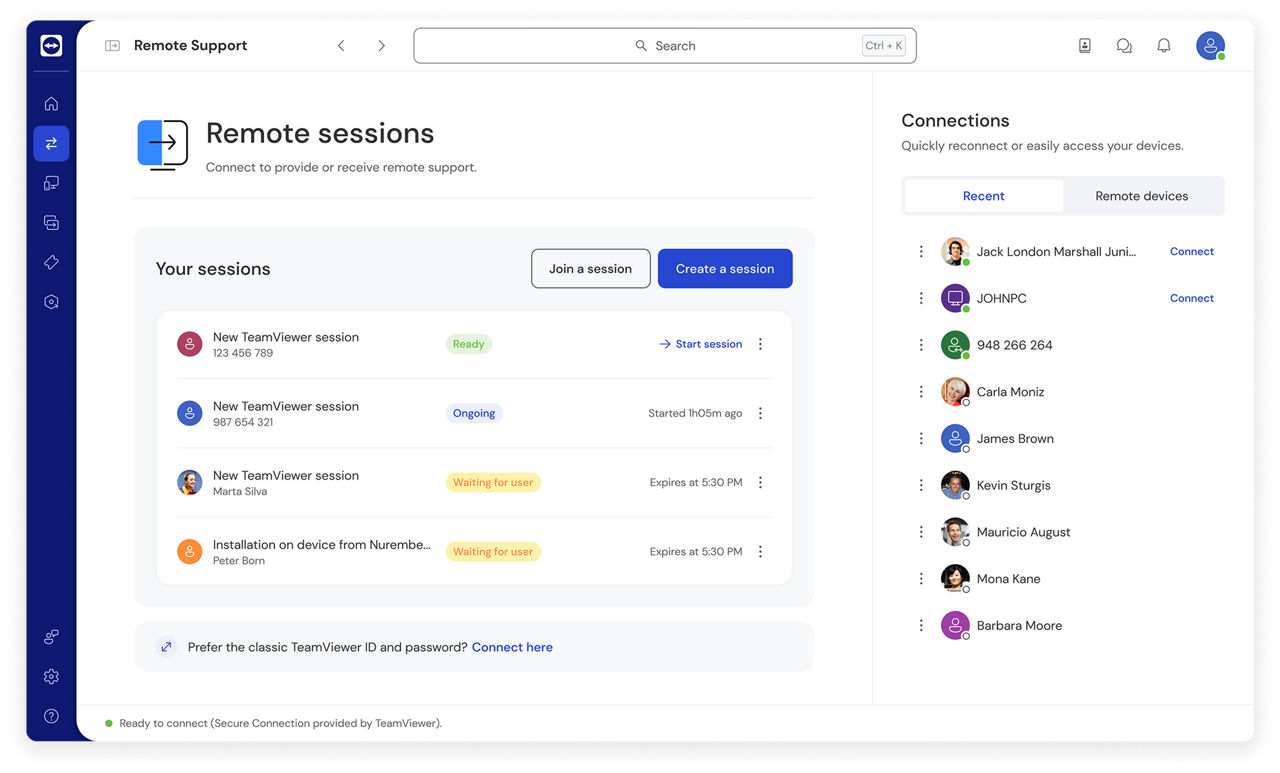
Remote control software connects two devices over an encrypted connection and uses a remote control protocol to transmit screen data, keyboard input, and mouse commands in real time, allowing one user to operate the other device remotely.
A remote control protocol establishes a session between two devices, authenticates both sides, and streams screen and input data with minimal latency.
TeamViewer secures this exchange with RSA public and private key exchange and 256-bit AES encryption, the same standard used in online banking.
Attended access requires approval before a connection starts, making it ideal for ad hoc IT support. Unattended access remains available without approval, keeping servers, kiosks, and other devices accessible around the clock.
TeamViewer supports both from the same platform, allowing IT teams and MSPs to switch between connection types without changing tools.
Every TeamViewer session is authenticated before device control begins. IT teams and MSPs can enable two-factor authentication (2FA), restrict access with trusted device allowlists, and apply single sign-on (SSO) for centralized identity management. Granular permissions then determine exactly what users can see and do, from full device control to view-only access.
Built-in Wake-on-LAN functionality helps IT teams save energy while staying in control of unattended devices.
endpoint management. This gives IT administrators and MSPs secure, cross-platform remote device control across a full IT infrastructure, whether that's a tablet in someone's hand or an unattended industrial IoT system with no one nearby.
remote printing, or reach critical hardware features on the go. TeamViewer detects connected peripherals automatically, so your team can keep working even without their primary device on hand.
Tia, an intelligent agent that recommends fixes based on verified session history and live device data, and Session Insights, which turns each session into an audit-ready summary. With TeamViewer ONE, resolved incidents can also be turned into reusable scripts, so a fix your team builds once can be deployed again across other devices or groups.
100% device-agnostic, supporting all operating systems. And with the full-featured TeamViewer Remote web client, you can access all your devices from any browser.
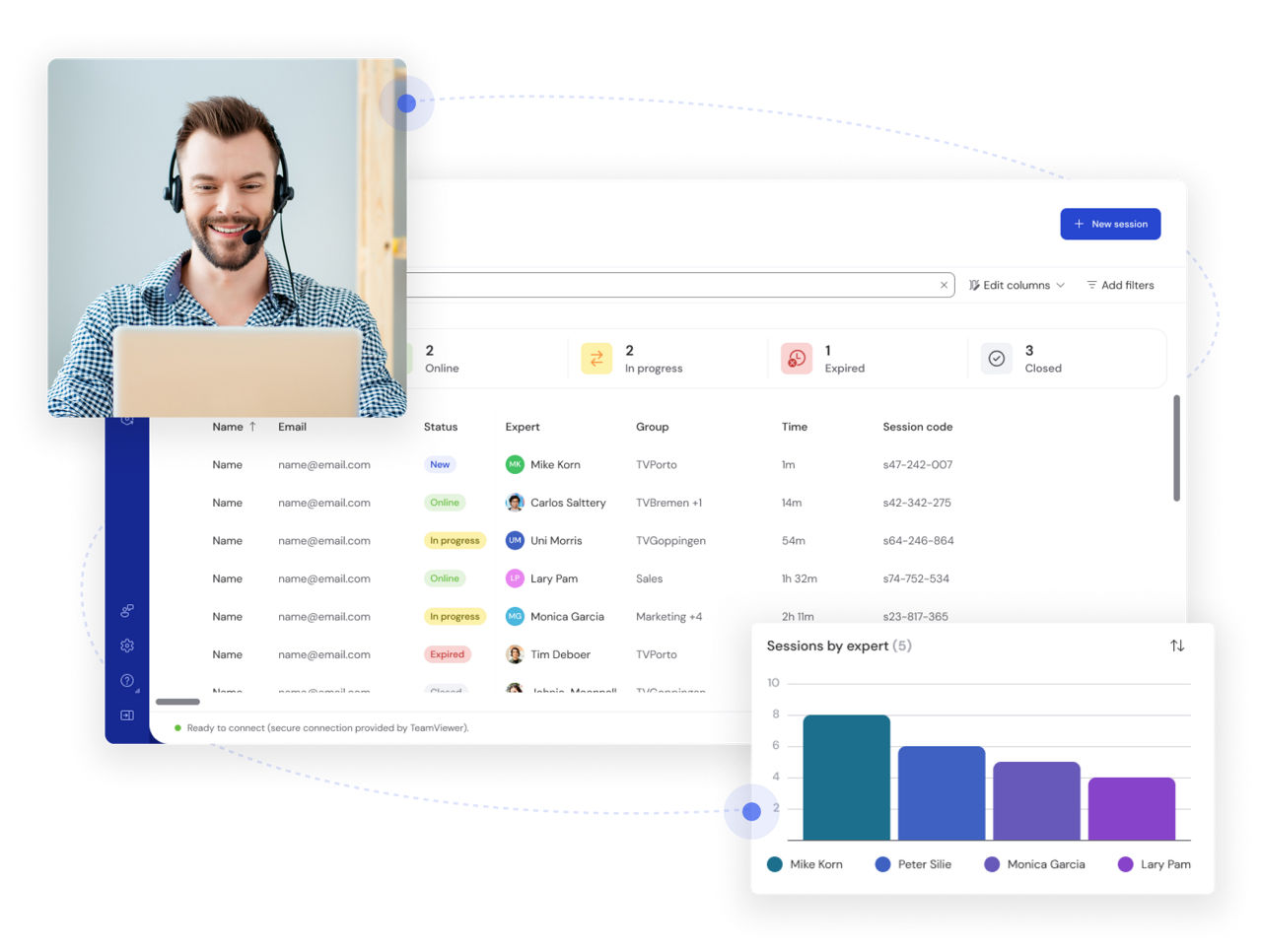
TeamViewer Remote equips IT support teams and help desk teams to deliver fast, secure, and reliable assistance. With this user-friendly remote access software, technicians can establish an instant connection to a target device.
From there, they can interact with the device directly, access code and system files, reconfigure settings, and deliver a fix on the spot, or escalate the issue up the chain when it needs a deeper look.
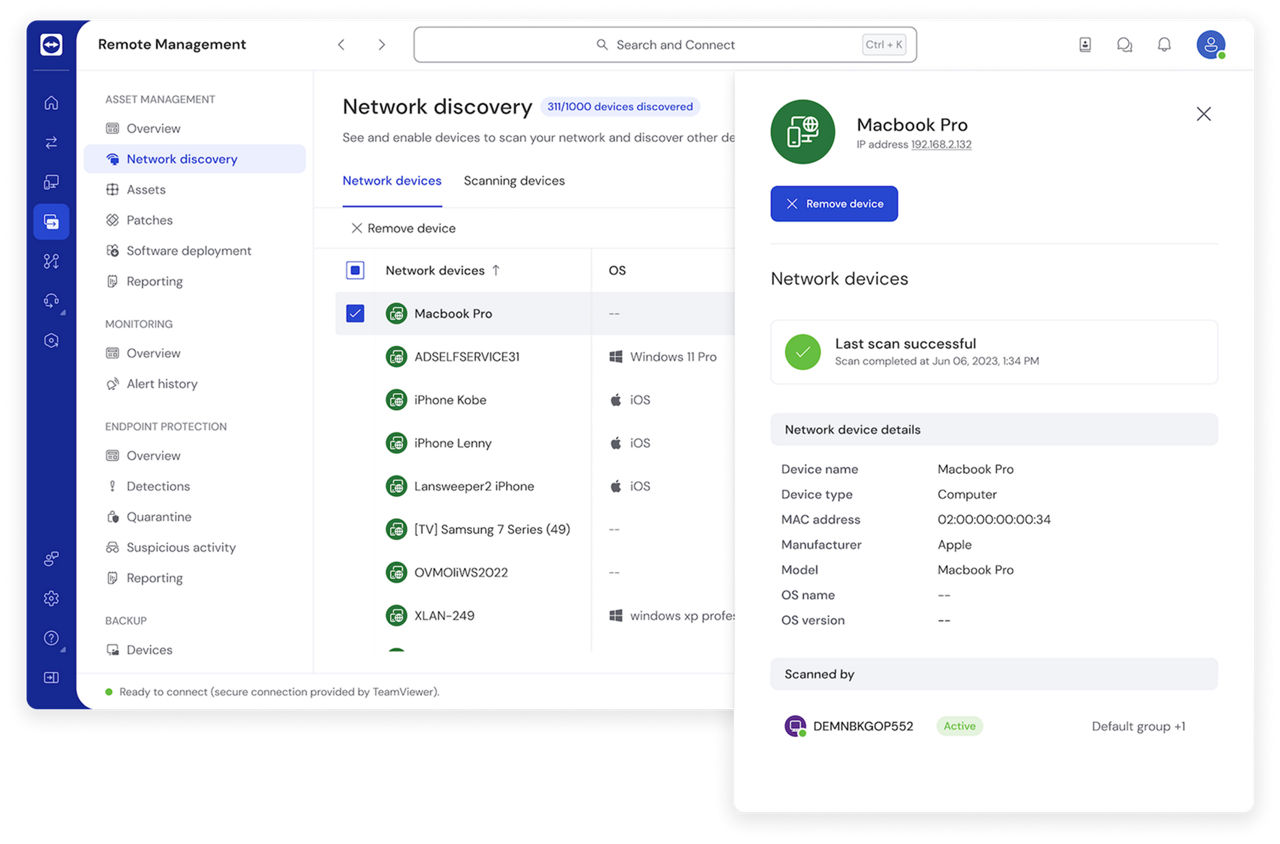
From employee laptops to unattended equipment out in the field, technicians can remotely control and fix IT issues faster and more cost-effectively than a site visit ever could. Employees can put key business assets to work from wherever they happen to be. TeamViewer Remote makes it simple to reach documents, files, and applications left on an office machine, no matter where you're logging in from.
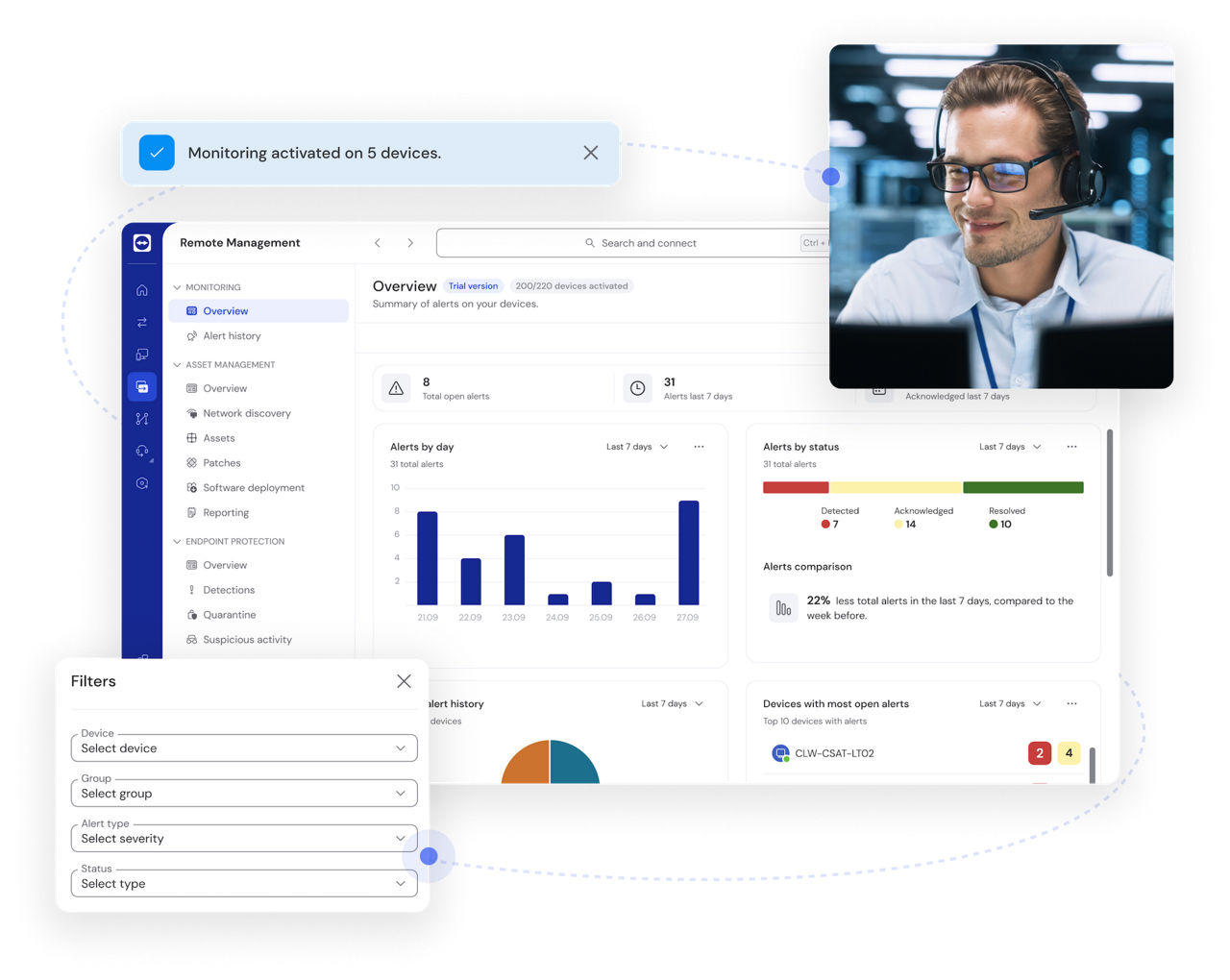
TeamViewer Remote gives IT administrators secure, unattended access to kiosks, point-of-sale units, and industrial equipment, so devices stay reachable even with no one on-site. That's a real advantage for MSPs managing client environments at scale, where remote monitoring catches issues early. Full device control, regardless of location or operating system, keeps troubleshooting and updates simple.
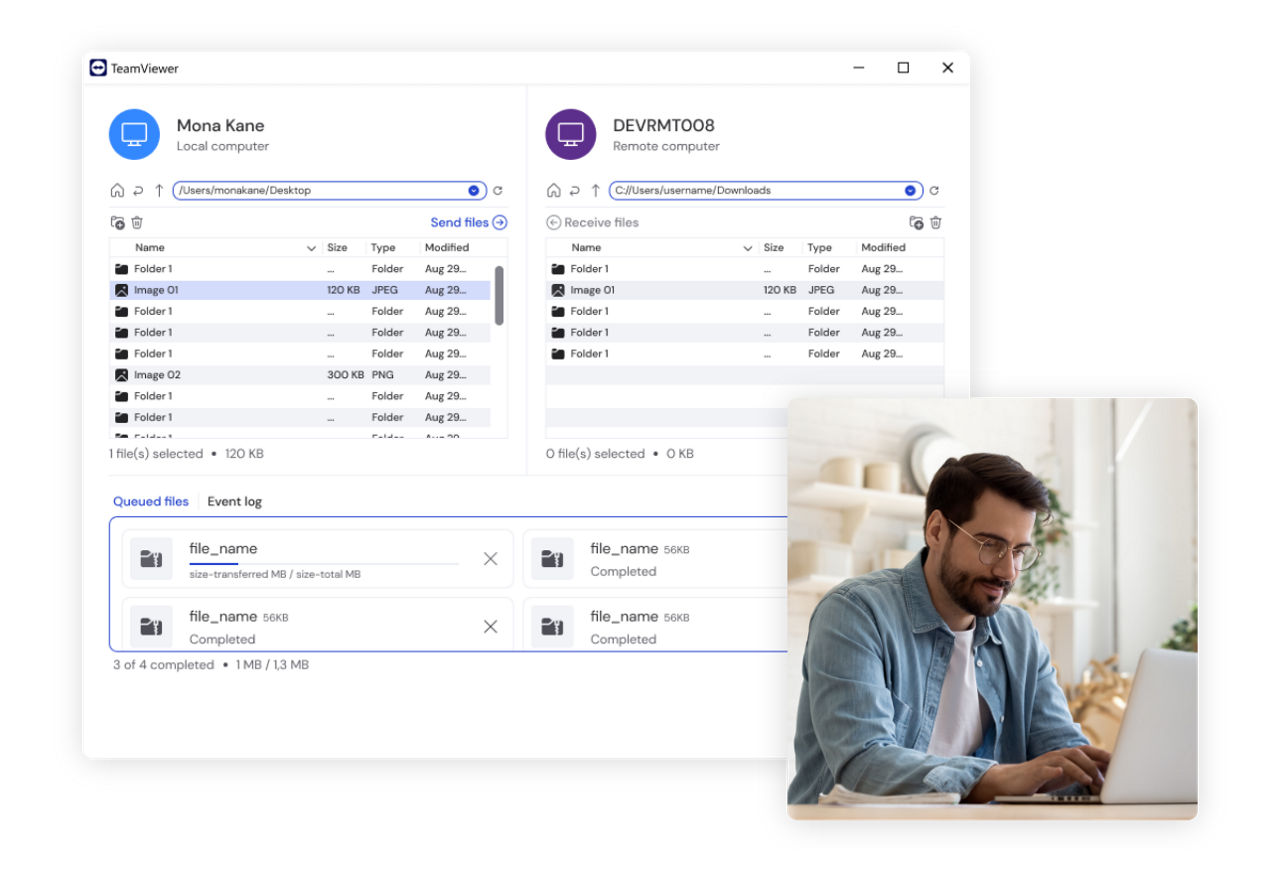
Need to help a friend or family member with a tech problem? TeamViewer Remote is free for personal use, which makes it a straightforward remote control solution for quick, efficient troubleshooting on someone else's device. Whether it's a software glitch or a task that needs a little guidance, help is just a click away.
Most remote control tools handle the basics: connect to a device, control it, transfer a file. Fewer combine enterprise-grade governance, AI built into the session itself, and broad device coverage in the same platform, and that combination is where TeamViewer's remote control software pulls ahead.
|
TeamViewer
|
Other remote control tools
|
|||
|---|---|---|---|---|
|
Governance & security
|
|
Enterprise-grade security and governance built to scale, from baseline encryption and 2FA up to advanced access controls as an organization grows |
|
Basic security only, often with encryption and access controls as the ceiling rather than the starting point |
|
Session auditability
|
|
Full auditability across attended and unattended sessions, useful for compliance and training |
|
Limited to basic connection logs |
|
AI support
|
|
Available as the TeamViewer AI add-on, built natively into the remote control session |
|
Bolted on through a third-party integration, or not available at all |
|
Device coverage
|
|
127 manufacturers, including IoT and industrial (OT) systems |
|
Standard desktop and mobile OS support |
|
Integrations
|
|
25+ integrations, including Salesforce, SAP, and Microsoft Intune |
|
A handful of PSA or ITSM connectors |
Remote control software lets you connect to and operate a device in another location, with the same control you'd have sitting in front of it. That includes switching on unattended devices, transferring files to and from them, and remotely opening or reconfiguring their files and applications.
Yes. Install QuickSupport on the computer you want to reach, no account required on that end, then set up easy access from the remote control tab. We recommend two-factor authentication for extra security. From your own device, sign in to TeamViewer or use the web client to connect.
Yes. TeamViewer's mobile apps make it easy to set up remote connectivity and control for business or customer-owned tablets, including iPads and Android tablets, so you can access and support them from anywhere. Discover more here.
Yes. The TeamViewer app for Android and iOS lets you control a PC from a phone, connecting to any Windows, macOS, or Linux computer with TeamViewer Remote installed. You can also use the web client to start a connection from any device with a browser.
Remote desktop connections are built around reaching your own desktop environment, your files, apps, and settings, from another device. Remote control is about taking full command of a different device, including unattended servers and endpoints you don't personally use, which better suits IT support and MSP workflows.
Yes. TeamViewer's remote control software supports the multi-client environments MSPs manage every day, with unattended access, centralized session insights, and endpoint management tools that let one technician support many customer environments securely from a single console.
Remote control gives IT administrators and MSPs direct, secure access to every endpoint in their fleet, attended or unattended. Combined with session logging, permission controls, and AI-powered troubleshooting, it turns scattered devices into a fleet you can monitor, fix, and update from one place.
Whether you're an IT manager standardizing support across your organization or an MSP managing dozens of client environments, TeamViewer's remote control software gives you the reach, security, and AI-powered speed to do it from anywhere.
Connect securely to any device on your network and keep IT operations running, wherever your team is working from.
Reach your own desktop environment, files, and applications from any other device, without missing a beat.
Share your screen in real time for faster collaboration, training, and live troubleshooting.