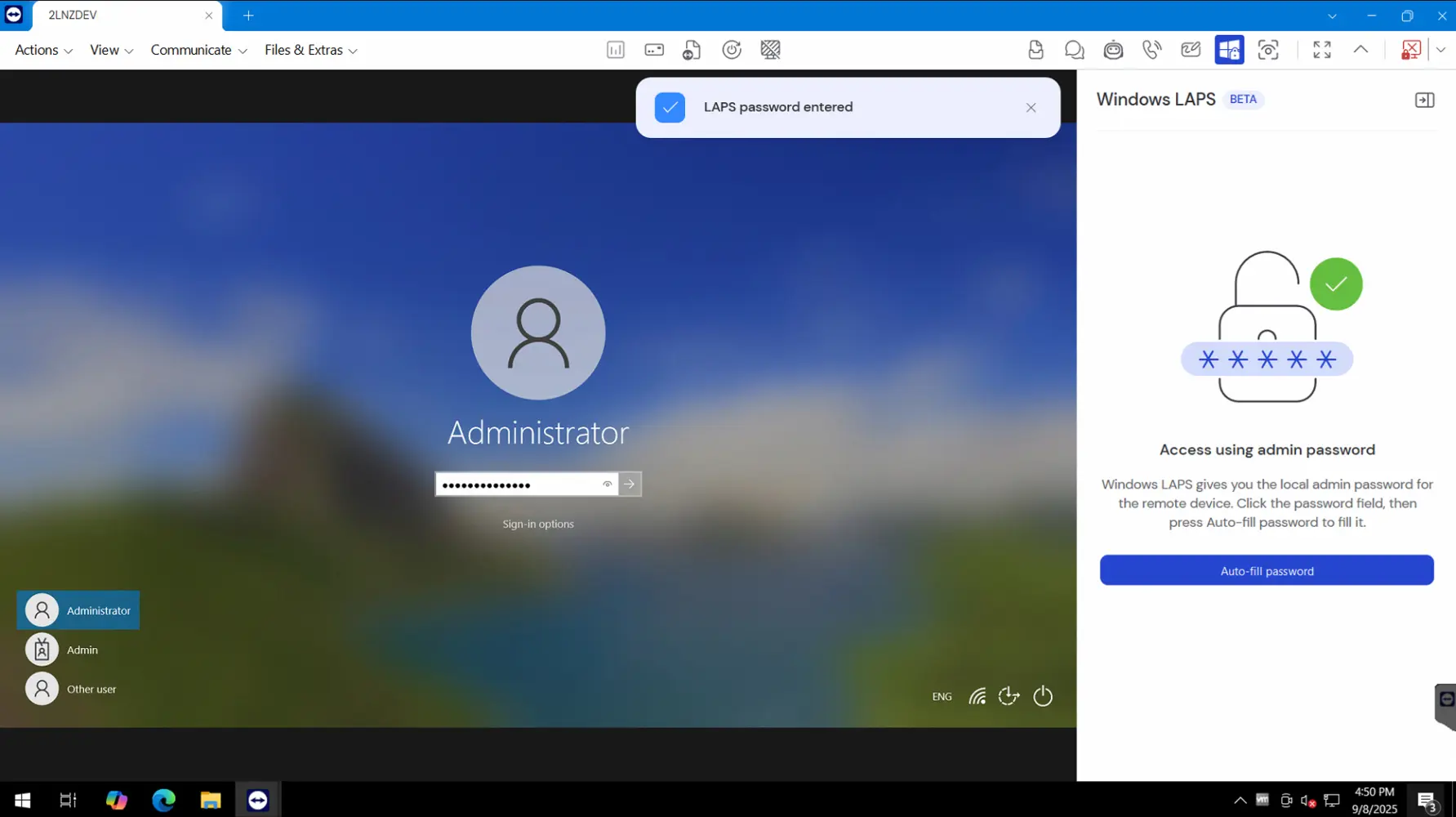
What you get with a TeamViewer-Microsoft LAPS integration
Using Microsoft Windows LAPS with TeamViewer Tensor enables secure credential retrieval and session management by connecting to Entra or Intune, injecting credentials into TeamViewer sessions, and triggering password rotation upon session close.
Offering several benefits, the integration with Microsoft Windows LAPS enhances Privileged Access Management while strengthening the overall security of your infrastructure:
- Secure credential retrieval via Entra or Intune, injected into TeamViewer sessions.
- Credentials auto-rotated after session ends.
- Credentials can be injected into login fields or copied to clipboard.
- Full audit trail of credential access and rotation.
- Available on new TeamViewer Tensor clients for Windows and macOS.
- Supports Windows LAPS on Intune-enrolled Windows 10 and 11 devices.