Monitor and maintain your POS systems with TeamViewer

TeamViewer’s range of remote access and support solutions ensures you are fully equipped to meet the POS system management challenge. 

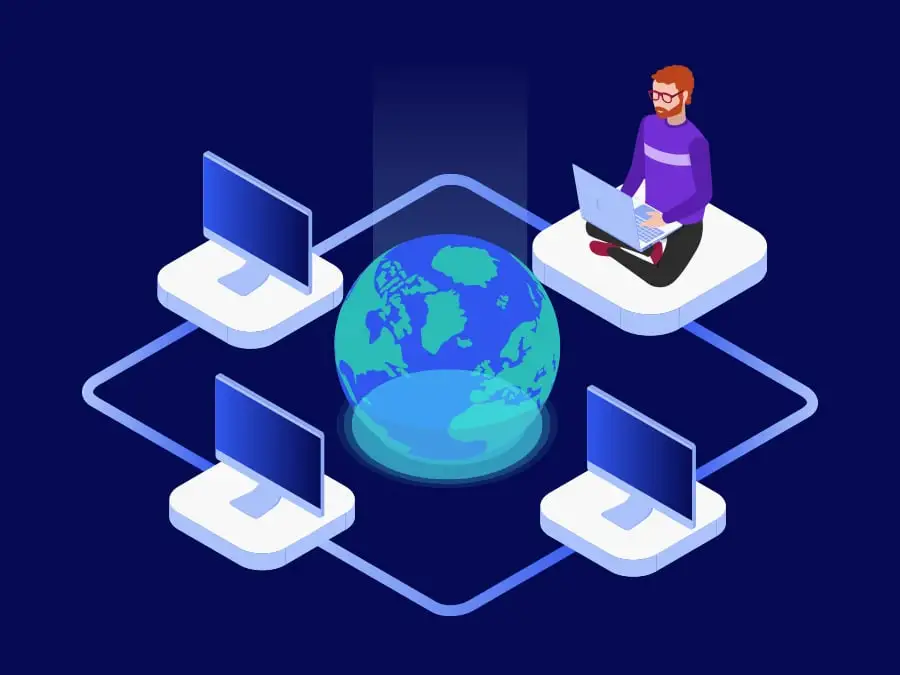
Illustration: remote access and support

What are POS systems?

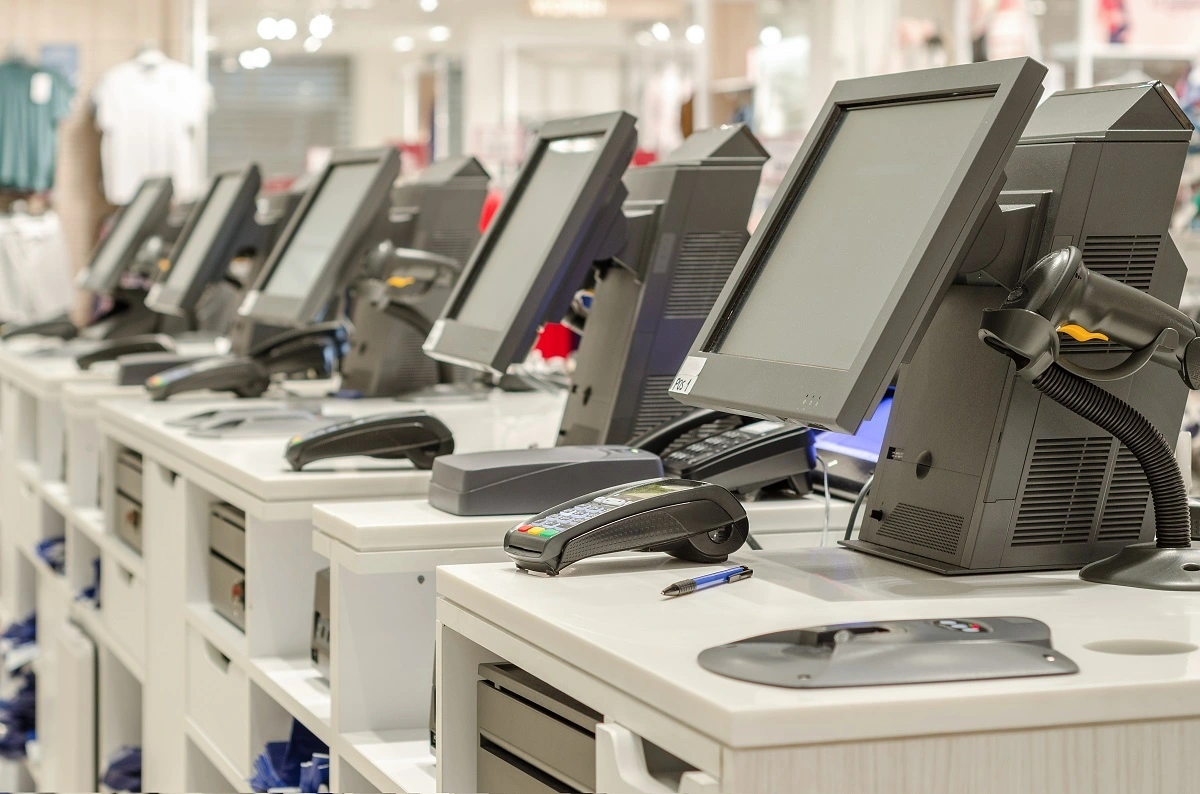
A POS (point of sale) system is a tool or combination of tools that allows customer transactions to be processed. In a wide range of sectors — for example, physical and online retail, hospitality and leisure, transport, fulfillment, and healthcare — POS systems are key to delivering the rapid, always-on, and joined-up experience customers increasingly demand. 

With a networked, cloud-based POS system, you have real-time access to all sales data, helping you keep track of demand, avoid inventory stockouts, and optimize your pricing. Increasingly, AI technology is also helping to shape the future of the POS system, with features such as chatbots and predictive analytics opening up new possibilities for self-service and personalized service offerings.

A fit-for-purpose POS system should enable easy payment using whatever method your customer uses, whether card, phone, wearables, or even NFC or biometrics. Multichannel integration is also increasingly important. If a customer has obtained a voucher via social media, they should be able to redeem it in your physical store without issue.

POS system management with TeamViewer

Regarding POS system functionality and complexity, standalone cash registers are long gone. 

From portable scanners, tablets, readers and docks, touchscreens, and peripherals right through to full-HD self-service kiosks, it’s possible to customize a POS system to wow your customers and meet your business's and employee’s unique preferences.

The flip side of this relates to device management. Next-gen POS technology adoption means adding a host of new devices, users, applications, and connections to your business. These all need to be managed, monitored, maintained, and secured. This is a big challenge for any IT team, especially for a multi-branch, multichannel business with ambitions to scale up. 
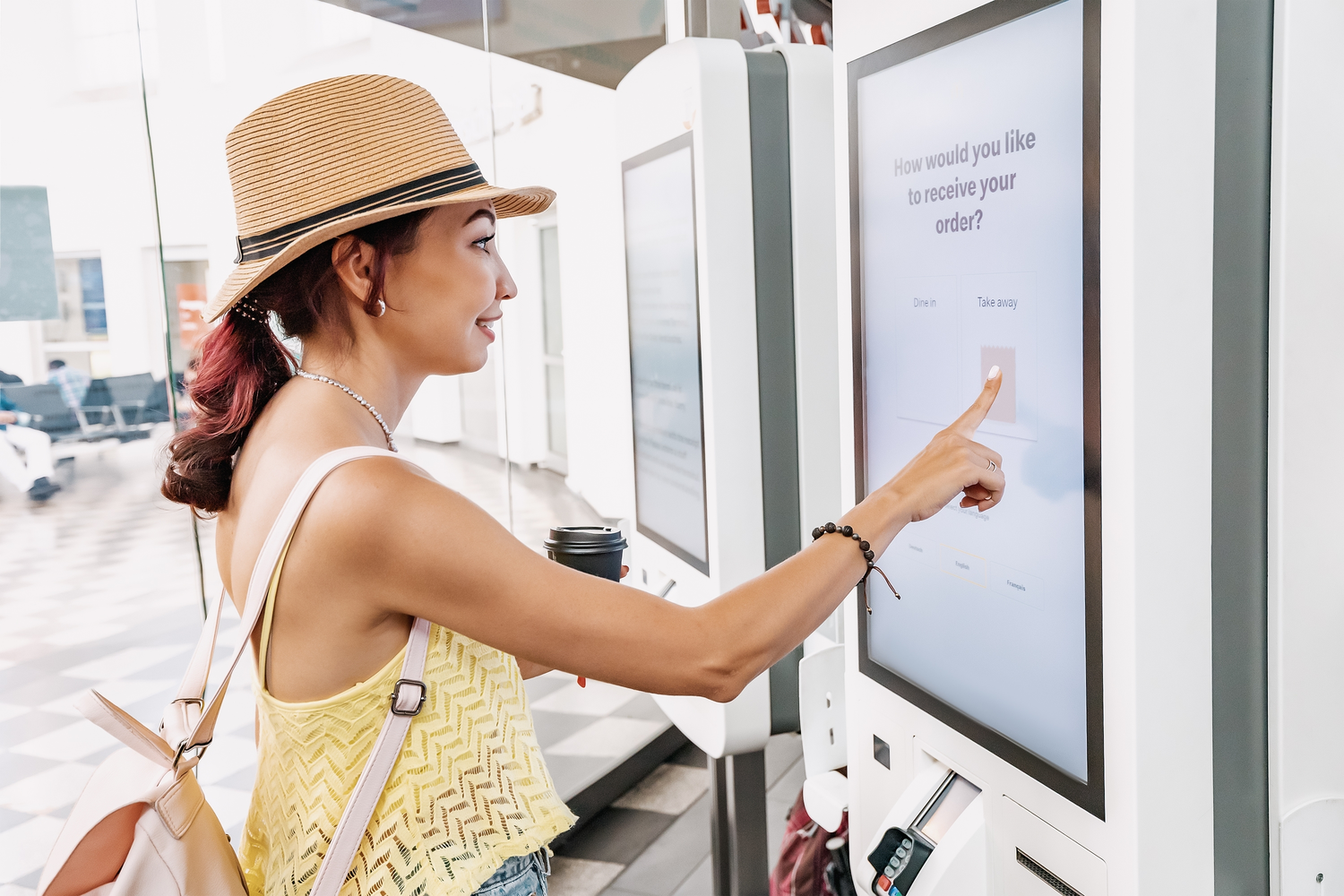
A female customer uses a touchscreen terminal or self-service kiosk to order at a fast food restaurant. Automated machine and electronic payment

Trusted by a wide array of retail, leisure, logistics, and healthcare businesses, TeamViewer’s range of remote access and support solutions ensures you are fully equipped to meet the POS system management challenge. 

Our enterprise support solution, TeamViewer Tensor, provides a single platform to remotely connect to, manage, and maintain all devices. This includes everything from POS system elements and warehouse computers to backroom servers across all your branches. 

With an integrated range of remote control and see-what-I-see technology, TeamViewer also ensures that if a problem arises with a POS system endpoint, your technicians are never more than a few clicks away from delivering a solution.

Female Owner With Digital Tablet Standing Behind Sales Desk Of Florists Store

POS system requirements

Secure unattended access icon
Compatibility

POS systems tend to evolve to match new approaches to customer service, new sales channels/branches, and new payment methods. This can result in a wide range of device types, operating systems, and software platforms in play (e.g. sales hubs linked to Microsoft Dynamics 365, consoles operating on Android variants, handhelds on iOS, and servers on Linux). 


TeamViewer is fully cross compatible, allowing you to connect to and from any device — whatever the operating system. This gives you a single platform to manage your entire POS system.

Compliance health care security icon
High security standards

Any POS system presents an attractive target to threat actors, providing a potential way to intercept and exploit extremely valuable customer data, including payment card details and personal credentials. 


When weighing up potential POS system support and management solutions, a thorough assessment of vendor reputation is a must. As the trusted remote access platform, businesses using TeamViewer know that customer data and their reputations are in safe hands.

People icon
User management

In retail, hospitality, and beyond, effective operational management involves retaining control of who can do what across your POS system. For example, your branch and channel managers will likely need access to comprehensive reporting and administrative functions (including pricing and inventory controls). Frontline staff may only require access to a much more limited range of transaction processing capabilities. 


TeamViewer’s device management capabilities allow you to apply customized user-management controls. It’s easy to tailor your permissions to match your preferred workflows, helping you stay in control, prevent errors, and reduce the likelihood of fraud.

Device management icon
Maintenance support

From jammed receipt printers to temperamental scanners, issues with your POS system can create unhappy customers and lead to lost revenue.


TeamViewer gives you various ways to deliver quick, effective technical support from a distance. This includes remote control functionality, allowing technicians to reconfigure and patch devices and applications from anywhere. Remote-based technical staff can also use see-what-I-see technology to give step-by-step instructions to frontline staff.

Expert guided maintenance icon
Compliance

In sectors such as healthcare, transportation, and retail, businesses are subject to multiple regulatory and compliance standards, e.g. ensuring that sensitive data is restricted to authorized persons only.  


TeamViewer enables centralized remote monitoring and management of your entire fleet of devices — including all elements of your POS system across all locations. This centralized visibility and audibility gives you effective control over who has access to what, ensuring you comply with GDPR and all other relevant standards.

Benefits of managing POS systems with TeamViewer

They can also fix technical problems, reconfigure, upload data, and install updates with ease. Thanks to TeamViewer Assist AR, technicians can connect remotely to in-store devices from anywhere. A device’s camera then acts as the technician’s eyes. This enables the technician to identify problems with POS equipment and guide the in-store employee toward a solution.

This includes end-to-end encryption for all connectivity sessions, multi-factor authentication, granular access controls, audit trails, and session logging.

TeamViewer Remote Management delivers a way to manage, monitor, track, patch, and protect all your consoles, kiosks, VDUs, handhelds, and other devices from a single platform.

Integrated Wake-on-LAN (WoL) functionality also lets you power up unattended and powered-down computers from anywhere. This makes it possible to carry out essential POS maintenance outside of normal opening hours.

Customers benefit from continuous 24/7 management and security for guaranteed business continuity and constant visibility.

TeamViewer Tensor Support is designed for enterprises, giving you the potential to connect to and manage an unlimited number of POS devices across multiple locations.

This increases the scope for centralizing and streamlining technical resources, reducing the need for technicians to be present at every branch. Faster resolution of technical issues also means less revenue leakage.

How to remotely access your POS system from anywhere

  1. To set up remote control of another computer, including a POS device, ensure TeamViewer is connected through the web client
  2. Sign into TeamViewer on your device, create a remote session link, and share this with the POS system you want to monitor remotely
  3. The POS system will then be taken to the QuickSupport app, which will be automatically downloaded if not already installed
  4. The session on the POS system will then begin
06-POS-machines-1

POS system management for a varity of industries

Create a secure and easy-to-use sales process with TeamViewer’s remote support solution.

Программное обеспечение для обычных пользователей и компаний, отмеченное множеством наград

G2 Award: Leader
G2 Award: Momentum Leader
G2 Award: Fastest Implementation, Mid-Market (MDM, SAP Store)
G2 Award: Best Meets Requirements, Enterprise (SAP Store)
G2 Award: Top 50 IT Infrastructure Products
G2 Award: Users Love Us

Frequently asked questions

With the TeamViewer business license, you can access and provide support to an unlimited number of devices, including POS terminals across multiple branches and locations.

Yes. TeamViewer offers full support for new and existing customers, helping you gain maximum value from your solution. This includes comprehensive assistance with user provisioning, admin training, and periodic best practices reviews.

Yes. As long as both devices are connected to the internet, it is possible to link any two devices — regardless of location, operating system, or network.

Yes. With fully configurable access controls and other settings, you can tailor TeamViewer to match your desired use cases, access preferences, and user characteristics.

Why choose TeamViewer?

Apps icon
Scalability

The beauty of modern POS systems is that you can create the best experience for you and your customers with the right combination of elements. Handhelds for all of your sales staff? A cashless-only payment model? Self-service kiosks — complete with AI-driven assistance? No problem. TeamViewer’s flexibility means you can scale up your POS management system to include as many (or as few) devices as you need — right when you need it.

Skill level intermediate icon
Performance

World-class customer service demands a consistently reliable POS system. TeamViewer’s global access network helps ensure ultra-reliable connections across all your branches and sales channels. If an issue arises with one of your POS devices, you are never more than a few clicks away from getting expert eyes on the problem and delivering the fix you need to keep your revenue streams online.

Compliance health care security icon
Security

Your POS system is a critical cyber attack zone. And when it comes to customer payment and ID information, you cannot afford to take chances. Thanks to best-in-class security features — including 256-bit AES encryption, trusted device checks, two-factor authentication, and configurable conditional access controls — TeamViewer ensures your POS system management is as secure as possible.