Hero highlight: Gradient

Remote assistance software for effective IT support

Using remote assistance software is the fastest and most efficient way of resolving technical issues.

Remote support features and functionalities in the TeamViewer client

TeamViewer — remote assistance software that’s an essential business tool

With over 40 million sessions daily, TeamViewer is the world’s most trusted remote access, control, and support solution. Used by companies and managed service providers around the world to deliver responsive, timely IT support, TeamViewer is an essential remote assistance tool that support engineers at all levels rely on.

With it, IT admins and technicians easily connect to any device on the entire company network. And enterprise users across multiple offices and even countries can enjoy fast, easy, and secure remote assistance from a single, centralized IT department.

Remote assistance as a scalable service

A chief concern for many businesses is how their tech support and IT infrastructure can scale up and down with demand. TeamViewer’s remote assistance software offers an unlimited number of endpoints, meaning that even if your business experiences substantial growth and a corresponding increase in service requests, your IT support will be able to expand at the same rate.

What’s more, our advanced remote assistance solution enables fully-fledged unattended remote access sessions to take place, allowing IT support to assess and repair complex issues such as corrupt software and hardware outside of business hours. As a result, your business can fix problems as and when specialist engineers are available and ensure there is minimum disruption to the corporate network.
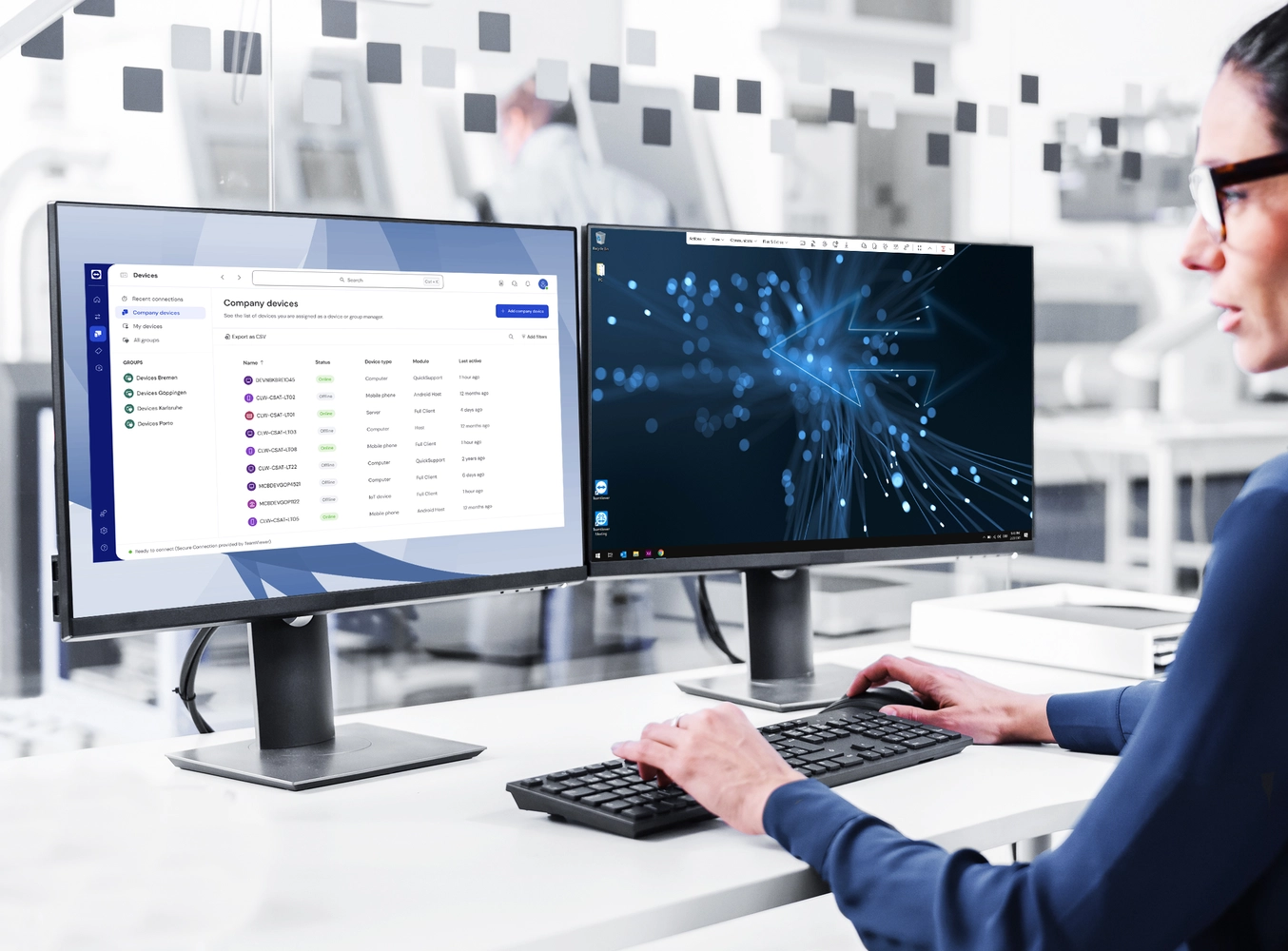
Women in front of two screens with remote support

Key benefits of remote assistance for businesses

Chat icon
Increased end-user efficiency

TeamViewer makes requesting and receiving support easy. By having IT support on hand to assist users remotely, issues are resolved sooner.

Growth icon
Better productivity

Remote assistance tools reduce the time IT engineers and technicians spend diagnosing and resolving issues, giving them more time to work on other pressing tasks.

People icon
Quicker onboarding

When onboarding is tailored to an individual’s device and IT has a full line of sight into technology issues, employees can be registered, set up, and start working faster.

Currency icon
Reduced costs

TeamViewer removes the need for technicians to be present on site to assess and resolve issues, meaning reduced travel costs and more available work hours.

Table copy icon
Minimum disruption

Important maintenance, repair, or upgrade work can be scheduled to ensure minimum disruption to users on the network and daily business operations.

Leaf icon
Increased sustainability

By reducing the need for long-distance journeys to solve IT issues, companies can save on their carbon footprint.

Deliver effective, responsive IT support with remote assistance software that performs

TeamViewer Remote offers secure, efficient, and easy-to-use features designed to quickly fix issues and increase user or client satisfaction. Get in touch with our experts today or download the free version now.

Leveraging remote assistance as a managed service provider

Remote assistance is of particular importance for managed service providers (MSPs) wanting to provide instant and reliable support to clients anytime and anywhere. MSPs use TeamViewer to monitor and manage multiple devices and servers across various locations from a central dashboard. And by conducting support, system assessments, repairs, and upgrades remotely, you can offer and agree on competitive SLAs.  

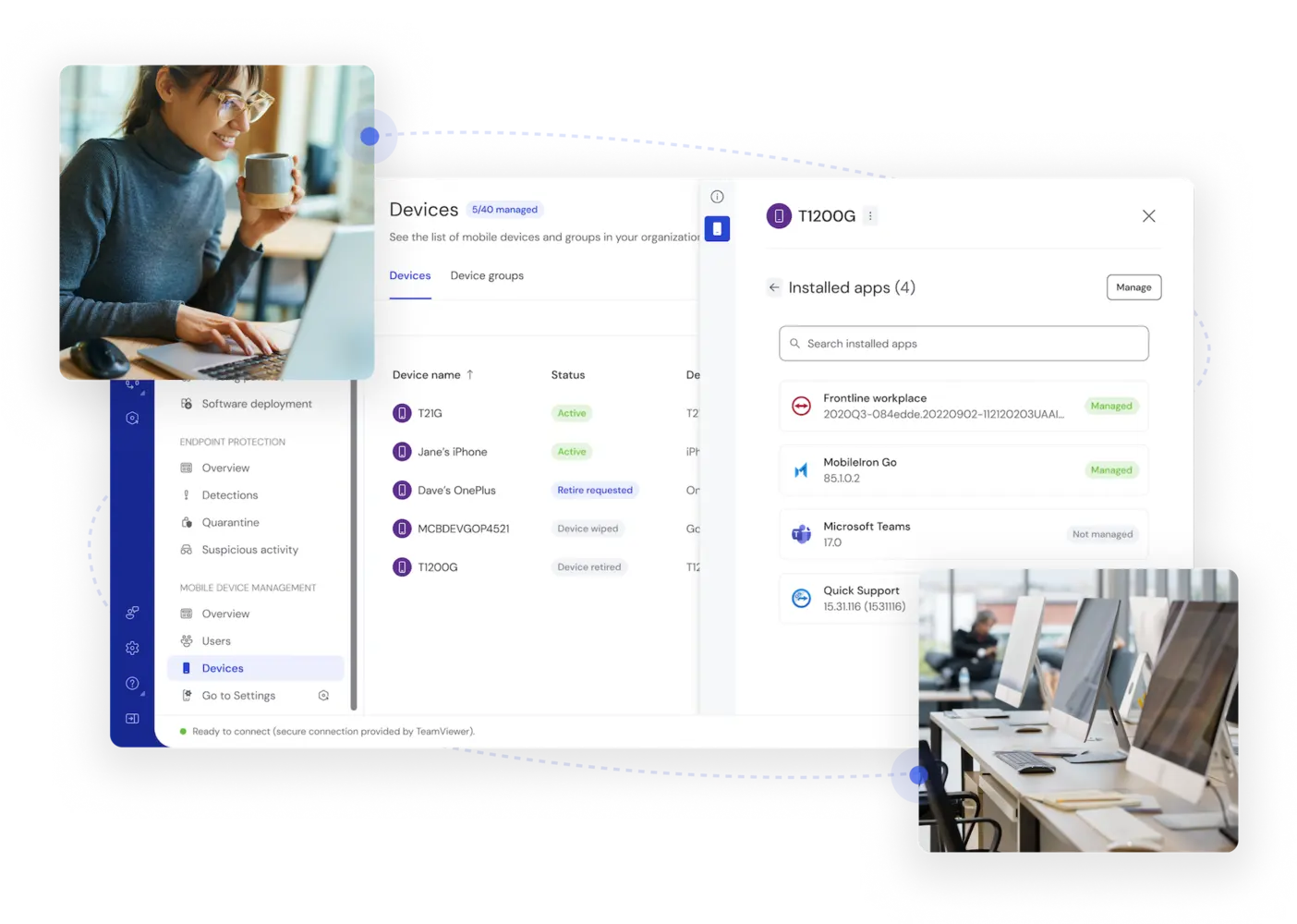
TeamViewer covers the highest combined total of 127 manufacturers for mobile devices, operating systems, and embedded devices on the market today. And thanks to wake-on-LAN capabilities, any remote device requiring updates does not even need to be physically switched on prior to connection.

Device management in the TeamViewer Remote client

How secure is remote assistance software?

One of the main concerns of businesses regarding remote assistance software is that it can expose the remote computer to unauthorized access or malicious attacks. It’s true that, if the remote assistance software is not configured properly, or if the user does not verify the identity of the support engineer, the remote computer can be compromised by hackers or malware.  

It is therefore important that you use remote assistance software that has strong encryption, authentication, and authorization features. What’s more, your remote assistance software should be able to limit the level of access and control that the support engineer has and to enable privacy mode when needed.

Creative lock sketch with chip hologram and hands typing on computer keyboard on background, protection of personal data concept. Multiexposure

So what does TeamViewer Remote have to offer?

Checkmark filled icon
Industry-leading security

Security pioneer BitSight Security Ratings ranks TeamViewer among the top 1% in the tech industry.

Checkmark filled icon
Secure remote sessions

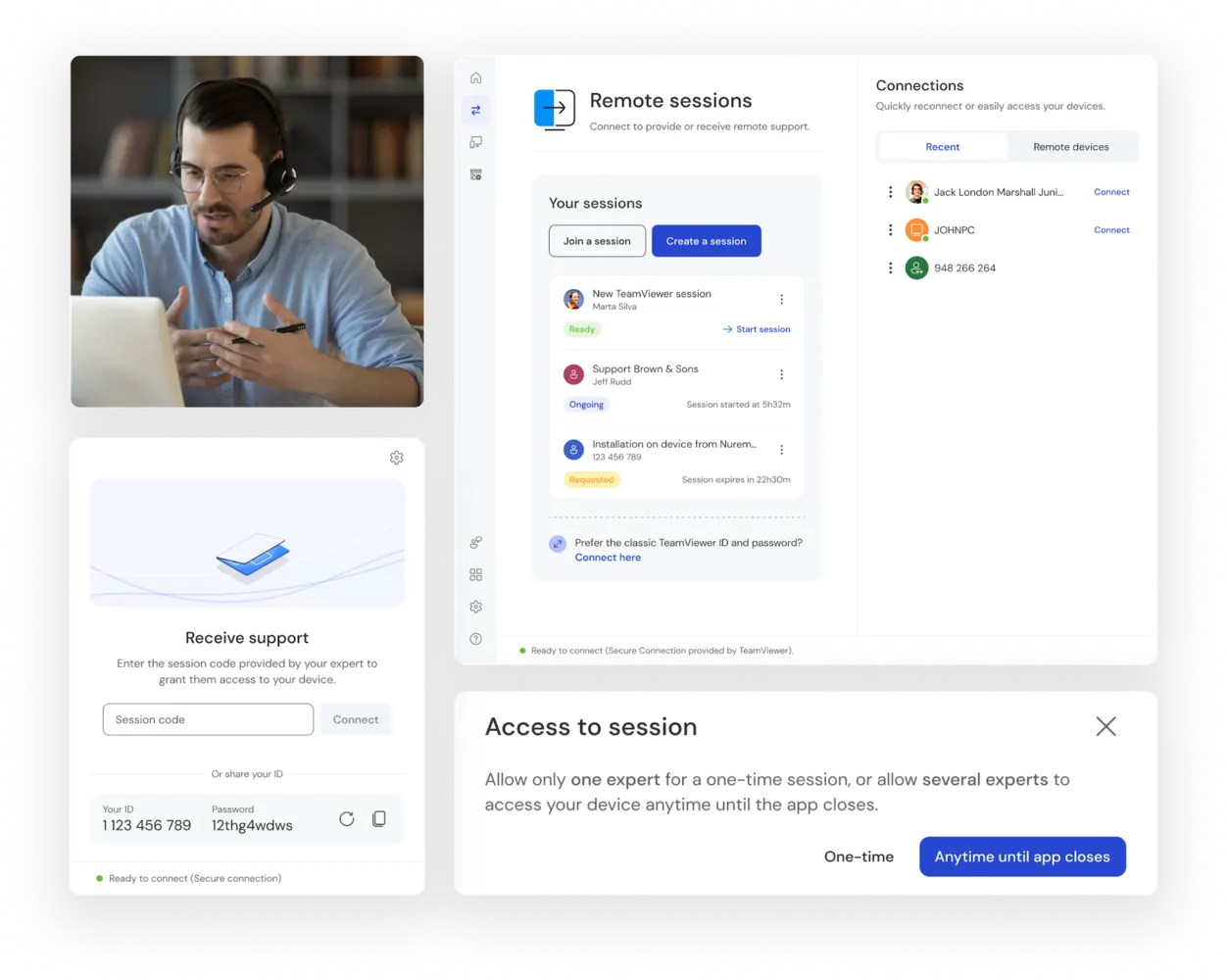
The new way to connect. Create individual remote support sessions without the need to exchange passwords via phone, chat, or any other channel.

Checkmark filled icon
End-to-end encryption for all TeamViewer connections

Unauthorized users will be prevented from accessing your connections, data, or file transfers — that includes us here at TeamViewer.

Checkmark filled icon
Connection origin detection

Let your users see where incoming connections are coming from before they start a remote session, and safeguard against malicious attacks.

Remote AR assistance

The next generation of IT and tech support

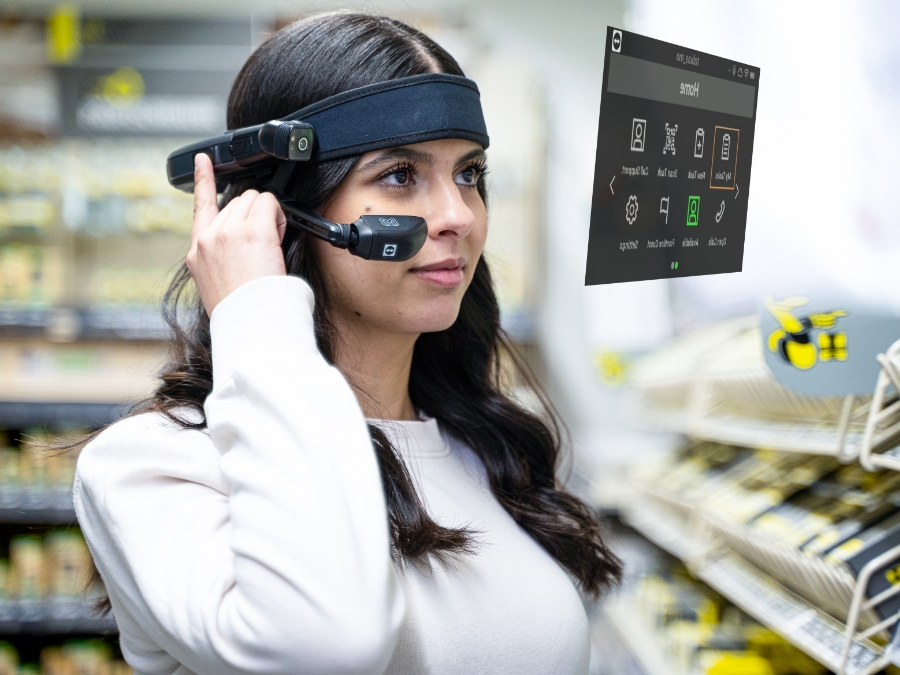
TeamViewer Frontline Assist is an enterprise solution that leverages the power of augmented reality (AR) during IT software and hardware support sessions and beyond. Using a smart device such as a phone, glasses, or tablet, remote experts see exactly what the end user sees. And they can quickly guide them to a fix with AR-powered features including live pointers, on-screen annotations, or whiteboards.

Woman in shop picking orders with TeamViewer Frontline

Программное обеспечение для обычных пользователей и компаний, отмеченное множеством наград

G2 Award: Leader
G2 Award: Momentum Leader
G2 Award: Fastest Implementation, Mid-Market (MDM, SAP Store)
G2 Award: Best Meets Requirements, Enterprise (SAP Store)
G2 Award: Top 50 IT Infrastructure Products
G2 Award: Users Love Us

Unlock all TeamViewer features for 14 days