Working from home with TeamViewer

Business woman sits indoors using laptop computer
Trustpilot logo
118,115 отзывов
G2 logo
3,649 отзывов
TrustRadius logo
2,714 отзывов
Capterra logo
11,513 отзывов

TeamViewer Remote

What exactly is working from home?

Work from home (WFH) refers to doing your job remotely (usually at home), instead of at your employer’s premises.

Work from home is tied closely to flexible working — the idea of giving employees an element of choice in how, when, and where they carry out their job. As such, WFH arrangements can take a number of different shapes. This includes the fully remote model, where employees spend all of their time working remotely by default. More commonly, it also includes various hybrid work from home arrangements, where employees split their time between home and office.

How to build your home office

Man writing notes in agenda and looking at laptop while sitting in cafeteria
Female freelancer working at home
Lady wearing glasses and wireless headest at virtual meeting

Программное обеспечение для обычных пользователей и компаний, отмеченное множеством наград

G2 Award: Leader
G2 Award: Momentum Leader
G2 Award: Fastest Implementation, Mid-Market (MDM, SAP Store)
G2 Award: Best Meets Requirements, Enterprise (SAP Store)
G2 Award: Top 50 IT Infrastructure Products
G2 Award: Users Love Us

See what our customers have to say

TeamViewer Remote is designed to provide you with a complete work from home solution.
Thanks to comprehensive remote access software capabilities and powerful remote control, TeamViewer Remote allows you to access and operate your office computer – including all files and applications. You can also use remote control to access a corporate network via the corporate device as if you were physically in the office. Furthermore, because the solution is fully cross-compatible through the web client, you can do all of this via your device of choice, whether it’s a Windows PC or laptop, iMac or MacBook, or iOS or Android mobile or tablet.

Whether you are fully remote or operating on a hybrid home and office model, TeamViewer Remote allows you to access company assets seamlessly, dip in and out of projects from different locations, and help and support colleagues — all by using a single, secure, and easy-to-use solution. 


Remote working was never this easy!

Work from home tools

To avoid performance issues, a strong, reliable Wi-Fi connection is essential. Particularly if you’re going to be doing a lot of bandwidth-heavy tasks when working remotely (e.g. video work or running multiple cloud applications at once), you’ll probably get better results by connecting your computer to the internet through an Ethernet cable instead of connecting wirelessly.

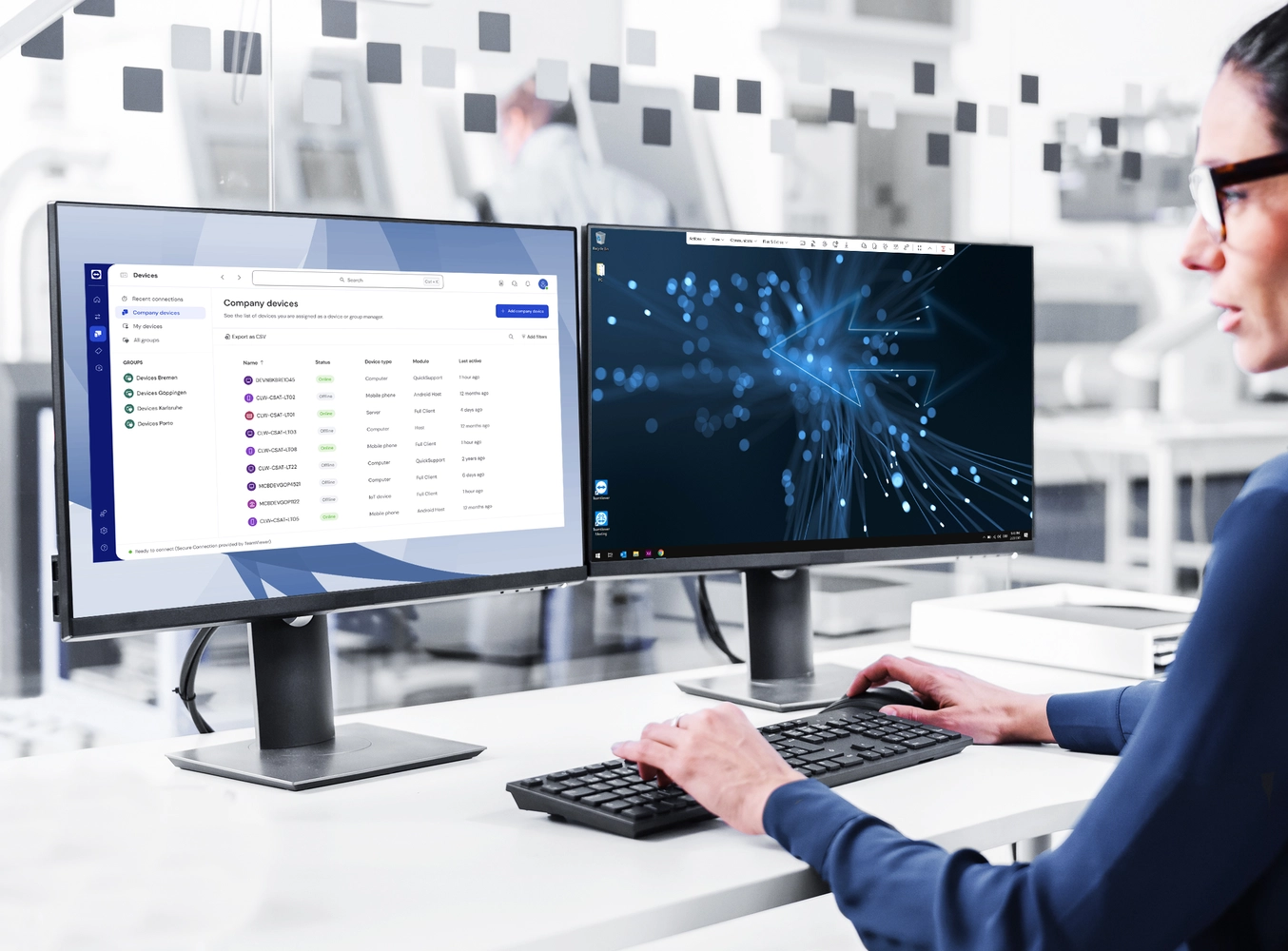
If you’re used to having multiple documents, browser tabs, and application windows open across twin screens in the office, it’s going to be very difficult to get used to a single laptop screen at home. TeamViewer Remote offers multi-monitor support, which allows you to access multiple remote screens at once, and work on multiple screens as if you were physically sitting in front of them. However, as a rule, whatever visual display setup you have in the office, you should aim to replicate your work from home setup. The same applies to mouse and keyboard usage. 

One of the major benefits of a solution such as TeamViewer Remote is the ability to open up your laptop from home (or anywhere) and then rapidly and securely gain remote access to spreadsheets, text documents, and other items contained on work systems.

When considering what audio equipment you’ll need, it’s worth taking into account how much time you’ll be spending in virtual meetings and voice calls, the characteristics of your home work environment, as well as your working style. 

If you only take occasional calls and meetings, you will probably be able to manage just fine with your computer’s inbuilt speaker and mic. If you’ll be spending lots of time in meetings, a work-focused audio headset might be a good investment. Opt for a noise-canceling model if your workspace is prone to occasional noise disturbance. Get a wireless headset kit if you enjoy getting up and moving around during calls. 

How to maintain a healthy work from home balance

Business man working on laptop at home office

How to be more productive at working from home

Smiling young woman sitting at desk working on laptop

What jobs can you work from home?

Women in front of two screens with remote support

Spotlight

Customer success

Frequently asked questions (FAQ)