Detect and resolve issues before they cause downtime
- Monitor assets in real time.
- Receive alerts when behavior shifts.
- Prevent downtime and disruptions.
- Shift from reactive to proactive IT.
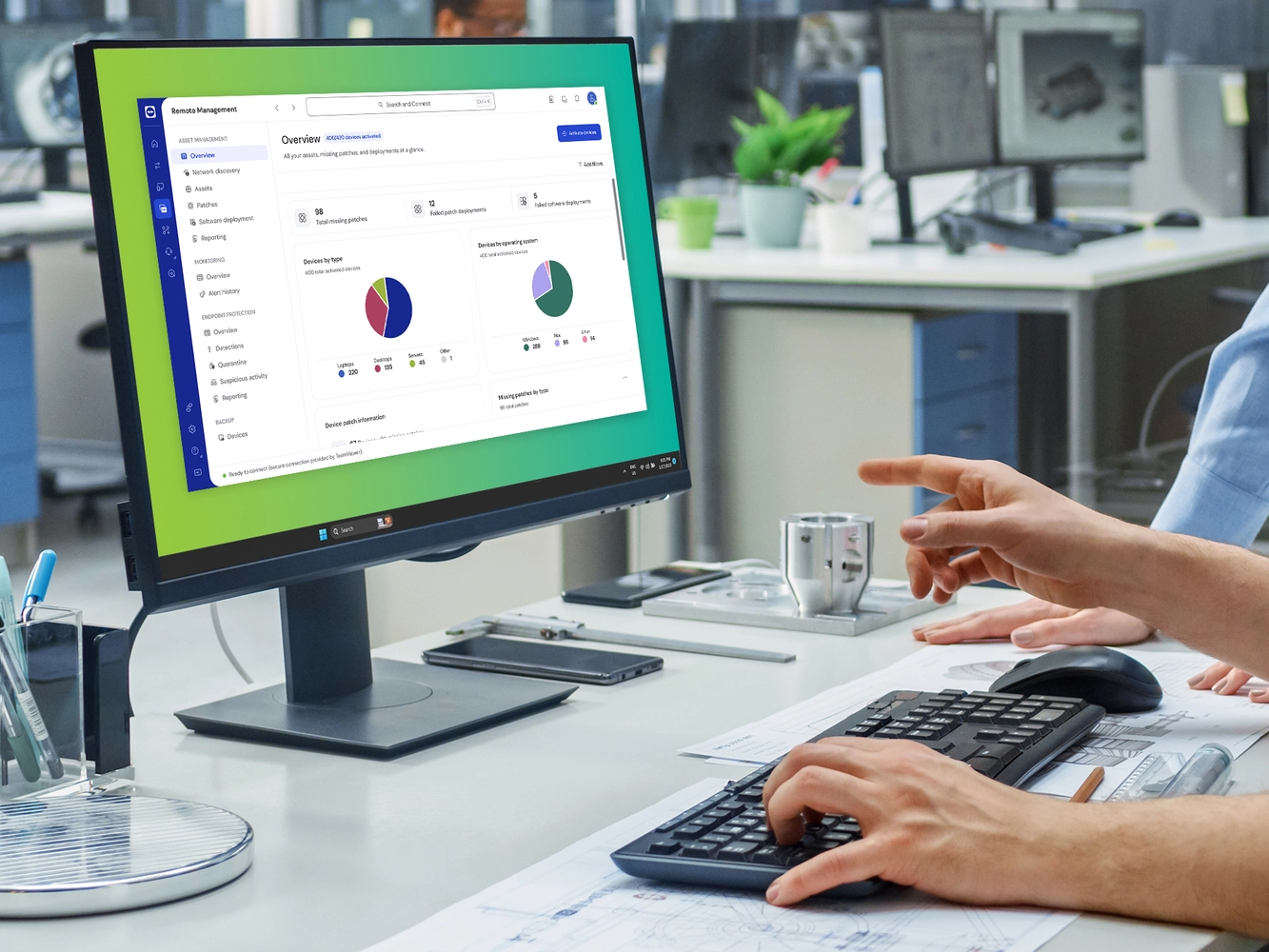
Reduce costs. Improve security. Gain full visibility of your IT assets from anywhere.
With TeamViewer’s IT asset management (ITAM) software, you can manage and optimize your entire IT asset inventory in real time, across devices, platforms, and locations.


Keep everything in one place—from laptops and servers to licenses and cloud tools. No more silos, no more guesswork.

Always know what’s running, where, and how. With real-time asset insights and smart automation, you stay one step ahead.

Meet audit requirements and close vulnerabilities faster. Stay secure by tracking software usage, updates, and asset status automatically.
IT asset management (ITAM) software gives organizations a single source of truth for everything they own, from laptops to licenses. Whether you're an IT admin, CIO, or procurement lead, our solution enables proactive planning, lifecycle tracking, and better decisions through accurate, up-to-date data.
Unlike spreadsheets or siloed systems, a robust IT asset management system like TeamViewer’s helps you:
Modern IT asset management tools do more than just list devices. They help you understand your IT landscape, act proactively, and reduce risk, all in one platform.

Automatically detect all devices and systems in your network, no manual data entry required.

Track license usage, spot unused software, and be audit-ready at all times.

Manage assets from onboarding to retirement. Plan updates, replacements, and decommissioning with ease.

Visualize your asset data in real time and generate reports that help you plan smarter and spend less.
Most IT asset management tools only offer isolated visibility. TeamViewer goes further by connecting asset data with remote access, device monitoring, and service automation. As part of the TeamViewer Remote Management suite, our ITAM solution gives you full visibility and control in one unified platform.
That means:
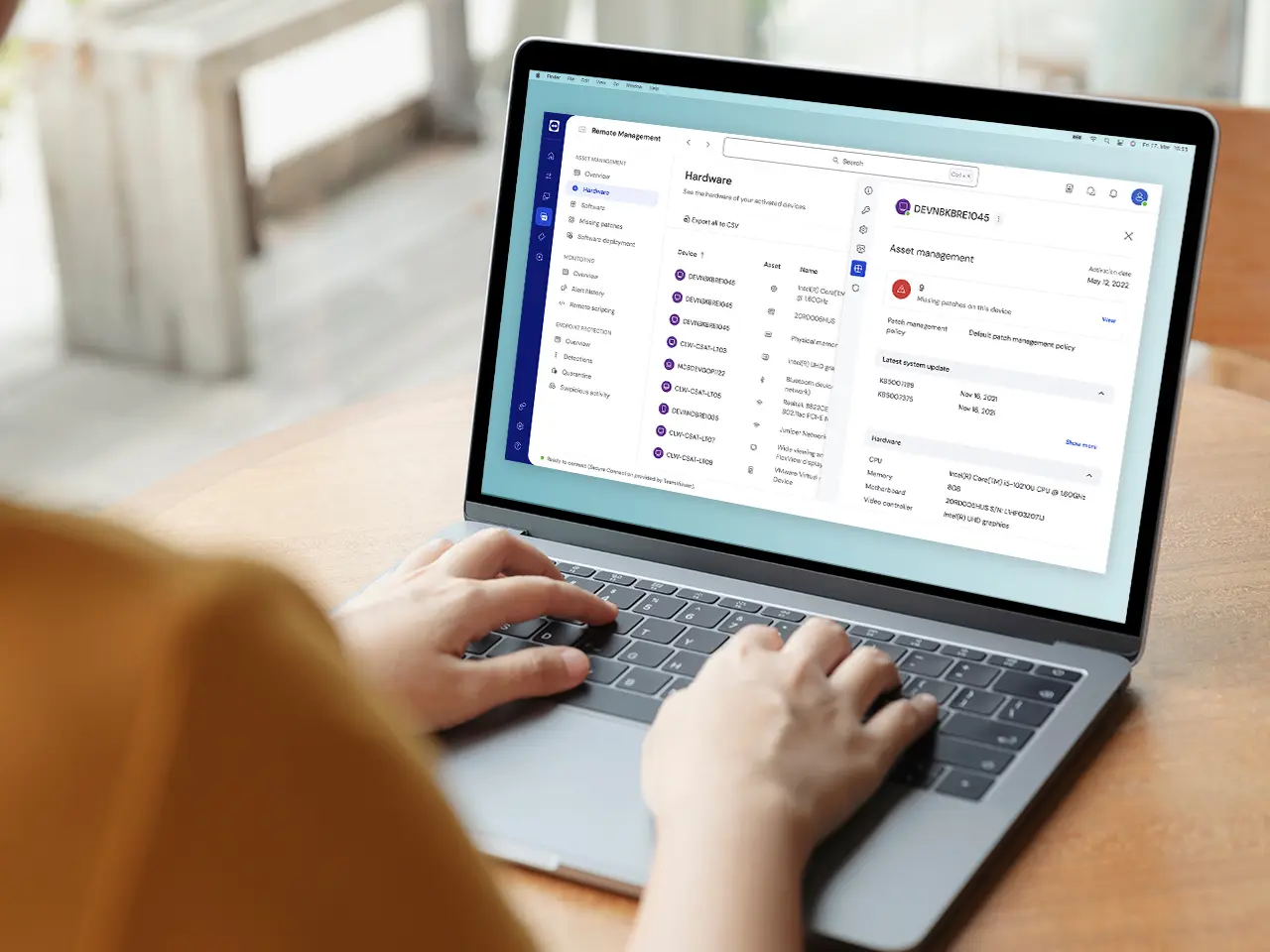
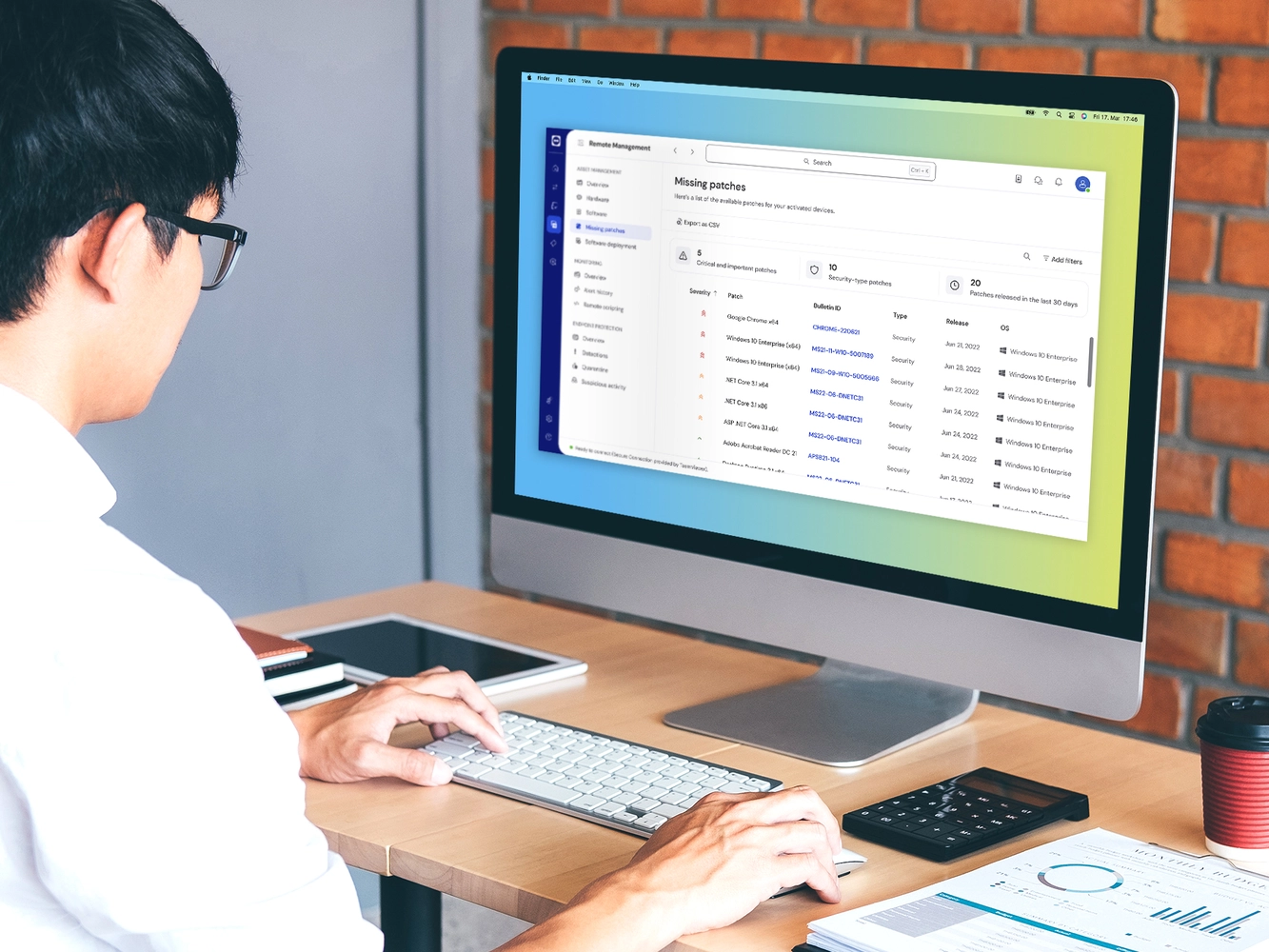

Trusted by over 600,000 customers worldwide

Seamless integration with your existing IT service management (ITSM) and EMM systems
Enterprise-grade security with ISO-certified infrastructure


Spotlight

Don’t let IT chaos slow you down. Discover how TeamViewer’s ITAM software helps your business stay agile, compliant, and efficient anywhere.