TeamViewer remote desktop for Linux
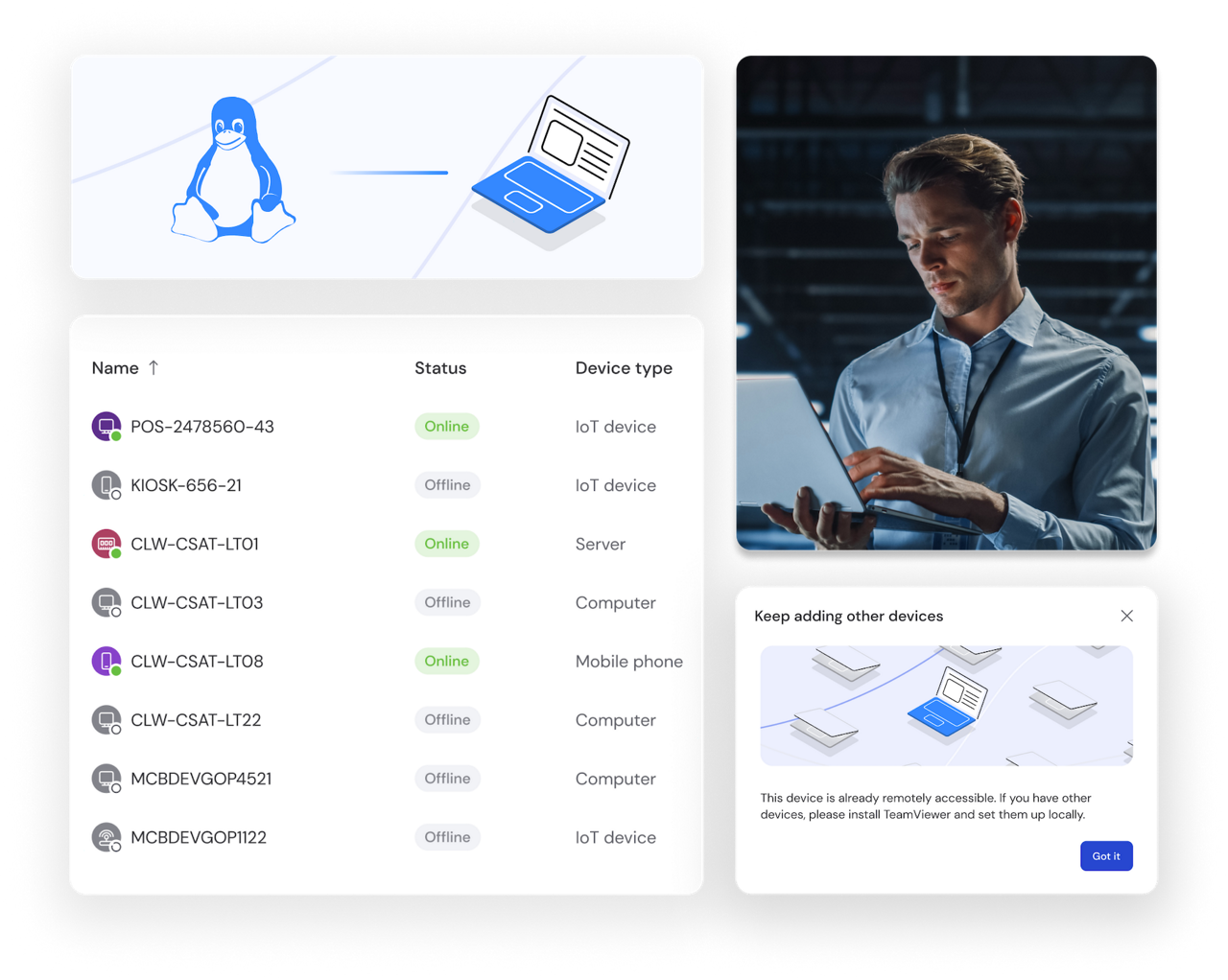
Whether you're providing technical support, accessing files, or working across operating systems, TeamViewer Remote offers safe, secure remote connections for your Linux system. Install and start using it in just a few clicks. On desktop distributions, servers, and even embedded or headless Linux devices.
Here's how remote support for Linux and Ubuntu devices can improve your IT management.
TEAMVIEWER KEY ADVANTAGES
TeamViewer supports embedded systems including Yocto, Wayland, and other distributions for enhanced compatibility across modern Linux environments.
Enjoy stable remote connections with Linux and high transmission quality, even in environments with low internet bandwidth.
All Linux remote access sessions run with an end-to-end encryption. Only authorized users can see what’s happening during the remote session.
Use pre-defined scripts during your Linux remote connection to automate routine tasks and save time.
Securely connect to and manage Linux devices with remote access software. Follow these simple steps to get started in minutes.
Choose between our web client (works with Chrome, Firefox, Opera, and Edge) or download the desktop application for Linux desktop experience. We support Debian (including Raspberry Pi OS), Ubuntu and derivatives (like Kubuntu), Red Hat, CentOS, Fedora, and SUSE. Check our documentation for current minimum operating system versions for your distribution.
Install the application on your Linux device following the standard package installation process for your distribution. Sign in with your TeamViewer account or create a free one. Enable unattended remote access if you want to connect to your device anytime without manual approval.
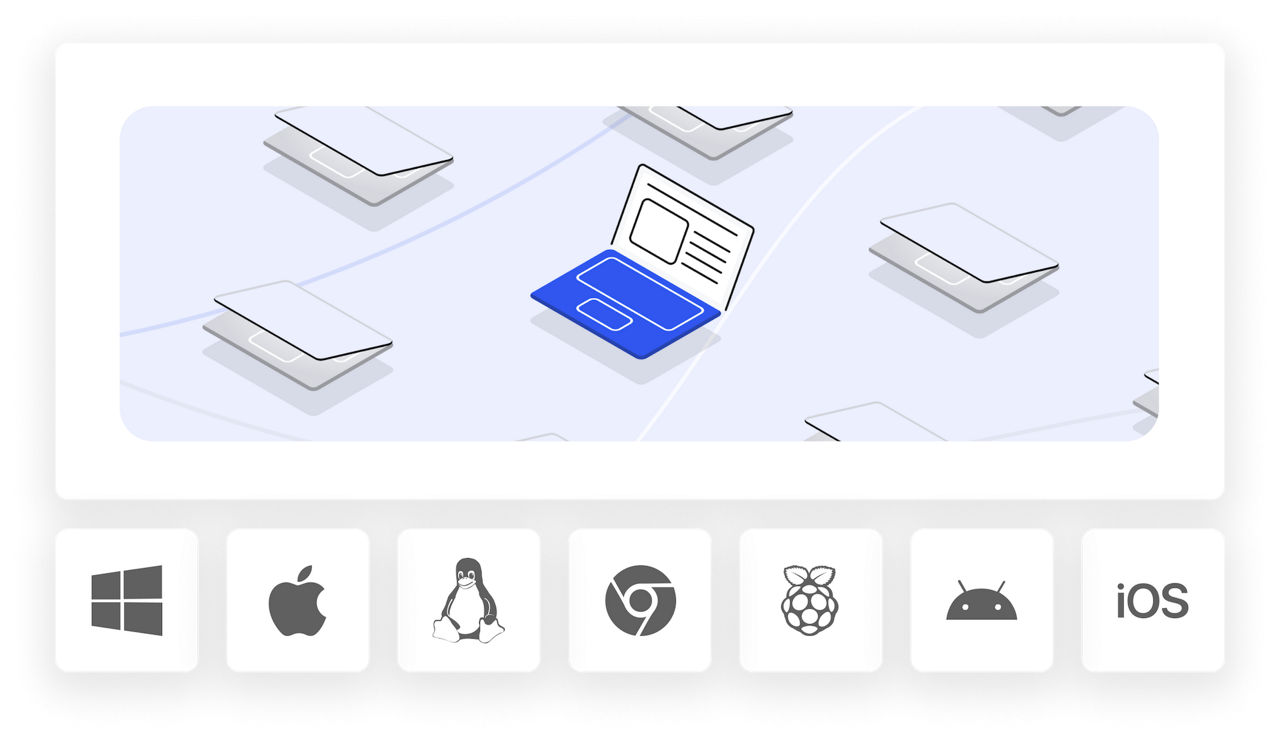
TeamViewer Remote works seamlessly with all major Linux desktop environments, giving you full access and control over your graphical interface from anywhere.
Support for all desktop environments
Whether you're running GNOME, KDE Plasma, XFCE, Cinnamon, or any other desktop environment, TeamViewer connects to your Linux systems with complete visual fidelity. Access your familiar interface remotely and work as if you're sitting at your desk.
Manage headless systems when needed
TeamViewer can also remotely connect to systems without a graphical desktop environment (Xorg, Wayland). Using our Linux remote desktop software, users can connect to the foreground console, the virtual terminal that would be visible if a screen was attached. This gives you flexibility for server management and headless configurations.
TeamViewer Remote gives you secure remote access and support for Linux devices. Use our web client or download the software for your specific distribution, including support for headless systems. Enjoy high-quality connections, end-to-end encryption, and in-session automation.