
How to ease the burden on your IT support team
Connect and support people, Future of work, Remote ITAs companies embrace digital technology, IT support becomes critical for success. By investing in a modern remote support setup, businesses can ease the pressure on technical experts and enhance overall productivity.
IT support technicians have a demanding job: they enable every person in their organization working with a digital device (in other words, literally everyone) to do their jobs. And as companies continue to invest in technology, and employees work from home or on the go, the pressure on technical support experts is more intense than ever. This is further exacerbated by the fact that many companies struggle to find and retain new tech talent for teams that are often already understaffed.
It is therefore vital for businesses to ensure their IT support teams are equipped with the right remote support and maintenance tools. This not only eases the burden on their IT support but can improve the productivity of the entire workforce.
Why IT support is critical for company success
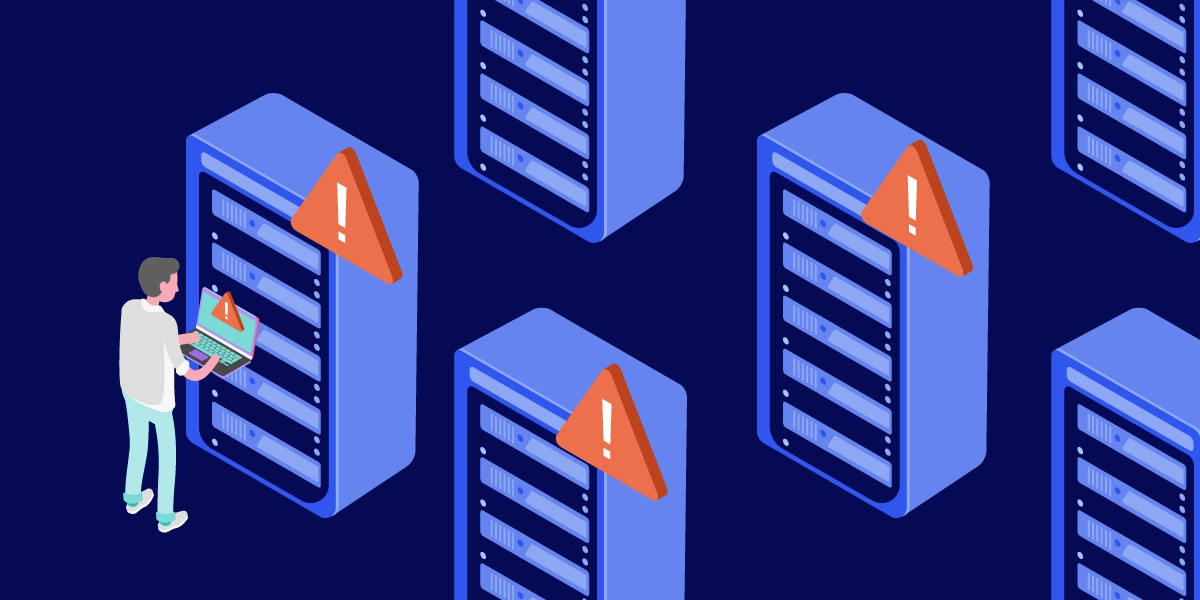
To be successful, companies need their IT infrastructure to function smoothly and consistently – just a few minutes of downtime can cost large sums of money, cause irritating disruptions for employees, and even lead to severe reputational damage.
It’s up to the IT support team to ensure all devices and systems across their organization are running smoothly and keep them protected from potential cyberattacks and data breaches. At the same time, they are expected to fix technical issues as soon as they arise. This was difficult enough when companies were contained in one location, but with employees working remotely from various locations and more business matters being handled via mobile devices, IT support has become even more complex. On top of that, skilled IT support technicians are hard to come by.
The majority of businesses struggle with recruiting and retaining technical experts with the necessary skills and experience, according to a survey conducted by MIT Technology Review Insights in 2023. That’s why companies not only need to invest in attracting support experts, but they need to focus on keeping them happy, too. One way to do so is by ensuring they have the right tools available, so they can work effectively and ensure everyone across the organization can do the same.
By investing in a state-of-the-art remote support setup, you are not only easing the burden on your support experts but improving the productivity of every employee within your organization. Here’s what you need to do:
Four ways to make your IT support team’s lives easier (and boost overall productivity)
1. Enable easy, flexible remote access
A long backlog of support requests is stressful for support experts, frustrating for those waiting to receive help, and generally bad for productivity. Make endless support queues a thing of the past — provide your IT support team with remote access software that lets them connect to devices (with or without someone on the receiving end) to quickly identify issues and solve them. Your remote access and support solution should also have a queuing feature that lets technicians view, organize, and track their remote support cases.

The new Tensor experience offers these features as well as the option to schedule pre-approved access, so selected support staff can connect to a device at a specified point in time. This enables them to return to non-critical issues later, without requiring additional confirmation from the user. A newly-added feature, Quick Actions, can also help them find and access devices or users even faster.
2. Invest in comprehensive device management
Maintaining an overview of all deployed PCs, laptops, mobile devices, and so on can be a major challenge, especially for businesses with geographically dispersed teams and BYOD (bring your own device) policies. Device management software lets your IT support team oversee all the devices in your ecosystem and monitor critical aspects such as CPU health, storage capacity, required software patches, and so on.
With TeamViewer Tensor, technicians can track all deployed devices, provision software, and perform software patches remotely. What is more, Tensor now offers mobile device management functionality, so IT supporters can use the same platform to manage and protect PCs and laptops as well as mobile devices like smartphones and tablets.

3. Automate tedious and repetitive tasks
IT support technicians are responsible for keeping their entire IT ecosystem up and running, so they have no time to waste on recurring manual tasks. That includes setting up new user accounts, assigning and re-assigning user permissions, or provisioning software to individual employees.
TeamViewer Tensor’s user groups and roles allow your IT support team to automate such time-consuming tasks. With predefined user roles, support technicians can create standardized permission sets and assign them to many users at once. They can also eliminate repetitive administrative tasks by applying changes to groups of users at a time.

4. Choose a solution that has it all
Constantly shifting between various platforms and tools can be a major hassle for your IT support team. Opt for a solution that combines functionalities that support all essential IT workflows related to remote support, management, and administration. That way, your IT support team can maintain a consistent workflow, allowing them to focus on their task at hand.
The new Tensor experience offers a unified platform for all your IT support and management needs, accessible both in the desktop app and online. No need to juggle various tools — with Tensor, your IT support team has everything it needs in one place.

Looking for an enterprise-ready remote support solution?
Speak to one of our experts to see if TeamViewer Tensor is right for you. See Tensor in action and receive a custom quote.