Top Nexthink alternatives for 2026

Looking for an alternative to Nexthink? We've researched the best digital employee experience (DEX) options for 2026. See why TeamViewer remains the top choice for both small businesses and enterprises.

Comparison

10 alternatives for Nexthink compared

(Data as of December 2025)

Feel like Nexthink experience doesn't satisfy your specific needs? Here’s a side-by-side comparison of the most popular Nexthink alternatives.

TeamViewer DEX

Nexthink

Lakeside SysTrack

ControlUp

Tanium

Ivanti Neurons

Aternity

Cisco ThousandEyes

Pendo

WalkMe

Whatfix

Core features

Remote support, unattended access, 2,000+ automations, AI-driven insights, offline remediation, endpoint monitoring, cross-platform support, ServiceNow and Intune integrations


Endpoint analytics, DEX scoring, sentiment capture, user feedback correlation, persona-based insights

Always-on monitoring, 3-year data retention, health and productivity scores, granular telemetry

Real-time EUC monitoring, DEX scoring, device health scores, low-code automation, synthetic testing

Endpoint performance monitoring, event data collection, self-service automation, sentiment surveys

Endpoint management, remote control, self-healing capabilities, DEX scoring (0-100), automated workflows

Application performance monitoring, endpoint experience tracking, user activity patterns, VDI support

Network path visibility, synthetic tests, RUM, BGP monitoring, SaaS/UCaaS monitoring

Product analytics, in-app guidance, user behavior tracking, feature adoption metrics

Digital adoption platform, on-screen guidance, task automation, employee onboarding, application training

Digital adoption platform, interactive walkthroughs, self-help content, task flows, performance support

Pros

Instant data collection (milliseconds), works offline, largest automation library, no-code scripting, transparent pricing, quick deployment, TX-RAMP certified

Established DEX platform, correlates sentiment with telemetry, provides historical analytics

3-year historical data for root cause analysis, runs some scripts offline

Designed for VDI troubleshooting, unified DEX scoring

FedRAMP certified, scalable architecture, native patch management

FedRAMP authorized, multiple security certifications, self-healing automation

Granular performance data (click-to-render, app telemetry), VDI support across major platforms

AI-native detection, integration with Cisco ecosystem

Product usage insights, no-code guided tours

Supports user onboarding, multi-application support

Creates in-app guidance, supports multiple languages, analytics on user engagement

Cons

Some development resources may be required for extensive automation customization

Minutes delays, no offline remediation, requires development resources for customization, multi-phase deployments

Queries take up to 30 minutes, limited offline remediation, manual RCA device-by-device

Data collection takes minutes, requires manual configuration, VDI/Windows focused, no offline remediation

15-60 second delays, no SaaS/UCaaS monitoring, requires full platform investment, VM-only VDI support

Capabilities spread across modules, clunky interface, steep learning curve, expensive

15-60 second delays, no offline remediation, only 3 OOTB templates, requires PowerShell/VBScript

No automated remediation, no compliance enforcement, limited VDI support, expensive, complex licensing

Not an IT operations tool, no endpoint remediation, no device monitoring, limited to application analytics

Not an IT operations tool, no endpoint monitoring or remediation, no device health tracking, training-focused only

Not an IT operations tool, no endpoint monitoring, no automated remediation, no device management capabilities

Security features

AES-256 encryption, HIPAA/GDPR compliance, two-factor authentication, granular RBAC, SOC 2 Type 2 certified, ISO 27001 certified, VPAT 508 compliant, FIPS 140-2 compliant,TX-RAMP certified, FedRAMP in progress

TX-RAMP certified, FedRAMP in progress

ISO 27001, SOC 2, no TX-RAMP/FedRAMP

FedRAMP, SOC 2, ISO 27001, no TX-RAMP

FedRAMP certified

FedRAMP authorized (Moderate), SOC2, ISO/IEC 27001

No TX-RAMP or FedRAMP

Part of Cisco portfolio

SOC 2, HIPAA Type II

FedRAMP-ready, ISO/IEC 27001

ISO 27001 and SOC 2

Performance

Event-driven architecture, scales linearly, supports low-bandwidth environments, handles the management of hundreds of thousands endpoints efficiently

Polling-based, queries take up to 30 minutes in large environments, limited scalability

Polling-based, performance drops in large deployments, queries 10k datapoints every 16 seconds

Client-server architecture, data collection delays up to 10 minutes

Agent-based, 15-60 second response times

Cloud-native platform, auto-remediation on reconnect

Polling-based, real-time collection takes minutes

Cloud-native DEM platform, real-time monitoring

Analytics platform, tracks user interactions within applications

Overlay guidance system, works across web applications

In-application guidance layer, tracks user completion rates

Nexthink: Why consider a different employee experience management tool?


Nexthink is a dedicated DEX analytics platform that captures endpoint events and user sentiment. However, its limitations around operational efficiency and cost-effectiveness may prompt some organizations to consider more suitable alternatives.

Data collection operates with minutes delays, and queries can take up to 30 minutes in large environments. Some users report a resource-heavy onboarding process (Source: G2) and a steep learning curve to master the platform fully (Source: G2). Nexthink's premium pricing and complex implementation make it less practical. Businesses needing instant issue resolution and offline remediation should consider an alternative like TeamViewer DEX.

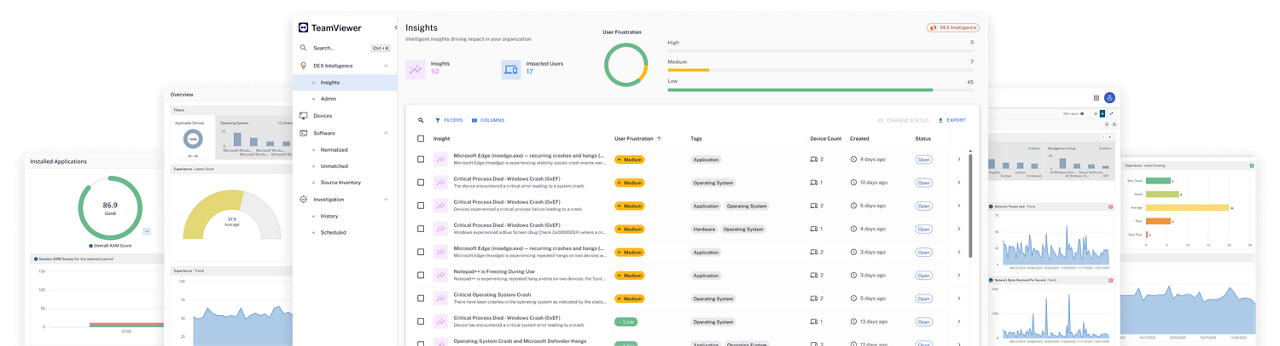
TeamViewer DEX stands out as a secure, scalable, and efficient solution for digital employee experience management. With enterprise-level security features, it's one of the best choices for businesses seeking reliability and proactive IT operations. TeamViewer DEX offers advanced monitoring and remediation through 2,000+ pre-built automations, enabling organizations to identify, resolve, and prevent issues more effectively. Built-in DEX Intelligence streamlines IT workflows by automating routine fixes and providing real-time root cause analysis.

TeamViewer DEX supports all major operating systems, offers seamless cross-platform compatibility, and scales effortlessly with your organization. Its event-driven architecture and quick deployment mean your IT team can start monitoring and fixing issues immediately, without complex processes for implementation or onboarding.

Lakeside SysTrack provides always-on endpoint monitoring with three-year data retention for historical analysis. However, users report agent instability requiring lengthy server restarts and data compression causing information loss (Source: G2). The platform cannot remediate offline devices, queries take up to 30 minutes, and pricing remains opaque with quotes required.

ControlUp offers real-time end user computing  (EUC) monitoring with DEX features designed for virtual desktop infrastructure (VDI) environments. Users have said that some features need maturing for enterprise needs and script-based automation requires additional cost (Source: G2). For businesses looking for a mature yet intuitive platform, Nexthink competitors like TeamViewer DEX might be a better option.

Tanium is a converged endpoint management tool for large enterprises. Some users note that Tanium consumes a lot of CPU, which might cause issues with the overall digital performance (Source: Reddit). Others report a steep learning curve (Source: G2). It's important to remember that the tool is not purpose-built for DEX when comparing Nexthink vs. Tanium. It lacks SaaS/UCaaS monitoring, cannot be purchased standalone, and requires full platform investment.

Ivanti Neurons offers endpoint management with FedRAMP authorization and self-healing capabilities. Users describe a clunky interface (Source: Reddit), steep learning curve (Source: Gartner), and analytics needing improvement (Source: TopAdvisor). Due to the modular structure, it is less suitable for organizations seeking a unified, purpose-built DEX solution with straightforward deployment.

Aternity provides application performance and endpoint experience monitoring with granular telemetry.  Real-time data collection takes minutes rather than seconds, and users report requiring additional resources to set up the tool properly (Source: G2). This makes it less practical for organizations needing instant issue resolution and simple setup and onboarding.

Cisco ThousandEyes is a network path visibility and synthetic monitoring platform for SaaS applications. It offers no automated remediation capabilities or compliance enforcement. Users describe pricing as on the higher end and report requiring additional resources for setup and onboarding (Source: G2). Limited to monitoring, it lacks the endpoint management and automated issue resolution necessary for comprehensive DEX.

Pendo provides product analytics and in-app guidance for tracking feature adoption. However, it's not an IT operations or endpoint management tool. It cannot monitor device health, remediate technical issues, or manage infrastructure. Analytics are hourly delayed (Source: Userpilot), and setup requires additional resources (Source: UserGuiding). Organizations looking for more features for digital experience will benefit more from solutions like TeamViewer.

WalkMe is an on-screen guidance software for application training and user experience. Notably, it's not purpose-built for DEX monitoring. As a training-focused platform, it lacks the endpoint monitoring, device health tracking, and automated remediation capabilities required for IT operations. Additionally, users report that application updates break guided flows requiring constant rebuilding (Source: Reddit), and long time-to-value delays ROI (Source: UserGuiding).

Whatfix offers interactive walkthroughs and self-help content for application guidance. It is, however, a training platform and it's not meant for DEX use cases. Unlike other Nexthink competitors, it cannot monitor endpoints, remediate technical issues, or manage device health, which makes it a less suitable alternative to Nexthink as opposed to solutions like TeamViewer DEX.

Why many businesses choose TeamViewer DEX as an alternative to Nexthink

TeamViewer DEX is preferred by organizations that need instant issue resolution, offline remediation, and transparent pricing. Unlike monitoring-only platforms that can’t automate fixes, or complex enterprise suites that require multi-phase deployments and premium budgets, TeamViewer delivers fast value with lower operational overhead. The platform is also recognized as a Leader in the Gartner® Magic Quadrant™ 2025 for DEX, reinforcing its position as a trusted choice for IT teams.

These are the standout capabilities that set TeamViewer DEX apart from other platforms:

  • Real-time monitoring and remediation

    When managing distributed workforces, speed matters. TeamViewer DEX collects data and executes automations in milliseconds, ensuring issues are resolved before employees notice them. With offline remediation capabilities, policies are enforced even when devices disconnect, maintaining compliance without IT intervention.

    • Instant data collection with event-driven architecture
    • 2,000+ pre-built automations vs. hundreds from competitors
    • Offline remediation ensures continuous compliance
    • No-code automation eliminates PowerShell requirements
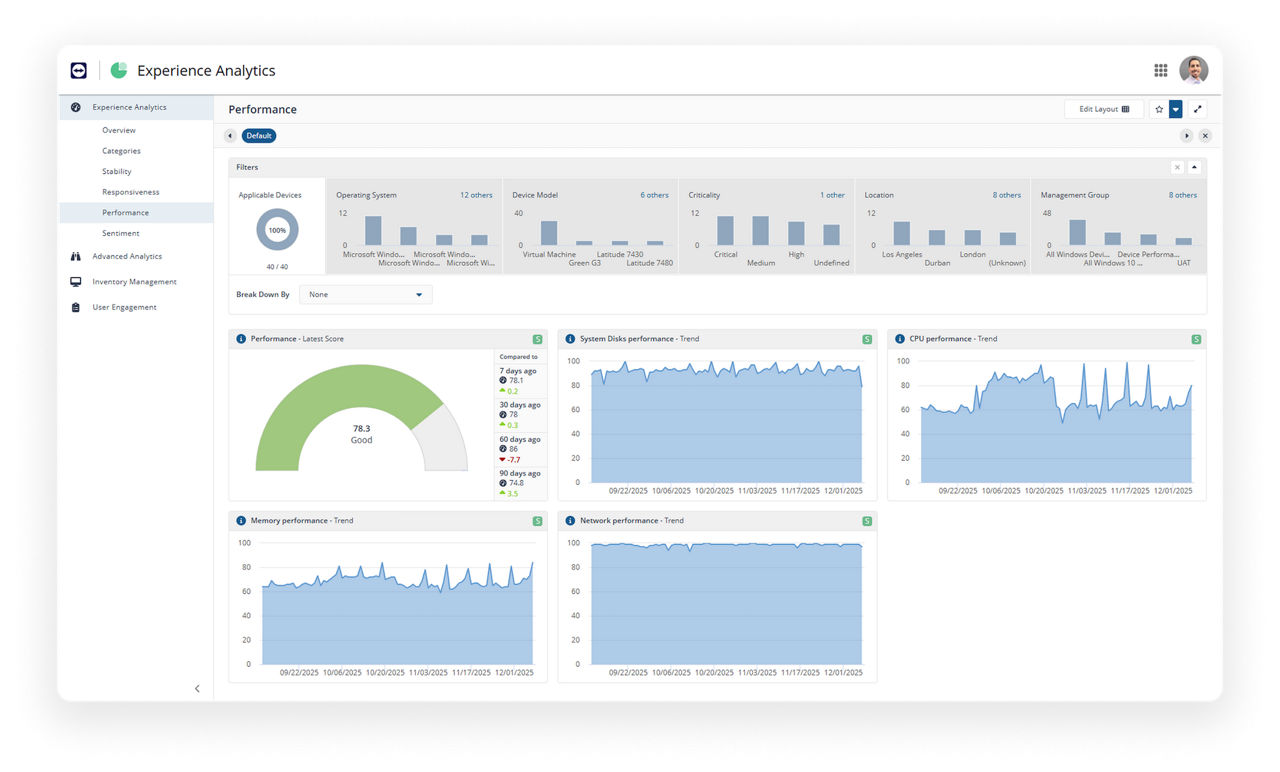
    • DEX Intelligence for root cause analysis and predictions
    • Holistic visibility across endpoints, SaaS, UCaaS, VDI, network, and ISP
  • Scalable growth for any organization size

    Whether you manage 5,000 devices or 100,000, TeamViewer DEX scales linearly without performance degradation. With cloud-native architecture, granular RBAC, and modular deployment options, your DEX capabilities grow as your organization expands. No matter how complex your environment becomes, TeamViewer DEX maintains instant response times.

    • Scales from hundreds to hundreds of thousands of endpoints
    • Cloud-native architecture prevents throttling or device limits
    • Modular pricing with no full-platform commitment lets you start small and expand
    • Handles global deployments across 100+ countries
    • TX-RAMP certified with FedRAMP in progress for regulated environments
  • Seamless integrations

    TeamViewer DEX offers integrations with the tools your business already relies on, eliminating workflow disruptions and enhancing IT efficiency. From IT service management (ITSM) platforms to endpoint security solutions, TeamViewer DEX connects with leading enterprise software to streamline operations.

    • Native integrations with ServiceNow, Microsoft Intune, Salesforce, Jira for remediation and ticketing
    • Data visualization and reporting integrations
    • SaaS, UCaaS, network, and ISP monitoring
    • Customize and extend functionalities to fit your workflows
  • Simple, fast, and efficient user experience

    Unlike complex DEX platforms requiring multi-phase deployments, TeamViewer DEX is designed for rapid setup and intuitive operation. With cross-platform compatibility and event-driven automation, TeamViewer DEX removes technical barriers and delivers value immediately.

    • Organizations gain actionable insights within days
    • Policy-based automation doesn't require scripting
    • Cross-platform support for Windows, macOS, Linux, iOS, Android, Raspberry Pi, ChromeOS, IoT devices
    • Self-service remediation through chatbot reduces ticket volume
    • Built-in secure remote access and control

Concerns about TeamViewer DEX? Let’s address them.

When assessing any DEX platform, you naturally may have questions about privacy, setup effort, support, and licensing. This is how TeamViewer approaches these areas:

TeamViewer DEX analyzes technical performance metrics only. All data is encrypted with AES-256 and compliant with HIPAA, GDPR, and TX-RAMP standards.

TeamViewer DEX offers guided onboarding, 2,000+ prebuilt automations, and simple policy templates. Organizations gain actionable insights within days without requiring heavy IT effort.

TeamViewer provides dedicated customer success managers, comprehensive documentation, and premium support options to ensure rapid assistance for enterprise customers.

TeamViewer enforces licensing to maintain quality and security standards, meaning businesses operate within proper licensing terms.

Why TeamViewer DEX remains the best choice

TeamViewer remains one of the leading DEX providers due to its emphasis on security, linear scalability, and simplicity. TeamViewer’s focus on user satisfaction and advanced analytics offers advantages many alternatives cannot match.

Solve IT issues before they impact employee productivity

Keep employees productive and IT in control without overhead or extra costs.

Frequently asked questions (FAQ)

Nexthink competes with digital employee experience platforms like TeamViewer, Lakeside, and Aternity. It also competes with product adoption platforms like Pendo, WalkMe, and Whatfix. These tools help IT teams analyze device performance and employee workflows. Many organizations compare these solutions to find more flexible, scalable, and cost-efficient options that deliver clearer visibility and faster remediation.

Nexthink is a digital employee experience (DEX) platform that collects endpoint and user-experience data to help IT teams diagnose performance issues. It focuses on monitoring and analytics, though many companies prefer broader, more integrated platforms (like TeamViewer) that combine visibility, remote support, and real-time action.

Yes. Nexthink uses AI to analyze endpoint and experience data, spot behavioral patterns, and highlight potential issues. For organizations seeking AI that also drives automated remediation and actionable recommendations, TeamViewer DEX provides broad AI-supported capabilities through its DEX Intelligence engine.

Companies use Nexthink to monitor digital experiences, understand device performance, and identify issues affecting employee productivity. However, many teams adopt alternatives like TeamViewer when they need one platform for stronger remote support, unified device management, faster troubleshooting, and proactive IT management.