Hero highlight: Gradient

Complete visibility of all your IT assets on one dashboard

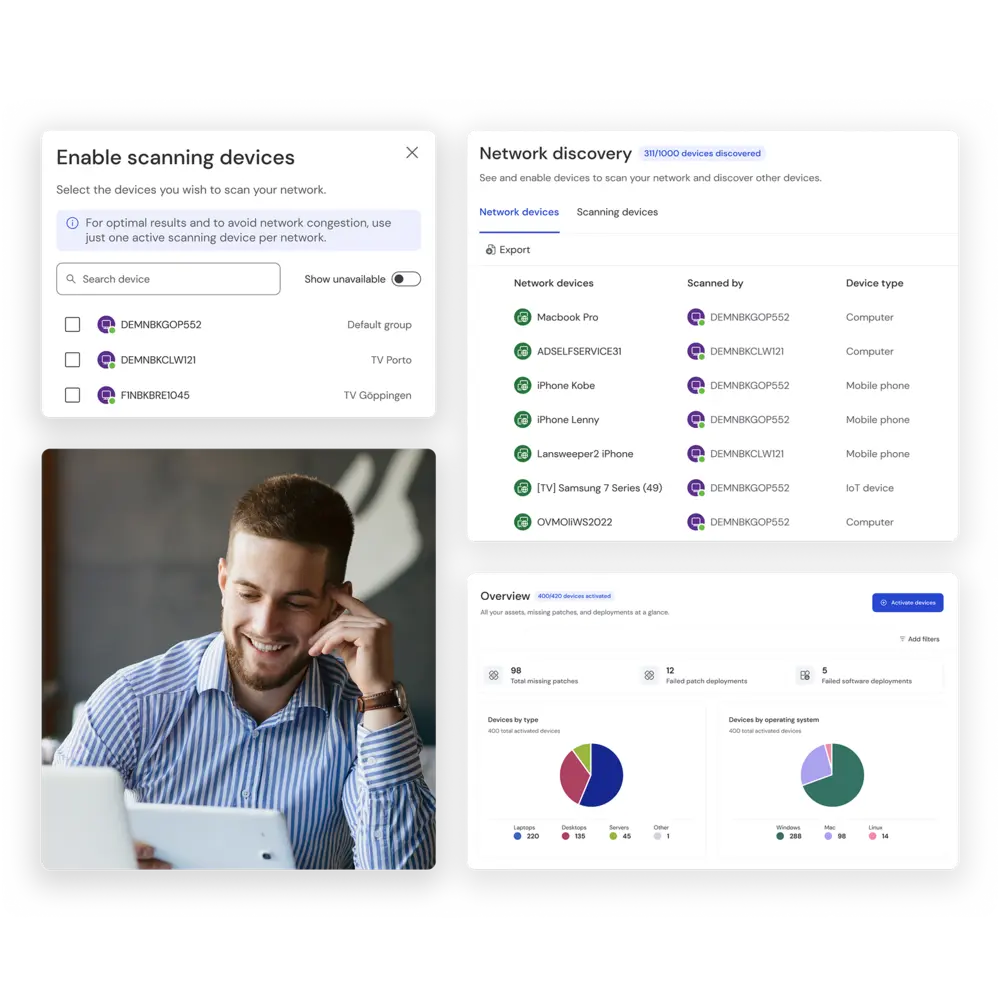
TeamViewer client screenshots with asset management features

Get an instant detailed overview of your entire IT infrastructure

Search icon
Full visibility
Compliance health care security icon
Increased security
Data presentation icon
Deep insights

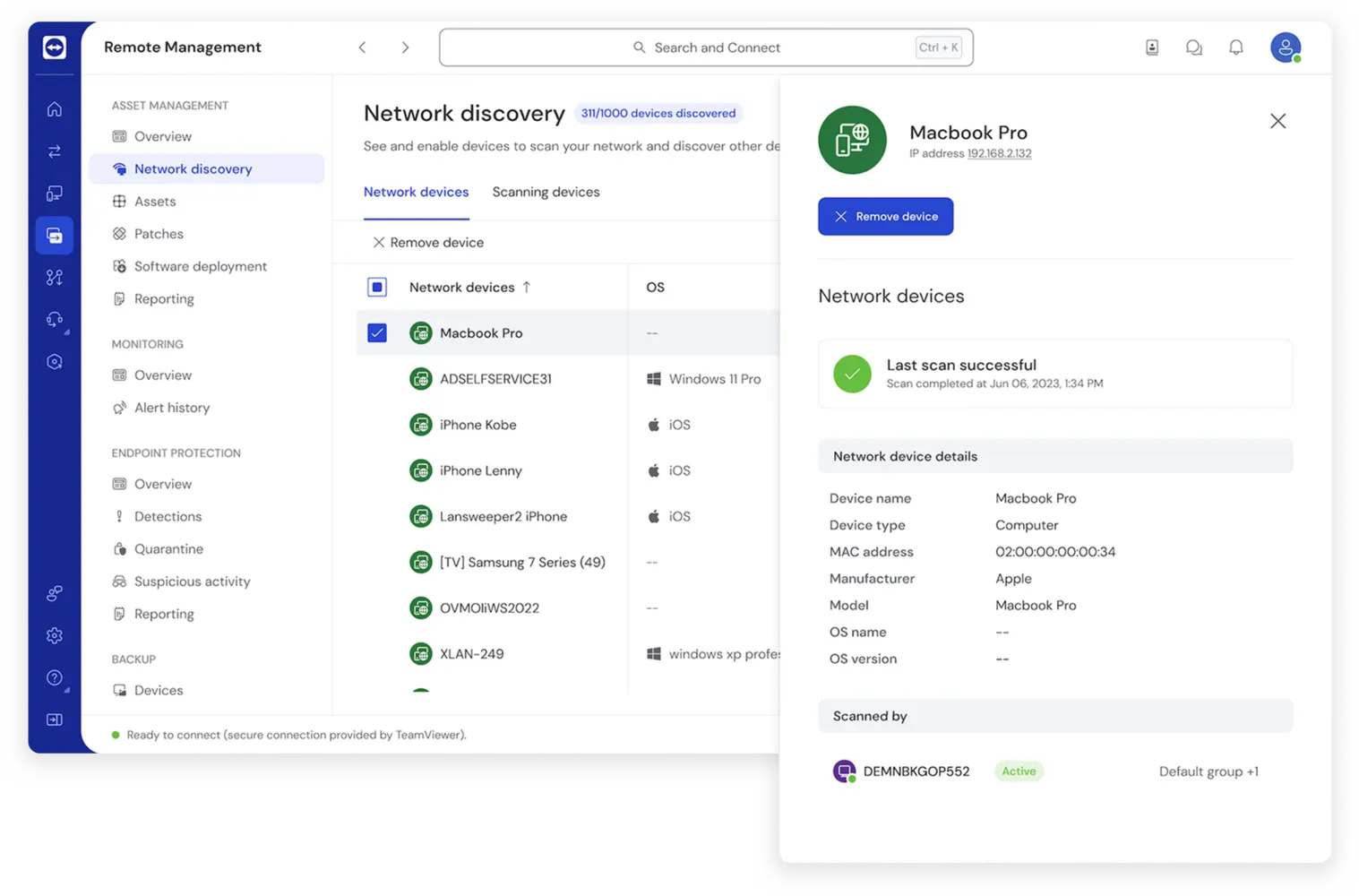
Asset discovery and inventory

TeamViewer Remote UI screenshot with network discovery inventory insights

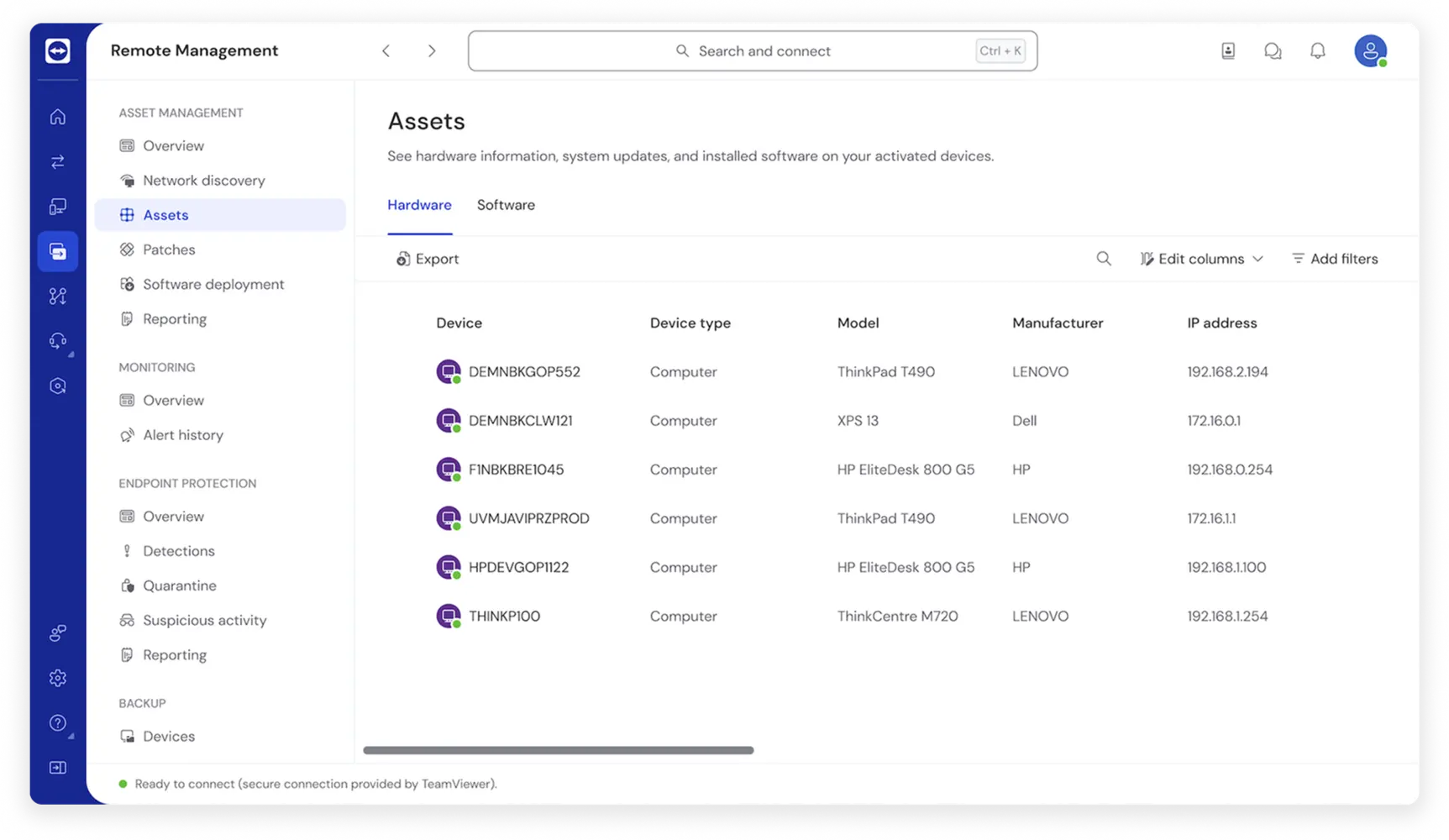
Remote management and maintenance

TeamViewer Remote UI screenshot with hardware assets

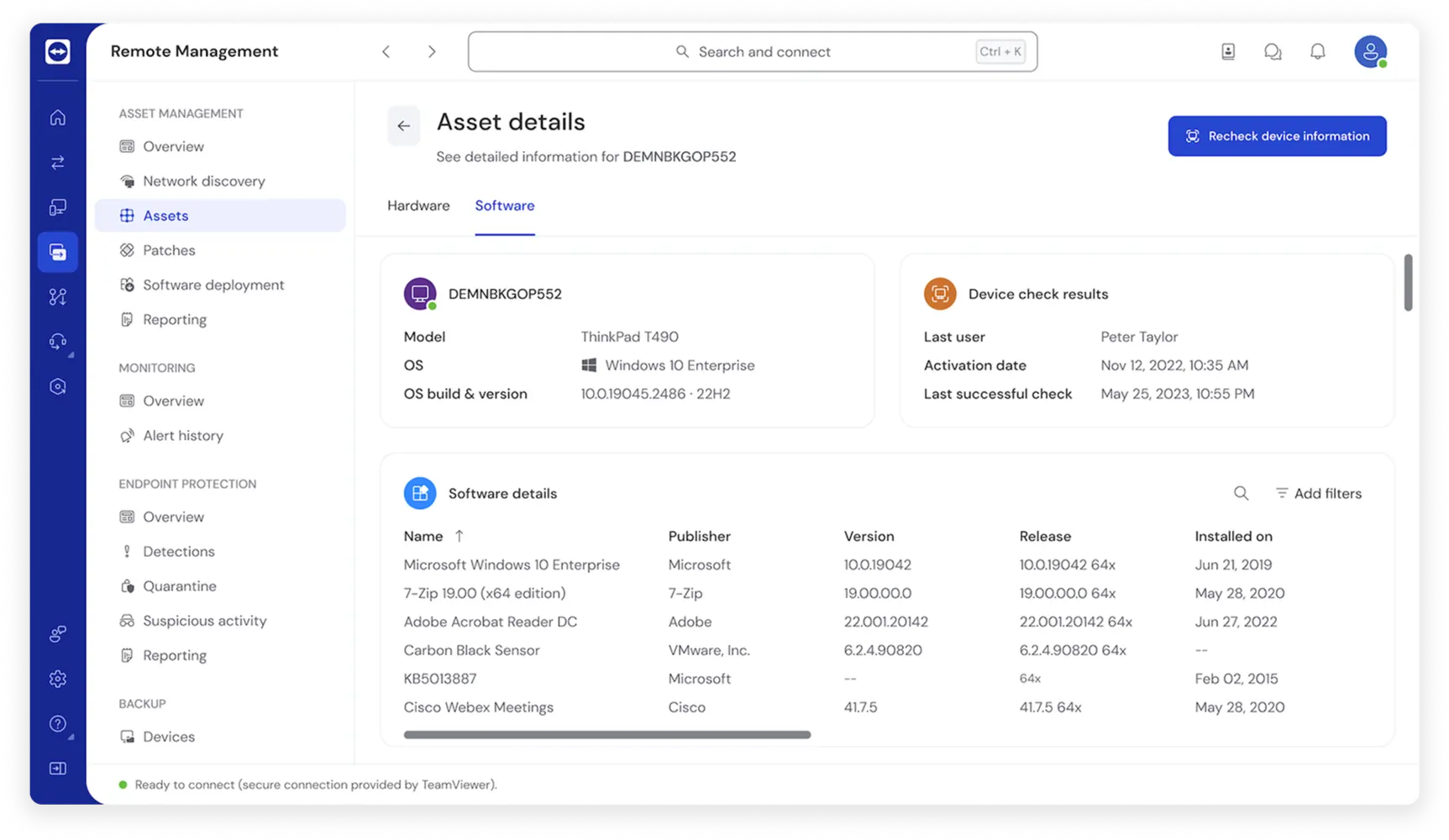
In-depth insights

TeamViewer Remote UI screenshot with software asset details

Network discovery

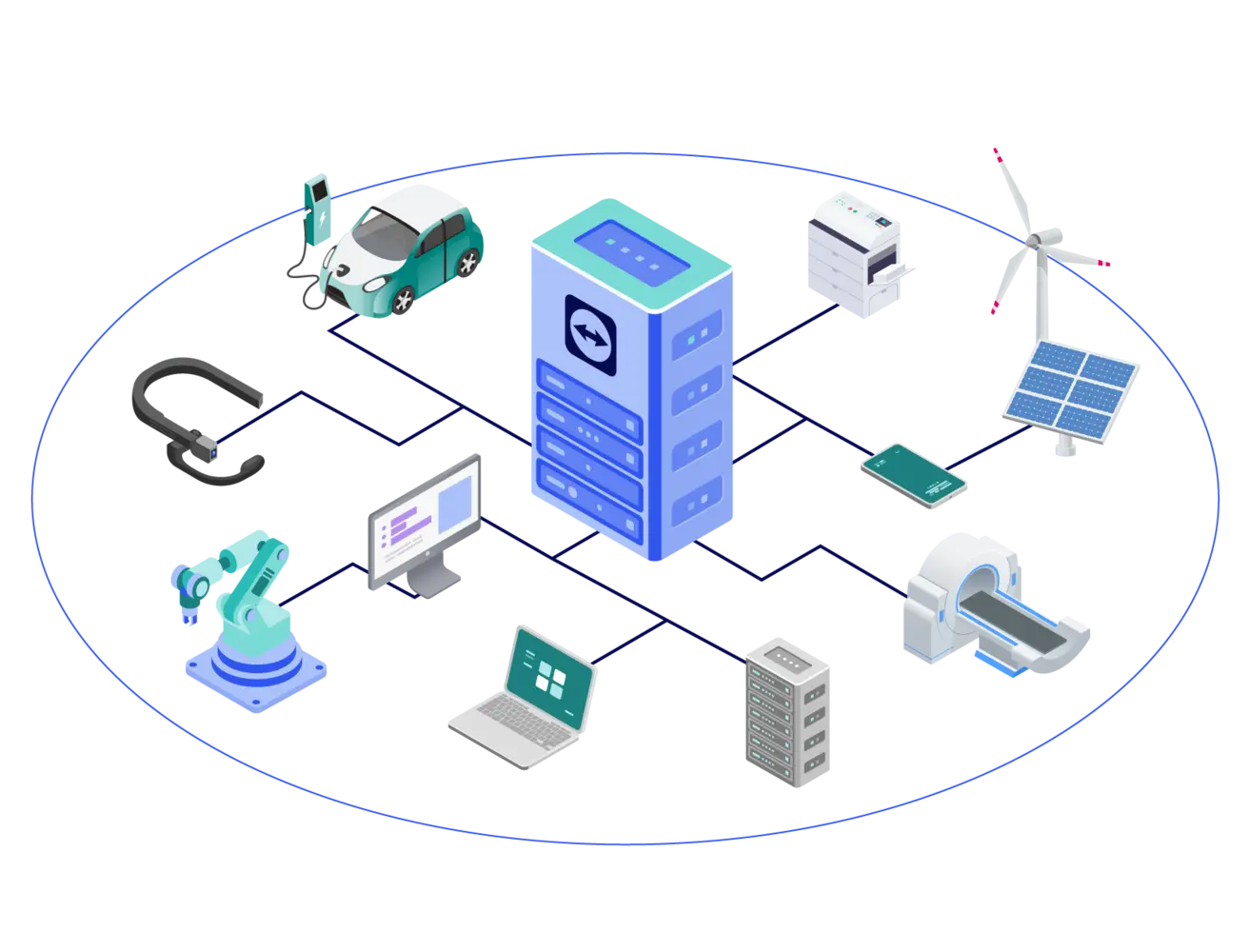
Illustration: various assets connected with a single management tool
Compliance health care security icon
Security and compliance
Secure unattended access icon
Hybrid and dispersed infrastructure
Enterprise icon
Business scalability

Hardware and software inventory

Hardware tracking

  • Device details: Asset type, model, serial number, manufacturer, SKU, and warranty information
  • Central processing unit (CPU): Model and manufacturer
  • Random access memory (RAM): Manufacturer and total memory
  • HDD/SSD storage: Capacity as well as used and free space
  • Motherboard: Manufacturer, model, and serial number
  • Graphics processing unit (GPU): Model, capacity, and manufacturer
  • Network details: Network device, MAC address, IP address, DNS, domain, gateway, and FQDN
  • Monitor and audio: Model and manufacturer

Software monitoring

  • Installed applications: Name, version, and installation date
  • Patches and updates: Missing patches, bulletin ID, patch type, release, and severity
  • Operating system: Version and build number

Patch management

  • Operating system updates: Keep your Windows and macOS devices up to date by managing and deploying OS updates from a central location.
  • Automation: Automate your patching process. Automatically detect and patch software and OS vulnerabilities.
  • Third-party applications: Don’t put your IT at risk by focusing only on OS updates. Monitor and deploy patches for third-party applications automatically.
  • Custom policies: Define policies to accommodate the varying needs of your end users, entire departments, and individual customers.

Getting started

TeamViewer Remote UI screenshots with how to get started with Asset Management
Step 1Activate your license
Step 2Discover your assets
Step 3Enable network discovery

Spotlight

Customer success

Frequently asked questions (FAQ)

It covers both hardware and software details, asset discovery, patch management, and software deployment.

TeamViewer Asset Management ensures that you get detailed insights, retrieving up to 60 unique properties from each managed asset. This encompasses both hardware and software details for comprehensive asset management.

No, one of the key features of our solution is credential-free asset discovery. This means you can seamlessly discover assets without the need for individual device credentials, making the process both secure and hassle-free.

Yes, our integration captures warranty specifics, helping you track and manage warranties efficiently.

Absolutely. The solution supports remote deployment of software as well as OS patches, ensuring your assets are always up-to-date.

Download the datasheet to browse all supported 3rd party applications that can be deployed using Asset Management.

Download the datasheet

Test all TeamViewer Remote Management solutions 14 days for free.