Feature

Security Center

Your command center for enterprise security

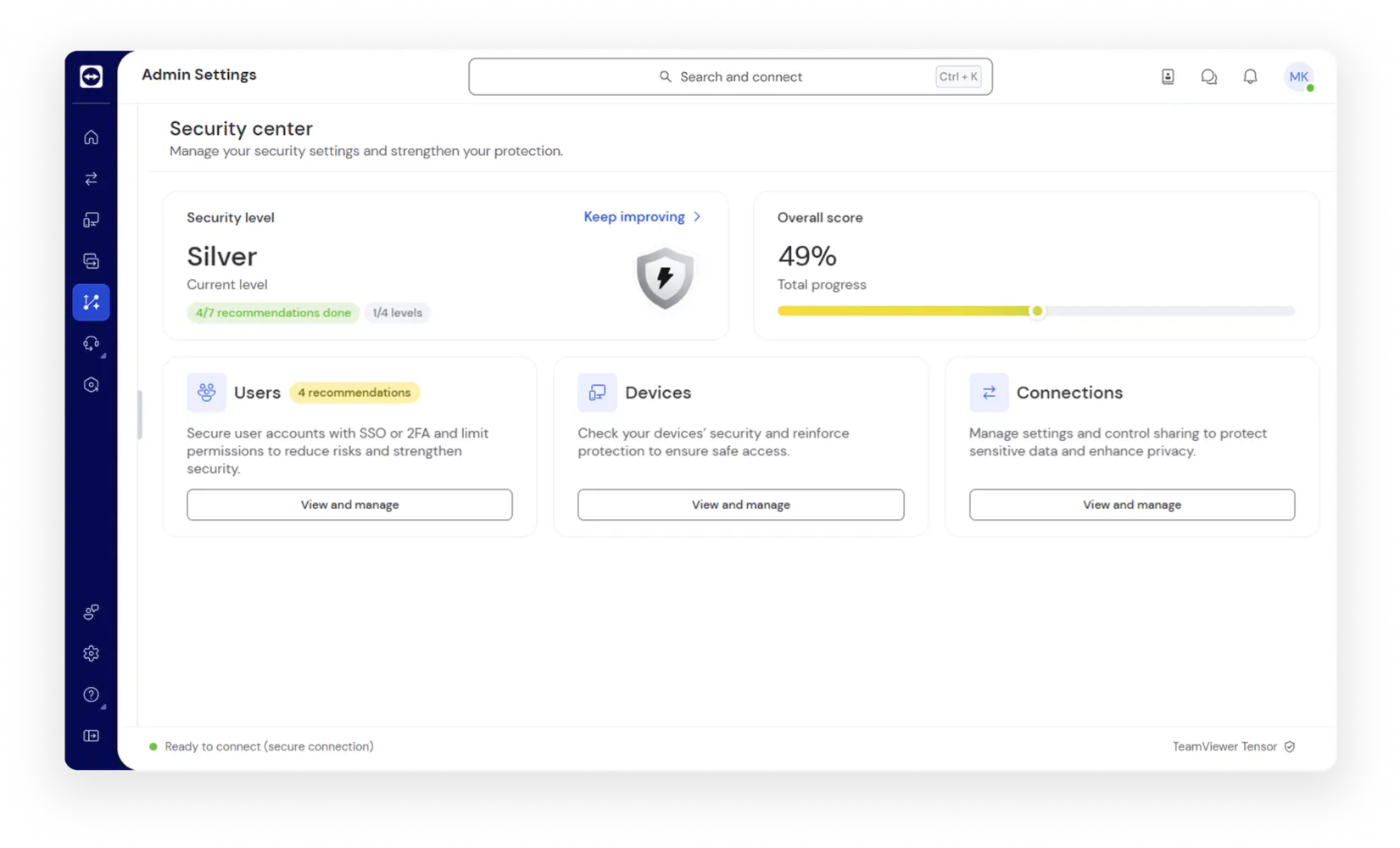
The Security Center as seen in the TeamViewer client

Core capabilities

  • User oversight: View and manage authentication settings like SSO and MFA, monitor user activity, and deactivate dormant accounts.
  • Device intelligence: Gain insights into device status, enforce access policies, and identify outdated devices or risky configurations.
  • Smart guidance: Embedded tips and contextual help make it easy for admins of all levels to take decisive action.
  • Session governance: Customize remote session parameters to safeguard sensitive data and ensure privacy compliance.
  • Security score: A dynamic benchmark built on TeamViewer’s security framework, helping teams pinpoint vulnerabilities and track improvements.

Real-world applications

  • Enterprise protection: Strengthen your security posture with actionable insights and real-time data.
  • IT efficiency: Reduce tool-switching and manual checks with centralized controls.
  • Audit and compliance: Generate exportable reports that align with regulatory standards, simplifying audit prep.
  • Threat prevention: Spot and resolve potential issues before they escalate into incidents.

Key benefits

Eye tracking icon
Script automation icon
Growth icon
Shield search icon
Ribbon star icon

Frequently asked questions

Why TeamViewer Tensor

Key icon
360° security for your enterprise
Switcher icon
Even wider remote device support
Scale icon
Scale as your business expands
Table icon
Governance and compliance
App connectivity icon
Classical IT and extended OT use cases
Remote access and control icon
Simplify and make your support experiences intuitive

Spotlight

Customer success

Explore more success stories