Simplify IT with a powerful remote management system
Modern businesses require seamless, secure, and scalable solutions to manage distributed endpoints and digital infrastructure. A remote management system enables IT teams to monitor, maintain, and troubleshoot devices without compromising performance or security.


Whether you manage a global enterprise or a growing SMB, our solution gives you full control over your IT ecosystem, from proactive device health monitoring to automated patch deployment.

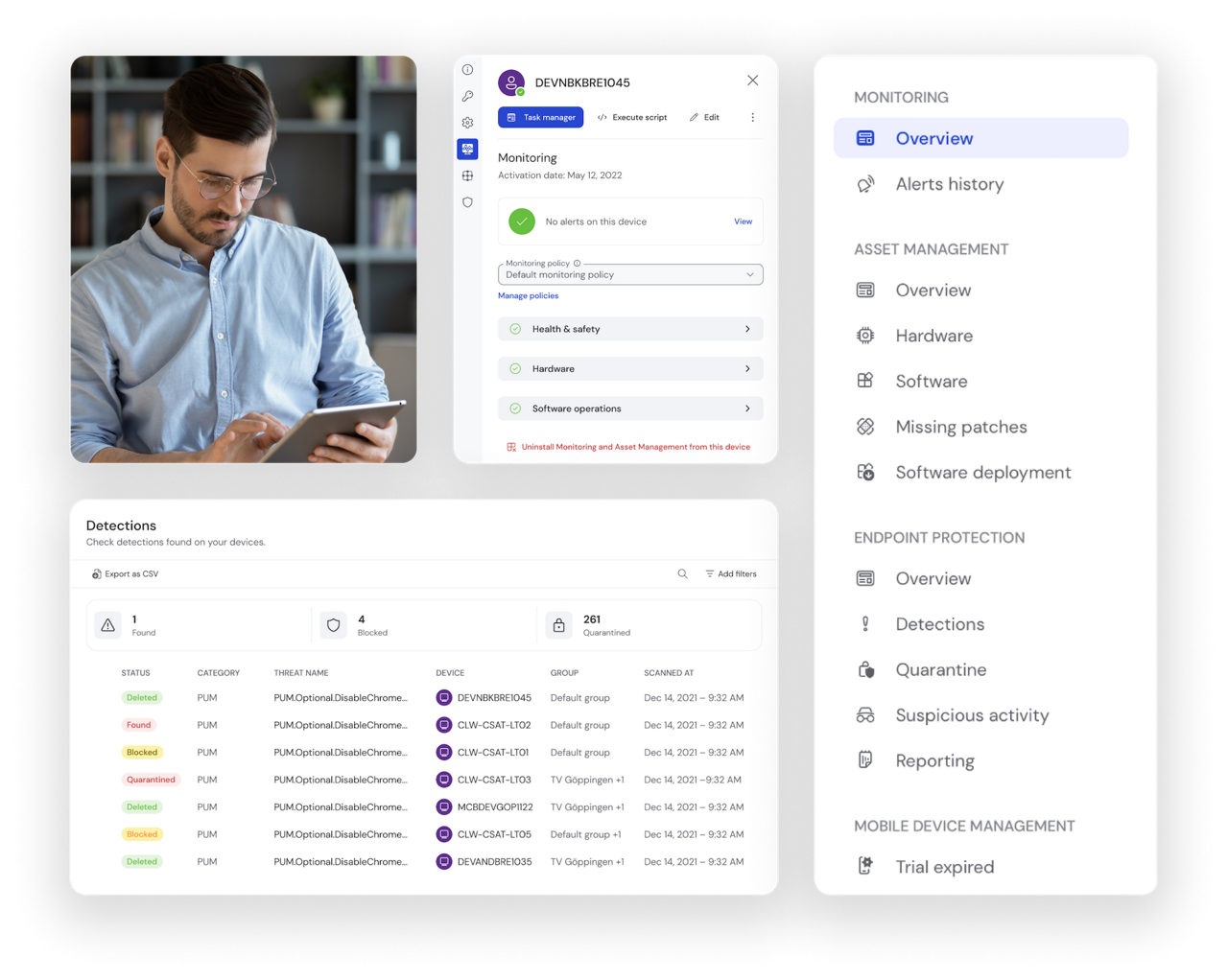
Overview of remote management features to manage, monitor, track, patch, and protect devices

Find the license that’s right for you

Choose if you need TeamViewer for yourself or your team.

Why companies rely on our remote management system 

Choosing the right remote management system is key to reducing downtime, increasing productivity, and lowering operational costs.

Here’s what sets TeamViewer apart: 
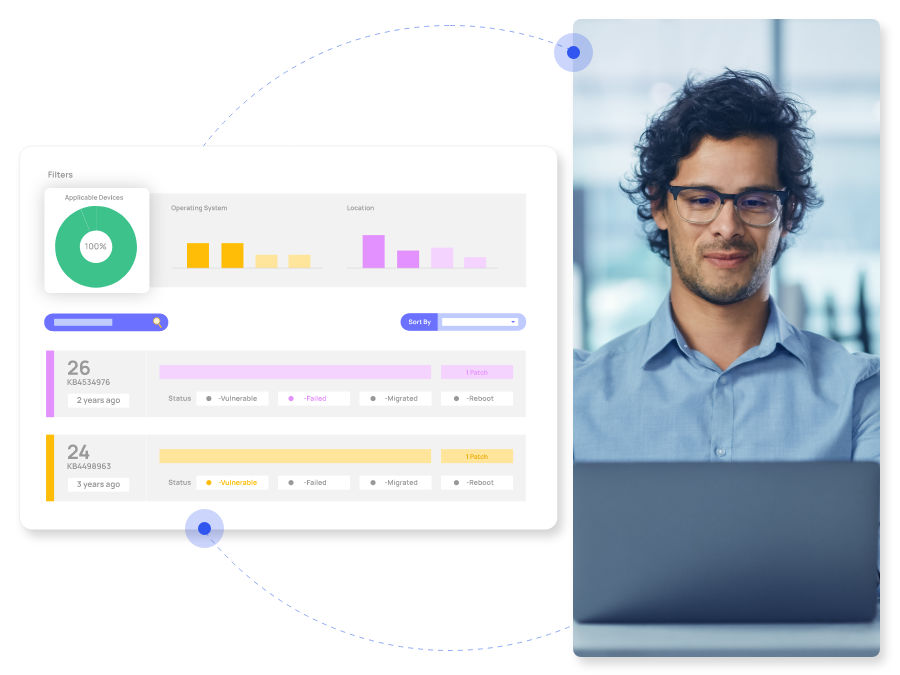
Real-time visibility and control over all endpoints, no matter the location

Automated maintenance tasks, from software updates to remote scripting 


Integrated monitoring to detect issues before they escalate

Enterprise-grade security with end-to-end encryption and role-based access control


What makes TeamViewer’s remote management system stand out?

Designed for IT professionals who need more than just remote access 

A remote system management tool should do more than connect devices. It should empower teams to work proactively. 

That’s why our system includes:
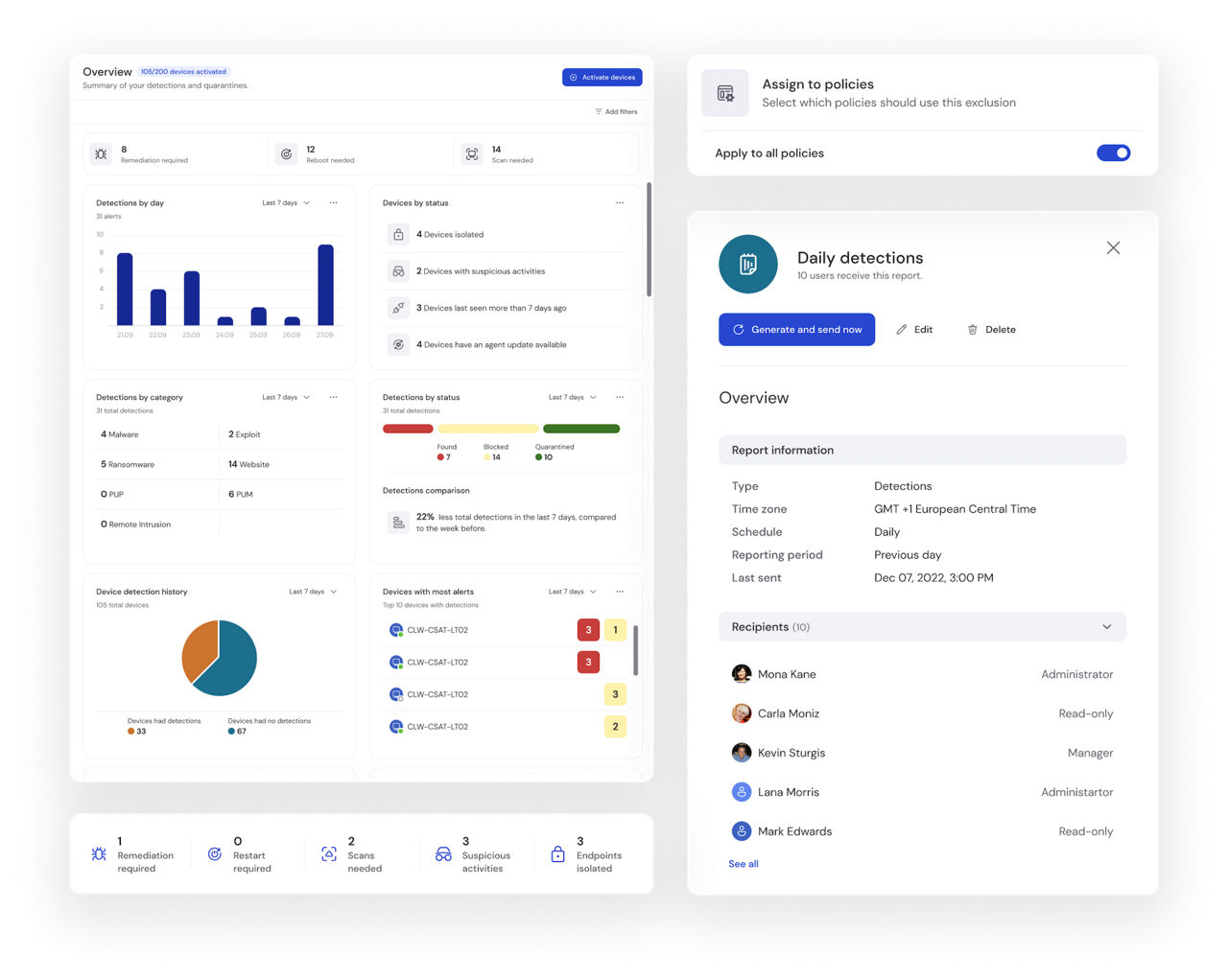
  • A comprehensive dashboard to manage devices, alerts, and reports from one place.

  • Customizable workflows for repetitive IT tasks like updates, cleanups, and restarts.

  • Flexible deployment in cloud, hybrid, or on-premises environments.

Built for every IT environment

Global enterprises

Rolling out updates across thousands of endpoints overnight
  • Coordinate large-scale patch management and monitoring from one central dashboard without interrupting operations in different time zones. 

Managed service providers (MSPs)

Managing policies across multiple clients from one platform
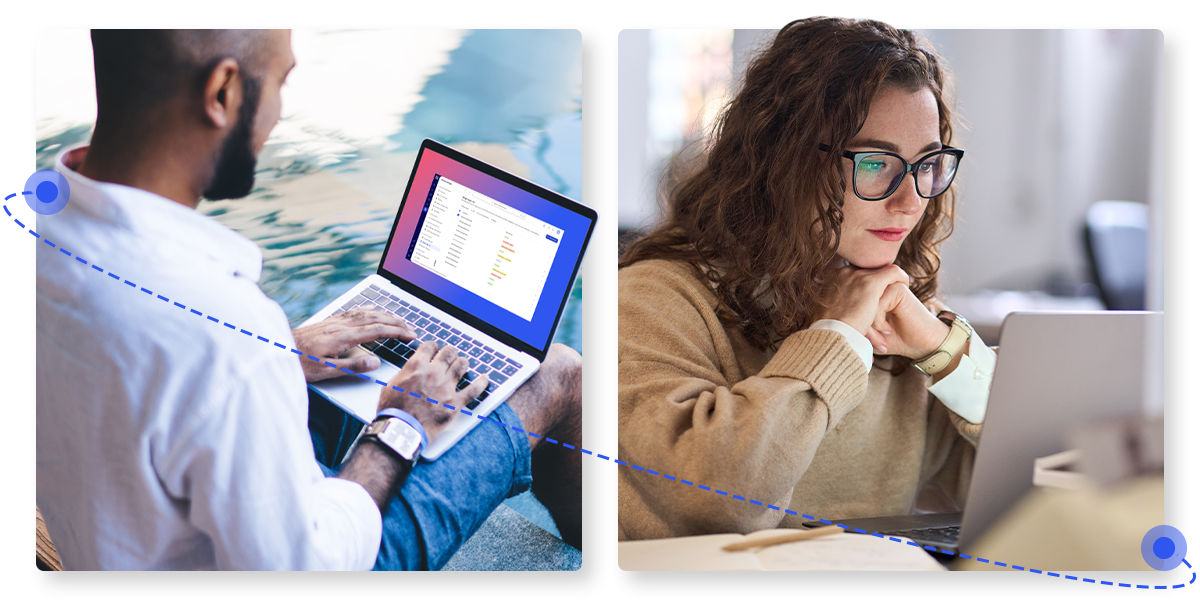
  • Standardize templates, automate tasks, and deliver consistent service across all customers with centralized MSP management features.


Hybrid and distributed workforces

Maintaining uptime for teams working remotely or in the field
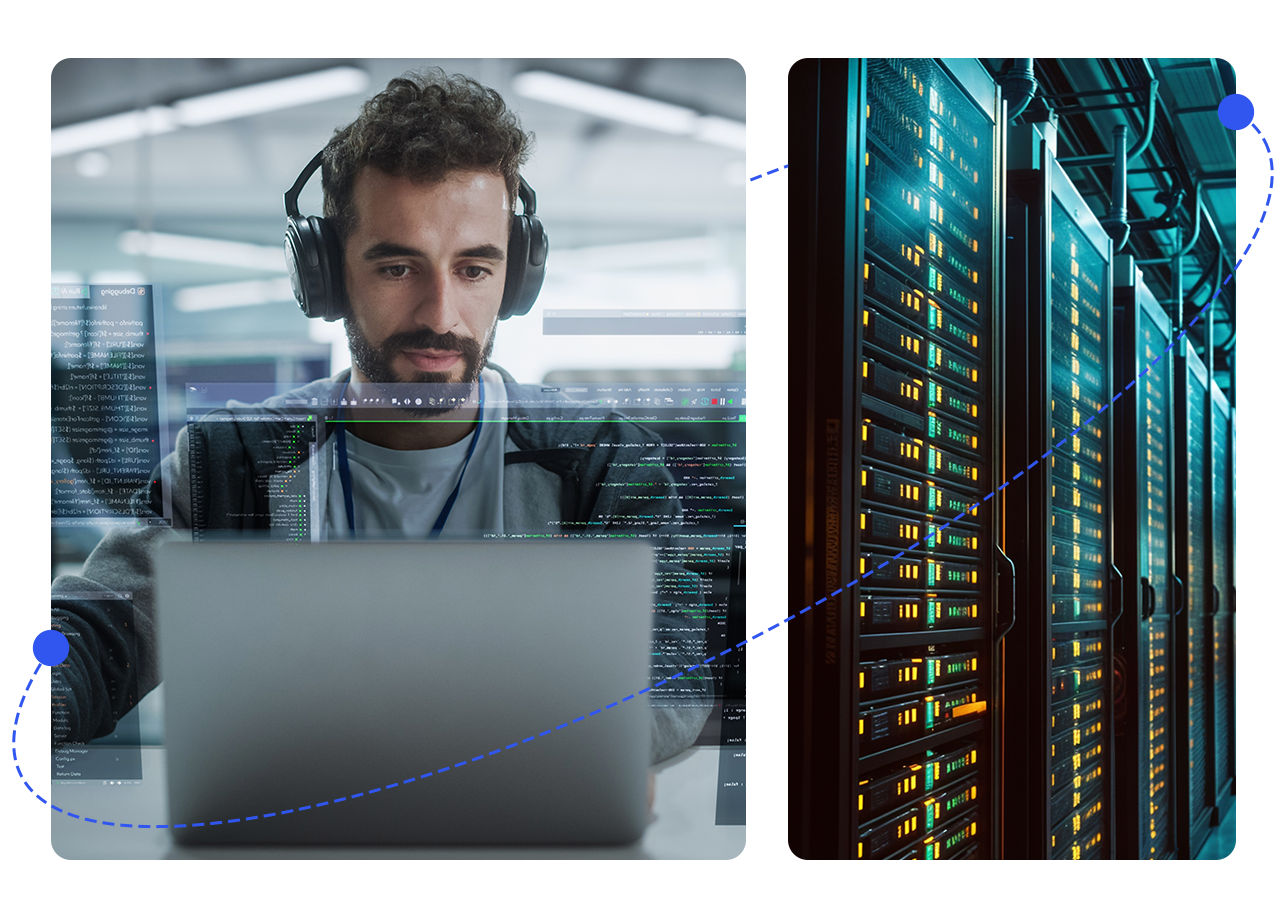
  • Ensure devices stay compliant and operational, whether they’re in the office, at home, or on the move.

Growing SMBs

Scaling IT operations without scaling the team

  • Automate routine IT tasks and gain full visibility, even with limited resources.

Manual chaos or remote control?

See how TeamViewer transforms fragmented IT into a scalable, efficient system.

  • Manual updates on each device
  • No visibility into system health
  • High ticket volume from avoidable issues
  • Multiple disconnected tools
  • Reactive support after outages
Without remote management
  • Automated patching across all   endpoints
  • Real-time monitoring and alerts
  • Proactive issue resolution
  • One unified dashboard
  • Prevention through automation and control
With TeamViewer

Trusted by global enterprises 

Over 660,000 IT experts around the world trust TeamViewer to manage their device fleets every day. Our customers range from tech startups to Fortune 500 companies and they all share one goal: reliable, scalable IT management.

ISO-certified security

Cross-platform compatibility (Windows, macOS, Linux)

Supports hybrid and remote work infrastructures

Ready to take control of your devices and systems with TeamViewer?

Discover how simple and secure remote IT management can be with TeamViewer’s powerful remote management system.

Monitor endpoints, automate maintenance, and resolve issues in real time. Start your free trial today to boost efficiency, reduce downtime, and streamline your entire IT infrastructure.

Submitting ...

Thank you!

Thank You!

Thanks for contacting us! We´ll be in touch soon.

Ooops. An error occured

Please try again later or contact us directly at: +49 7161 60692 1133

Want to dive deeper?

Explore all our remote management  capabilities. 

Frequently asked questions (FAQs)

A remote management system lets IT teams control and maintain devices from anywhere. It’s ideal for managing large, distributed networks.

Your iPhone is likely enrolled in a mobile device management (MDM) system that allows your company to enforce policies and manage apps remotely.

Only the organization that enrolled the device can remove it. If you’re seeing remote management on your personal device, contact Apple Support.

It means your Mac is managed by your organization. That means IT can set it up, run updates, and manage security controls remotely.