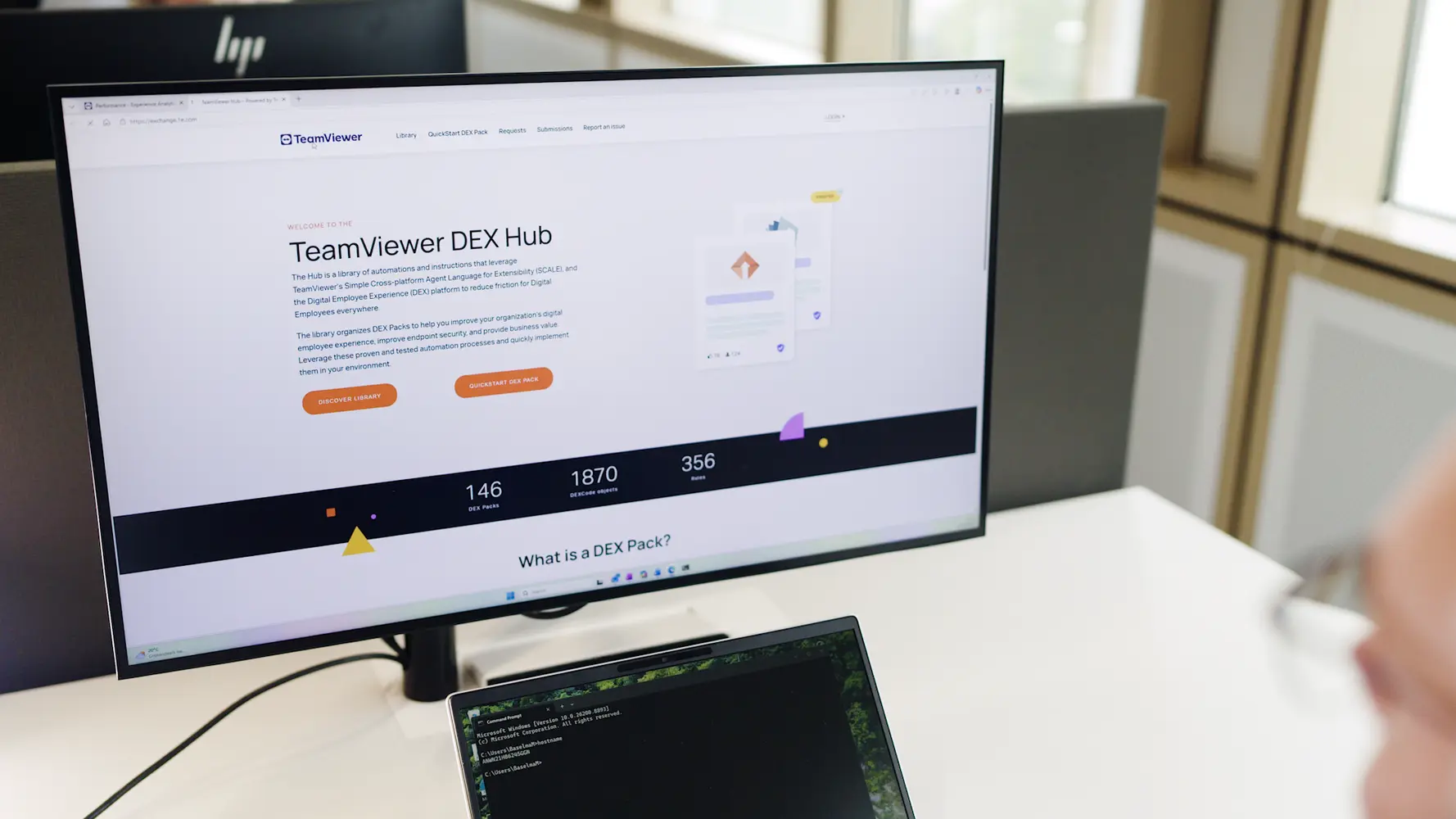
Device refresh status
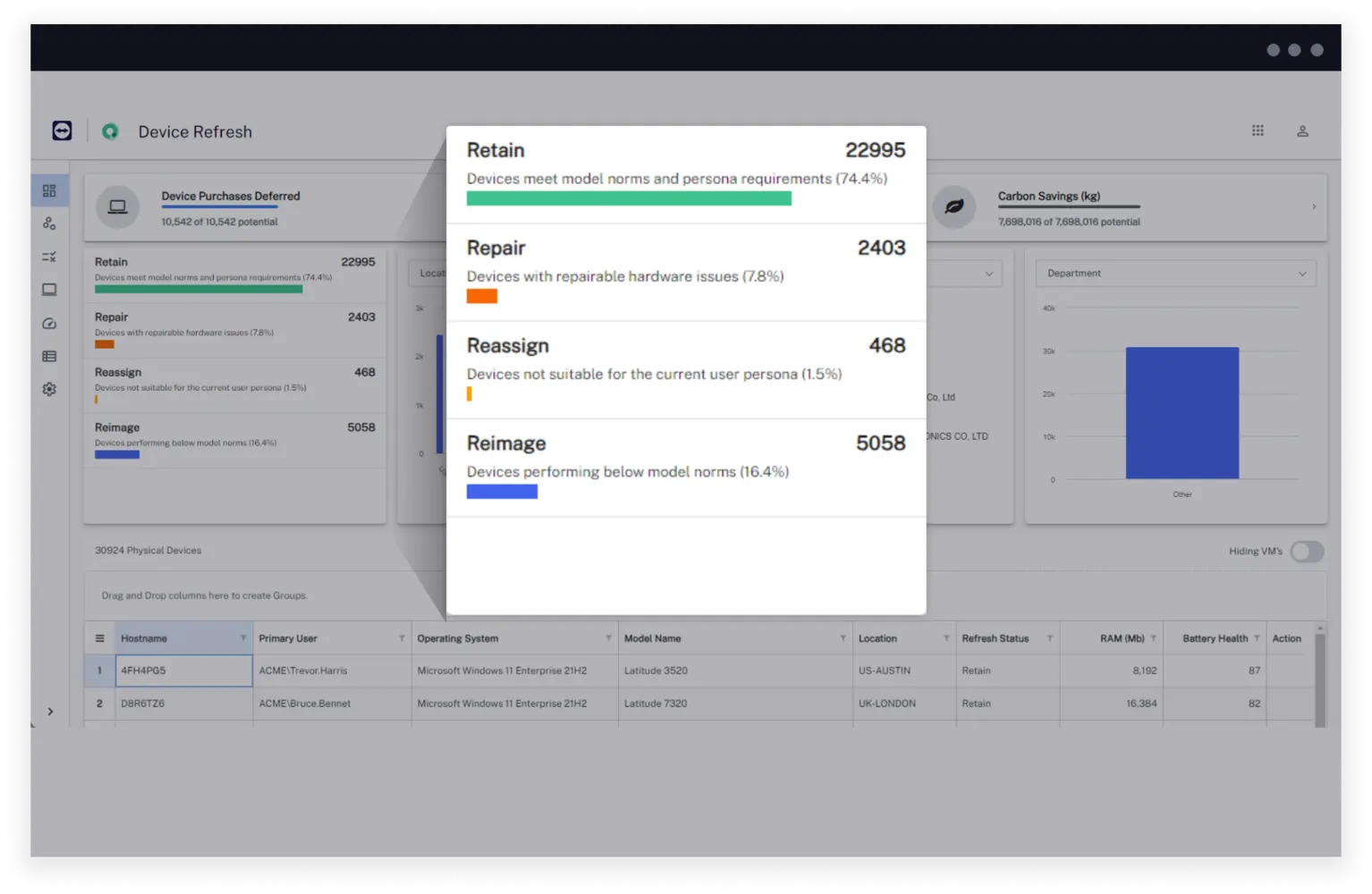
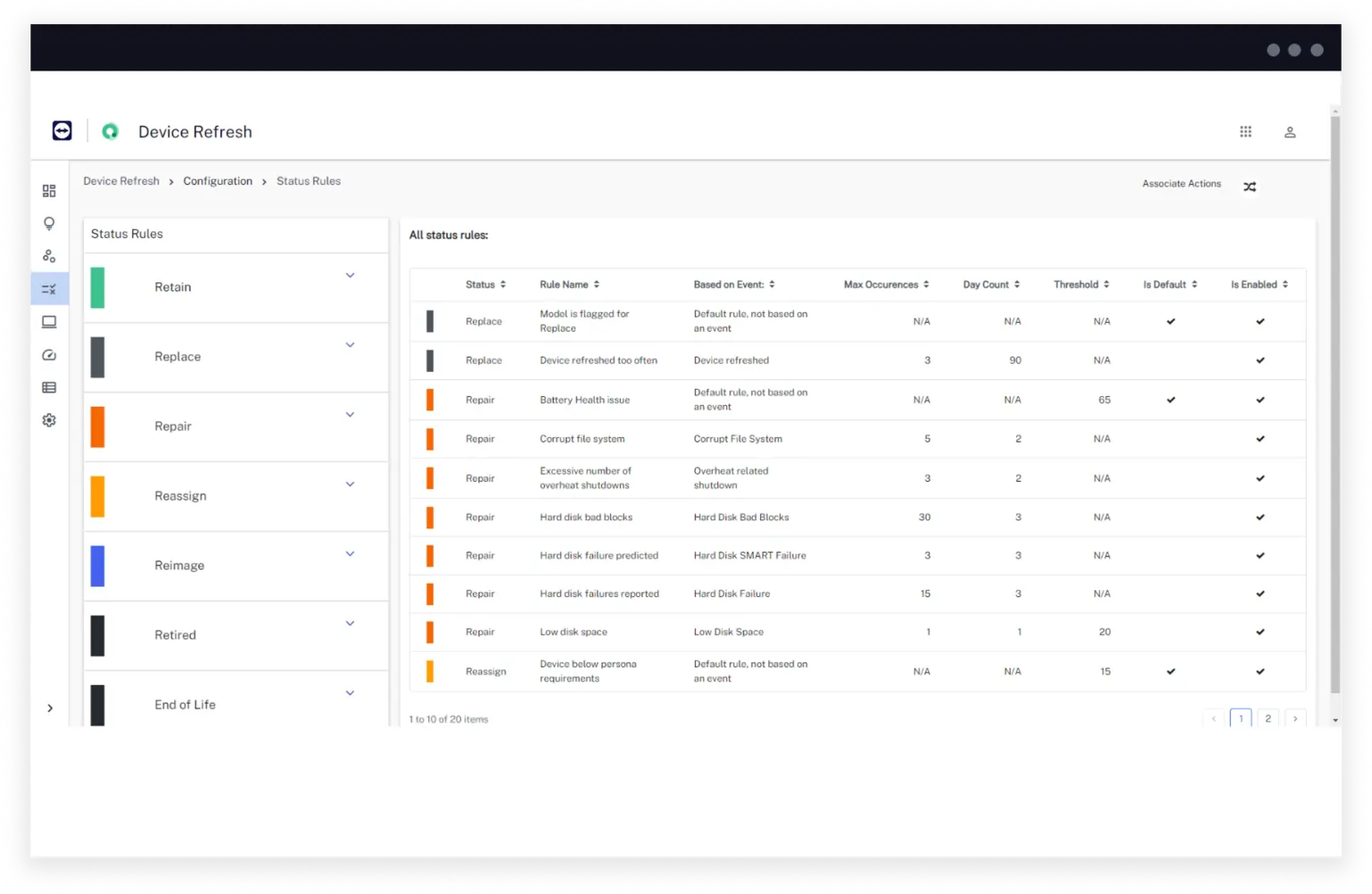
Get data-driven recommendations on whether devices should be refreshed, replaced, repaired, reassigned, or retained. Each device receives a status that is determined by health-related metrics.
Optimize hardware expenses and provide users with the best possible digital experiences.


TeamViewer is a Leader in the 2026 Gartner Magic Quadrant™ for DEX Management Tools.
How it helps
Cut hardware lifecycle costs without annoying end-users. Stop letting random device issues and age-based refresh cycles dictate your device purchase decisions. Embrace a performance-centric approach to decision-making and revolutionize your device refresh strategy.
Get data-driven recommendations on whether devices should be refreshed, replaced, repaired, reassigned, or retained. Each device receives a status that is determined by health-related metrics.
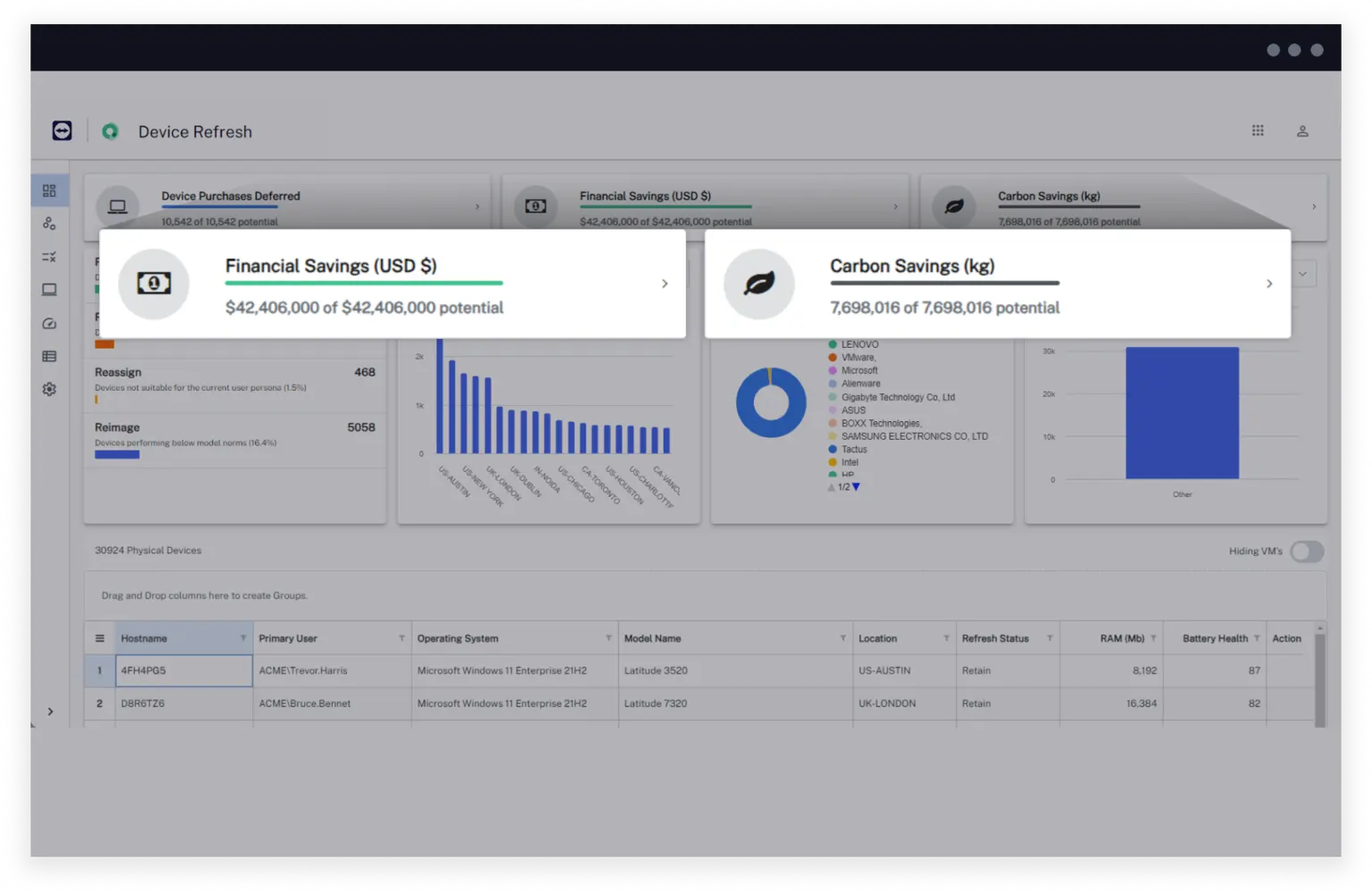
Effortlessly realize the cost and carbon savings associated to avoiding unnecessary device purchases with TeamViewer DEX’s customizable calculators.
Monitor devices in an easy-to-use dashboard that displays real-time data to make fast and effective device decisions.
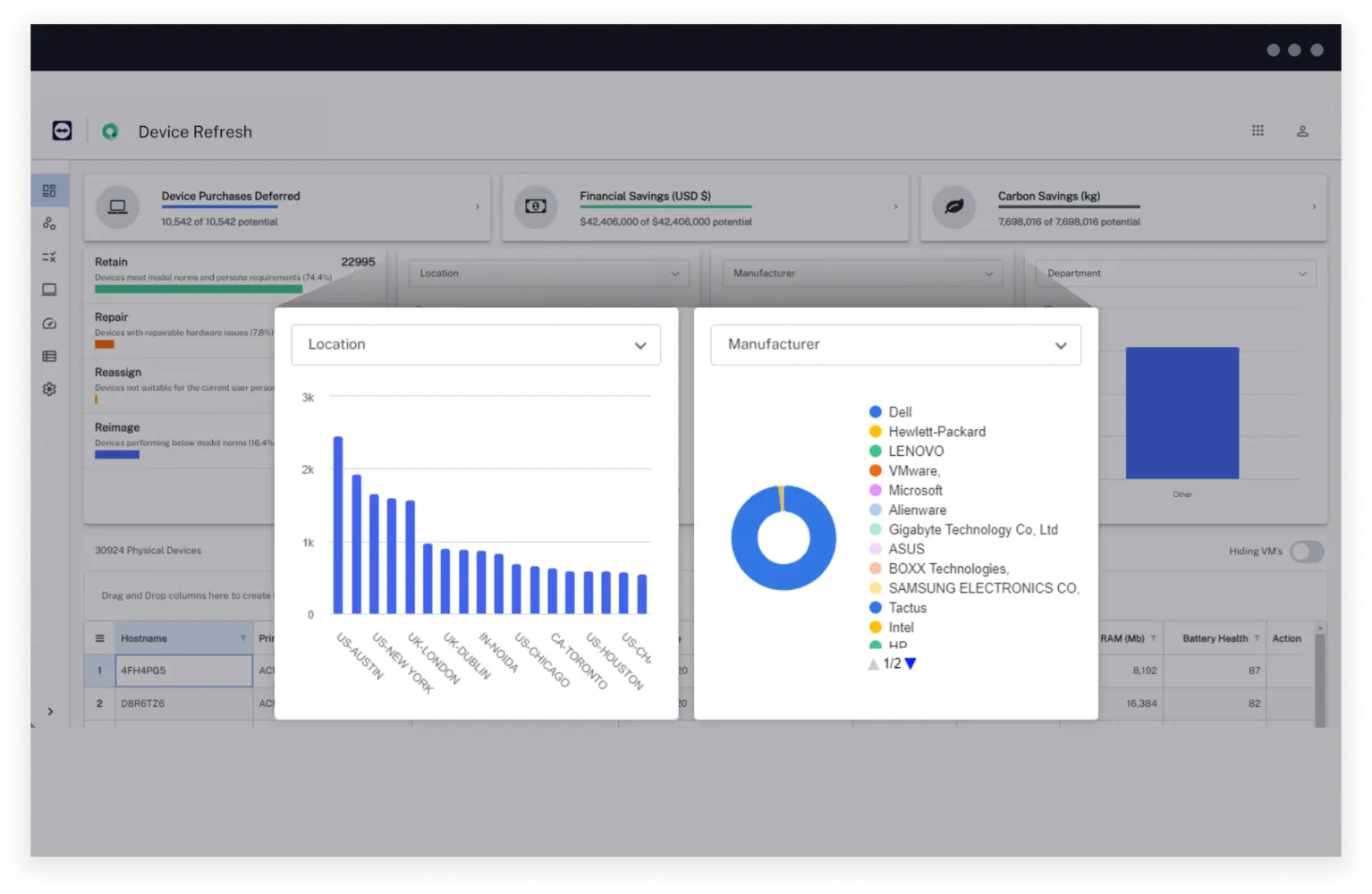
Modify TeamViewer DEX’s default configurations as desired to allow the refresh strategy to meet needs of the organization. Configure details from status names to what data is collected and when.
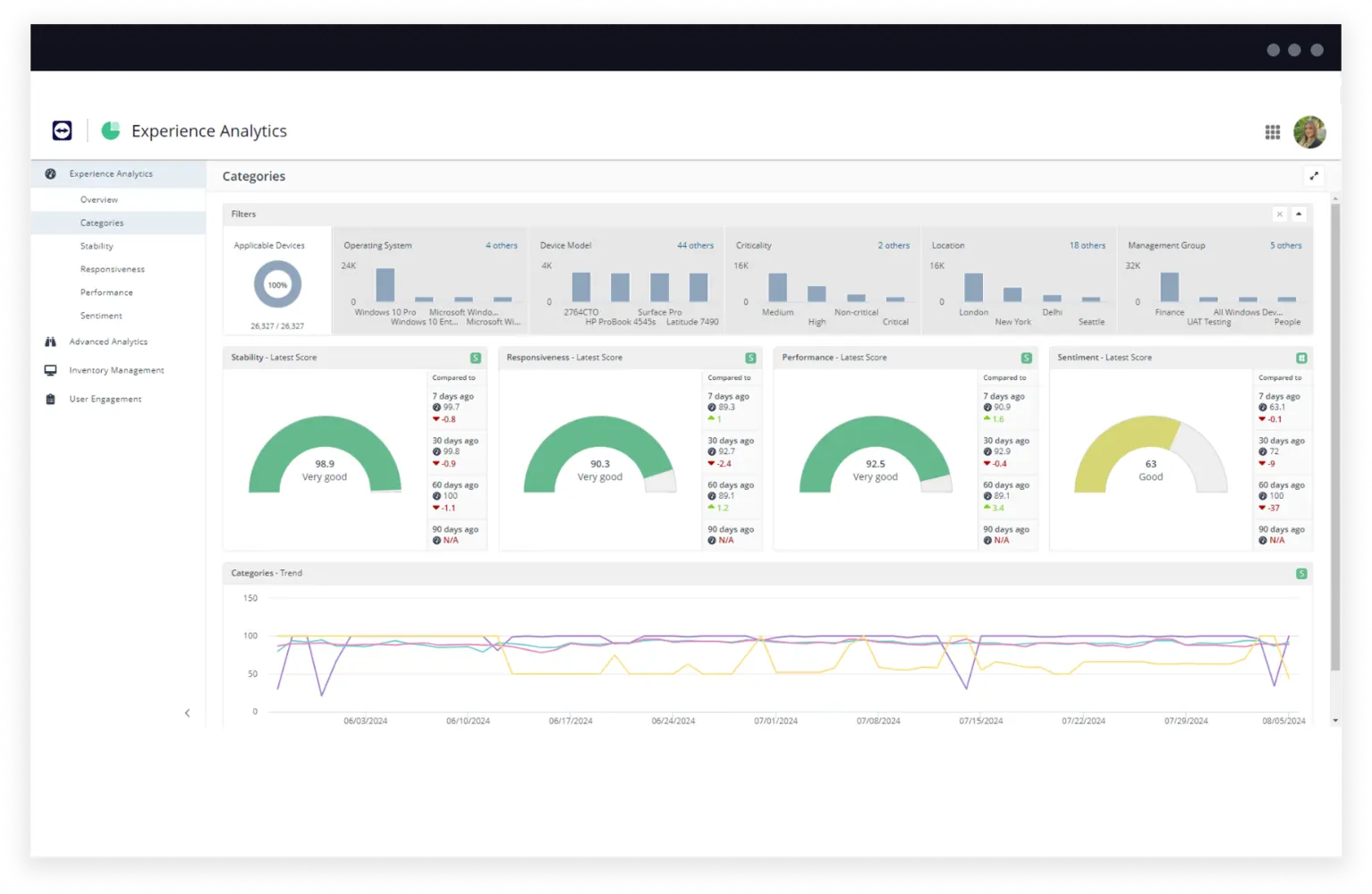
Proactively monitor devices for crashes, lags, high hardware utilization and other factors that could indicate a poor digital experience for end users.
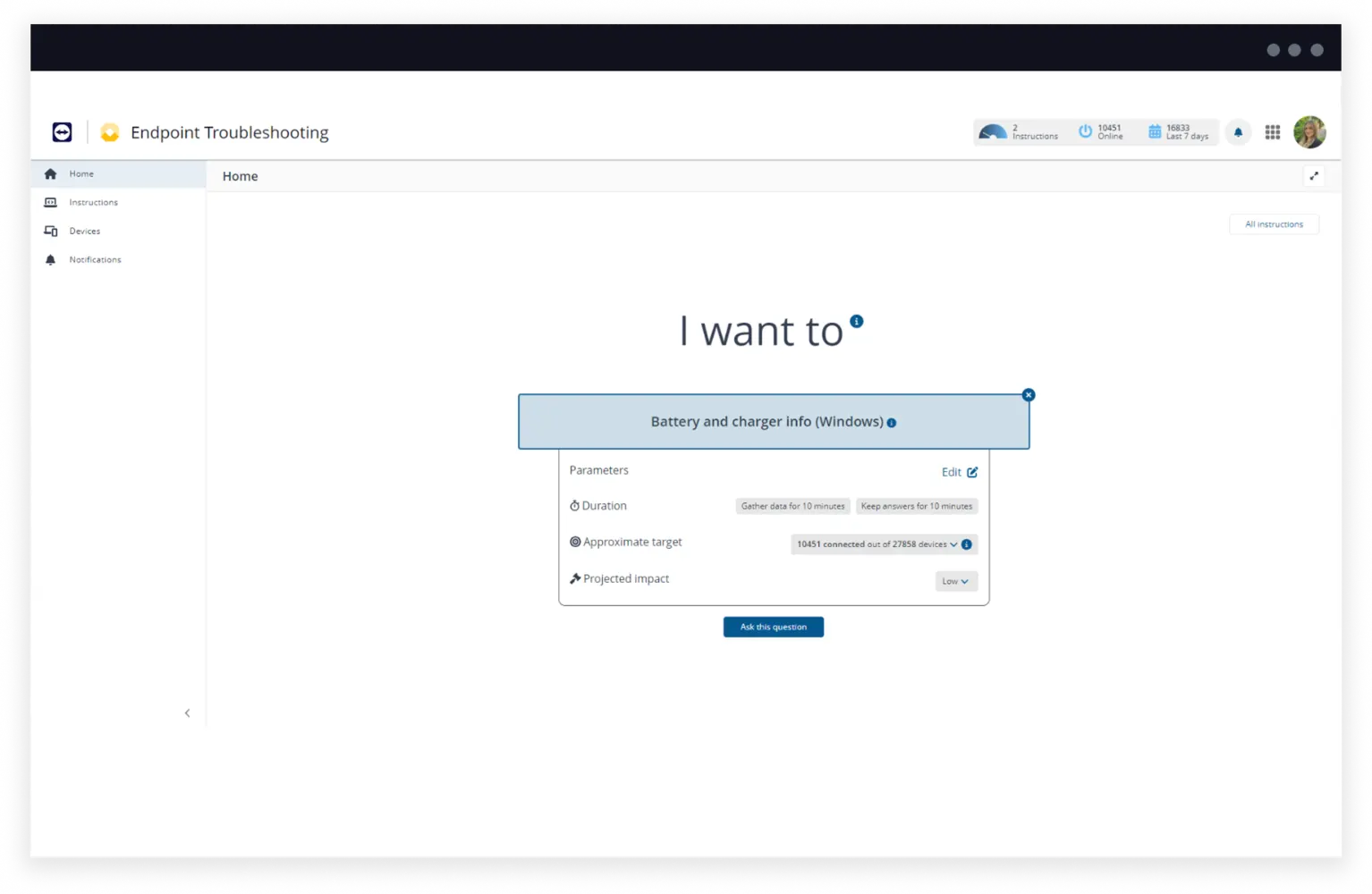
Need to log a ticket to kick-off a repair or further investigate a device? Explore and take action on endpoints in real-time.


Lower hardware costs

Reduce carbon footprint

Improve device health visibility

Match devices to user needs

Decrease user downtime

Discover how TeamViewer DEX improves productivity and lowers costs.