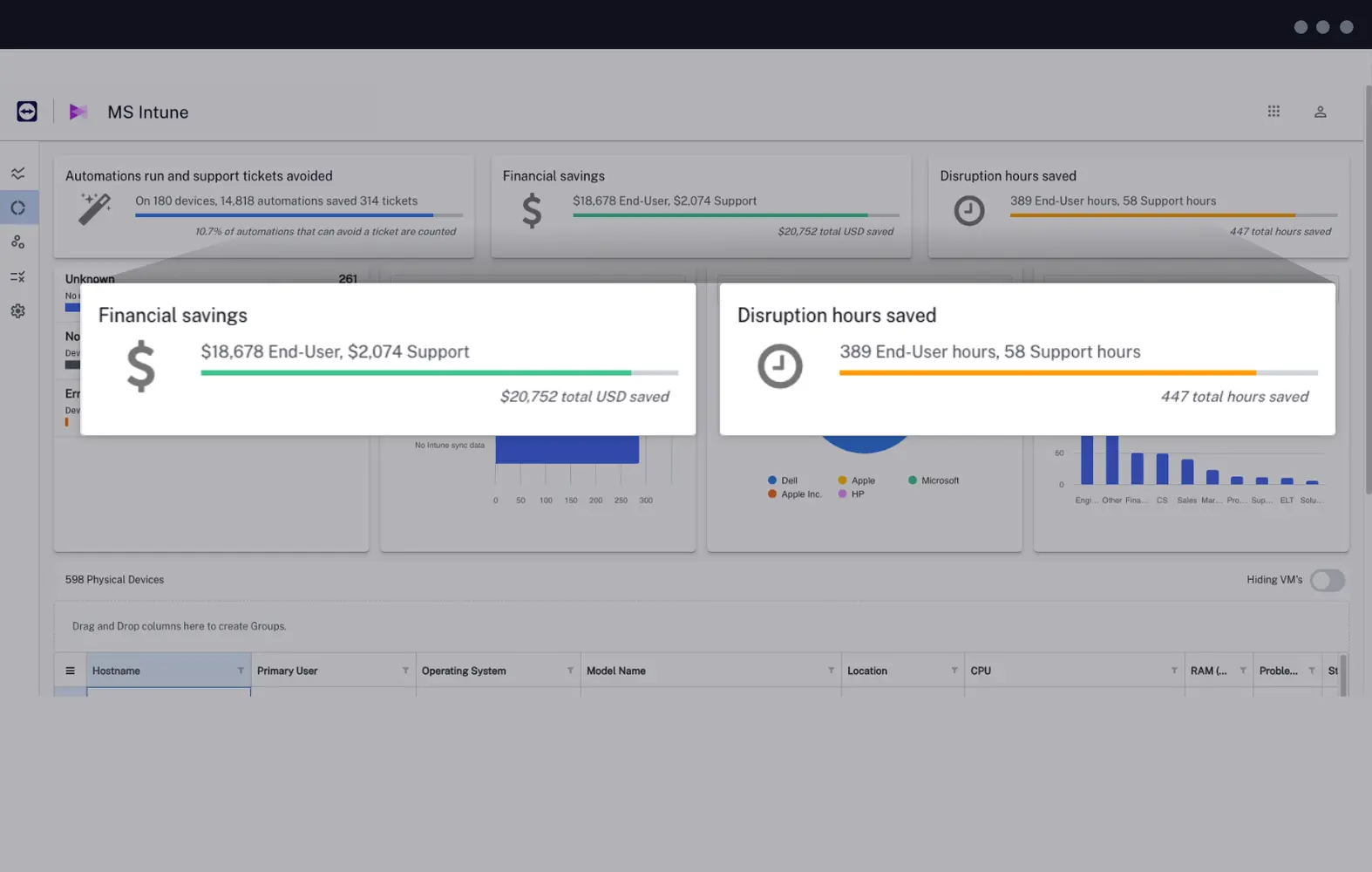
TeamViewer DEX for

Microsoft Intune

Microsoft Intune logo
Benefits

Made to help you get the most out of Microsoft Intune

Timer icon
Real-time policy
Disk drive health icon
Client health
Compliance health care security icon
Critical services compliance
Patch icon
Patching visibility
App folder icon
Normalized inventory

How it helps

Maximize performance for a superior experience

Frequently asked questions

Compliant: Device is compliant with all rules related to Microsoft Intune

Problematic: Device is frequently having issues with rules related to Microsoft Intune

Non-Compliant: Device is currently non-compliant with rule(s) related to Microsoft Intune

Unknown: Device has no rule information available

Yes, the dashboard displays real-time data.

Yes, the device and its status will still show in the dashboard, with its last known status. If events which might change status (such as failed rule compliance) have been happening while the device is offline, the data will by synched and the status will update when the device comes back online.

Rule time savings, user persona settings, support and end-user time costings, and the basis on which rules are considered problematic and more can all be configured.

Once setup, there are enough controls available within the solution dashboard that it is not necessarily required for an admin to have to visit the TeamViewer DEX Platform. However, there are features in the TeamViewer DEX Platform that will further enhance any organization’s management of Microsoft Intune.

Your Customer Success contact will be able to provide additional information, answer questions you may have, and assist with scheduling a demo. Alternatively, you can click here to schedule a demo.

Take the next step