Spatial computing

Unlock the power of spatial computing with TeamViewer Frontline. From creating immersive 3D workflows to leveraging existing devices, scale your business with ease while supporting your workforce every step of the way.

TeamViewer Frontline

TeamViewer Frontline

What is spatial computing?

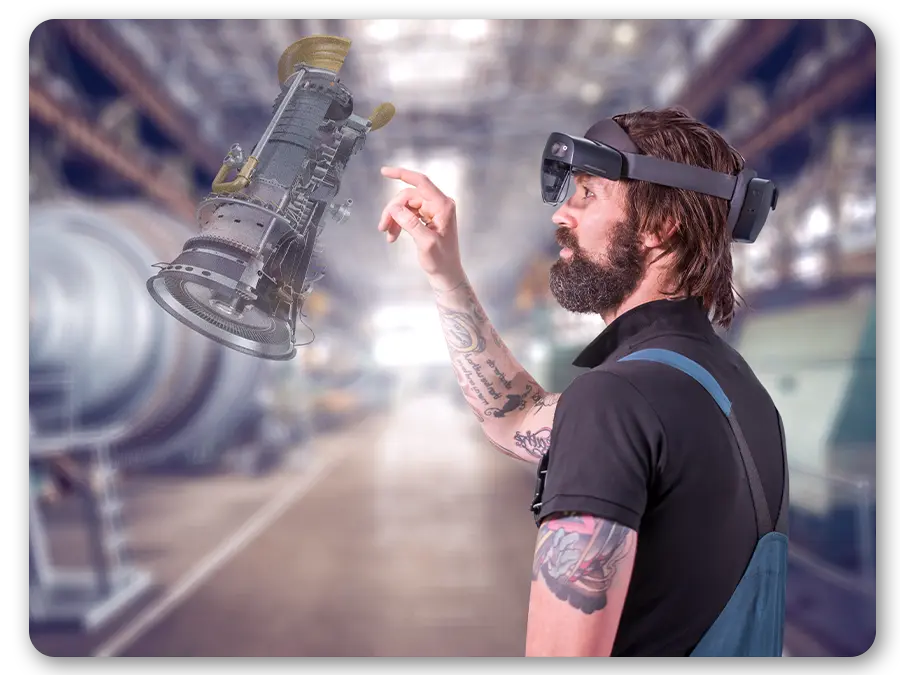
Spatial computing describes a new way of interacting with technology. It’s one where digital content is blended seamlessly with the real world, helping to simplify and contextualize even the most complex workplace tasks. This empowers your people to absorb new information faster than ever before.

In areas such as training & onboarding, process guidance, and quality management, spatial computing underpins some of the most exciting recent technological developments—particularly surrounding virtual reality (spatial VR) and augmented reality (spatial AR).

Not too long ago, virtual computing technology was one to watch. Now, thanks to TeamViewer, the potential of spatial technology is at your fingertips, ready to be put to work on the ground. With TeamViewer Frontline, you are all set to create your very own immersive work environment: one that enables you to supercharge knowledge transfer—and potentially boost productivity across your business.

How does spatial computing work?

There’s nothing new about frontline workers relying on digital information to complete real-life tasks. Take the example of a technician who needs information on replacing a machine component. Under the legacy, ‘non-spatial’ way of working with computers, that technician steps away from the task in hand, powers up their laptop, finds the relevant instructions, takes a good look at the info, and then (hopefully!) uses what they’ve read to get on with the job.

With this classic model, digital information is static and decontextualized. It’s essentially confined to the user’s screen, totally separate from the real-world situation they have to deal with. It’s up to the worker to translate that data correctly into reality. When you’re dealing with a particularly complex, unfamiliar job or lots of tasks in quick succession—the risk of error or misinterpretation is all too real.
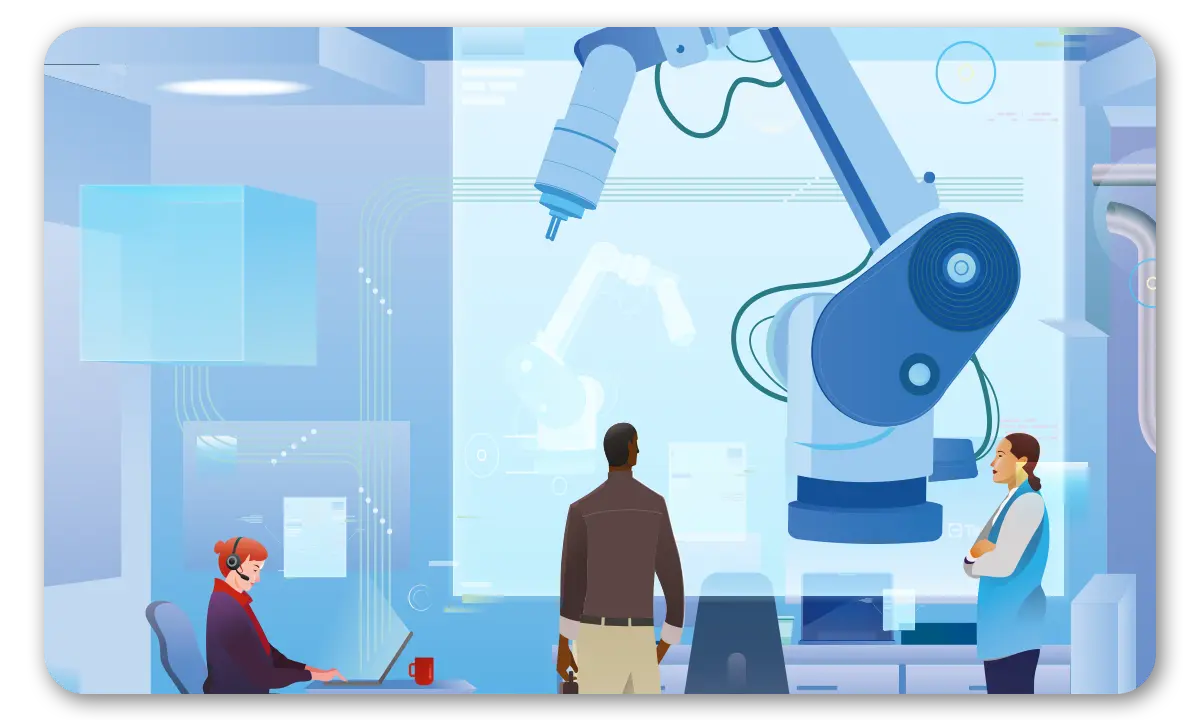
Spatial computing AR

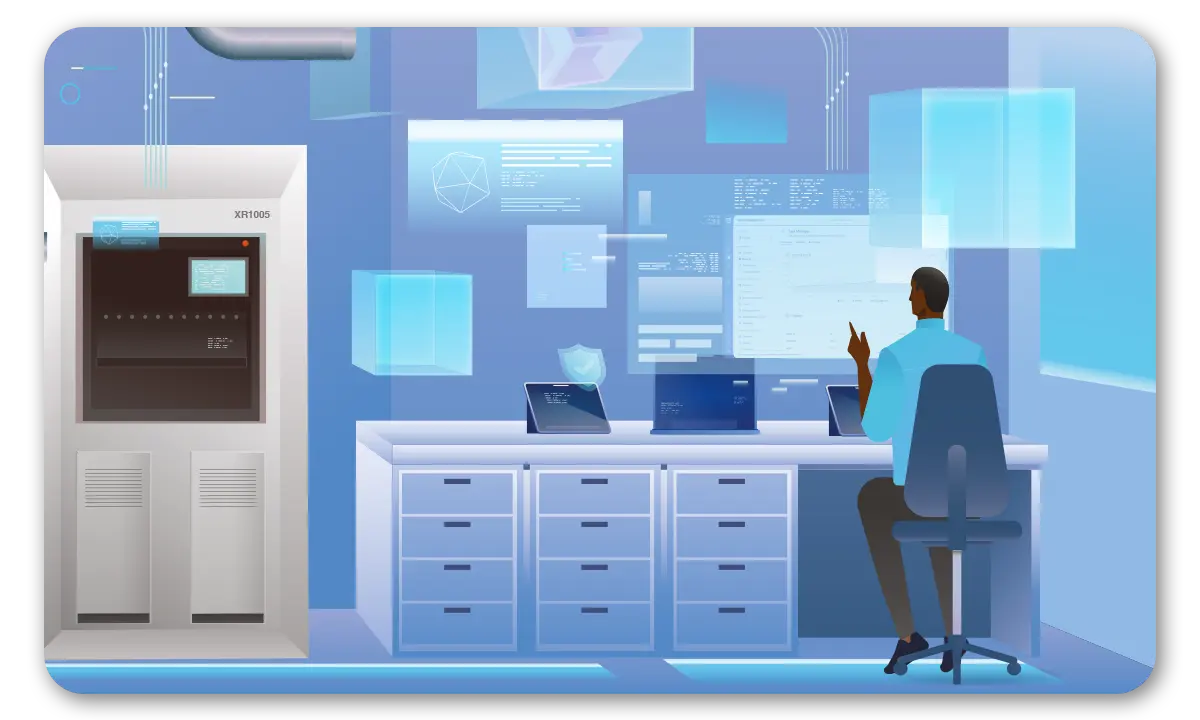
Is work going spatial?

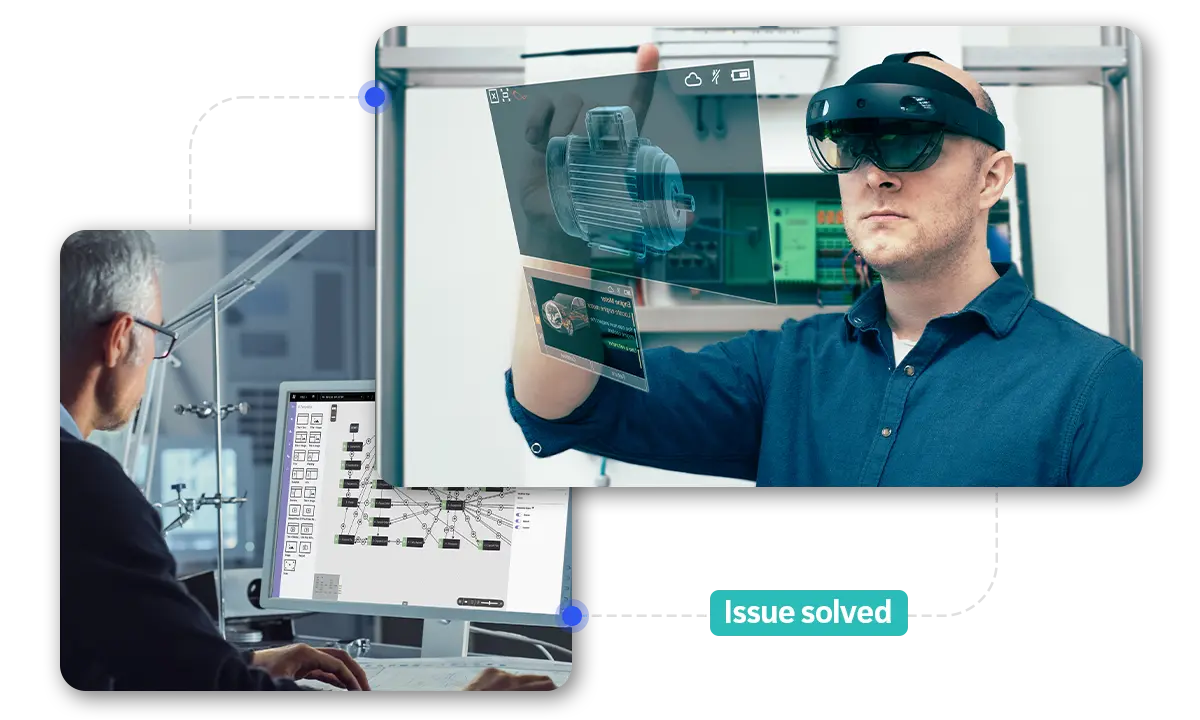
Spatial computing bridges this reality gap. In workplace environments, one of the most useful applications of spatial technology involves using multiple types of digital content, such as 3D models, annotations, text, video, and more, to create your own guided workflows for specific tasks.

Best of all is the immersive way in which this information is consumed. There’s no more switching back and forth between the computer screen and real life. Instead, digital information is overlaid on the physical world using your device of choice (for instance, an AR headset, smart glasses, or a tablet). Employees get exactly the digital guidance they need, directly in their field of vision, while they complete the task at hand.

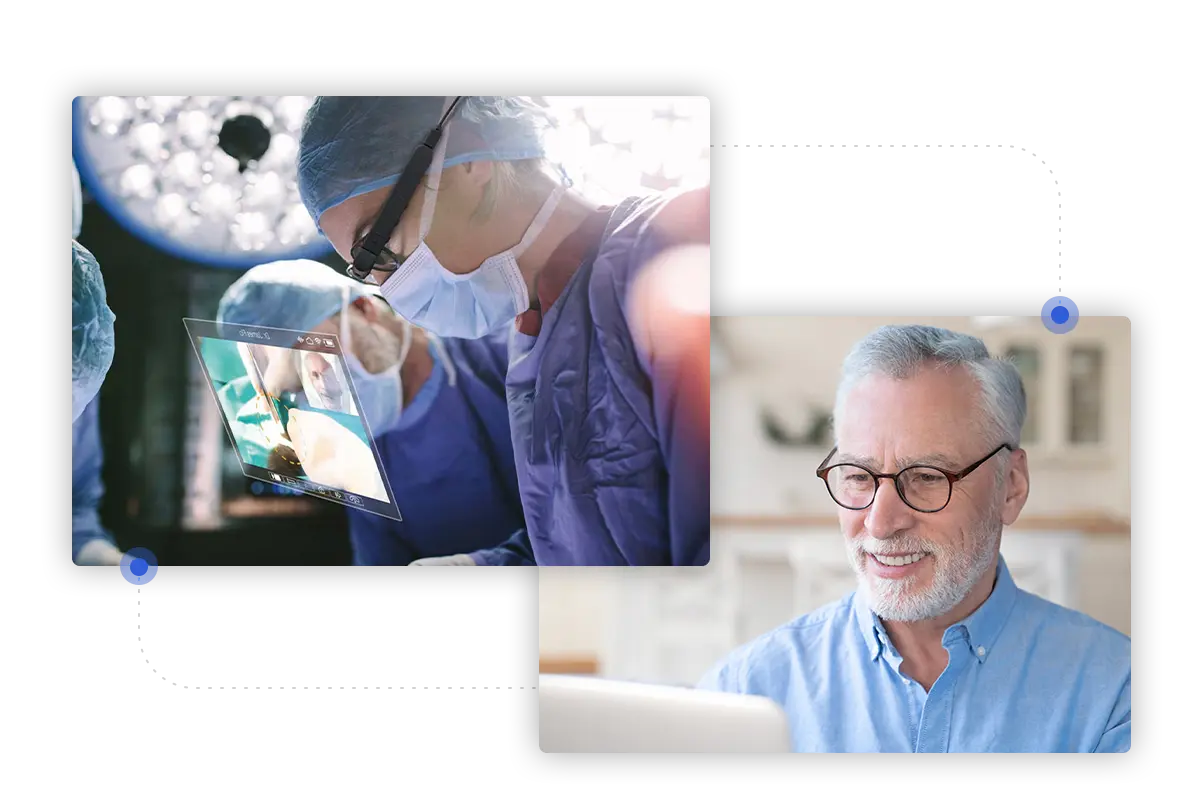
Spatial computing in healthcare

Spatial computing: beyond spatial VR & AR

Spatial computing and different types of immersive technology all attract plenty of excitement about the future. However, from an IT and wider business perspective, the true value of these technologies is rooted very much in the here and now. Far from being technology for technology’s sake, innovations in this area can help you tackle some of today’s biggest operational challenges.

Optimize spatial computing with Frontline Spatial

Frontline Spatial is designed to make practical, value-added immersive experiences a reality for your business.

Create and adapt 3D models. Add spatial instructions such as position markers, heat maps, and diagrams. Display KPIs, progress updates, and interactive checklists. Enhance your workflows with images, video, and audio files, as well as camera and video capture.

As part of the Frontline platform, the solution provides everything you need to create 3D augmented reality workflows and a wider bank of operational resources without the need for programming knowledge.

Key icon
Improved employee engagement

Thanks to Frontline Spatial, even the driest, most tedious instructional information comes to life. Reduce your reliance on static screens in favor of relevant information delivered right at the point of need. Reduce information overload, and give your employees the confidence to reach their full potential.

App connectivity icon
Enhanced productivity

With your choice of visual information delivered right where and when it’s needed, workers waste much less time scrolling for information, finding locations, and seeking supervisory assistance. Start bridging your informational gaps for faster, less error-prone task completion and enhanced output rates across your business.

File sharing icon
Improved knowledge transfer

With TeamViewer Frontline Spatial, you can eliminate the lag between ‘learning’ and ‘doing’. Create your own AR-based training sessions, utilizing 3D models and spatial instructions. Interactive features such as instant-feedback quizzes make knowledge transfer ‘sticky’ and more enjoyable.

Программное обеспечение для обычных пользователей и компаний, отмеченное множеством наград

G2 Award: Leader
G2 Award: Momentum Leader
G2 Award: Fastest Implementation, Mid-Market (MDM, SAP Store)
G2 Award: Best Meets Requirements, Enterprise (SAP Store)
G2 Award: Top 50 IT Infrastructure Products
G2 Award: Users Love Us

Spatial computing for industries

In sectors as diverse as manufacturing, engineering, and pharma, spatial computing allows you to create step-by-step guidance for complex tasks, overlaid onto the employee’s view while they work or learn anywhere in a secure environment. This can be enhanced further with visual annotations, quizzes, and checklists to reinforce or verify levels of understanding.

Spatial computing for manufacturing

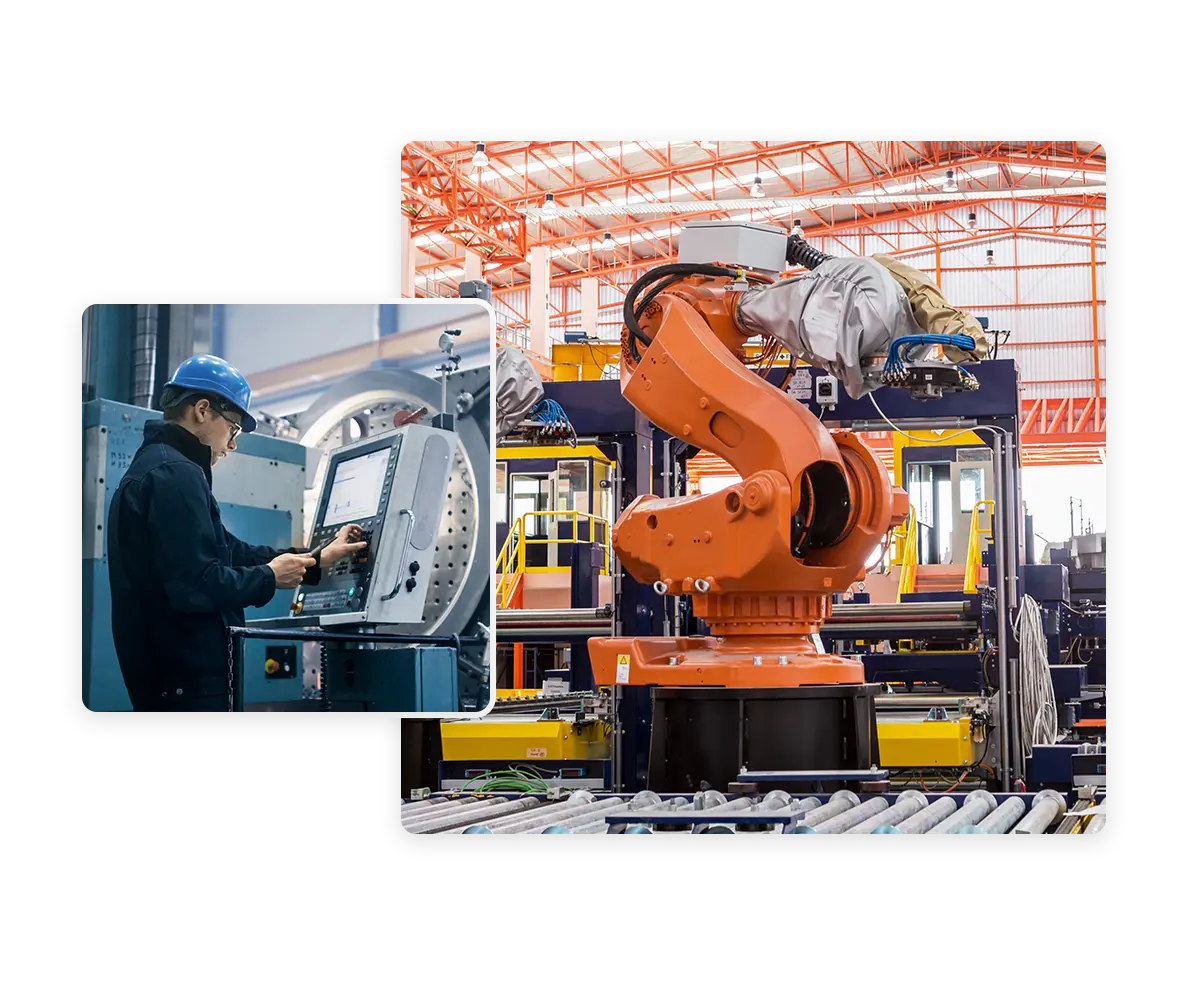
Rapidly create step-by-step guided workflows for all core assembly lines and other industrial processes. The same solution can also create AR-based maintenance guides for industrial equipment, enabling faster repairs to keep production schedules on track.

Man working remotely on robotic arm

Spatial computing for automotive

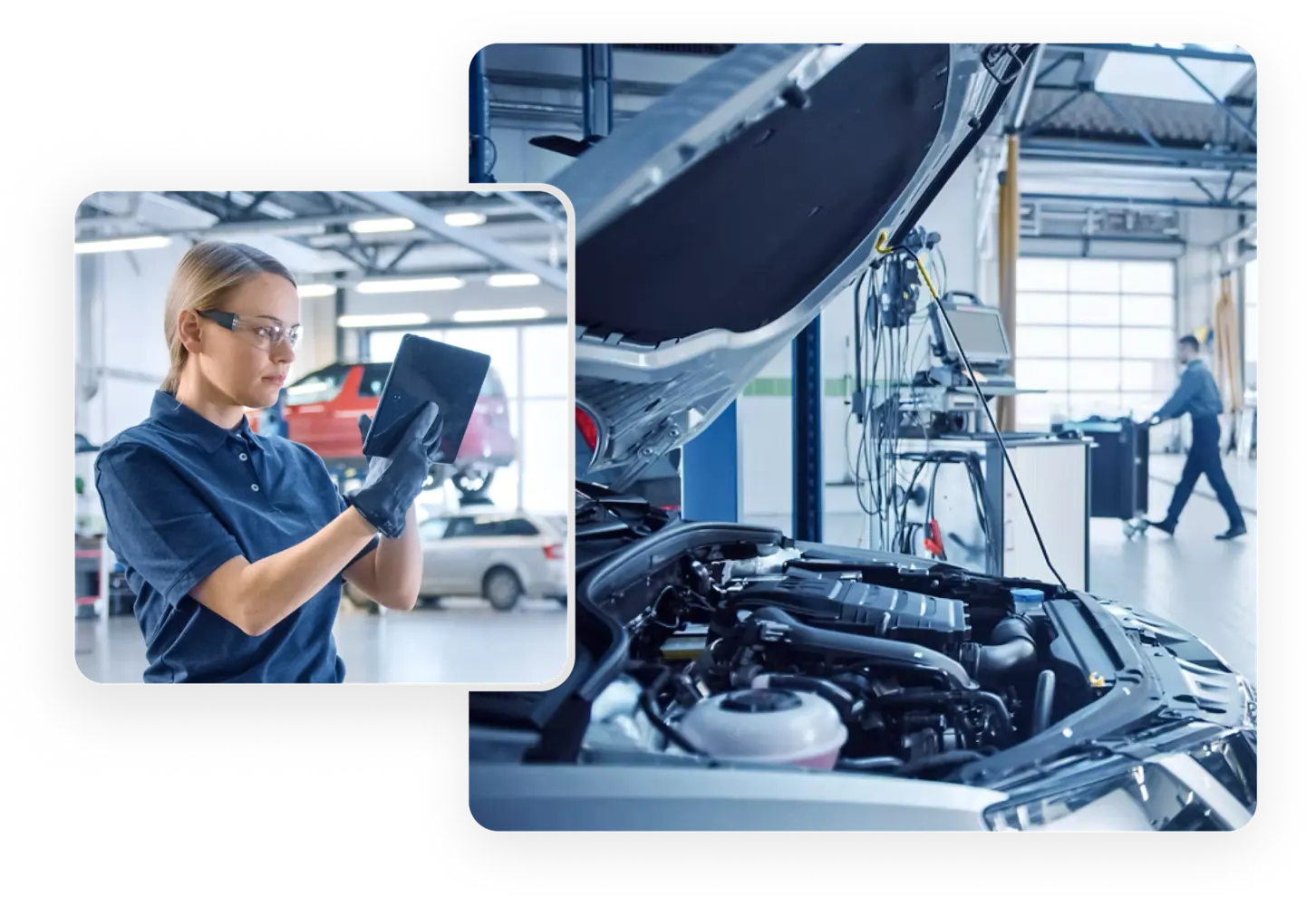
Spatial computing is used in the automotive industry from efficient employee training to workflows for testing a vehicle in production. Workflows can be simplified by displaying important information as holograms in the right places on the car. Contents such as component markings, dimensional information, or documentation videos are always visible to the technician everywhere.

Remote connectivity in the workshop

Spatial computing for medtech and pharma

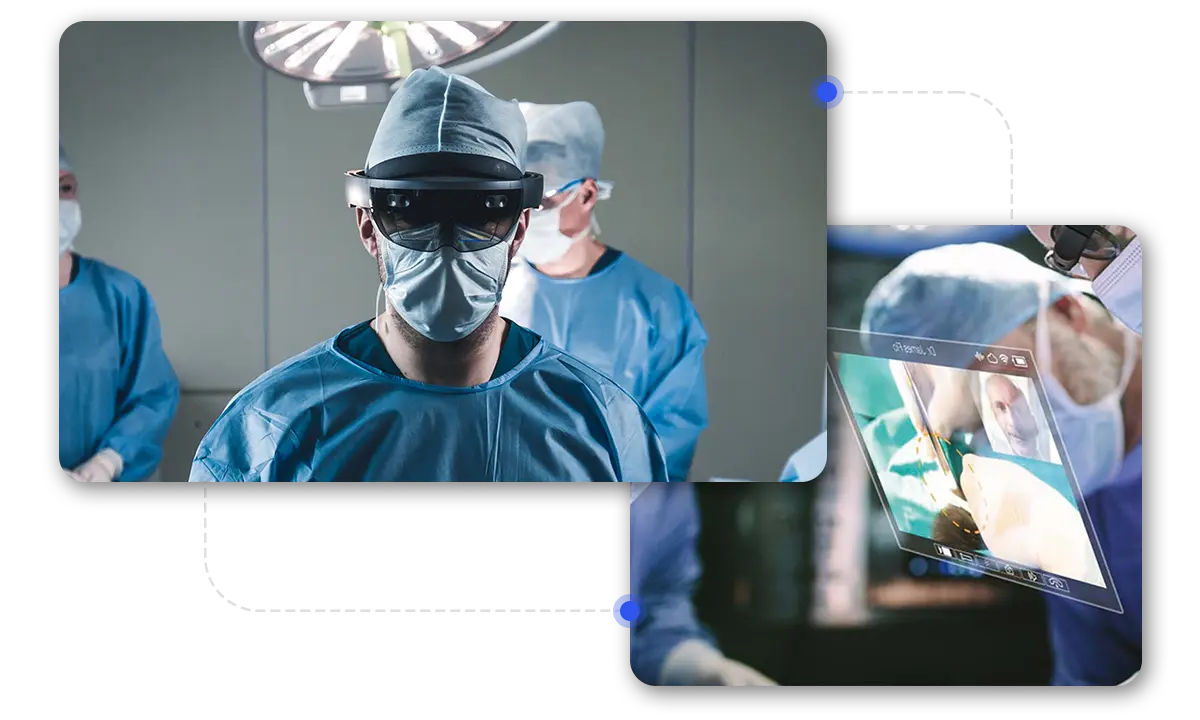
Frontline Spatial is utilized in some of the world’s most sensitive and highly regulated sectors, such as pharma, medicine, and advanced engineering, where precision and consistency of output are paramount. Even the most complex compliance steps can be embedded into your workflows, and reports for compliance audits can be generated.

Doctors using AR during an operation and for operational tasks

Why choose TeamViewer as your business’ spatial computing partner?


Spotlight

Customer success

Explore more success stories

Frequently asked questions (FAQ)

Spatial computing is a broad term used to describe computers interacting with and understanding users’ physical environment. It covers relatively simple applications, such as a GPS tracker capable of determining an object’s physical location, right through to immersive technologies (spatial VR and spatial AR) capable of overlaying information onto the physical world and even creating a whole new perception of reality for the user.

VR is an advanced form of spatial technology in which entire virtual environments are rendered. Unlike spatial AR (augmented reality), which involves superimposing digital elements onto the user’s view, spatial VR effectively replaces the user’s view of their environment with a computer-generated one.

The basic principle of spatial computing is to enable computing devices and systems to understand, interpret, and interact with the physical environment. This is achieved through multiple possible solutions, from sensor-based input systems to advanced forms of spatial technology such as AR and VR.

Yes. Spatial computing makes VR possible. In particular, VR systems can only render a realistic simulation of reality by calculating the position and orientation of users in real-time.

The metaverse refers to an emerging 3D digital space that enables users to have lifelike interactions online. In addition to helping to bring brands the ‘wow factor,’ the metaverse promises new opportunities in areas such as remote training and collaboration, global networking, and remote working. Spatial computing is the foundational technology behind this, underpinning VR and AR—both key elements of the metaverse experience.

For businesses, some of the most exciting and commercially useful examples of spatial computing surround spatial AR, where digital elements are superimposed onto the user’s real-life worldview. This has massive potential in visually guided workflows, on-the-job training, and quality assurance, helping businesses speed up knowledge transfer, reduce error rates in core processes, and significantly enhance productivity.