Flexible, user-friendly, and cost-effective

TeamViewer revolutionizes onboarding and training

A smarter approach to onboarding and training translates into faster ramp-up for new starters, closer adherence to quality and safety standards, easier re-skilling, and reduced employee churn.

Remote access and support with TeamViewer

The onboarding challenge

Meeting the training needs of even the most demanding industries and sectors

In advanced manufacturing, industrial production, assembly, and logistics areas, TeamViewer is trusted as an invaluable tool for delivering world-class training and onboarding in the most challenging working environments. This includes equipping workers to reach total productivity faster, mastering complex processes, training remote workers, and maximizing employee retention.

TeamViewer offers everything you need

  • A flexible, cross-compatible remote assistance solution: Deliver training and onboarding for all employees, locations, and device types
  • Secure remote access and file transfer: Allowing new starters access to training materials and all other company assets from anywhere
  • Session recording: Record, review, retain, and adapt remote sessions for future onboarding, training, and auditing purposes
AR support with TeamViewer

Remote assistance and support

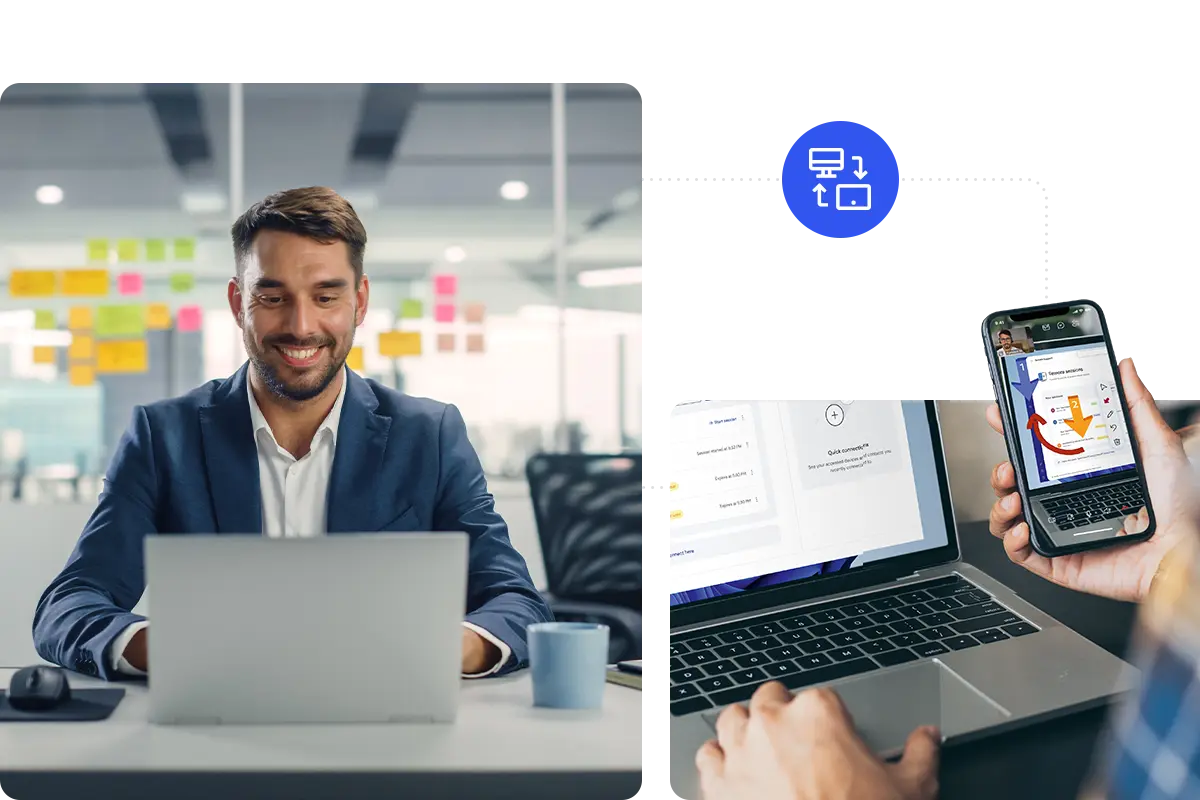
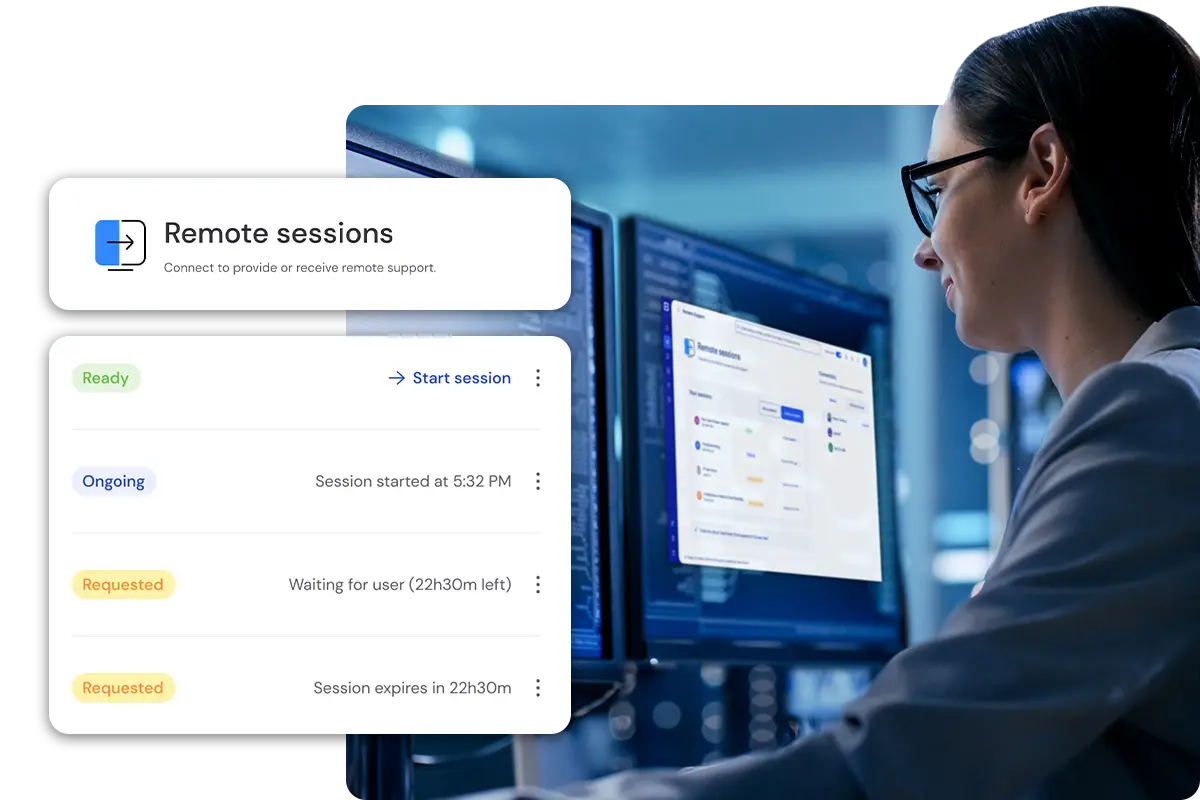
New employees are much more likely to find their feet if problems can be talked through and glitches fixed rapidly. Thanks to TeamViewer, the help your people need is never more than a few clicks away. It allows remotely-based team leaders and IT support staff to connect instantly with employees and their devices. So whether it’s a quick HR query or a problem with a particular machine, supervisors can see what’s happening, talk through the problem (or even fix it remotely!) to deliver a resolution.

Standardized training across scattered locations

How can we deliver training relating to fixed machinery based in scattered or hard-to-reach facilities? With 3D simulations created through Frontline Spatial, employees can be trained on how to use machines, without having to be in the exact location of the machine itself. Likewise, training managers can adjust the training model remotely if a machine or process is altered or upgraded. Employees get the training they need without leaving their usual worksite, and without an in-person trainer — reducing the need for travel for trainers and trainees alike.

Secure remote access and file transfer

Workplace policies, user guides, forms and templates, software, databases, and machines: a big part of successful training and onboarding depends on accessing the right information and assets at the right time. TeamViewer’s remote access software ensures that workers can gain secure access to all company files, applications, machines, and servers from anywhere. The solution is supported by industry-leading encryption and compression capabilities and enables secure and rapid file transfer for seamless collaboration and information exchange.

Create an onboarding program specific to your needs

The TeamViewer dashboard provides a centralized hub for trainers and managers to oversee the onboarding process. Create company-branded AR-guided walkthroughs, upload documents, videos, and other resources, track participation, and answer queries — all in one place. TeamViewer also allows you to record remote access sessions, which you can edit as required. Building a bank of reusable, company-specific onboarding resources has never been easier.

TeamViewer Remote: Equipping workers for maximum productivity

Meanwhile, advanced security features, including end-to-end encryption and fine-grained access controls, ensure peace of mind in the knowledge that sensitive information and assets remain protected.

Employees get precisely the help they need. At the same time, managers can save time and resources that would otherwise be spent on in-person training and associated travel costs.

TeamViewer Tensor goes even further with features such as 360-degree auditing and logging functionality, so you can track all activity performed on any device, including logs of all remote control sessions, making it easier to check that users have completed onboarding tasks.

When a worker has a technical problem, trainers and IT support staff can use TeamViewer Remote to deliver guidance, fix problems, or adjust settings remotely without waiting for costly call-outs.

TeamViewer Frontline: Guiding your workers through every critical task

Used in conjunction with smart glasses, Frontline replaces manuals with step-by-step contextual directions visible in the worker’s field of view. Users get the right information linked to the task at the right time and can check information hands-free for quicker, less frustrating task completion.

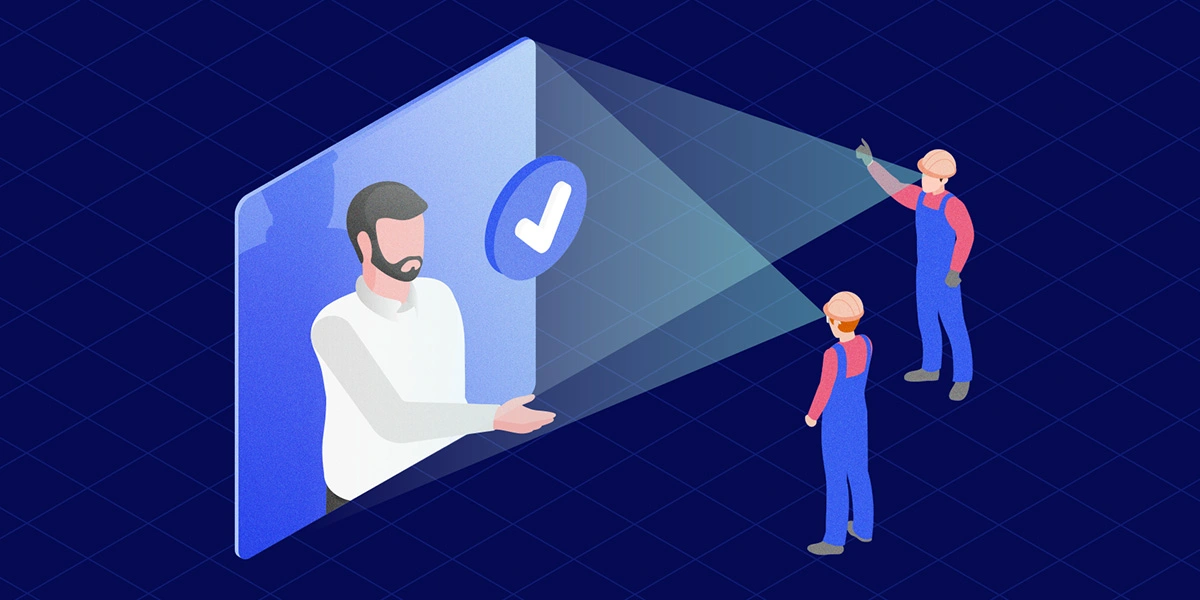
You can integrate bespoke checklists into each workflow. See-what-I-see functionality also allows supervisors to virtually drop in on trainees, to see the process from their point of view, appraise their performance, and offer guidance where needed.

Users can connect to remote-based supervisors, managers, or technical support staff directly via smart glasses or mobile devices. AR overlay features, including a live pointer, on-screen annotations, and danger sign recognition, allow those experts to deliver hyper-relevant guidance. At the same time, employees continue working on the activity.

Why choose TeamViewer?

Compliance health care security icon
Security

Don’t make remote training a weak point in your security stance. Secured by end-to-end 256-bit AES encryption, two-factor authentication, conditional access, SSO, and more, TeamViewer is designed to keep your information safe and give you full control over every incoming and outgoing connection, including AR-guided connectivity sessions.

Fit to screen icon
Flexibility

TeamViewer solutions can be tailored to match your precise training and onboarding needs. This includes comprehensive auditing and logging functionality to track all activity performed on any device and check that training activities are being completed. With integrated mobile device management available, managing and maintaining a growing estate of handhelds, smart glasses, headsets, and other devices has never been easier.

Skill level icon
Performance

Clunky platforms, outages, and performance glitches can often cause new employees to disengage! TeamViewer’s global access network helps ensure ultra-reliable connections, fast transfer speeds to eliminate lag, and strong image quality, which are precisely the elements you need to build a memorable, intuitive onboarding experience for end-users.

Программное обеспечение для обычных пользователей и компаний, отмеченное множеством наград

G2 Award: Leader
G2 Award: Momentum Leader
G2 Award: Fastest Implementation, Mid-Market (MDM, SAP Store)
G2 Award: Best Meets Requirements, Enterprise (SAP Store)
G2 Award: Top 50 IT Infrastructure Products
G2 Award: Users Love Us

Spotlight

Customer success

Explore more success stories