Up to speed with TeamViewer: What’s new post-summer 2025

This release brings tools that help you respond faster, prevent issues before they spread, and scale support without adding complexity.

Connect and support people

Get the right fix faster with TeamViewer CoPilot

Many IT tickets involve the same types of issues: login problems, application glitches, or performance slowdowns. TeamViewer CoPilot helps you cut through routine troubleshooting by offering AI-powered, context-sensitive guidance. Instead of searching through knowledge bases or relying on memory, IT supporters get in-session recommendations backed by real-time device data. That means quicker fixes, more consistent support, and fewer repeat tickets.

  • Get contextual, in-session guidance based on device data.
  • Reduce mean time to resolution with data-backed recommendations.
  • Scale consistent troubleshooting across agents and shifts.  

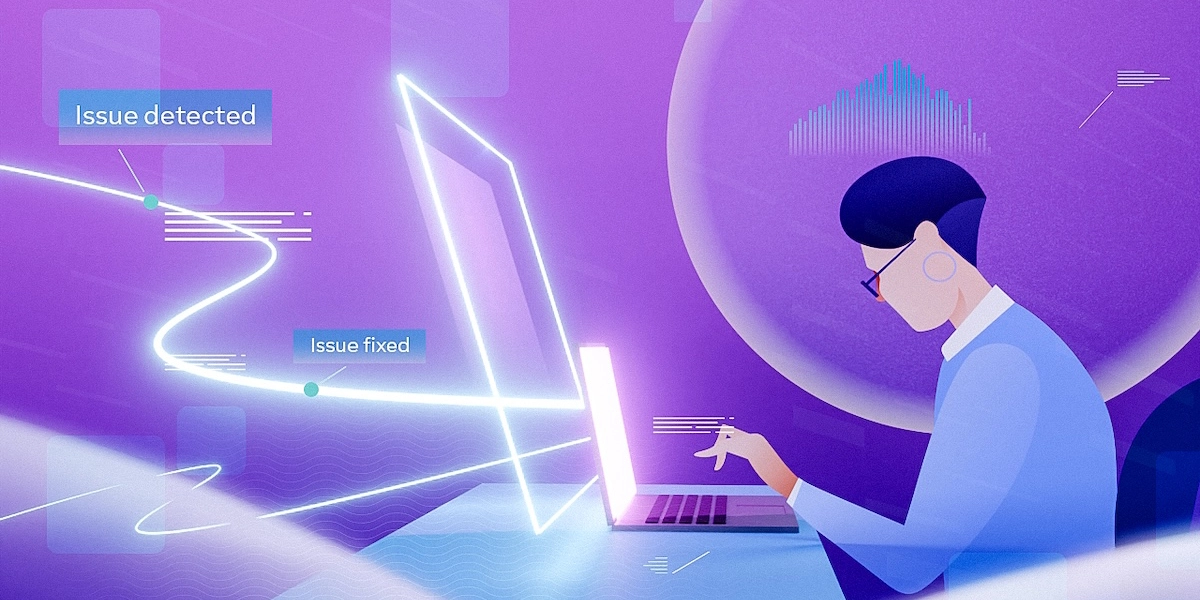
Illustration: IT pro works with AI assistant suggesting smart fixes for faster, easier problem-solving

Identify and resolve issues earlier with DEX Essentials

Employees notice when their apps lag or connections drop, often before IT has visibility. DEX Essentials gives teams a reliable way to monitor the core aspects of your employees’ digital experience, so problems can be addressed before they disrupt work. And with clear insights into performance, IT can focus on what matters most: keeping users productive.

  • Identify performance issues before they impact productivity.
  • Resolve issues faster with suggested remediations.
  • Reduce ticket volume and lower MTTR (mean time to resolution).
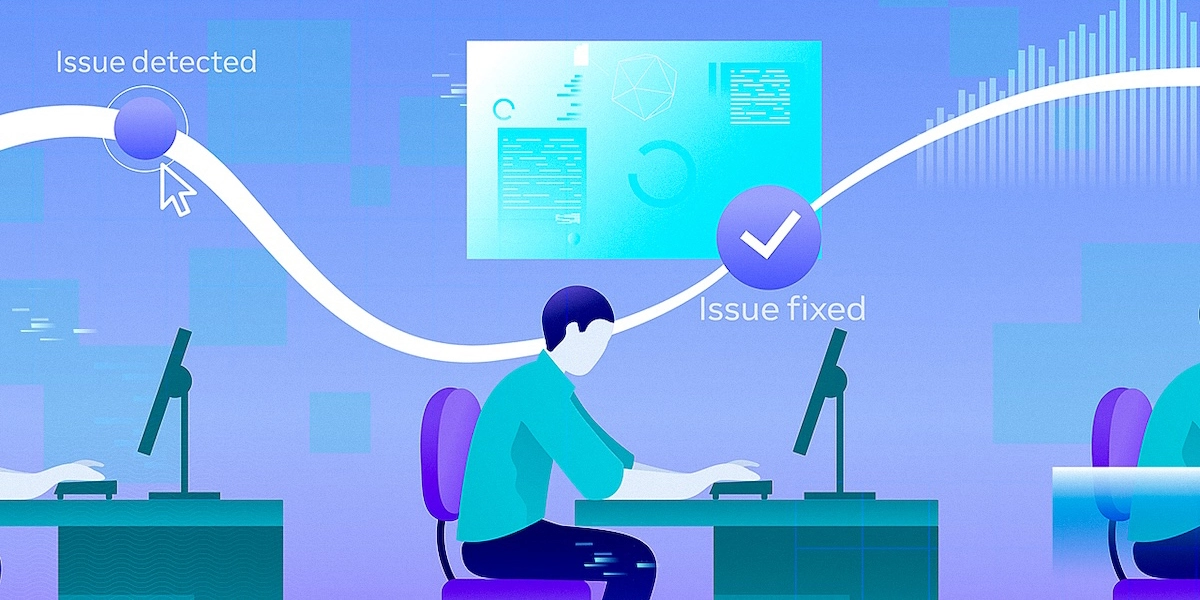
Illustration: IT specialist monitors dashboards, catching early warnings before users are affected

Centralize your risk oversight

Managing security across many endpoints often requires juggling different tools and dashboards. Security Center eliminates that overhead by providing one place to view risks, configure protections, and check compliance. This makes it easier for IT to ensure consistent security policies and respond quickly when something changes.

  • Improve your security posture and compliance status from one dashboard.
  • Enforce TeamViewer security settings consistently across devices.
  • Cut the overhead of tool switching during incident response.  
Illustration: Central security dashboard unifies data streams, showing trusted, simplified protection

Manage tenants at scale

Multitenancy in TeamViewer Tensor gives IT teams a centralized view and control of all licenses across departments, regions, and time zones. It simplifies management by eliminating the need for separate local licenses and helps identify opportunities to share and optimize usage, ensuring consistent, efficient, and scalable support across the organization.
  • Manage multiple tenants from one console.
  • Invite subsidiaries, assign permissions, and retain oversight while each tenant manages its own users locally.
  • Delegate responsibilities securely with role-based access.
Illustration: IT admin manages multiple clients from one clear, organized console.

Strengthen privileged access with Windows LAPS integration

Managing admin credentials across hundreds of devices can be complex and risky. The new Windows LAPS integration for TeamViewer Tensor helps you simplify privileged access while reinforcing security and compliance. By automating passwords retrieval and rotation, IT teams can securely perform elevated actions without exposing credentials or disrupting users.

  • Enable just-in-time admin privileges during remote sessions.
  • Automatically retrieve, inject, and rotate local admin credentials.
  • Strengthen compliance with centralized audit trails and access controls.
Illustration: Digital locks and keys represent trusted, secure access control

Find the root cause of IT issues faster

When employees report slowness, you need to know not just that an issue exists, but why. TeamViewer DEX Diagnostics combines real-time monitoring with two weeks of historical data to reveal trends, anomalies, and events that explain performance problems. With this context, you can resolve issues faster, reduce downtime and prevent repeat incidents.

  • Quickly understand the “what, when, and why” behind issues.
  • Access real-time and historical device data in one view.
  • Identify trends and anomalies to pinpoint root causes.
Illustration: IT pro analyzes dashboards to uncover root causes with data insights

Summary

And there you have it! These are our latest features designed to help you deliver faster and more effective remote support. Be the first to know about the latest updates so you can resolve issues faster and keep employees productive