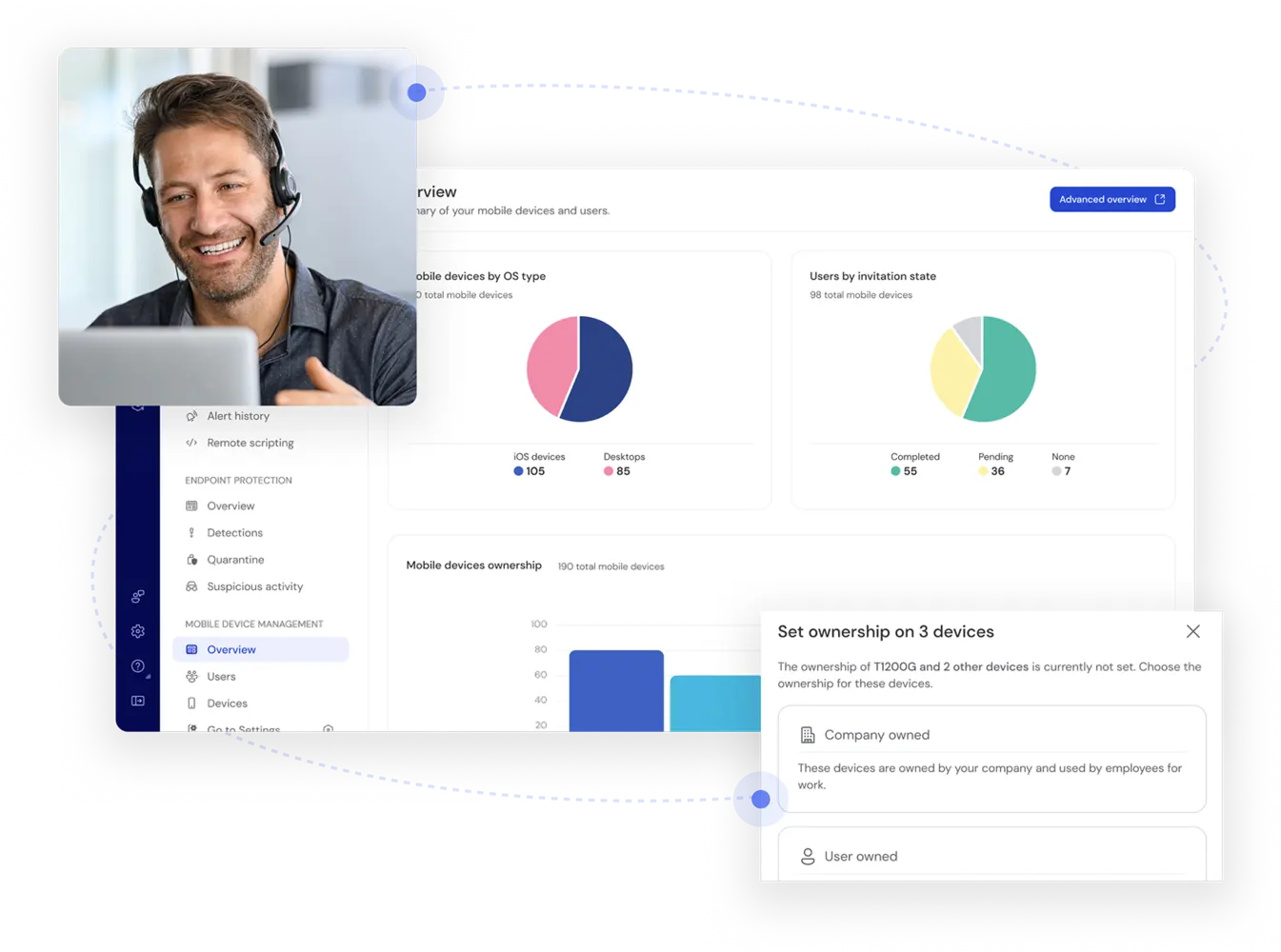
Hero highlight: Gradient

Secure and manage your mobile device ecosystem

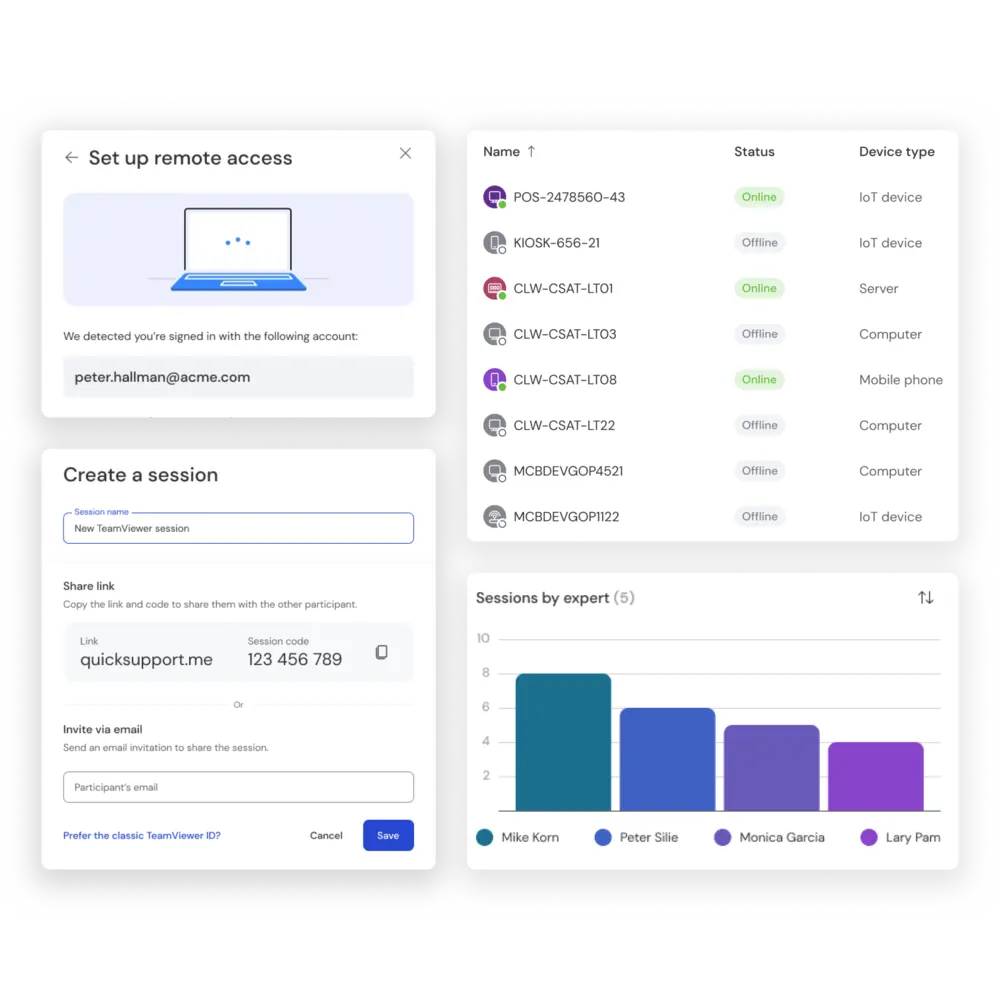
Functionalities and features as seen in the TeamViewer Remote client

What is mobile device management?

Cloud-based modern device management

TeamViewer Mobile Device Management

Managing mobile devices in the TeamViewer client

Use cases

File security picto
Privacy and compliance
Device control picto
Diverse mobile device fleets
Data cloud picto
Secure and flexible way of working
Datasheet picto
Onboarding and device lifecycle

360° device management

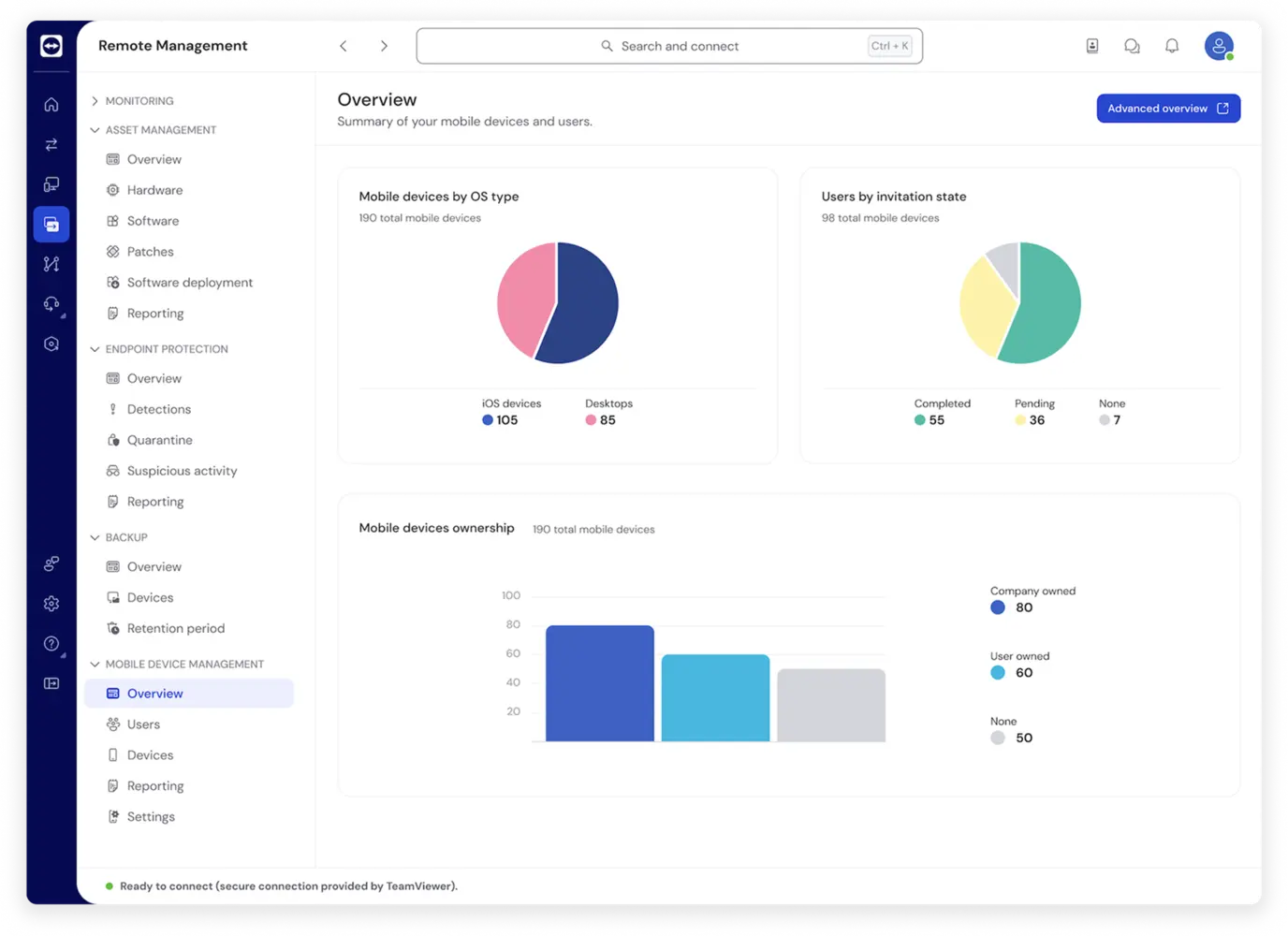
Remote Management: Dashboard

Security plus compliance, minus the hassle

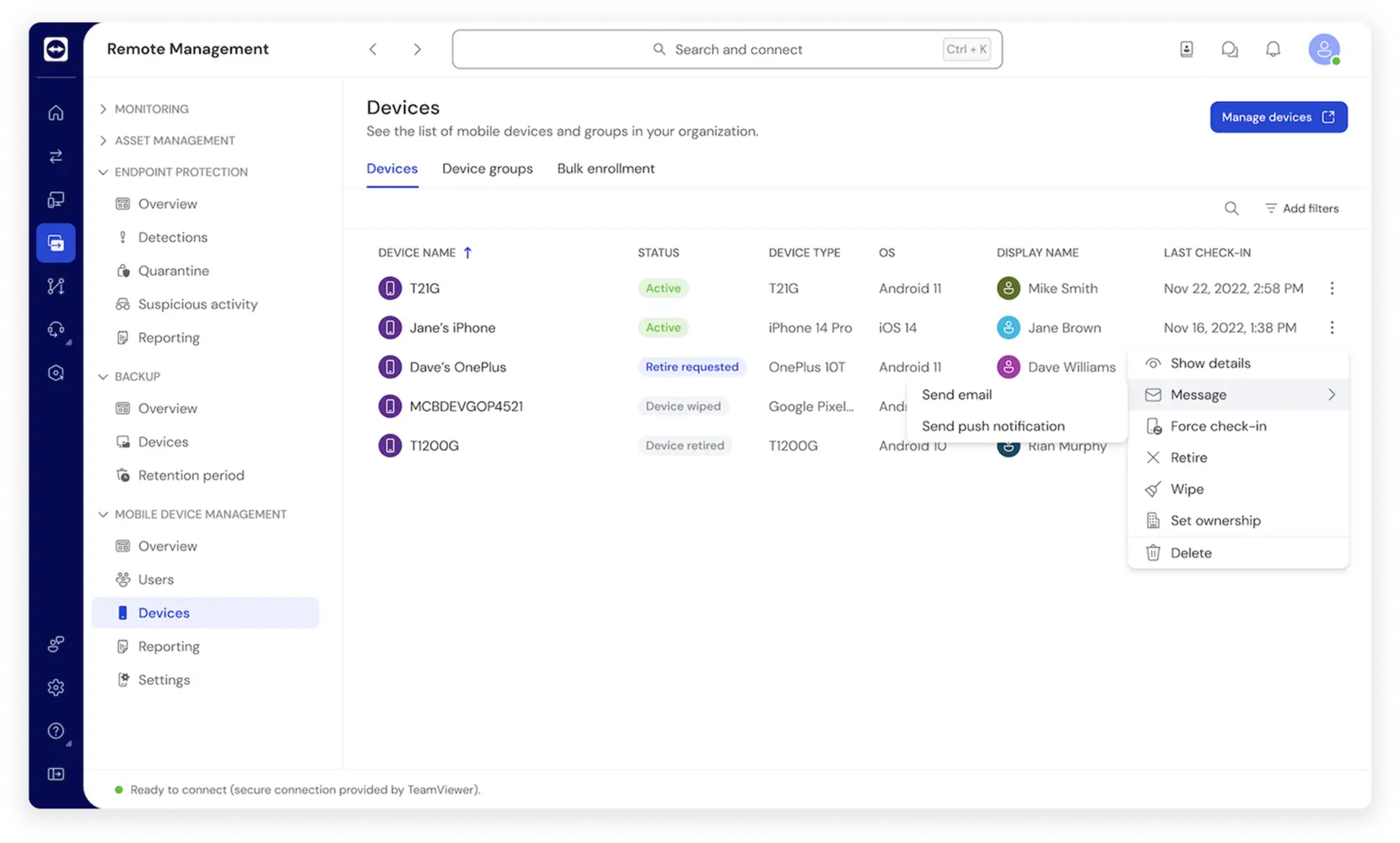
Remote Management: Devices with Device Settings Drawer

Easy deployment of apps and updates

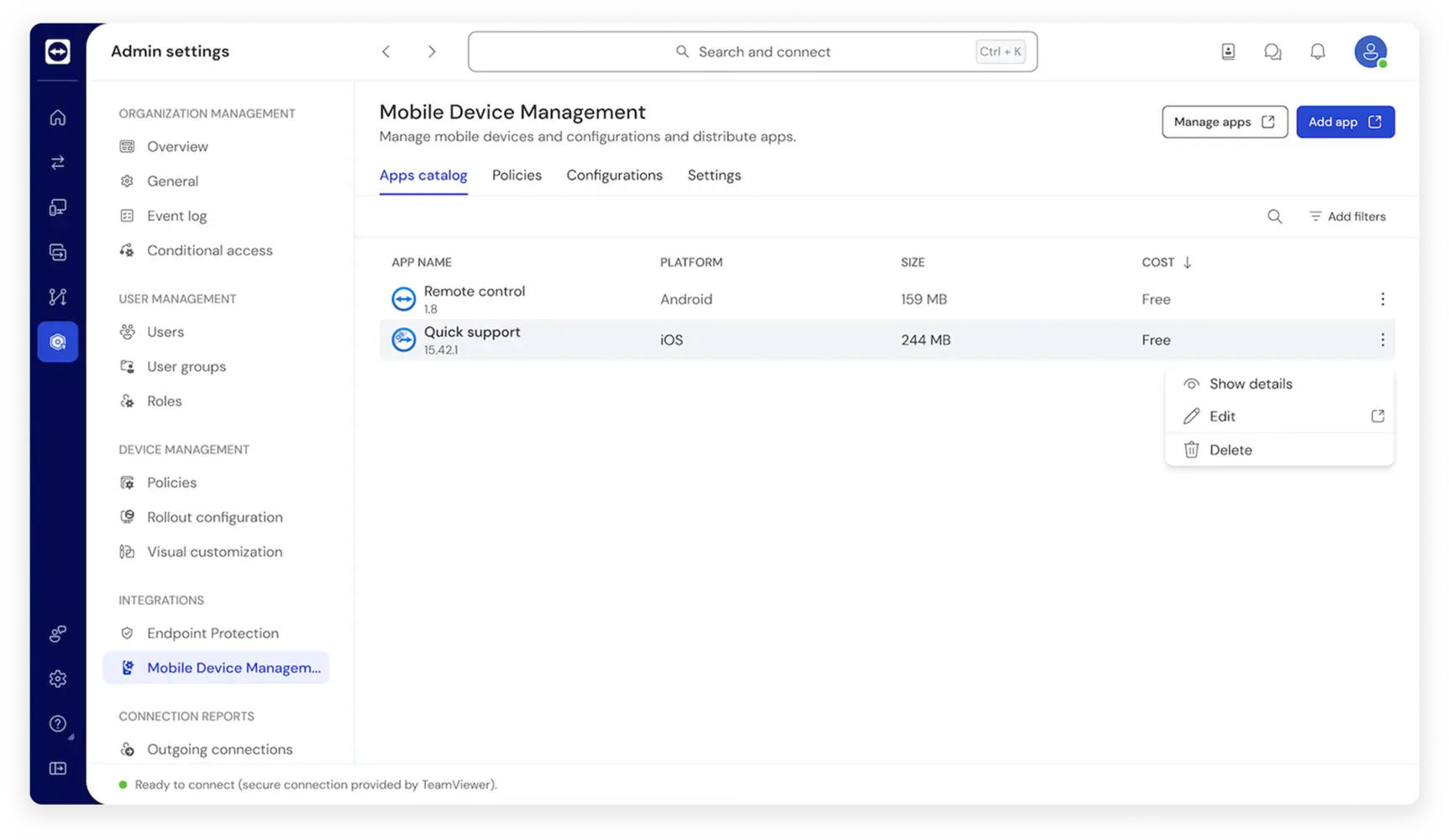
Mobile Device Management: Apps Catalog

Getting started

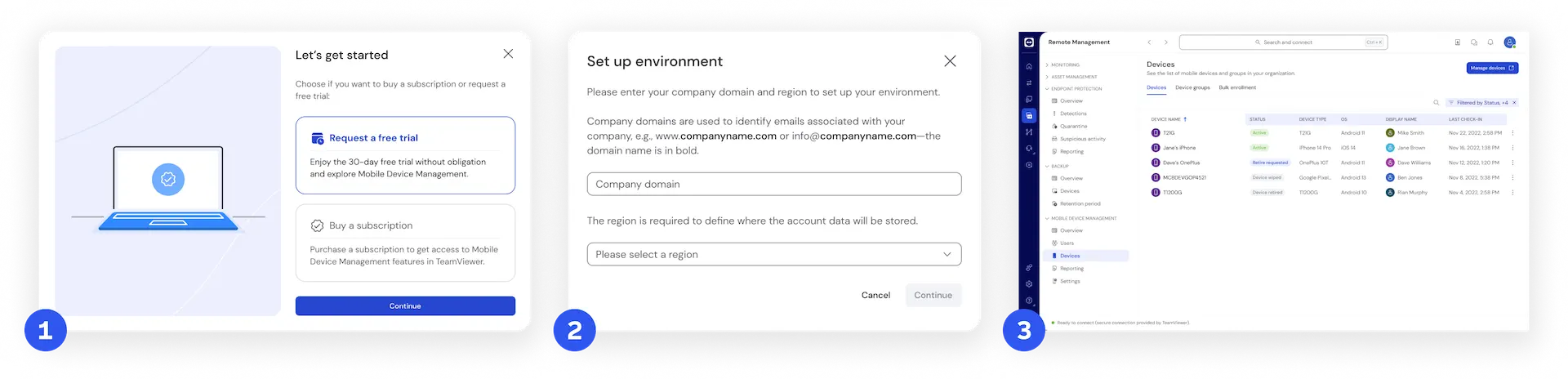
TeamViewer Remote UI screenshots with how to get started with Mobile Device Management
STEP 1Get the license
step 2Initial setup
step 3Installation and enrollment

Choose your MDM add-on

TeamViewer MDM Essential
TeamViewer MDM Advanced
TeamViewer MDM Enterprise

Industrial-grade security

Built-in security

Refresh icon
Password randomization
Improved device reliability icon
Trusted devices
Key icon
One-time passwords
Forward icon
Smart card re-direct
People icon
Conditional access
Secure attended access icon
Single sign-on (SSO)

Security is at our core

Spotlight

Customer success

Explore more success stories

Test all TeamViewer Remote Management solutions 14 days for free.