Organizations manage a growing number of endpoints, from laptops and smartphones to IoT devices. To keep your IT environment secure and efficient, you need an endpoint management strategy.
Traditional break-fix approaches are no longer enough. In hybrid environments, endpoint management supports the digital workplace with intelligent automation. AI can detect issues and maintain a smooth digital employee experience (DEX).
Managing the digital employee experience is easier when endpoint management is fully centralized. Digital workplace platforms like TeamViewer ONE support this approach and avoid tool sprawl, which decreases oversight and productivity.
In this guide, we'll outline the fundamentals of endpoint management and offer you some helpful tips to get started.
What are endpoints?
Let’s start with the basics. What do we mean when we talk about endpoints?
An endpoint is a device that acts as a point of communication between your network and the outside world. Think of it as a gateway for data and communication to and from your network.
Endpoints include any devices that connect to your network, such as computers, laptops, and smartphones.
As remote work grows and more IoT devices are introduced, endpoint environments are becoming more diverse. In fact, the number of IoT devices worldwide is expected to reach nearly 30 billion by 2030.
This creates a complex ecosystem that requires efficient management.
What’s endpoint management today?
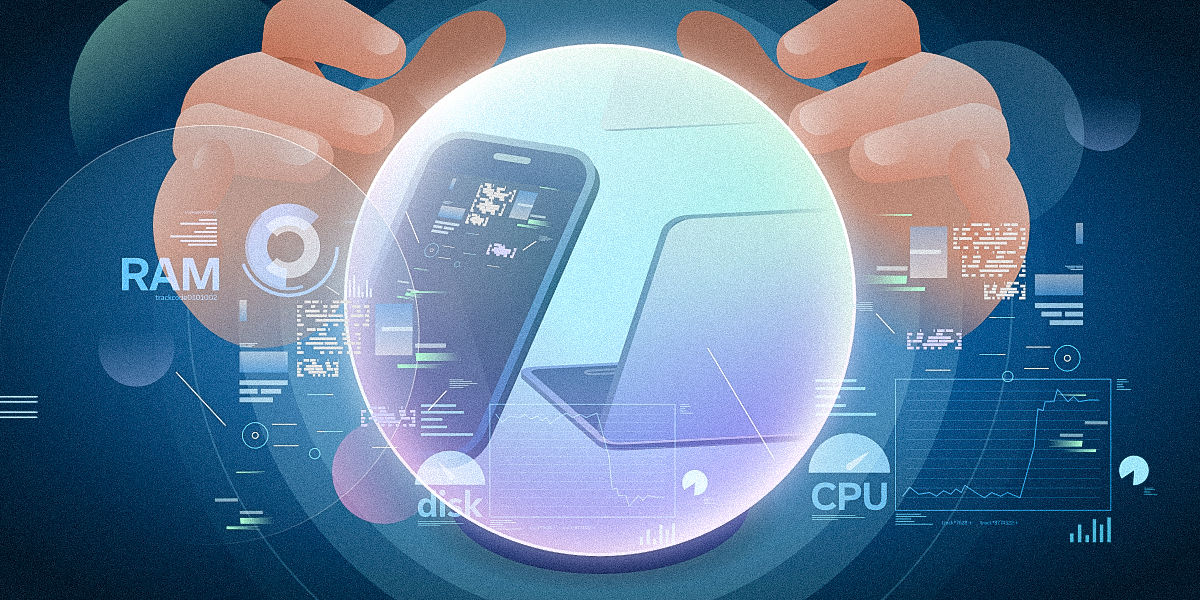
Endpoint management is the process by which IT teams manage and secure all devices in an organization. This includes updates, security settings, and device health.
Today, endpoint management goes way beyond devices. It’s about making sure employees can work smoothly, without slow systems or recurring issues that disrupt their workflows.
With automation and intelligent insights, IT teams can spot problems early and fix them before they affect employees. This makes endpoint management a key part of a digital employee experience (DEX) operating model.
As environments become more complex, using many separate tools makes work more challenging and breaks the user experience. A digital workplace platform brings endpoint management, automation, remote access, and experience insights together.
EM, UEM, MDM, EMM: What's the difference?
Before we dive deeper into endpoint management, let’s define the different related concepts.
EM (endpoint management) is the overarching term for managing all endpoints within an organization’s network. This includes desktop PCs, laptops, servers, smartphones, and IoT devices.
UEM (unified endpoint management) takes EM a step further. It aims to provide a single platform for managing all endpoint types. This streamlines the endpoint management process.
MDM (mobile device management) is a subset of EM that focuses on mobile device management. This includes smartphones and tablets, to ensure they meet security and compliance requirements.
EMM (enterprise mobility management) goes beyond MDM. It involves managing mobile devices, applications, and data. This enables employees to use corporate mobile devices securely and efficiently.
While UEM helps manage different device types from one platform, it doesn’t cover everything. It often falls short in performance, digital employee experience, and the effort required to fix problems at scale.
In reality, today’s endpoint management needs to go beyond UEM. It needs to include proactive monitoring, automated remediation, and DEX.
How does endpoint management in the age of DEX work?
Endpoint management relies on time-tested foundations. Modern approaches include additional intelligent and proactive layers.
Inventory management
Keeping an accurate inventory of all endpoints is crucial for efficient endpoint management. This can include hardware and software details, as well as information on device usage.
Regular IT inventory audits are also essential for protecting your systems and helping users uncover shadow IT.
Patch and update management
Regularly deploying software updates and patches is essential to securing endpoints. You can automate this as part of your endpoint management and reduce the risk of human error.
Automated patching ensures updates are deployed consistently across remote and unattended devices, reducing risk without increasing IT workload.
Compliance management
Endpoint management can help ensure that all devices comply with company policies and industry regulations. Adhering to standards such as GDPR and SOC reduces the risk of data breaches or compliance violations.
Security management
Endpoint management plays a key role in securing networks. It helps IT teams manage access permissions and apply security policies across all devices. This helps control who can access endpoints and reduce the risk of breaches.
Automation and continuous monitoring also improve security. When employees have a smooth digital experience, they can stay focused on their work. At the same time, IT teams can spot threats earlier and respond faster.

Digital employee experience monitoring
Endpoint management also needs to consider how devices perform for employees. DEX tools monitor performance, stability, application health, responsiveness, and employee feedback. This surfaces issues that might go unnoticed.
By combining technical data with user feedback, IT teams can see which problems affect productivity the most. This helps them set priorities and prevent the same issues from happening again.
Andrew Hewitt Vice-President Strategic Technology at TeamViewer
“At its best, DEX lets people focus on what matters most: getting their work done. It allows technology to fade into the background, giving employees the chance to operate in the highest state of human performance,”
By continuously monitoring the digital employee experience, IT teams can resolve issues earlier. This reduces support tickets and helps employees to pursue peak performance in the digital workplace.

Why do we still need endpoint management?
Endpoints are the weakest part of most networks. Unmanaged devices are a significant entry point for ransomware attacks. Research shows that in more than 90% of attacks that reached the ransom stage, attackers used unmanaged endpoints.
By monitoring and controlling devices connected to your network, you can reduce this risk. Endpoint management helps block attacks before they spread and cause damage.
Unmanaged endpoints also affect how employees work. Slow devices, unstable applications, and repeated issues interrupt daily tasks and lower trust in IT. Proactive endpoint management helps IT teams fix problems early and avoid downtime.

How will my business benefit from endpoint management?
Now that you have a basic understanding of endpoints and endpoint management, let's explore some of the key benefits.
Enhanced security
Centralized, proactive endpoint management allows for better control over device access and permissions. This ensures that only authorized devices and applications can access your network. Patching software vulnerabilities as part of your endpoint management also protects your systems.
Increased efficiency
Automating tasks such as device tracking, patching, and permission management saves time for IT teams and end users. It also reduces the risk of human error, leading to more efficient operations.
Reduced downtime
By monitoring endpoints, IT teams can detect performance degradation early. The goal of this proactive approach is to resolve issues before they escalate into downtime or support tickets.
Cost savings
Effective endpoint management helps reduce IT costs. It improves processes and reduces downtime, saving time and money. It also helps prevent costly security breaches, fines, and data loss.
By stopping issues before they occur, endpoint management reduces the number of support tickets and shortens resolution times. This helps IT teams show their return on investment through measurable results.
How to get started with your endpoint management strategy
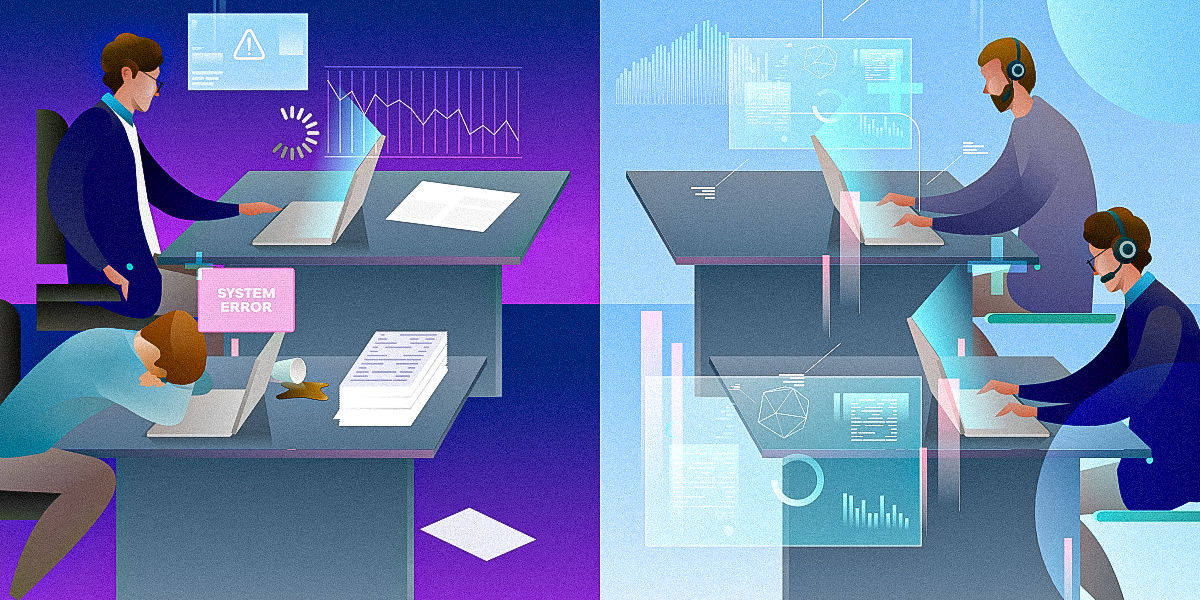
To successfully implement endpoint management in your business, follow these key steps:
- Take an inventory: Create a comprehensive list of all endpoints in your network. This inventory should include details about device types, operating systems, and installed applications. Speed up this process with an automated asset discovery solution.
- Establish policies: Define acceptable device use on the network. These policies should cover security practices, access controls, and BYOD guidelines.
- Deploy security software: Ensure all endpoints are protected with the latest security software to prevent malware, viruses, and other cyber threats.
- Close security gaps: Keep software and operating systems up to date with the latest patches and updates. This closes vulnerabilities and improves overall performance. Automate this step with a patch management solution.
- Enforce user authentication: Use strong authentication protocols to access your network. For example, multi-factor authentication (MFA) adds an extra layer of security beyond just passwords.
- Use Diagnostics to monitor your endpoints: Track device health, performance, and DEX to identify issues early and support proactive maintenance. Save time and ensure consistency with Diagnostics in TeamViewer DEX.
- Validate improvements: After resolving issues, confirm that metrics have improved to ensure lasting impact.
- Encrypt your data: Encrypt sensitive data both at rest and in transit to protect against unauthorized access. This is especially important in BYOD environments where personal and corporate data may coexist on a single device.
- Conduct regular audits: Audits are essential for maintaining the integrity and security of your network.
- Raise awareness and be prepared: Develop and maintain a disaster recovery plan that includes data backup and recovery procedures. Provide employees with training in security best practices and risks. Awareness is crucial because human error can be the weakest link in IT security.
Best practices for endpoint management
Endpoint management isn't something you set up once and ignore. It's a continuous process of adapting to changes in the digital landscape. Here are some best practices to follow as part of your endpoint management process:
Prioritize security
Safeguard your business against cyber threats with robust security measures. That involves using encryption and regularly backing up your data. It also means enforcing policies such as MFA and conditional access to prevent unauthorized access.
Automate as much as you can
Managing many endpoints can take a lot of time. Automation and AI help reduce manual work. Tasks such as disk space management, system health monitoring, and updating security signatures can be automated.
A unified platform combines monitoring, automation, and remediation. It also drives growth, protects revenue, and delivers seamless digital experiences, as our Chief Revenue Officer, Mark Banfield, has recently written.
Manage endpoints remotely
Nowadays, most workforces are distributed across different locations, with people working in the office, at home, or on the go. Use remote solutions to keep track of your endpoints, no matter where they are. Avoid travel and downtime by troubleshooting endpoints remotely.
Monitor and adapt continuously
Your digital landscape is constantly evolving, so your endpoint management strategy has to change with it. This makes conducting regular checks and thorough reviews a necessity.
Summary
Endpoint management has changed. It is no longer just about fixing devices after something breaks. Today, it focuses on preventing problems and supporting employees.
With better visibility and automation, IT teams can find issues early. AI helps spot patterns and reduce manual work. Together, this allows teams to avoid disruption and keep work running smoothly.
From our work with growing IT teams, one thing is clear. Proactive, experience-focused endpoint management and IT support are becoming essential. It helps protect productivity without adding complexity.
With the right endpoint management strategy, businesses can improve security, reduce downtime, and elevate the digital employee experience. They can also lower costs and meet compliance requirements.

Get started with proactive endpoint management
Build a proactive, experience-centric endpoint strategy. TeamViewer ONE helps you elevate DEX and prevent disruption.