Hero highlight: Gradient

Solve any IT issue from anywhere, any time, with AI

Visualization of global connectivity and support

TeamViewer Remote

Proactive remote IT support

Help and service desk

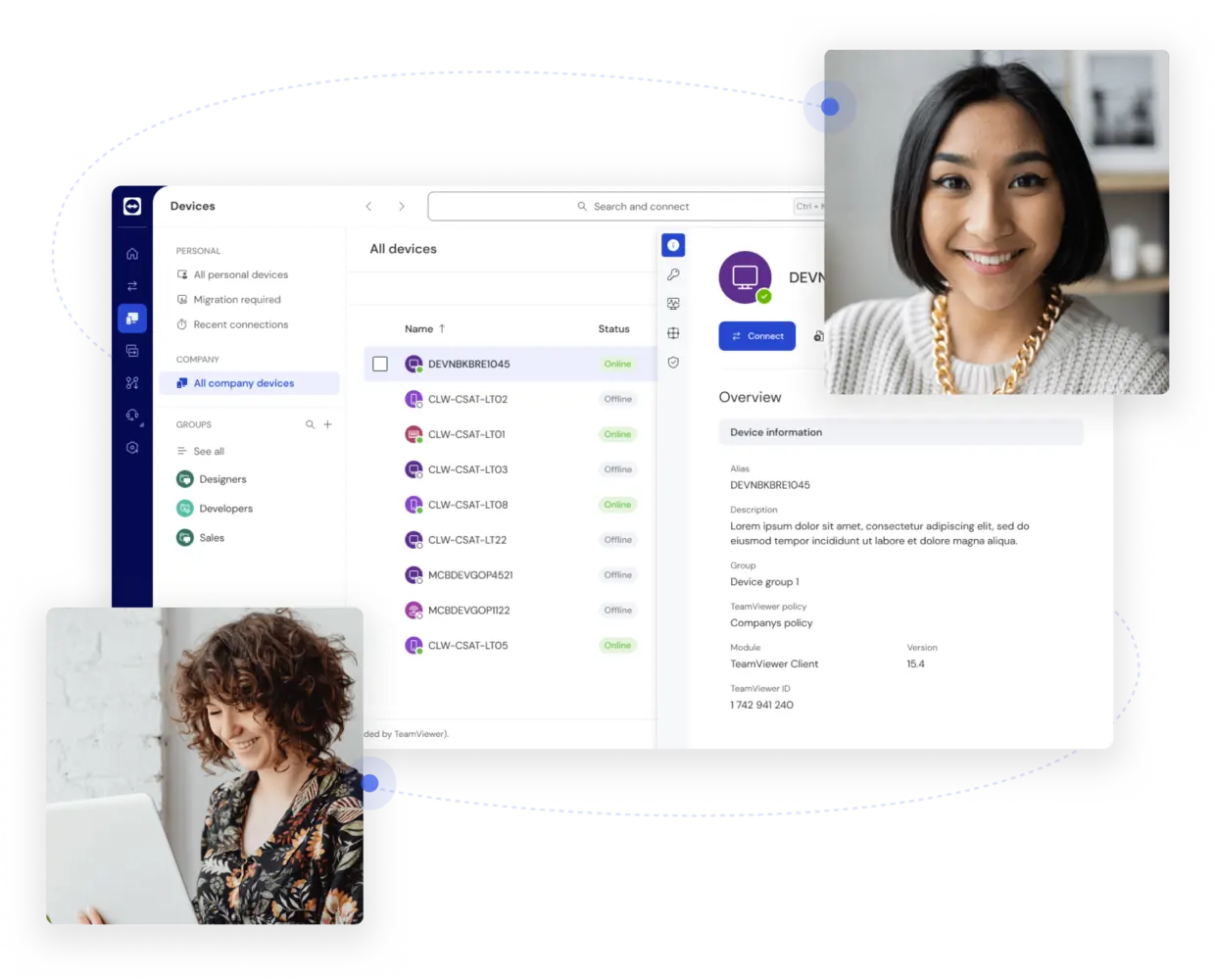
Overview of company devices in the TeamViewer client

Support suite for IT service providers

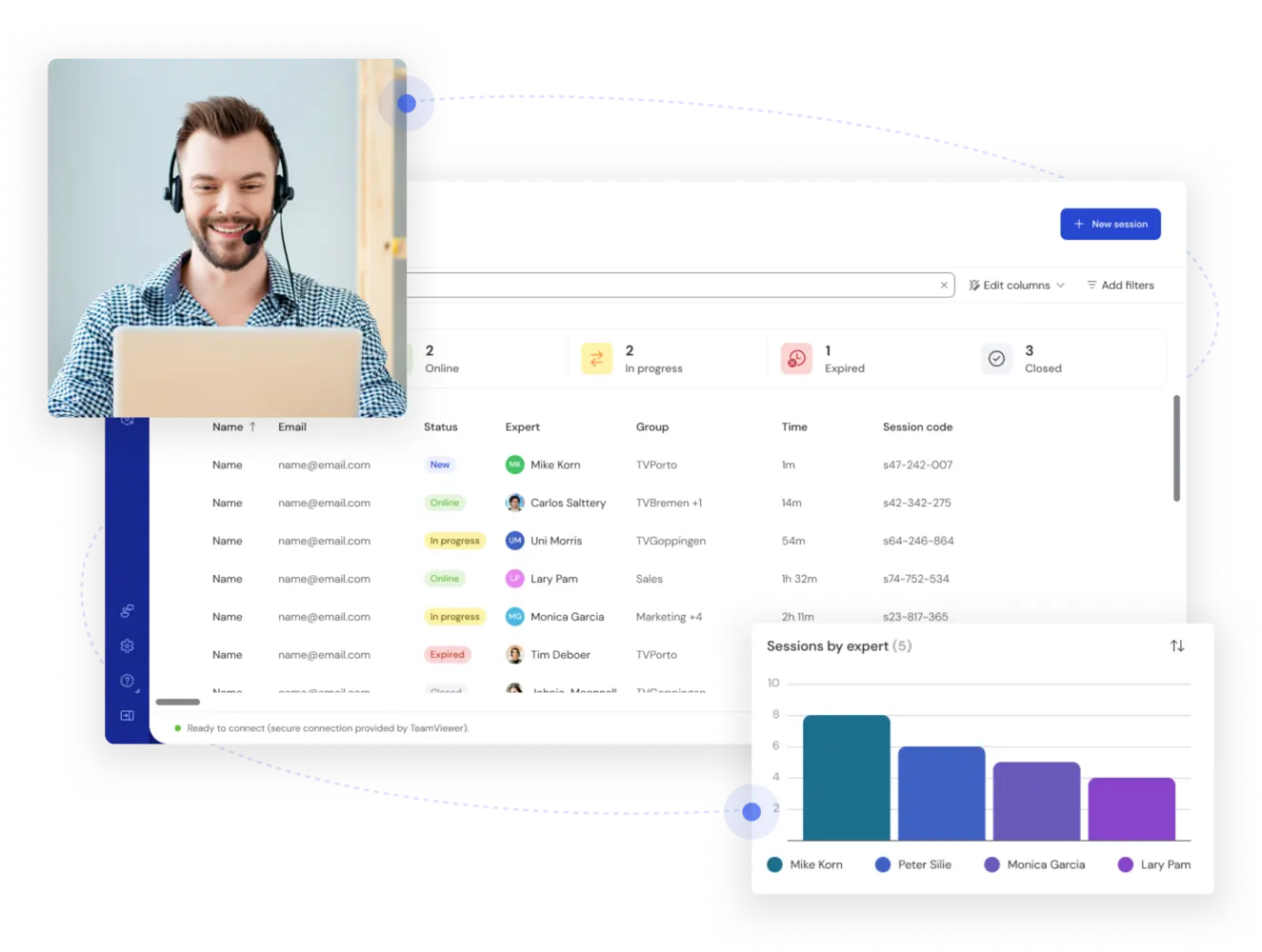
Supported devices as seen in the TeamViewer client

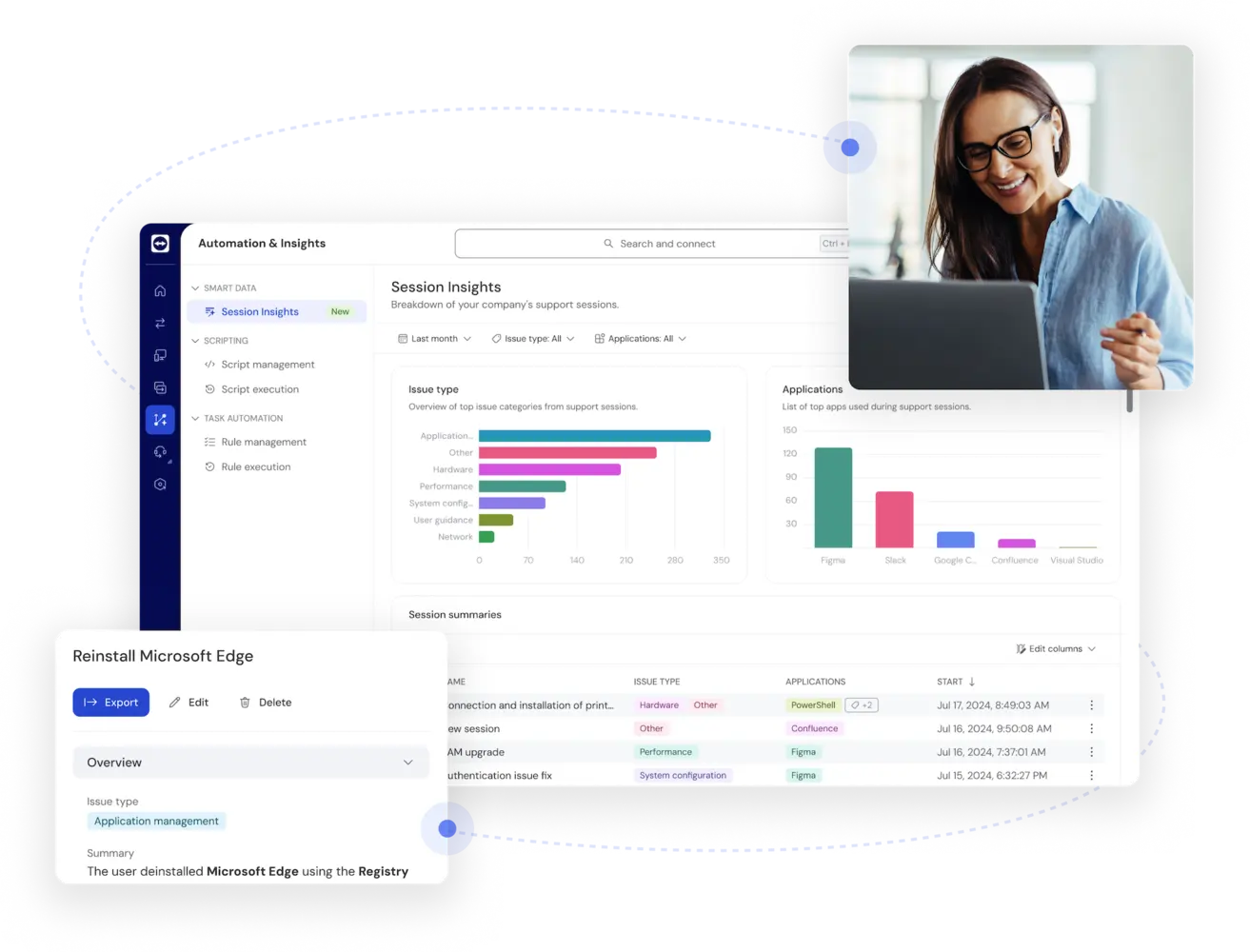
AI-powered session summaries and analytics

AI Session Insights as seen in the TeamViewer client

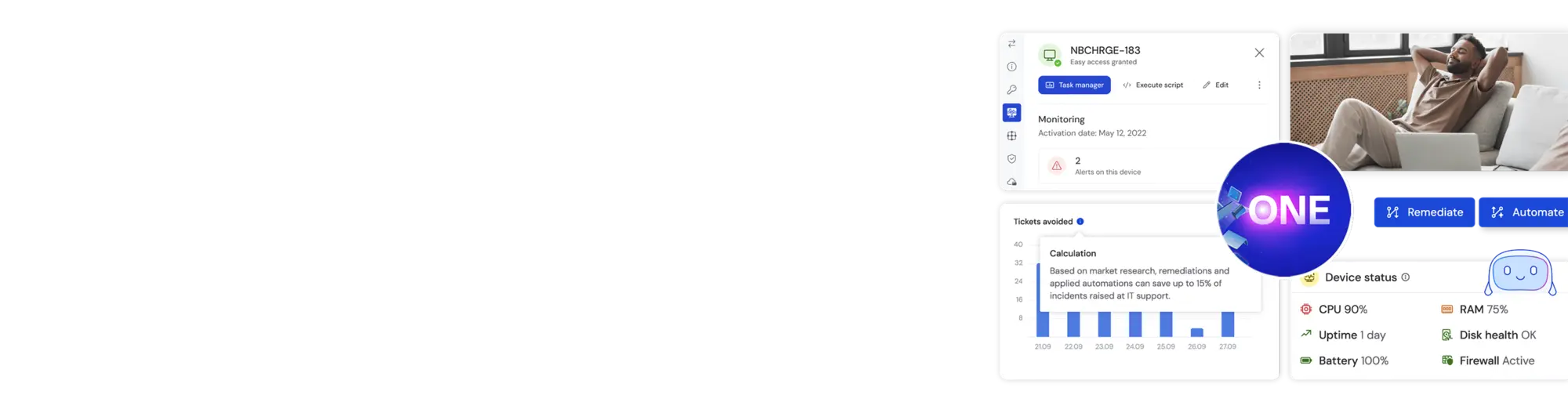
TeamViewer DEX Essentials means proactive IT

Arrow counterclockwise check icon
Real-time visibility
Eye icon
Actionable insights
Automation insights icon
Automated remediation

Find the license that’s right for you

Choose if you need TeamViewer for yourself or your team.

Remote sessions—a new and better way to connect

TeamViewer Remote user interface screenshot
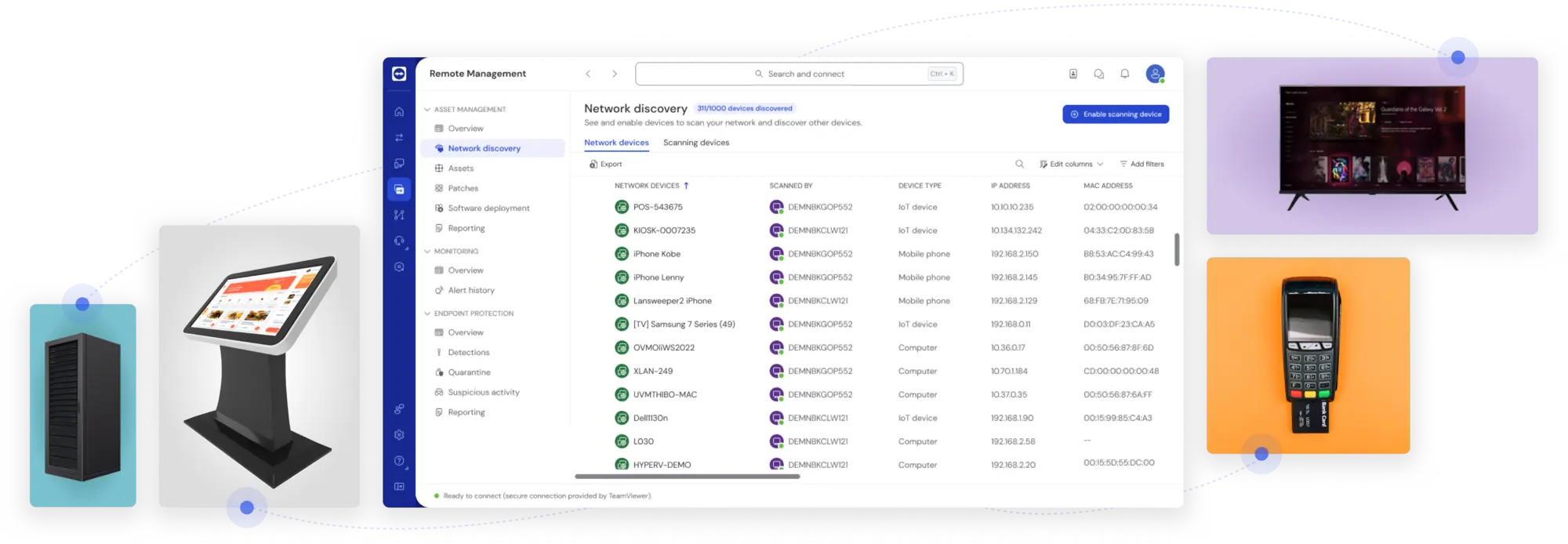
Simplify procurement—now available through the Azure Marketplace.
Screenshot of Network Discovery in the TeamViewer client

Forget costly on-site visits and solve IT problems remotely.

TeamViewer for non-profits and education

Customer success: Steps for Children
Customer success: Edith Cowan University

Security

  • Industry-leading security: Security pioneer BitSight Security Ratings ranks TeamViewer as Top 1% in the tech industry.
  • Secure remote sessions: The new way to connect. Create individual remote support sessions without the need to exchange passwords via phone, chat, or any other channel.
  • Connection origin detection: See where incoming connections are coming from before you start a remote session, and safeguard against malicious attacks.
  • Encryption: All TeamViewer connections are end-to-end encrypted. No one who shouldn’t can see the content of the connections, not even us.

Compatibility

  • Best OEM support: Benefit from remote access to all operating systems including any Android devices, regardless of the manufacturer, as well as screen sharing for iPhones and iPads.
  • Headless devices: No screen? No problem! Enjoy secure remote access to headless devices, including servers.

Performance

  • Fast file transfer: Our compression capabilities ensure secure and fast file transfer, even for large files.
  • Stable connections: Our global access network will ensure stable connections and the best possible transmission quality, even in environments with low internet bandwidth.
  • First-class user experience: Fast connection set-up, high transmission speeds, and superior picture quality ensure a seamless, immersive, and frustration-free support experience.

Remote support feature highlights

Spotlight

Customer success

Explore more success stories

Experience award-winning software for secure remote access and support

G2 Award: Leader
G2 Award: Leader, Mid-Market
G2 Award: Leader, Small Business
Award: Capterra Shortlist
TrustRadius Award: Top Rated

Unlock all TeamViewer features for 14 days.