Complete visibility of all your IT assets on one dashboard
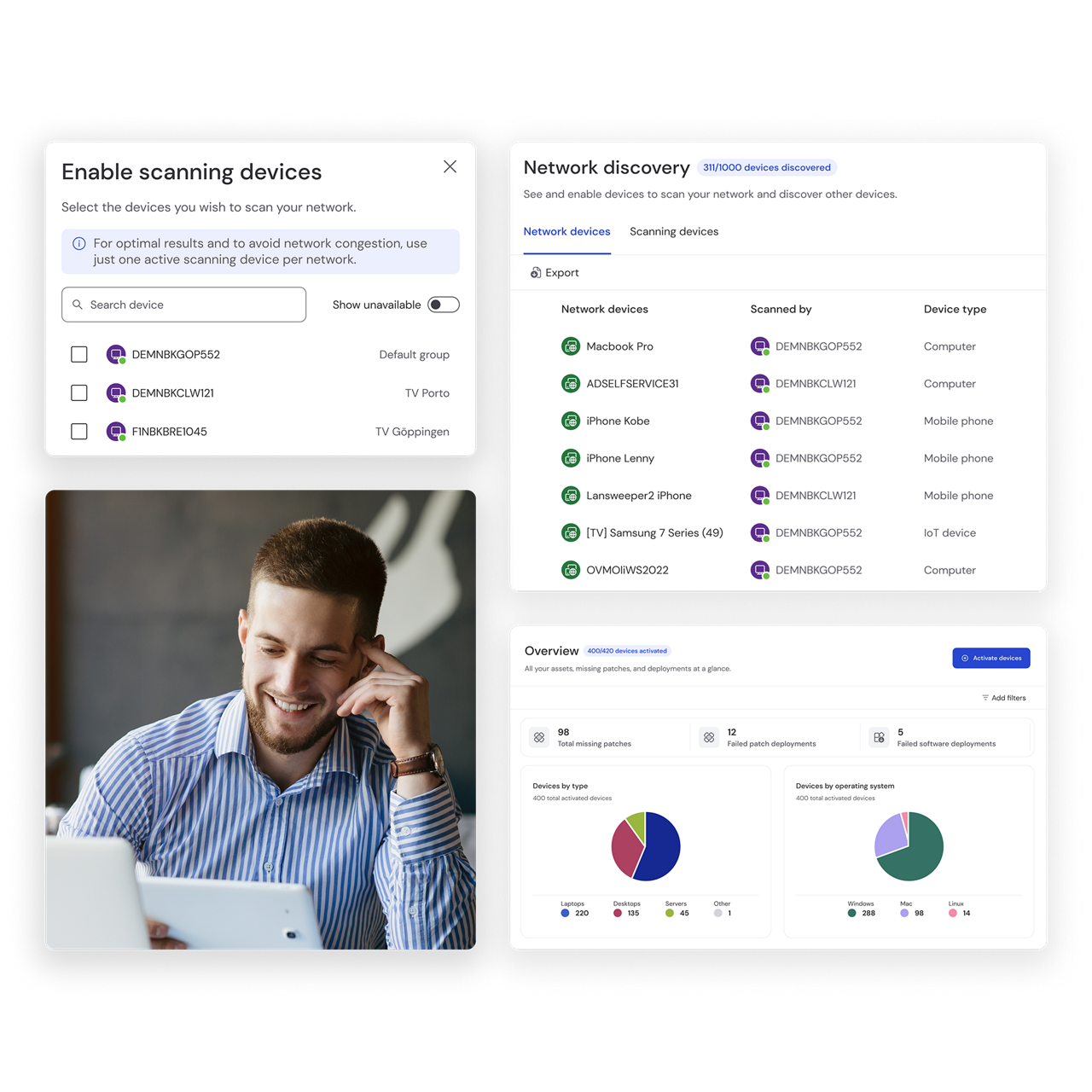
Utilizing an instant and automated discovery process, TeamViewer Asset Management gives you an in-depth view of all hardware assets on your network spanning your entire IT and IoT estate. Gain visibility of your entire inventory, manage warranty and patch information, software details, and potential security risks — all on one user-friendly dashboard.
Take your IT inventory management one step further with integrated asset management capabilities — manage software updates, system upgrades, and patch deployments for your entire IT infrastructure remotely from anywhere in the world.
Leverage insights from the dashboard and reports to increase your IT fleet’s efficiency and support data-driven decision-making.
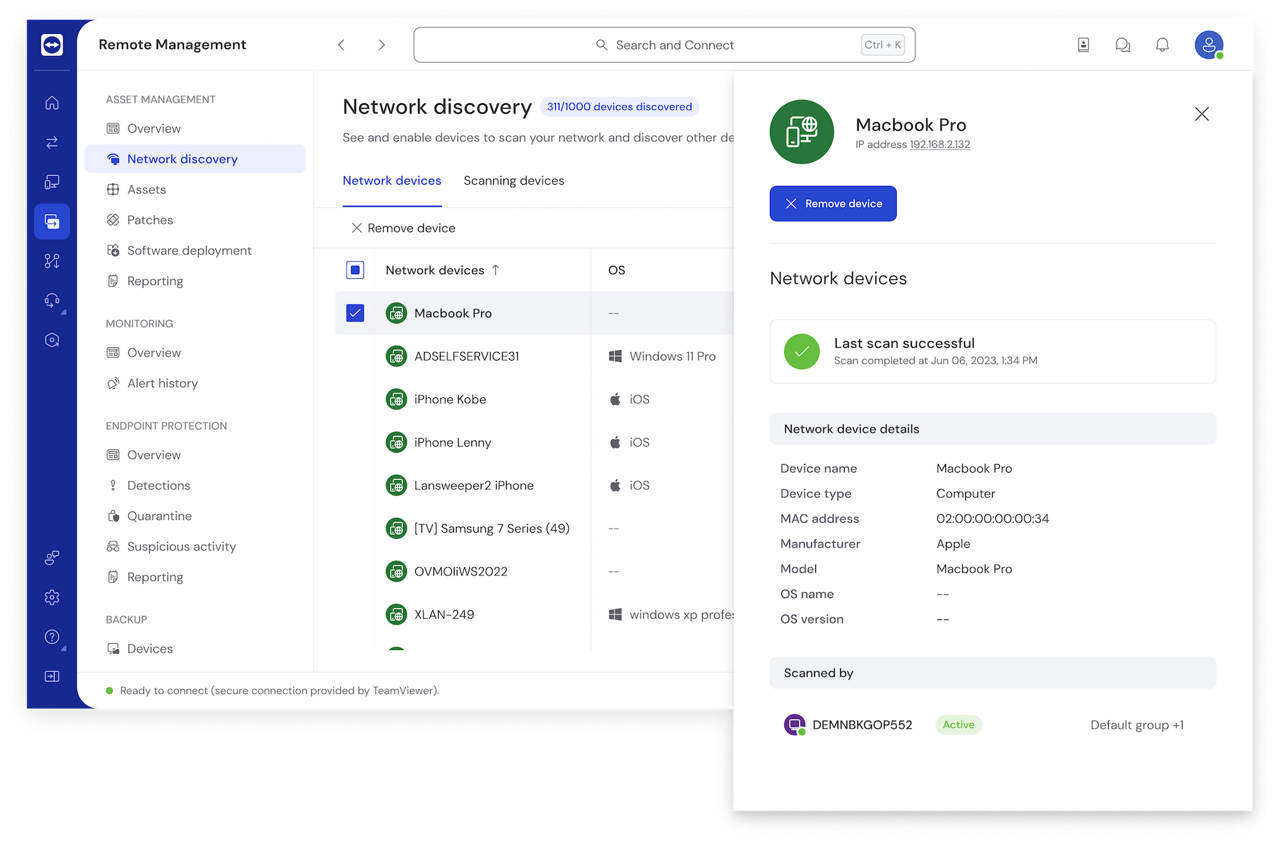
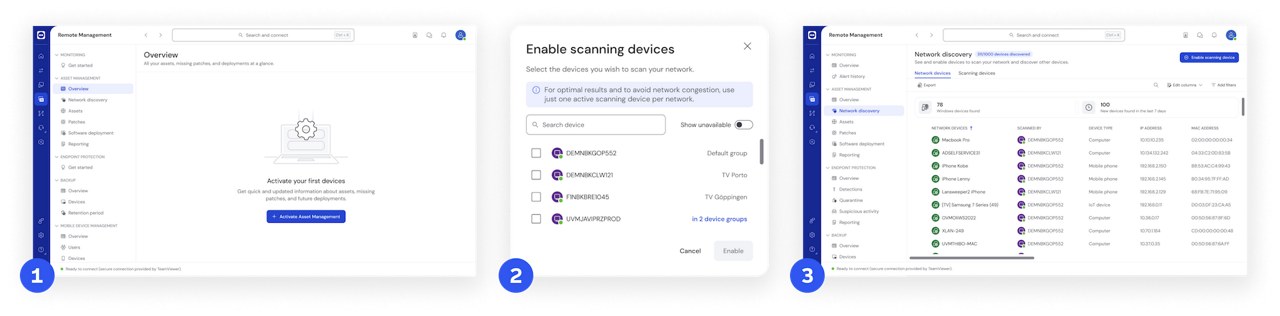
Automatically scan and discover your IT and IoT assets, creating a single source of truth for your IT inventory.
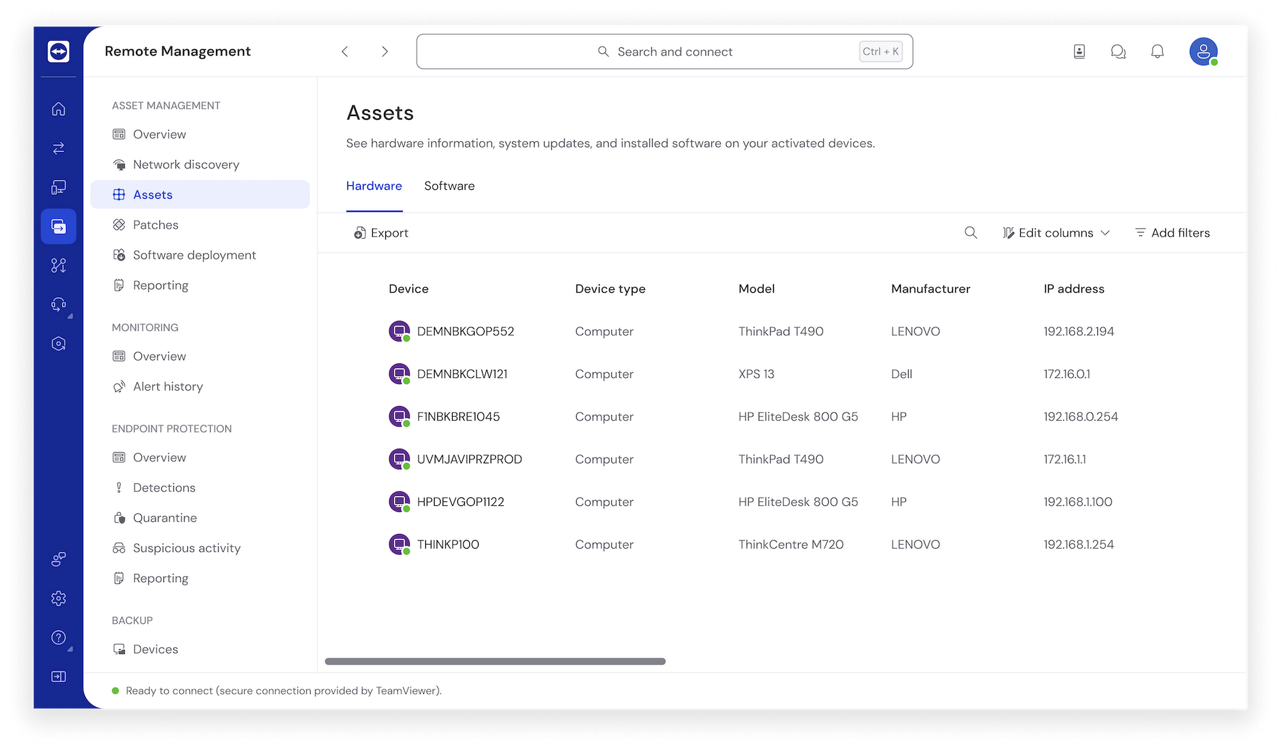
Manage your dispersed IT fleet remotely and efficiently.
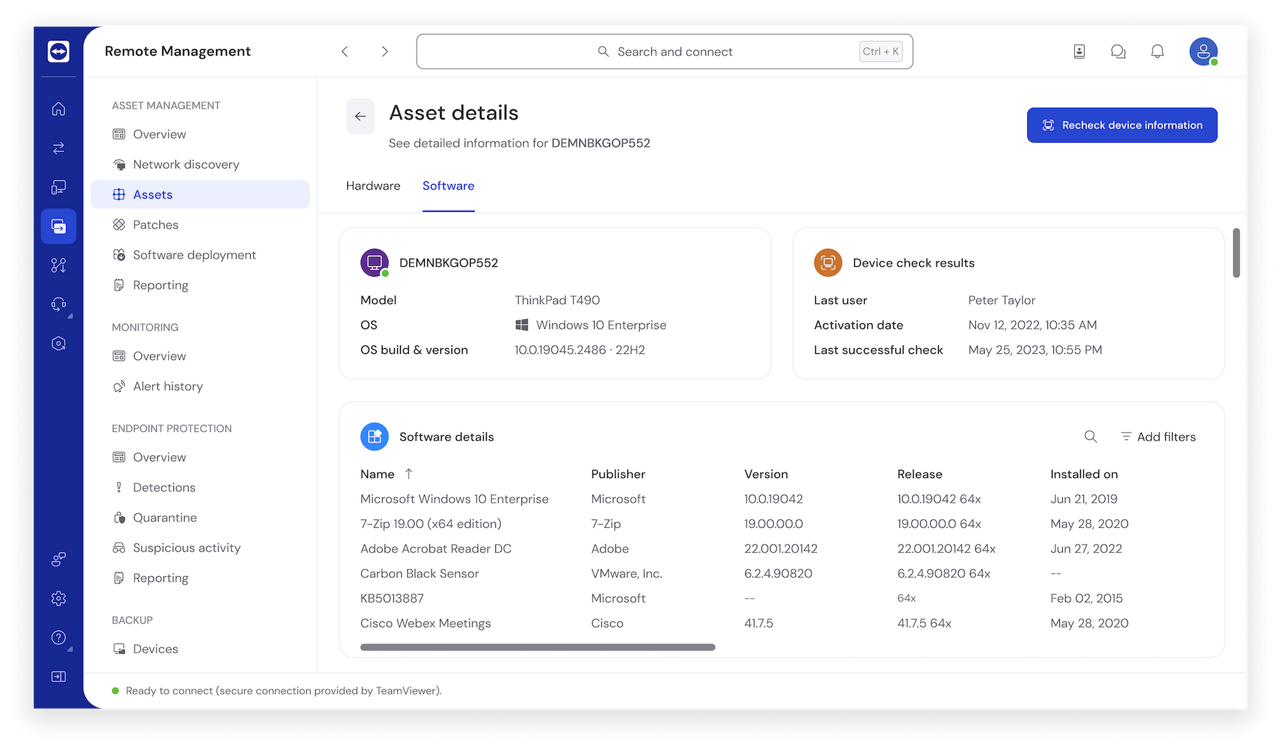
Leverage the dashboard and reports to support data-driven decision-making.
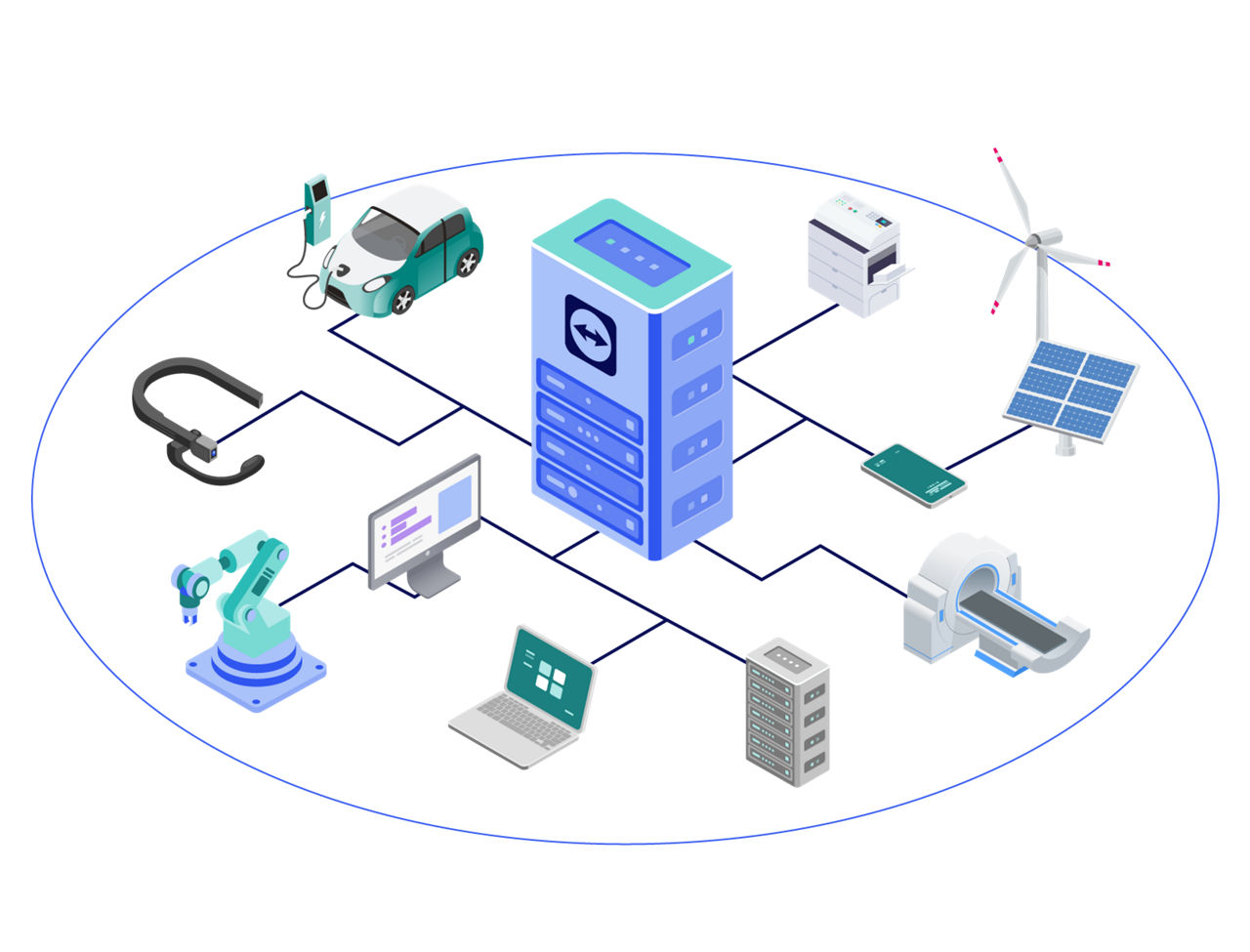
Use your device as a scanner to start network discovery. Our remarkable network discovery capability allows you to see the full list of your assets across 100 categories, including hidden devices.
Download the datasheet to get an overview of the types of assets you can detect.
We cover up to 60 properties across all your devices, providing detailed hardware and software inventory.
TeamViewer and Lansweeper have teamed up to deliver a fully-fledged asset management solution. To experience TeamViewer Asset Management, either purchase your TeamViewer license or start a trial.
Spotlight
TeamViewer Asset Management ensures that you get detailed insights, retrieving up to 60 unique properties from each managed asset. This encompasses both hardware and software details for comprehensive asset management.
No, one of the key features of our solution is credential-free asset discovery. This means you can seamlessly discover assets without the need for individual device credentials, making the process both secure and hassle-free.
Yes, our integration captures warranty specifics, helping you track and manage warranties efficiently.
Absolutely. The solution supports remote deployment of software as well as OS patches, ensuring your assets are always up-to-date.
Download the datasheet to browse all supported 3rd party applications that can be deployed using Asset Management.