Cloud backup: Recovery that you and your customers can count on

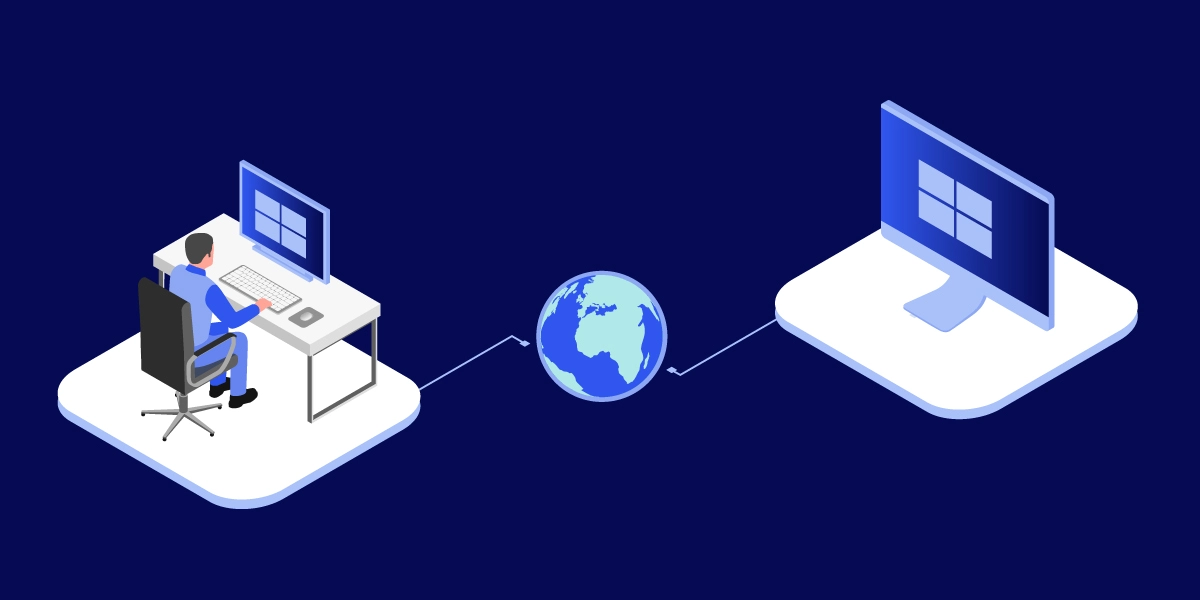
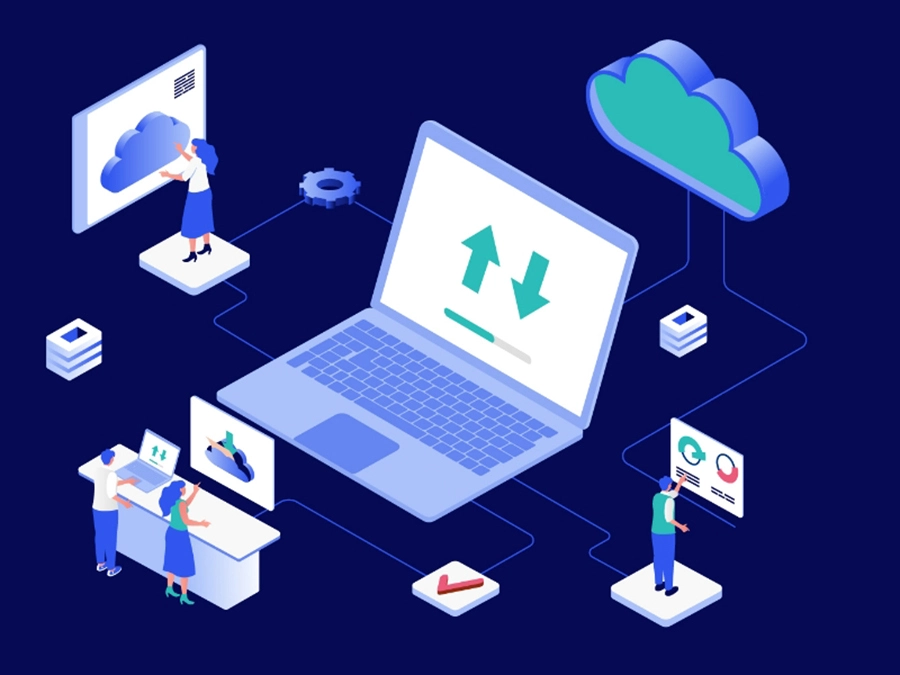
Illustration: secure remote access and control of personal devices

TeamViewer — the reliable, secure remote access and backup application

Secure unattended access icon
Restore remotely
Device management icon
Easy deployment for dispersed employees and large infrastructures
Settings icon
Ensure high security
Database storage icon
Avoid duplication
File sharing icon
Streamline operations
Expert guided maintenance icon
Get instant system notifications

What sets apart TeamViewer’s solution for cloud backup?

What are the benefits of cloud computing?

Remote access and control icon
Ease of access
Secure attended access icon
Maintenance and management
Fast icon
Rapid deployment
Impact asset downtime on cost icon
Cost
Chart graph icon
Scalability

Frequently asked questions (FAQs)

The most effective, convenient, and secure way to back up a computer is to use a dedicated solution like TeamViewer Backup. Key features include support for automated backups without the need for manual intervention, incremental backup to reduce the time and resources required for each backup exercise, and robust data encryption to ensure your data is secure during the backup process.

Cloud sync services ensure that whenever any cloud-based file, folder or directory is modified by a user, those local changes are saved in real time and fed through to all devices and users. Cloud sync ensures you can access data in the cloud from any location and with any device, without the risk of versioning errors. 

In contrast, cloud backup serves a different purpose: it sends a copy of your data to a cloud-based server to safeguard it against loss.

Cloud backup is important to protect your files and data against unforeseen events, such as cyberattacks, device malfunction, or user error.

With TeamViewer, a phone backup can be configured, scheduled, and executed in just a few clicks. Go to ‘Backup’ in your user menu. Here you can specify which files to include or exclude in your backup. Next, select your backup cycle and schedule either a one-off backup or a backup that reoccurs automatically at specific times.

Программное обеспечение для обычных пользователей и компаний, отмеченное множеством наград

G2 Award: Leader
G2 Award: Momentum Leader
G2 Award: Fastest Implementation, Mid-Market (MDM, SAP Store)
G2 Award: Best Meets Requirements, Enterprise (SAP Store)
G2 Award: Top 50 IT Infrastructure Products
G2 Award: Users Love Us

Choose proven, award-winning enterprise-grade backup software