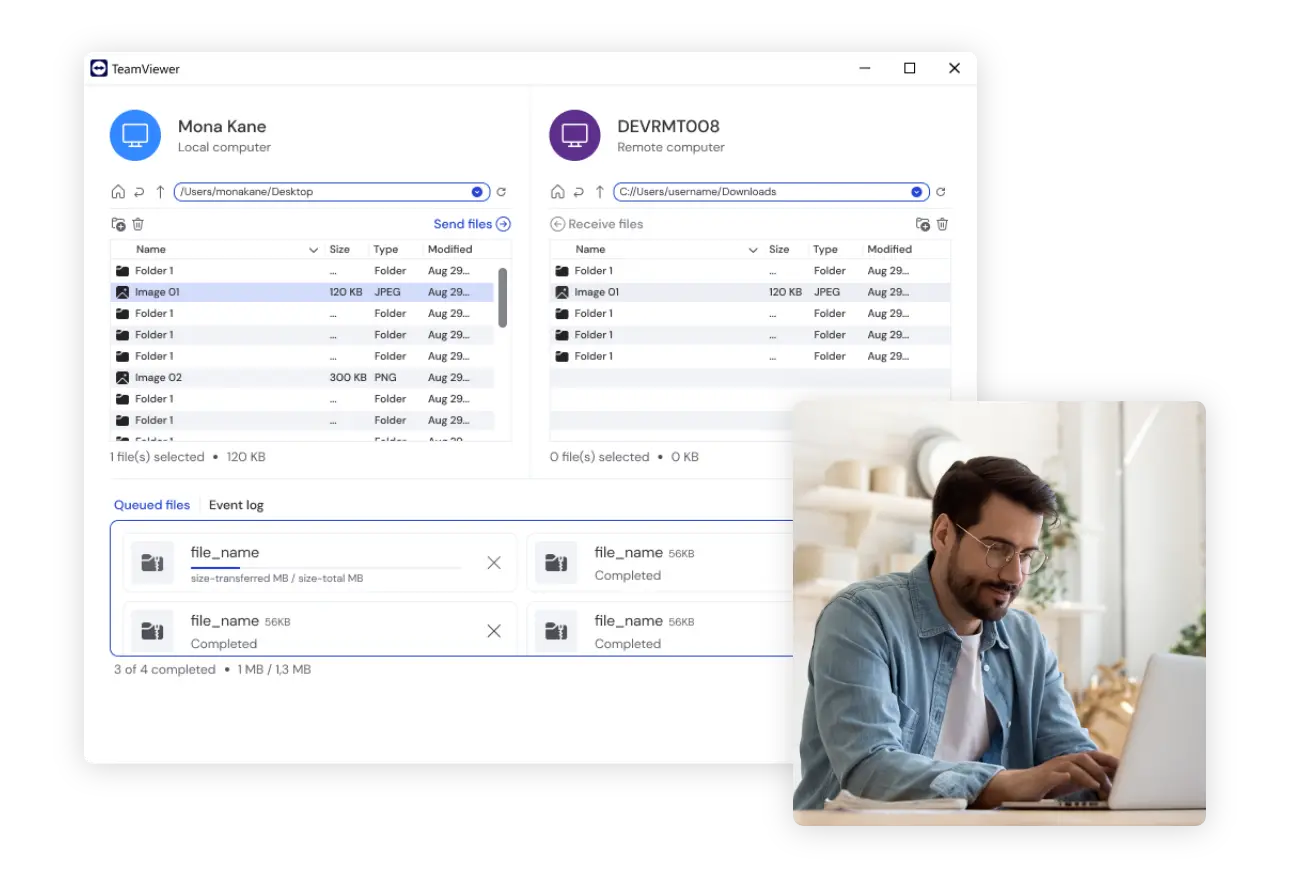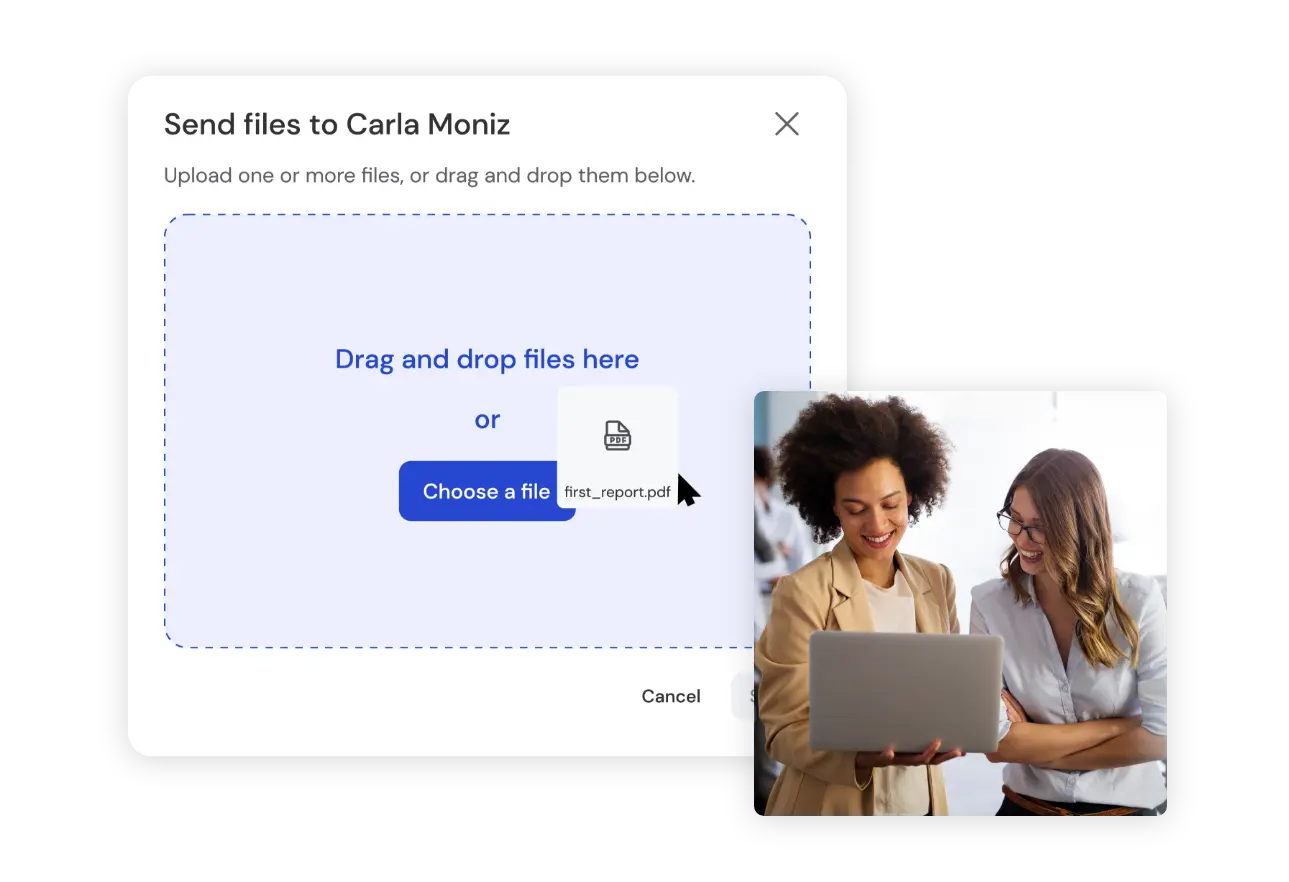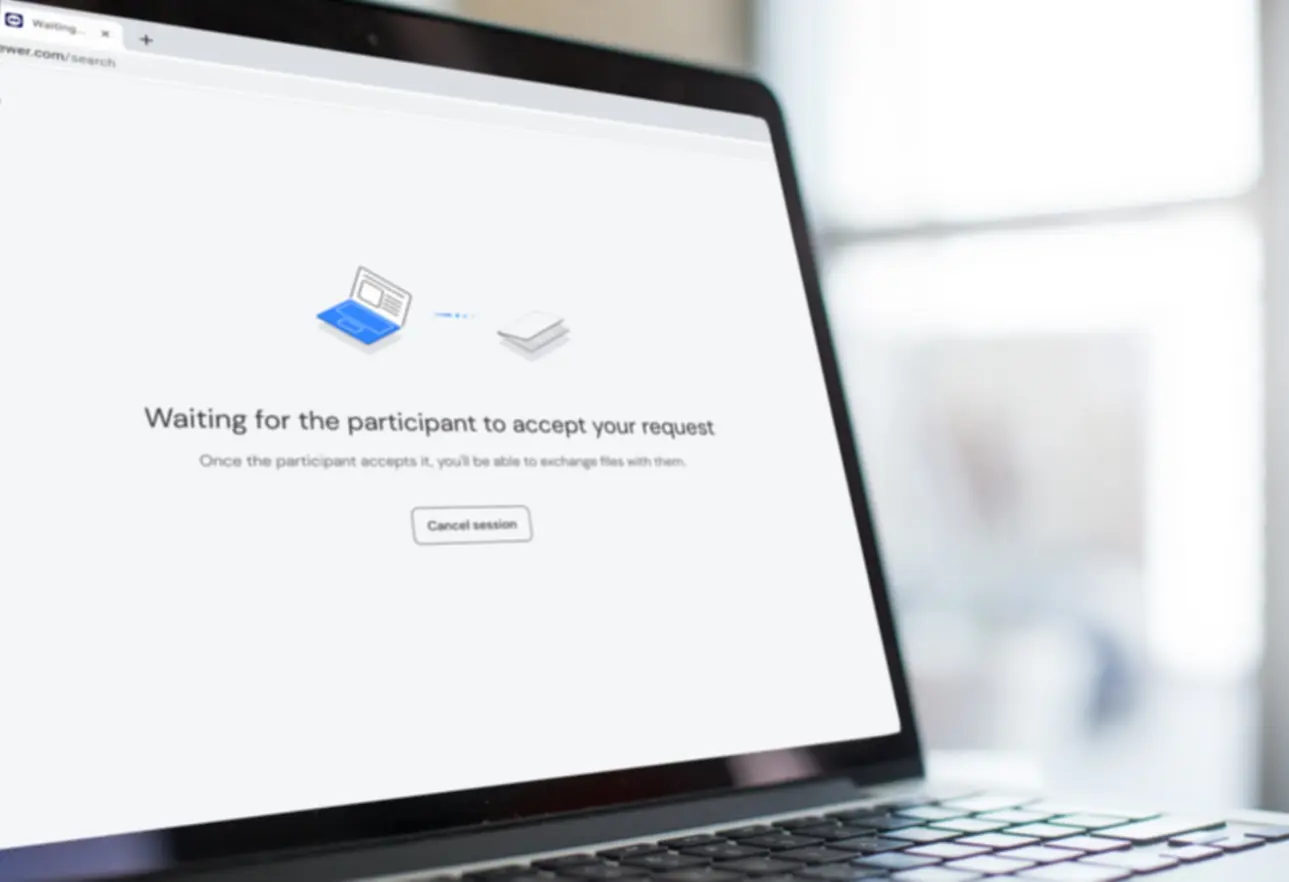
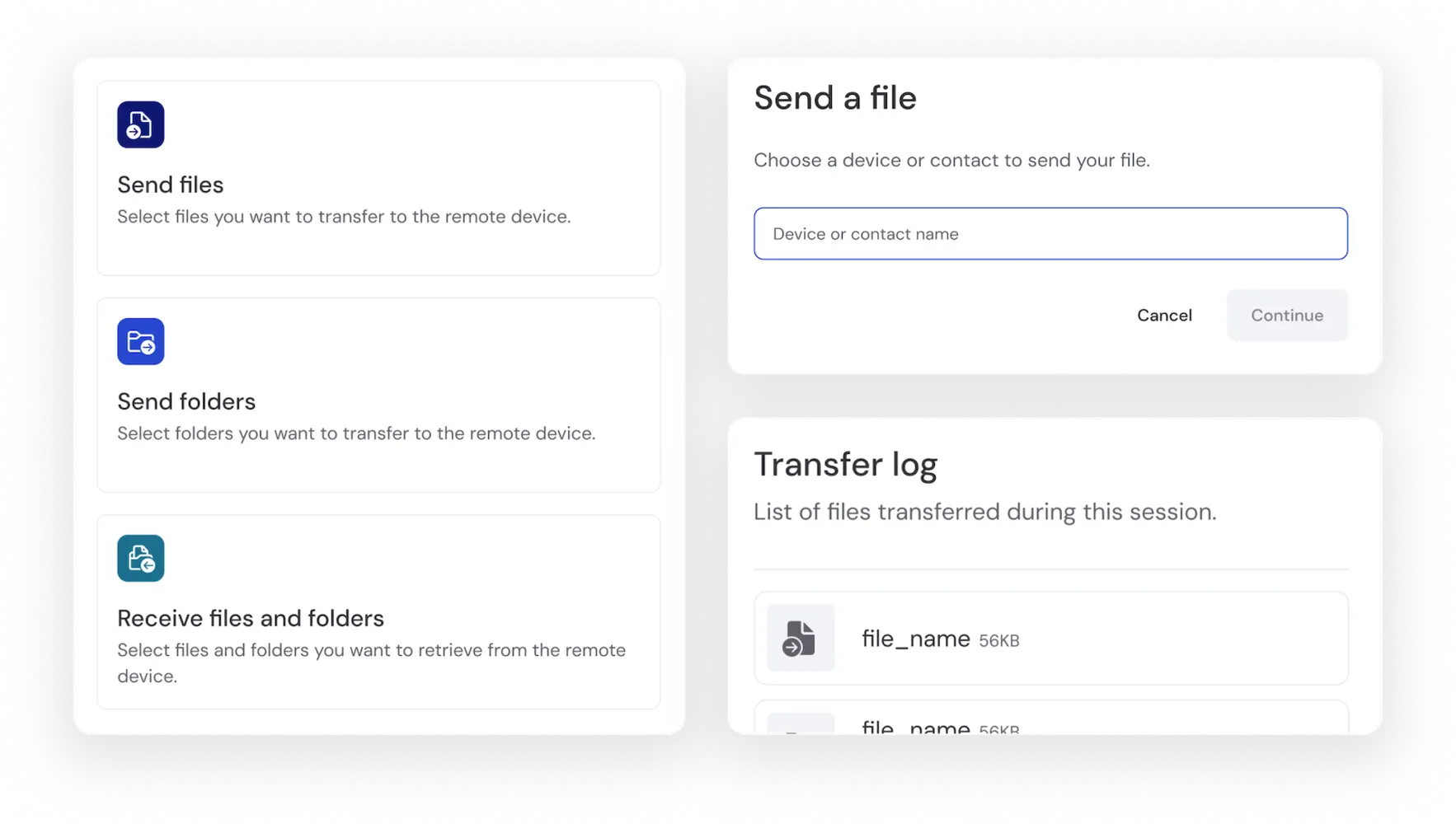
From the remote control tab
This file transfer mode allows you to perform a transfer without taking control of the other device’s screen.
- Open TeamViewer.
- Navigate to the Remote Control tab.
- Select File transfer using the drop-down menu above the Partner ID field.
- Enter the Partner ID (or alias) of the remote device and click Connect.
- You will be either prompted for a random password or a personal password, depending on your setup. If you have set up Easy Access for the remote device, you will be directly connected and be able to start transferring files.
- Enter the remote device’s password and click Log On.