Hero highlight: Gradient
Remote maintenance

View, diagnose, and fix your devices from anywhere

Remote support features and functionalities in the TeamViewer client

Remote maintenance with TeamViewer Remote

Connect with ease to any device, machine, or IT infrastructure component on your network. Monitor and maintain your assets faster, more accurately, and more cost-effectively than ever before. Get the insights you need to address performance issues early, maximize equipment lifespan, and minimize downtime.

With comprehensive remote management and customizable automated response capabilities, you can create precisely the remote maintenance program you need, no matter how complex your system is.

New initiatives — such as smart manufacturing, data analytics, IoT, and automated business processes — generally means a larger number of devices and endpoints to monitor, more software to keep up-to-date, and a greater chance of issues arising. As your technical infrastructure evolves, it’s vital that your ability maintains to keep pace with its latest advancements.

With over 600,000 customers, TeamViewer understands what it takes to meet the remote maintenance and management needs of complex businesses. This includes sectors such as manufacturing, logistics, healthcare, and finance, where the need for continuity of operations and watertight security is paramount.

What sets TeamViewer’s solution for remote maintenance apart?

Secure attended access icon
Security
Growth icon
Performance
Connected device complexity icon
Cross-platform
Trustpilot logo
118,115 отзывов
G2 logo
3,649 отзывов
TrustRadius logo
2,714 отзывов
Capterra logo
11,513 отзывов

Maximizing efficiency 

Callouts and physical interventions can be a huge drain on your technical team’s time and resources. This becomes even more of a challenge if you have a growing number of devices to manage across multiple locations. 

TeamViewer Remote gives you the ability to centrally manage, monitor, maintain, and protect ALL your computers, devices, connected equipment, and software. Comprehensive asset management capabilities deliver complete visibility of every item on your network on one dashboard. While mobile device management (MDM) gives you an easy remote configuration, maintenance, app distribution, and much more for managing mobile devices across your entire IT ecosystem.

Collaborative resolution of issues 

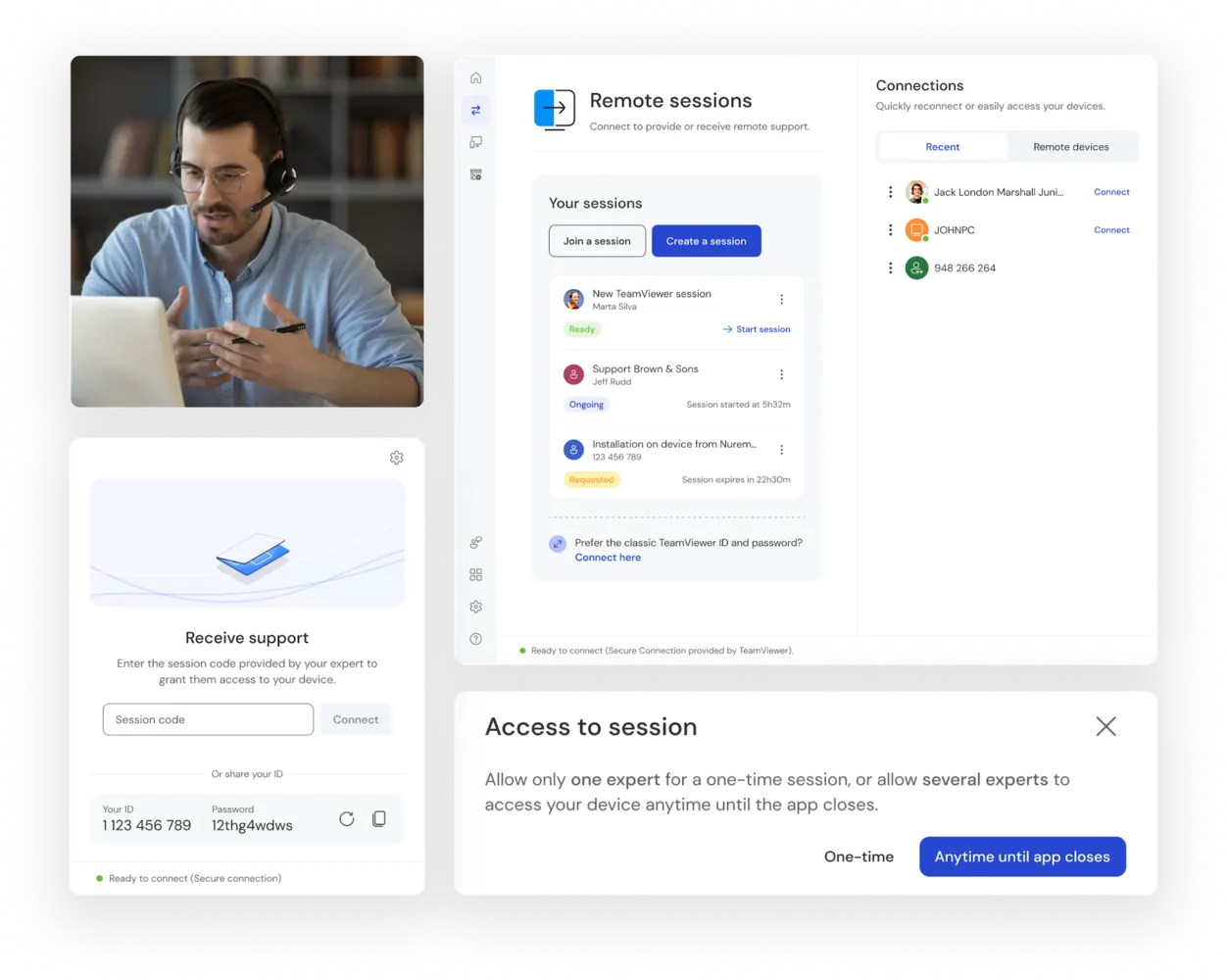
With TeamViewer Remote, your device end-users are just a couple of clicks away from direct expert support. Using full remote control capabilities, your technicians can instantantly connect with end users, see what the problem is, access device files and components, and give step-by-step instructions, where user input is required, or deliver a fix remotely.
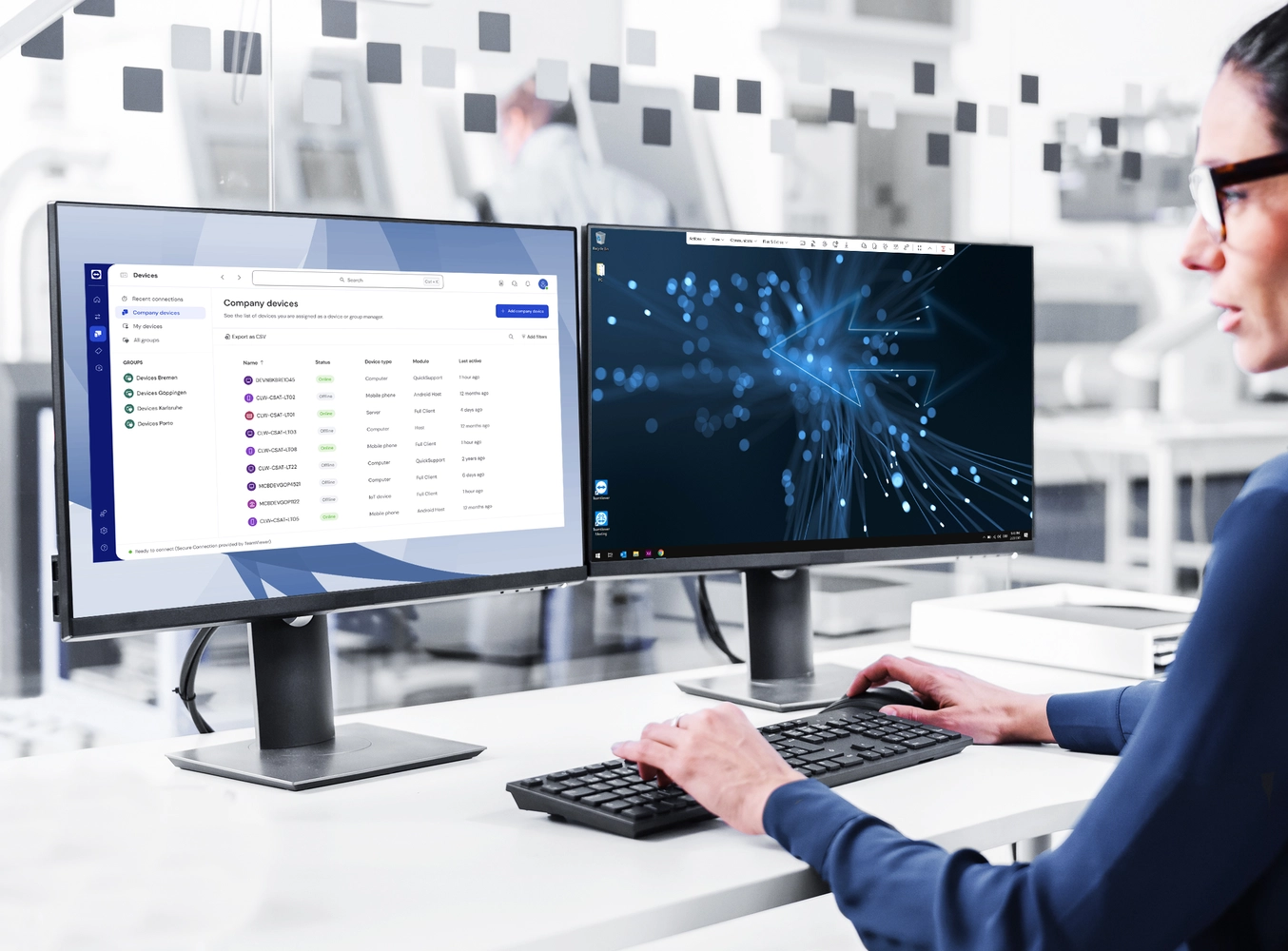
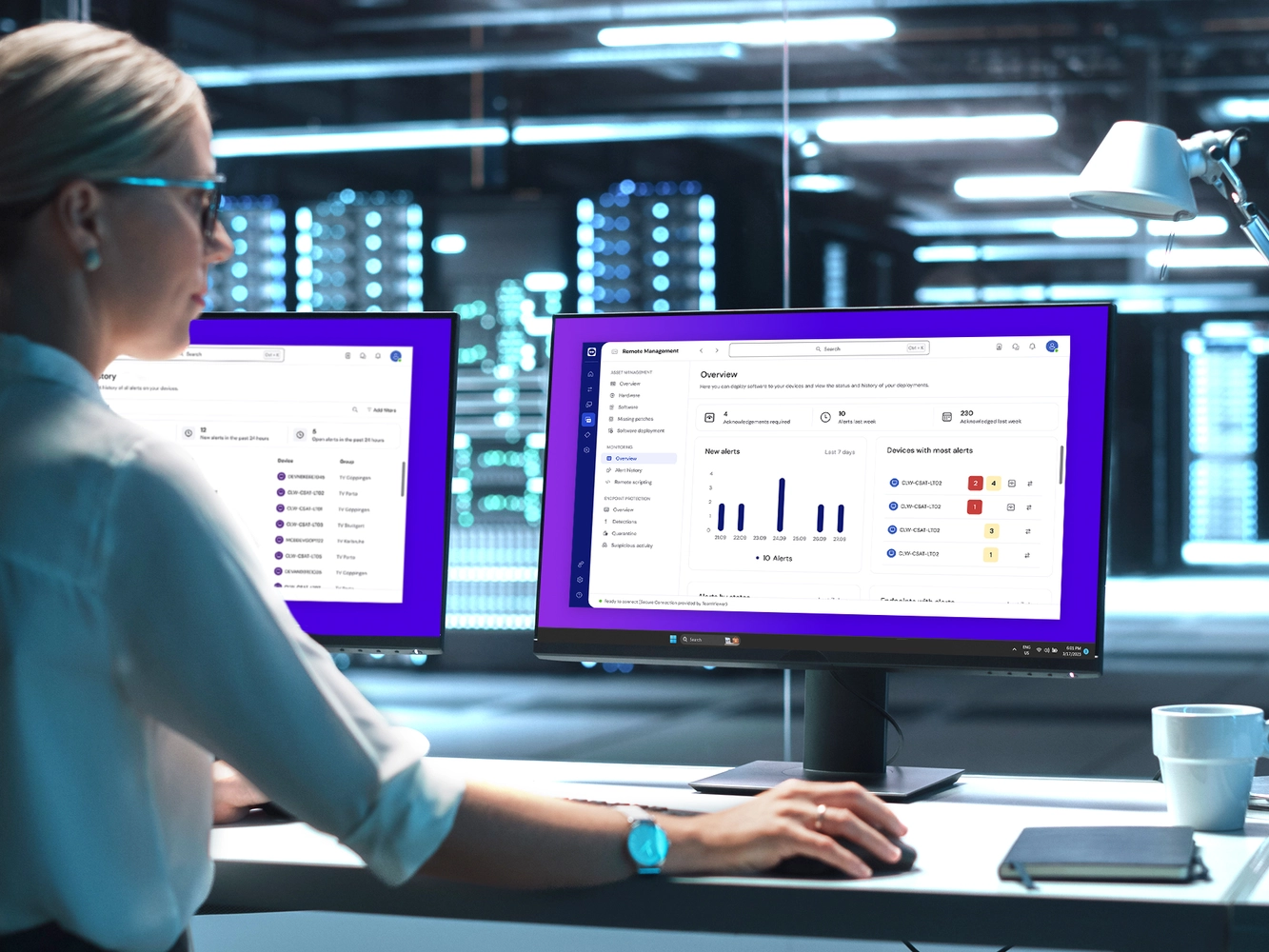
Women in front of two screens with remote support
IT professional using Remote Management and Monitoring (RMM)

Reports and diagnostics 

TeamViewer Remote’s maintenance solution allows you to generate detailed and up-to-date statistics, reports, and diagnostics to keep you informed about the state of your network at all times. This gives you the ability to identify and address the areas most prone to technical and performance issues. This data can also help you gain insights to make more accurate predictions linked to, for instance, capacity limits and the likely lifespan of your technical assets.

Ensuring business continuity

TeamViewer Remote includes comprehensive Wake-on-LAN functionality, allowing for on-demand waking/rebooting of unsupervised end devices across your IT estate.

This enables routine equipment maintenance, patching, software updates, and similar tasks to be conducted at any time, even outside of regular working hours, effectively reducing disruptions to essential business operations.

Woman working on laptop

Программное обеспечение для обычных пользователей и компаний, отмеченное множеством наград

G2 Award: Leader
G2 Award: Momentum Leader
G2 Award: Fastest Implementation, Mid-Market (MDM, SAP Store)
G2 Award: Best Meets Requirements, Enterprise (SAP Store)
G2 Award: Top 50 IT Infrastructure Products
G2 Award: Users Love Us
Windows, Mac, and Chrome

To set up TeamViewer’s remote maintenance solution on your Windows PC, laptop, ChromeBook, iMac, or MacBook:
 

  1. Download TeamViewer from the website
  2. Sign in to your TeamViewer account
  3. Click on the Remote Control panel
  4. Enter the Partner ID of the device you wish to connect to
     

TeamViewer license holders can skip the download and connect directly from a browser.

Android and iOS

Setting up TeamViewer’s remote control and maintenance software is simple:
 

  1. Install the TeamViewer app on your iOS or Android device

  2. Install or start the TeamViewer program on your desktop computer and make a note of its TeamViewer ID

  3. Enter the TeamViewer ID into the Partner ID field on the Remote Control panel on your iPhone, iPad, or Android tablet (any manufacturer)

  4. Click Connect and you’re good to go
     

Access and start using TeamViewer Remote for your iPhone, iPad, Android phone, or Android tablet (any manufacturer) by following the download link for your device from the website.

Linux

To set up TeamViewer’s remote maintenance solution on your Linux:


  1. Click on the TeamViewer for Linux icon on the TeamViewer download page
  2. Select the download option most appropriate for your version of Linux. If in doubt, select the 64-bit DEB package
  3. Follow the installation and desktop session options on our Linux Remote Desktop Session information page

Remote maintenance software feature highlights

Remote maintenance software for healthcare

Four healthcare workers in scrubs walking in corridor

Remote maintenance in manufacturing

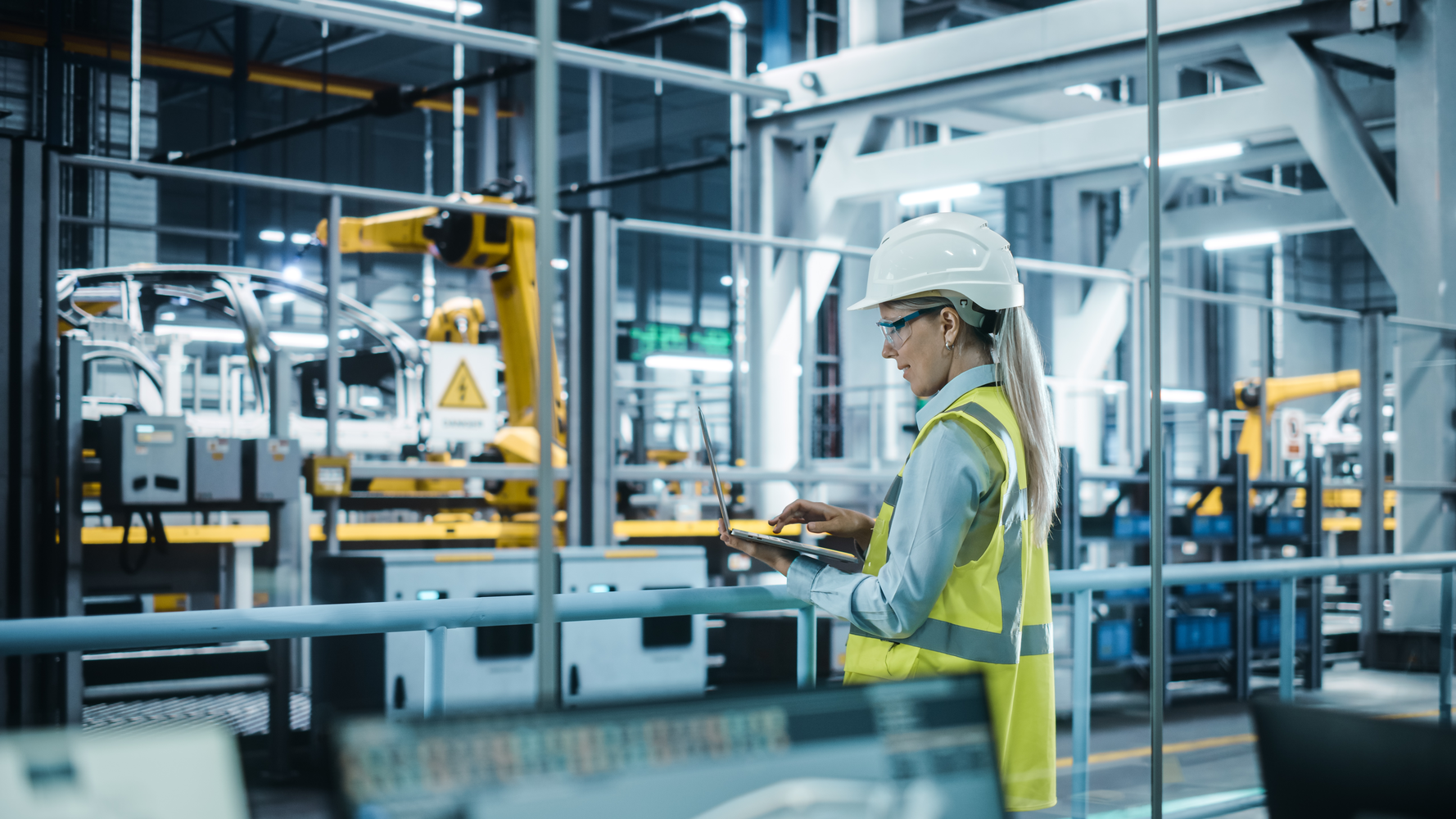
For many businesses in the manufacturing sector, IT infrastructure is becoming increasingly complex with the addition of new robotics elements, ambient sensors, performance monitoring tools, and more. TeamViewer Remote gives manufacturers the ability to centrally maintain and monitor all endpoints, reducing input costs and minimizing production downtime.

Automotive engineer with hard hat monitoring production with laptop

Remote maintenance in the energy sector

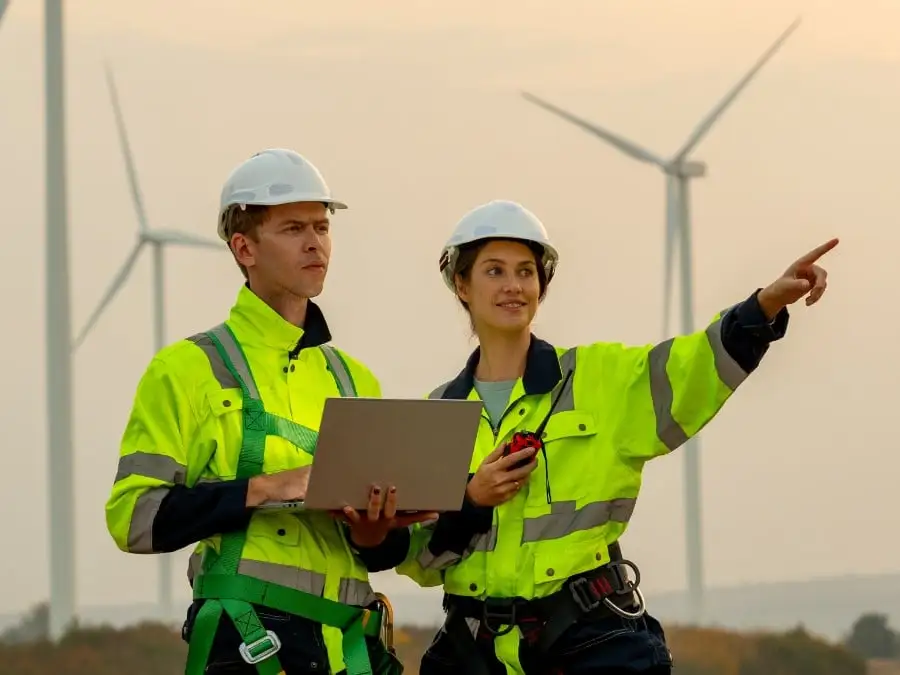
TeamViewer supports field workers

Remote maintenance support in retail businesses

TeamViewer’s cross-platform functionality makes it a natural remote maintenance solution for any retail model. Through a single platform, you can access, control, maintain, and monitor virtually all point-of-sale endpoints, visual display units, billing systems, logistics elements, and servers across all physical locations. The same solution can also be used to maintain the IT infrastructure that supports your digital sales channels.

Female Owner With Digital Tablet Standing Behind Sales Desk Of Florists Store

Spotlight

Customer success

Explore more success stories

Frequently asked questions (FAQ)

Unlock all TeamViewer features for 14 days.