TeamViewer is the quick and secure alternative to VNC

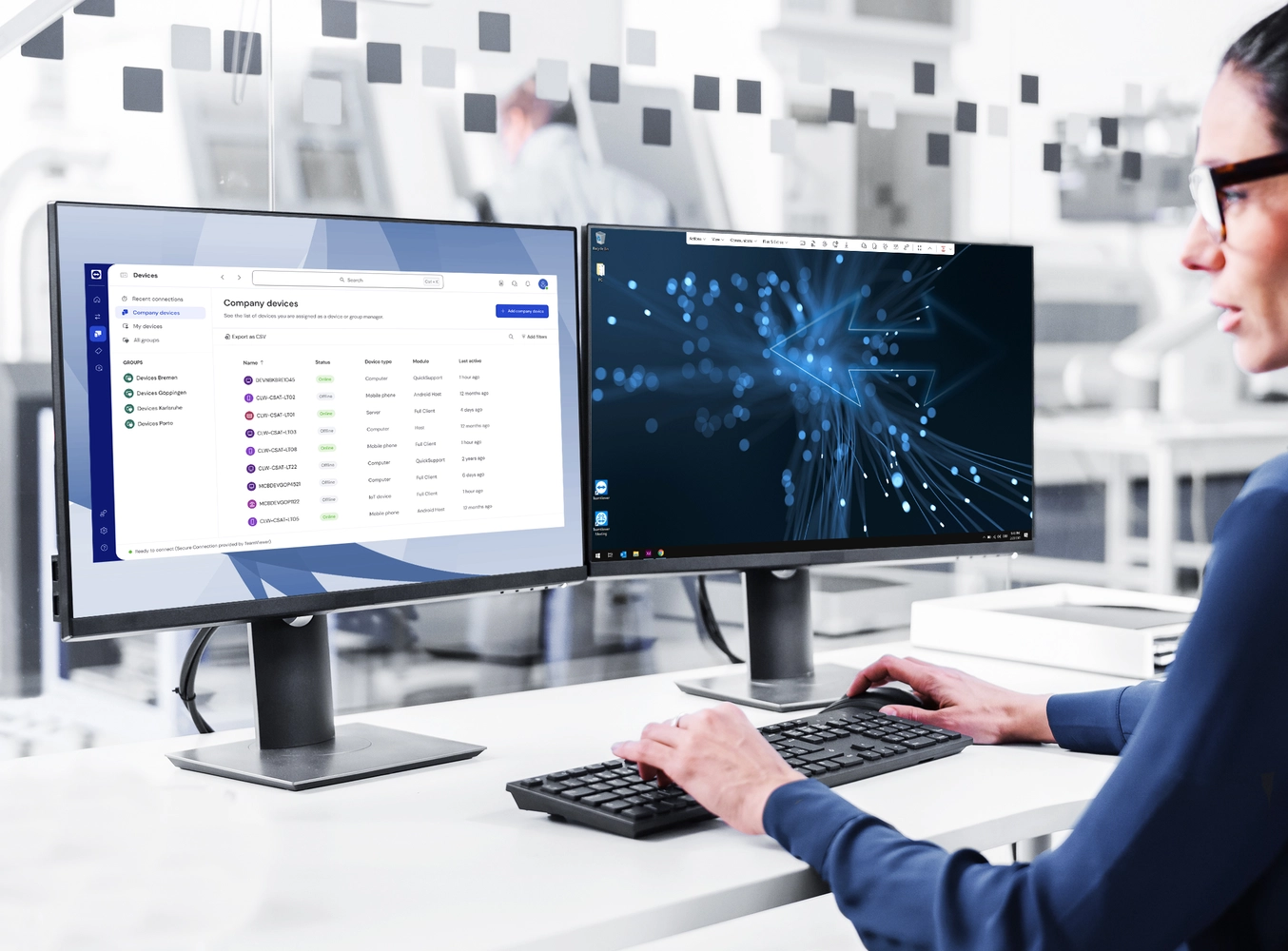
Women in front of two screens with remote support

TeamViewer Remote

What is VNC?

VNC (Virtual Network Computing) is an open-source desktop-sharing system developed in the 1980s. It is designed to give you basic remote control capabilities by connecting you remotely from one computer to another computer’s graphical desktop.

There are various commercially-developed variants of VNC available that vary significantly in the level of functionality. At heart, however, VNC is designed as a light-touch, graphical desktop-sharing system to provide basic remote control capabilities.

How does VNC technology work?

A VNC system works on a client/server model. The VNC client (also known as a VNC viewer) is installed on the computer you want to control. The VNC server is a software component installed on the device you want to control.

RFB (Remote Frame Buffer) is the software protocol that underpins VNC. It works by grabbing and sending screen graphics from the server to the client. It also transmits input from the client to the server.

TeamViewer Remote is an all-in-one solution for all your remote access, remote control, and remote working needs.

TeamViewer Remote comes with features that are usually not available in a basic VNC solution. Examples include the ability to remotely wake devices from sleep or soft-off mode (Wake-on-LAN), file transfer, remote printing, as well as the ability to remotely control assets such as unattended industrial devices.

VNC can control keyboard, video, and mouse movement only. It cannot generally maintain audio controls and connected devices. By contrast, TeamViewer Remote can give you full remote access to devices, including access to files, applications, and peripheral devices. It is also a much more versatile collaboration tool and allows screen-sharing capabilities when remote controlling devices.

Unlike many traditional VNC software offerings, TeamViewer Remote offers a range of administrative features for stronger remote support management. This includes the ability to assign authorisations and licenses in the management console. 

VNC systems can vary widely in their connectivity and interoperability capabilities. Depending on the variant used, it is not always possible to connect to devices on different networks or using different operating systems. 

Thanks to TeamViewer Remote, you are not confined by these restrictions. It offers a secure, fully cross-compatible solution giving you remote access and control over any device, from any device, either on the same network or across the internet.

Trustpilot logo
118,115 отзывов
G2 logo
3,649 отзывов
TrustRadius logo
2,714 отзывов
Capterra logo
11,513 отзывов

What are TeamViewer Remote key features?

VNC functions and areas of application

Software
Performance
Security and maintenance

IT support service

TeamViewer Remote is a complete remote control and access solution that equips IT support teams to deliver fast, secure, and cost-effective assistance and maintenance. Through it, technicians can establish an instant connection with target devices. They can interact seamlessly with the device, install updates, access system files, reconfigure and deliver a quick fix where possible, and escalate problems up the chain where necessary.

Professional proving remote support

Customer service

Woman working from home

Training

Going far beyond and above basic VNC features, TeamViewer Remote offers a range of features, including screen sharing, that allow training providers to enhance training initiatives with a range of dynamic remote control features. Enrich your online, in-person or hybrid workplace-based session with screen sharing, and screen record the remote control session to keep it on file for future reference and training.

Concentrated bearded young man searching information on website and working on freelance on development graphic project at modern laptop using wireless internet connection in cafe interior

Программное обеспечение для обычных пользователей и компаний, отмеченное множеством наград

G2 Award: Leader
G2 Award: Momentum Leader
G2 Award: Fastest Implementation, Mid-Market (MDM, SAP Store)
G2 Award: Best Meets Requirements, Enterprise (SAP Store)
G2 Award: Top 50 IT Infrastructure Products
G2 Award: Users Love Us

See what our customers have to say

Spotlight

Customer success

Explore more success stories

Frequently asked questions (FAQ)