Hero highlight: Gradient

TeamViewer remote desktop for Mac

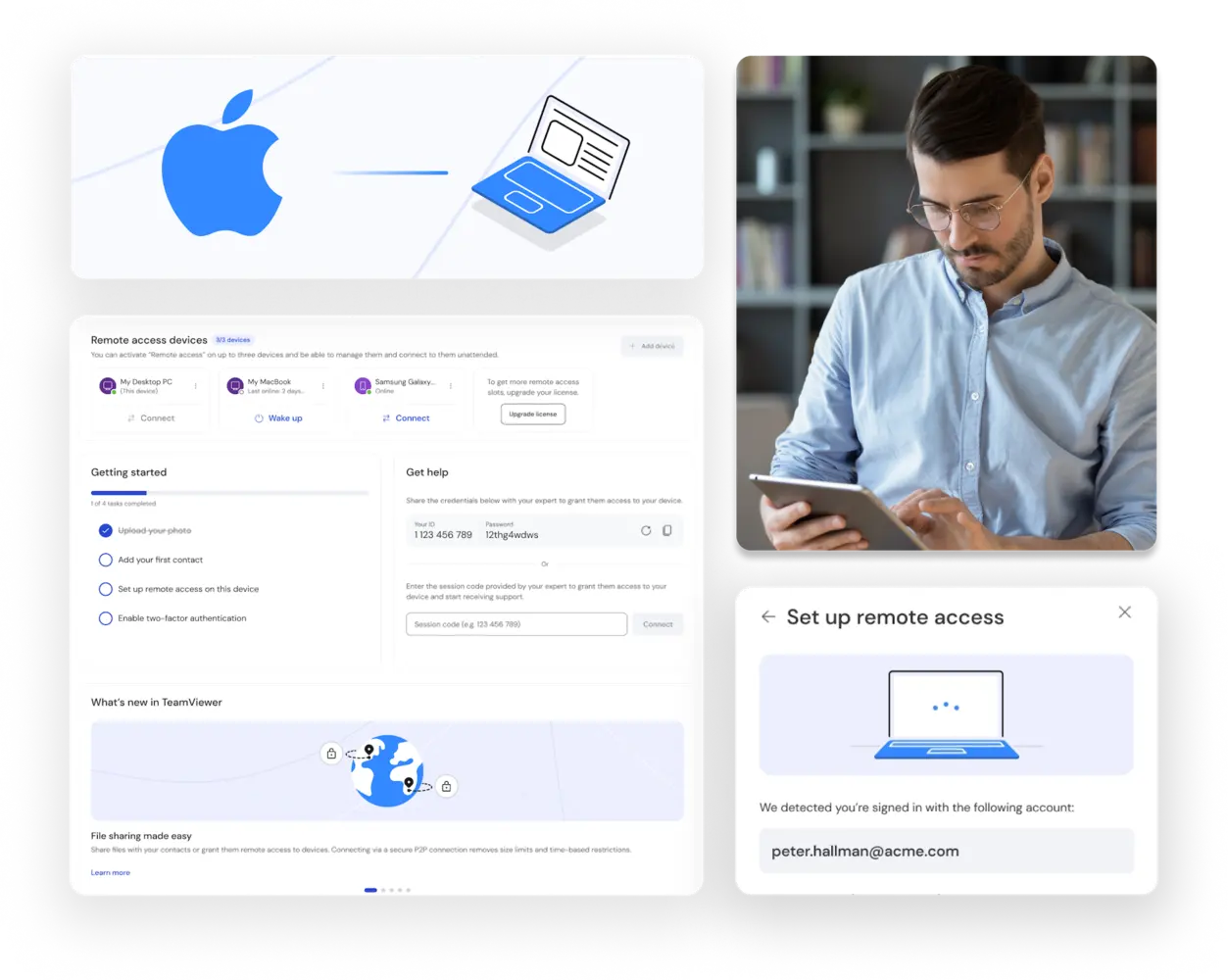
Remote access features as seen in the TeamViewer Remote client

Enjoy remote desktop sessions on Mac computers with TeamViewer

TeamViewer Remote for Mac is a powerful and user-friendly software that allows you to remotely access and control any Mac computer from anywhere. Whether you need to provide technical support, collaborate with your team, or access your own apps and files, TeamViewer remote desktop software for Mac lets you do so securely and efficiently. You can also transfer files, chat with your contacts, and switch between multiple screens with ease.

The benefits of TeamViewer remote desktop for Mac

Digital after sales support icon
Remote support
Connected device complexity icon
Monitor and maintenance
Remote access and control icon
Remote access
File sharing icon
Real-time file access

Upgrade your Mac remote desktop connection with TeamViewer

Apple Remote Desktop is a native remote access application that runs on MacOS. However, even though it’s useful for Mac-to-Mac connections, it lacks many features that third-party remote connection software offers. So, if you’re a Mac user looking for a convenient solution to control your devices remotely, you should download TeamViewer Remote for Mac today.

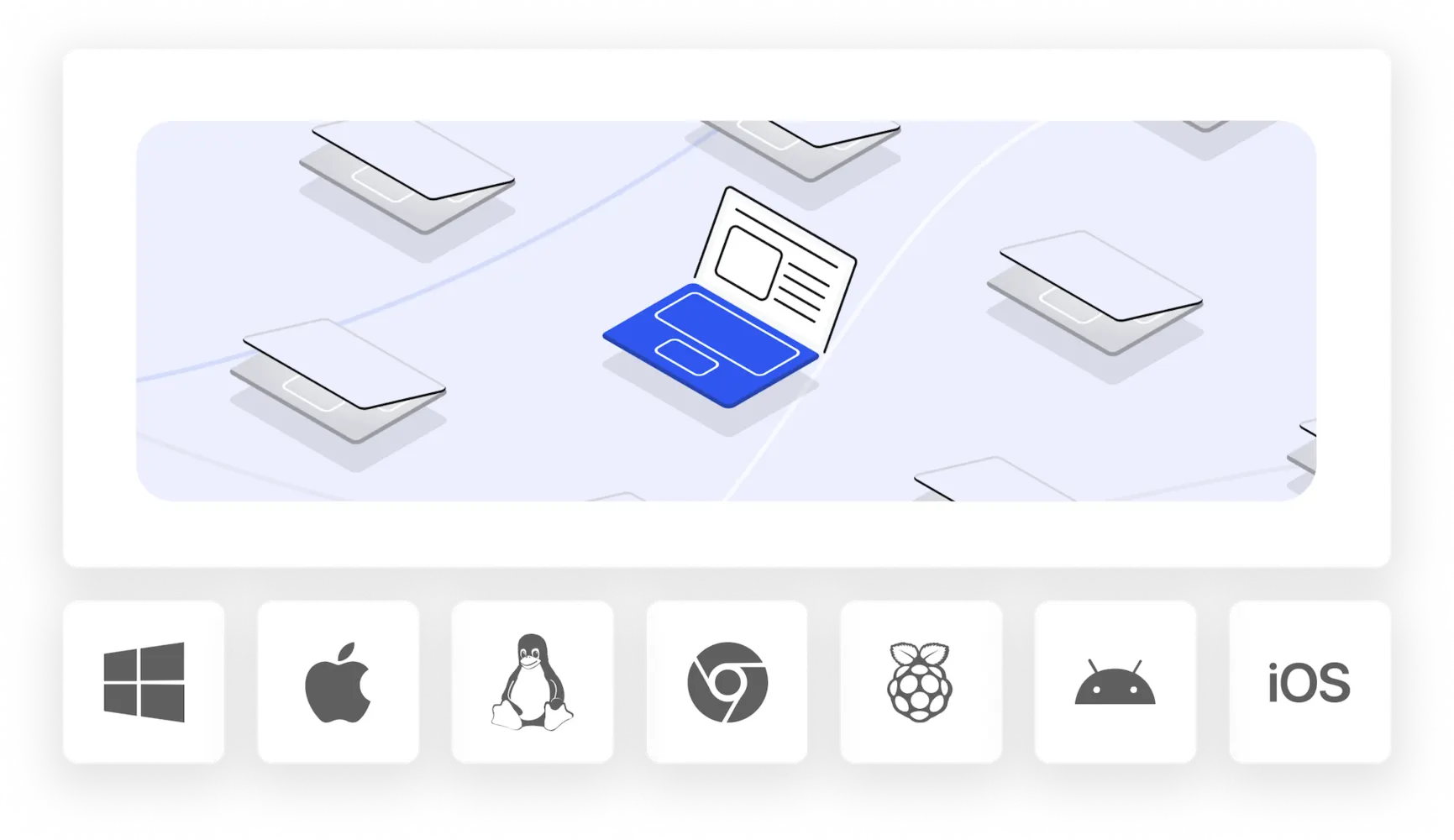
Unlike Apple Remote Desktop, TeamViewer Remote for Mac doesn’t limit your connection to just Mac and iOS devices. It also supports cross-platform connections to Windows, Linux, and Android. With no need to configure ports or firewalls, TeamViewer works right away and offers additional features such as file transfer, chat, voice and video calls, and unattended access.

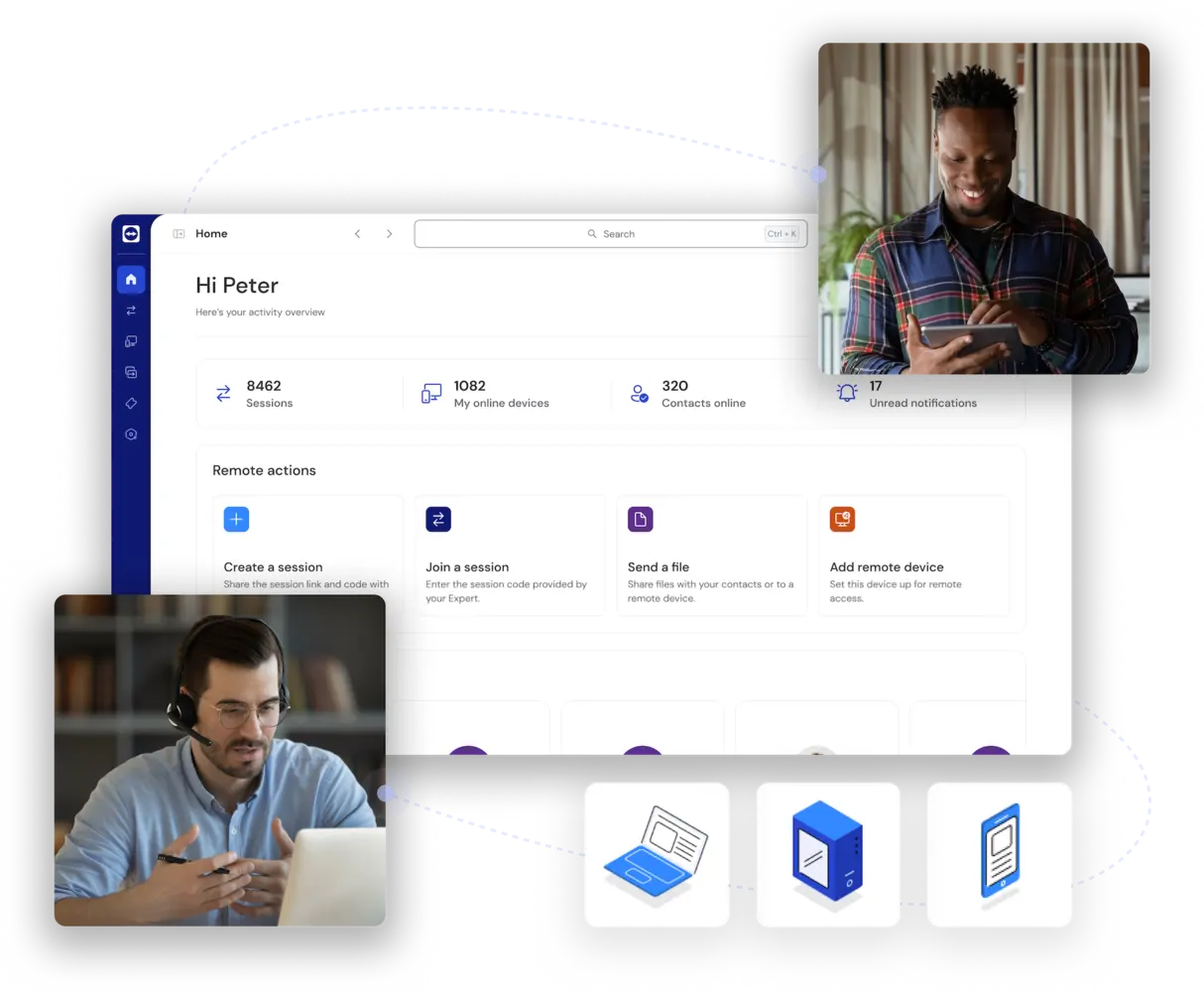
Remote access features and functionalities in the TeamViewer client

Access your Mac from any device

With TeamViewer Remote for Mac, you can access your Mac computer from anywhere at any time using your iPad, iPhone, or PC. All you need to do is install TeamViewer on both devices and make sure they are connected to the internet.

TeamViewer Remote can also be used as a Windows to Mac remote desktop application, so you can enjoy the benefits of both operating systems by simply switching screens, not devices.

Enable remote access setup as seen in the TeamViewer client

Choose TeamViewer Remote for your Mac remote access

TeamViewer Remote for Mac is the award-winning solution for your Mac remote access needs. It provides you with a fast, secure, and easy way to access, control, and manage any Mac computer from anywhere.

Choose TeamViewer for your Mac remote access today and enjoy the convenience and flexibility of working remotely.