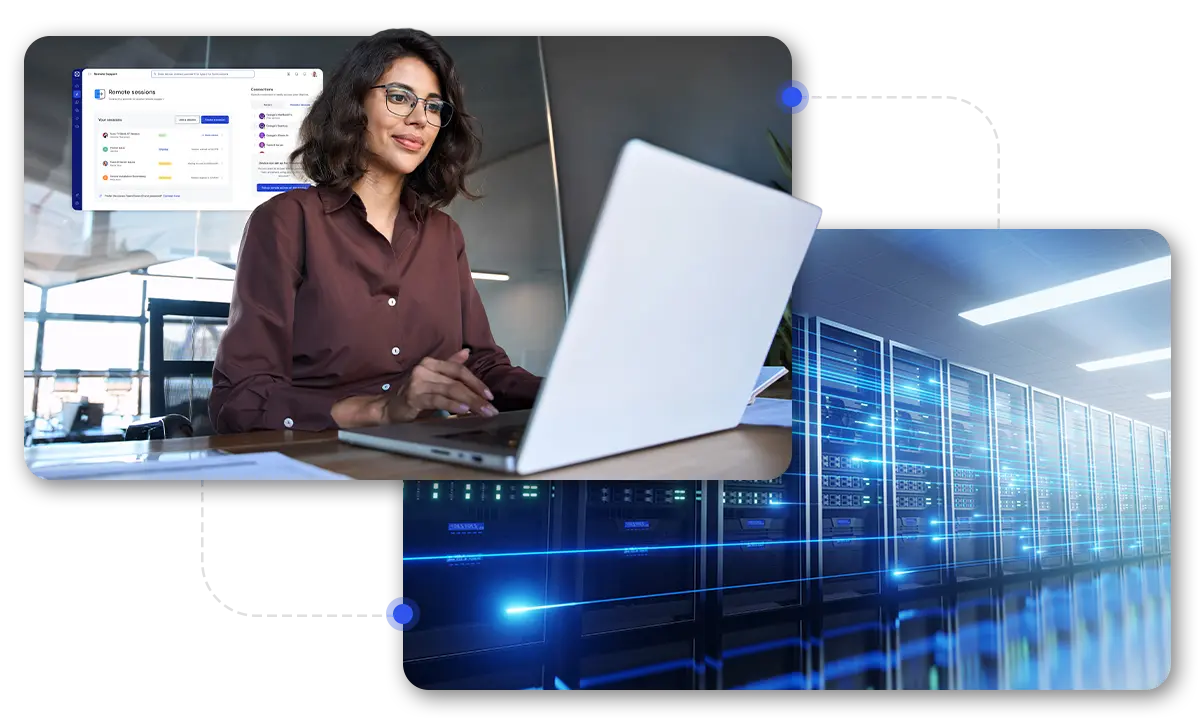
Effortless and automated server patching

Server patching

TeamViewer Remote

What is server patching?

Server patching refers to a process for applying software updates to servers. It helps safeguard your business against cyber threats and keeps your technical infrastructure up and running.

Best practices for server patching

Tag group icon
Prioritize based on risk
Radar icon
Aim for visibility
World icon
Cover all locations

Server patching: Beyond basic updates

How should IT decision-makers treat server patching? On one level, it’s easy to see it as a ‘dull but necessary’ element of your team’s to-do list. But from a strategic perspective, this is not a tick-box task; as a key element of your wider IT asset management approach, it plays a major role in boosting the security, performance, and lifetime value of your technical infrastructure.

Achieving lean

As we’ve seen, server patch management requires you to build and maintain an up-to-date inventory of your assets as a foundational step—if you can’t see it, you can’t patch it!

This provides a valuable opportunity to consider your environment in the round: “What do we own? Who uses it? And do we still need it?” There may be plenty of scope here for streamlining your infrastructure for a leaner, more efficient, and cost-effective environment.

Server patching: Maintaining performance

Boosting performance

An overlooked minor bug fix for a single piece of niche firmware might not seem like much. But over time, if multiple unactioned updates are applied to tens, hundreds, or thousands of components, the cumulative impact of laggy performance, outages, compatibility issues, and other problems can easily mount up.

In this context, patching plays a crucial role in ensuring optimal asset performance is maintained, and the usable life of those assets is extended.

Server control features in the TeamViewer Remote client

Ensuring security

Gartner found that the overwhelming majority of exploits were not zero-day attacks but were vulnerabilities known by security and IT professionals at the time of the incident. In other words, they could and should have been dealt with sooner.

On the security front, updating your server patching capabilities offers you an ‘easy win’: a chance to shut the door on vulnerabilities before threat actors can exploit them. There’s an important reputational and trust-building element to consider here, too. Customers, clients, and supply-chain partners won’t expect you to block every single breach—but they will expect you to have robust risk mitigation measures in place. If you can point to an auditable, systematic, fast, and effective approach to patching, it can go a long way to establishing that trust.

Server patching: Ensuring security

TeamViewer Asset Management & Server patching

TeamViewer Asset Management equips you to tackle the server patching challenge in a way that’s fully integrated with your wider IT remote management processes.

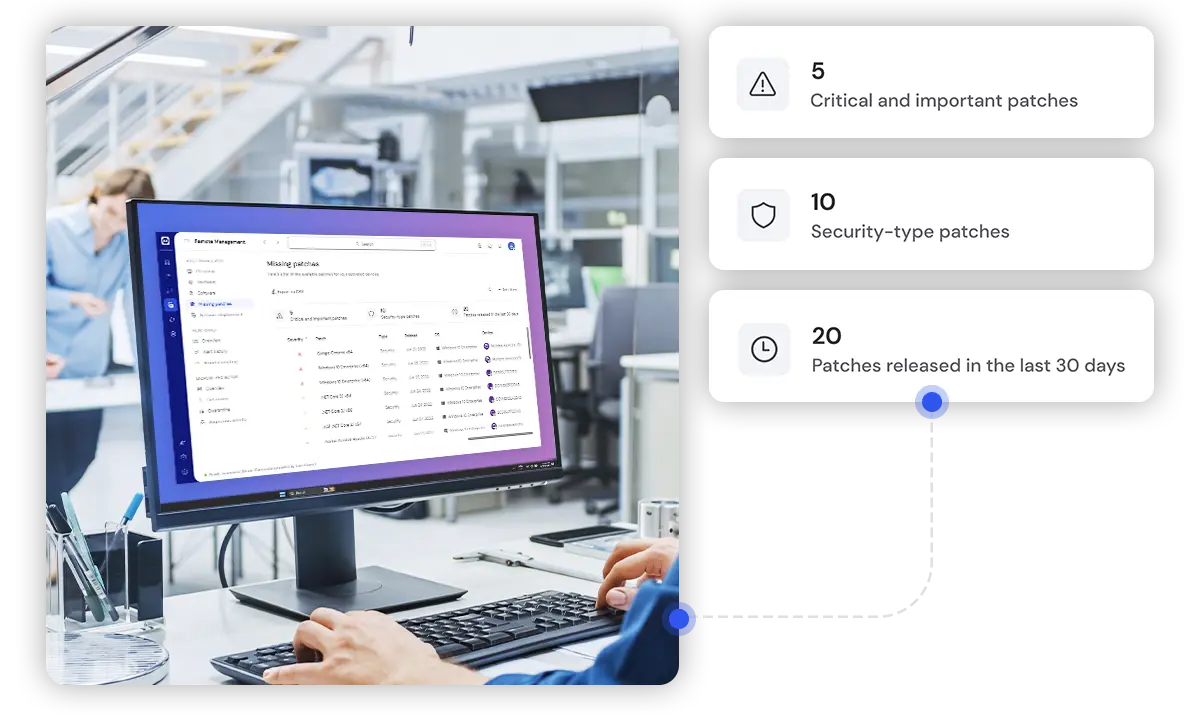
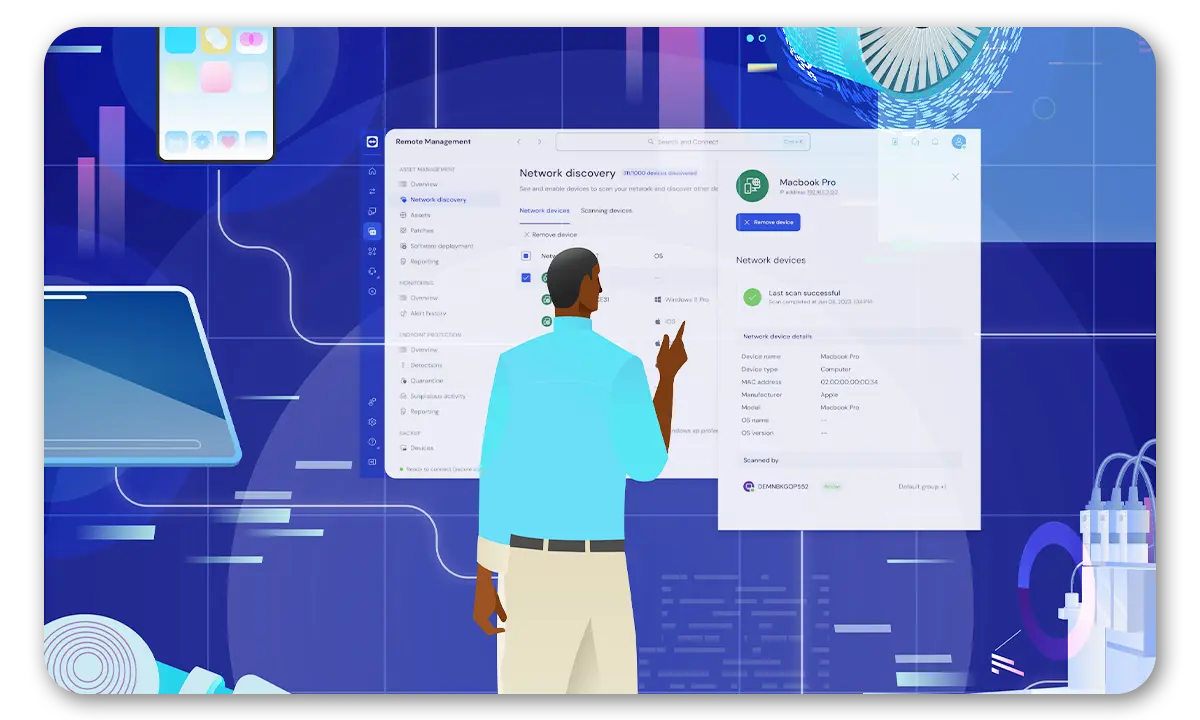
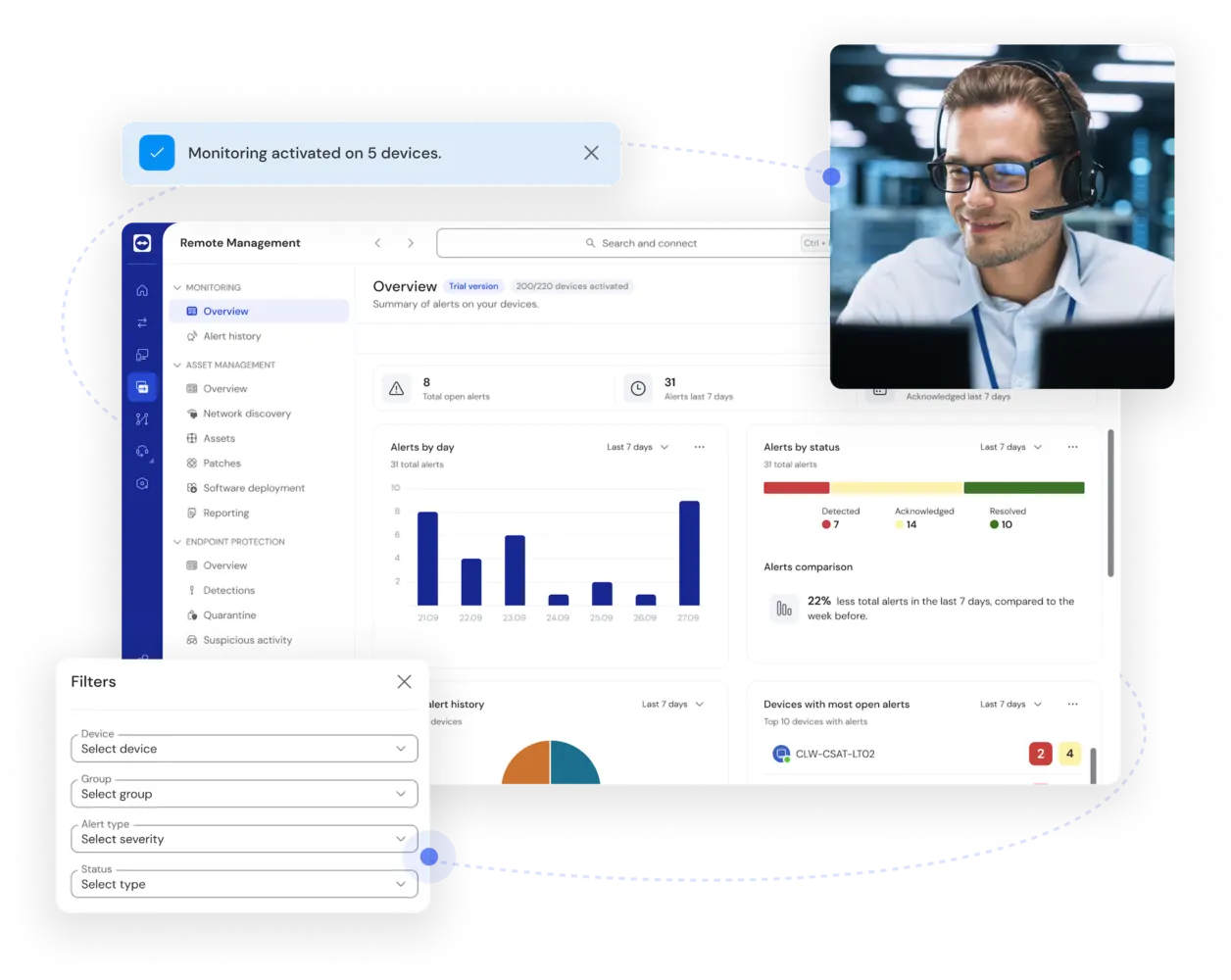
Discover and track each server component automatically. See at a glance what needs to be updated and when. Deploy your patches automatically according to the rules you set. Step in to provide instant patch-related support to any device or user in any location. 

Patching is never a standalone process, and TeamViewer users worldwide appreciate this. For a joint approach to managing and securing your servers and all other IT assets, everything you need is here.

Key icon
Centralized server inventory management
App connectivity icon
Automated patch deployment
File sharing icon
Patching and so much more

Oceňovaný software pro jednotlivce i firmy

G2 Award: Leader
G2 Award: Momentum Leader
G2 Award: Fastest Implementation, Mid-Market (MDM, SAP Store)
G2 Award: Best Meets Requirements, Enterprise (SAP Store)
G2 Award: Top 50 IT Infrastructure Products
G2 Award: Users Love Us

Server patching for industries

Server patching for healthcare

Trusted in some of the world’s most heavily regulated sectors—including healthcare—TeamViewer equips IT teams to address vulnerabilities as quickly as possible after updates are released. This helps ensure sensitive clinical data is secured in adherence with healthcare-specific and wider data protection regulations. The ability to schedule automated remote server patching outside clinic opening times ensures critical systems remain operational when needed.

Doctor with computer

Server patching for banking and finance

TeamViewer’s platform enables centralized management and deployment of patch policies across all your servers. This helps you apply a consistent approach across geographically dispersed systems, which is essential for multi-branch finance and banking environments. You can customize and apply your own patching policies and schedules, reducing the need for any disruption in transaction processing.


Remote connectivity for banking and financial insitutes

Server patching for retail

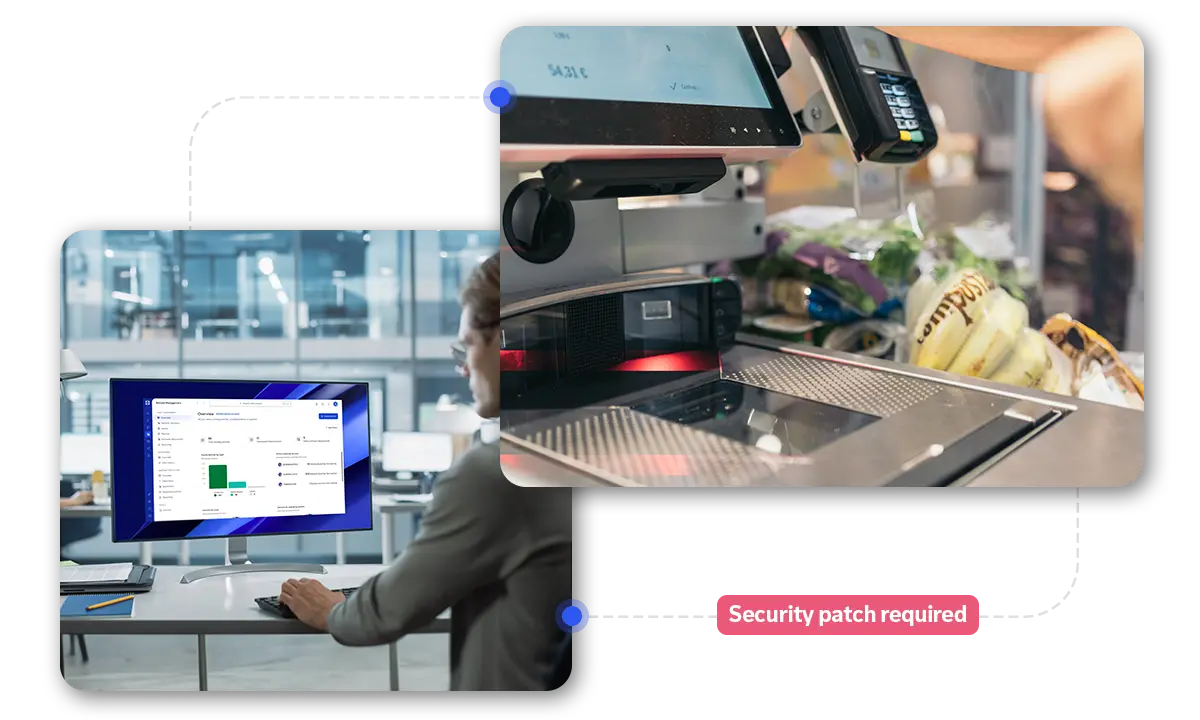
TeamViewer allows you to define and deploy patching policies specific to your business. This ensures that patching procedures are tailored to the realities of even the most complex, multi-branch retail environments. Examples include prioritizing security patches for servers that support critical systems, such as point-of-sale terminals while scheduling less urgent updates outside of trading hours.

Remote connectivity in the store

Why choose TeamViewer as your server patching provider?

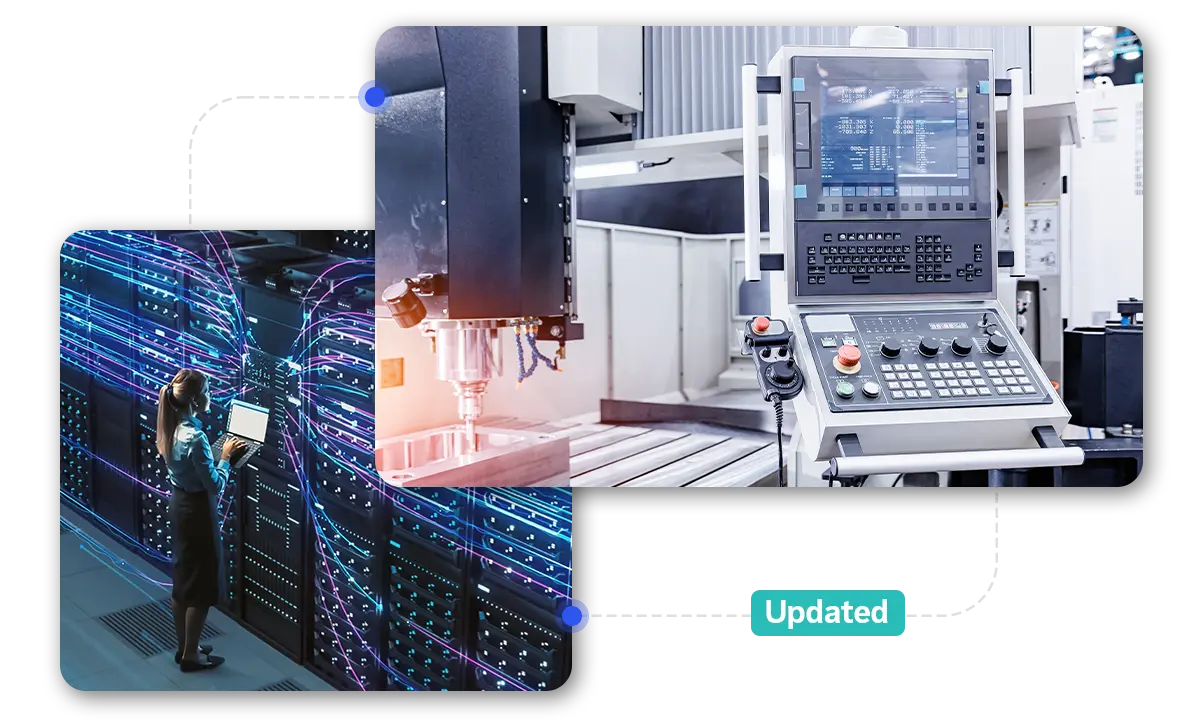
TeamViewer’s Wake-On-LAN capabilities allow you to wake any sleeping server to apply OS, firmware, and other updates outside of business hours.

Spotlight

Customer success

Explore more success stories

Server patching—and patch management more generally—is often categorized in three ways, corresponding with the three main categories of patches. These are security patches, used to fix security holes in an application; bug fixes, which address what are usually minor system flaws; and feature updates, which aim to improve existing features or sometimes introduce new ones.

The patch management cycle refers to the entire systematic patch implementation process. It involves evaluating new patch releases by vendors, identifying the servers and other assets the patch applies to, testing the patch, planning patch roll-out to minimize disruption, implementing the patch, and verifying that it has been applied successfully.

No piece of software is perfect. Especially regarding operating systems, firmware, and other server-related applications, bugs, vulnerabilities, and the need for additional optimizations tend to arise frequently. Patching is necessary to fix these issues.

A patch is a form of update. Generally, though, when a software vendor refers to a ‘patch,’ they mean a small and specific change to software—perhaps a few lines of code—designed to fix a particular problem, such as a bug or vulnerability. An ‘update’ usually refers to a bigger change, perhaps to add an entirely new feature to an application or to make multiple changes to improve performance.

The length of time required for server patching depends on multiple factors, such as the nature and significance of the patch and the number of server components involved. For instance, a single, straightforward patch may only take 15 minutes. But if the same patch needs to be applied manually to an entire business server stack scattered across multiple locations, the entire project can take days—or sometimes even weeks.

Thanks to TeamViewer’s automated asset discovery, scheduling, rollout, and monitoring capabilities, you can significantly reduce the time required for successful, error-free patching task completion.

Technically, patching is a form of updating. However, when it’s described as a ‘patch,’ an update often seeks to address a security vulnerability. This means that patch announcements often arrive without warning. Best practice requires you to approach security patching significantly more urgently than routine updates.