
15 best hardware monitoring software for SMBs in 2026
Discover the top 15 hardware monitoring tools for SMBs in 2026—featuring TeamViewer, Atera, PRTG, and more—to boost uptime and system health.
When your servers start acting up at 2 AM, you need to know about it before your customers do. That's what hardware monitoring software is made for. It acts as your digital watchdog, continuously tracking system performance and alerting you to problems before they escalate.
As modern work environments become increasingly complex, teams are spread across home offices, co-working spaces, and traditional corporate settings, accessing company resources through various devices. To prevent costly downtime and keep business operations running smoothly, you need a reliable monitoring tool.
This guide reviews the 15 best hardware monitoring tools to help you find the right one for your needs. Whether you're an IT admin, a managed service provider, or an internal support lead, keep reading till the very end, as we might have a perfect solution just for you.
What to look for in hardware monitoring software
Hardware monitoring software is a tool that continuously tracks system performance metrics, provides alerts for anomalies, and helps IT teams maintain optimal device performance across their infrastructure.
In order to make the right choice, you have to consider the following criteria.
Essential features to prioritize
Not all computer hardware monitoring software is created equal. While vendors may tout dozens of features, focusing on these core capabilities will ensure you choose a solution that delivers real value rather than impressive-sounding functionality you'll never use.
Real-time metrics: Your monitoring solution should provide live data on CPU usage, memory consumption, disk space, network traffic, and system temperatures. Look for customizable dashboards that let you focus on the metrics that matter most to your environment.
Intelligent alerting: Set thresholds for critical metrics and receive notifications via email, SMS, or integrated messaging platforms. The best tools offer customizable alerts that reduce false positives while ensuring you never miss genuine issues.
Remote access integration: When problems arise, you need immediate access to affected devices. Solutions that combine monitoring with remote support capabilities save precious time during troubleshooting.
- Cross-platform compatibility: Your monitoring tool should work seamlessly across Windows, macOS, Linux, and mobile devices. Universal device monitoring ensures no system falls through the cracks.
Real-world applications for small and medium businesses
Rather than playing whack-a-mole with system crashes, effective monitoring helps you identify resource usage patterns and bottlenecks before they affect end users. This proactive approach transforms IT from a reactive cost center into a strategic asset that enables business continuity.
System stability: Prevent crashes and performance degradation by monitoring resource usage patterns and identifying bottlenecks before they impact users.
Proactive troubleshooting: Use historical data to identify recurring issues and implement preventive measures. This approach reduces reactive support tickets and improves overall user satisfaction.
Performance optimization: Analyze system performance trends to make informed decisions about hardware upgrades, software deployments, and capacity planning.
Choosing between cloud and on-premise solutions
One of the most significant decisions you'll face is where your monitoring infrastructure should live. Each deployment model offers distinct advantages depending on your organization's specific needs and constraints.
Cloud-based monitoring offers the fastest path to implementation, with automatic updates and elastic scalability that grows with your business. For SMBs with limited IT resources, these solutions eliminate the overhead of maintaining monitoring infrastructure while providing enterprise-grade capabilities.
On-premise solutions make sense when you need complete control over your data or operate in highly regulated environments. They're also worth considering if your internet connectivity is unreliable or if you have specific integration requirements with existing systems.
Making the right choice
The most effective hardware monitoring program combines comprehensive system visibility with integrated remediation capabilities. Instead of juggling separate tools or relying on multiple third-party tools that don't communicate well together for monitoring, alerting, and remote support, look for platforms that unify these functions into a cohesive workflow. This integration not only simplifies your IT toolkit but also reduces the time between problem detection and resolution.
Remember, the best monitoring software is the one your team will actually use. Prioritize solutions with intuitive interfaces, clear documentation, and responsive support because even the most feature-rich platform is worthless if it sits unused due to complexity or poor user experience.
The 15 best hardware monitoring software in 2026
We've evaluated the top hardware monitoring tools based on features, security, ease of use, and value for SMBs. Each tool serves different needs, from basic system monitoring to comprehensive remote management platforms. This comparison helps you identify the right solution for your specific requirements and budget.
| Tool | Ideal for | |
|---|---|---|
| TeamViewer Remote + Monitoring | TeamViewer Remote + Monitoring | SMBs wanting unified monitoring and remote support |
| Atera | Atera | MSPs with high device-to-technician ratios |
| Paessler PRTG | Paessler PRTG | Network-heavy environments |
| Zabbix | Zabbix | Technical teams with customization needs |
| HWiNFO | HWiNFO | Windows diagnostics and hardware analysis |
| HWMonitor | HWMonitor | Basic monitoring on individual systems |
| Datadog | Datadog | Cloud-native organizations |
| SolarWinds | SolarWinds | Large enterprises with complex infrastructure |
| Nagios | Nagios | Traditional IT environments |
| Site24x7 | Site24x7 | Web-focused businesses |
| SpeedFan | SpeedFan | Temperature monitoring and fan control |
| AIDA64 | AIDA64 | System diagnostics and benchmarking |
| Icinga | Icinga | Modern monitoring with open-source flexibility |
| ManageEngine | ManageEngine | Comprehensive IT management suite |
| NinjaOne | NinjaOne | Modern MSPs wanting good usability |
Why IT professionals choose TeamViewer over other hardware monitoring software
TeamViewer Remote combines hardware monitoring with remote access capabilities, providing IT teams with a complete solution that eliminates tool switching and streamlines troubleshooting workflows. Below are just a few reasons as to why IT admins and business leaders prefer TeamViewer to monitor computer systems.
Combined remote access and hardware monitoring
When monitoring alerts trigger, you don't want to waste time switching between tools. TeamViewer's integrated approach means you can identify issues through monitoring and immediately access affected devices for resolution. This seamless workflow saves valuable time during critical incidents.
Universal device coverage
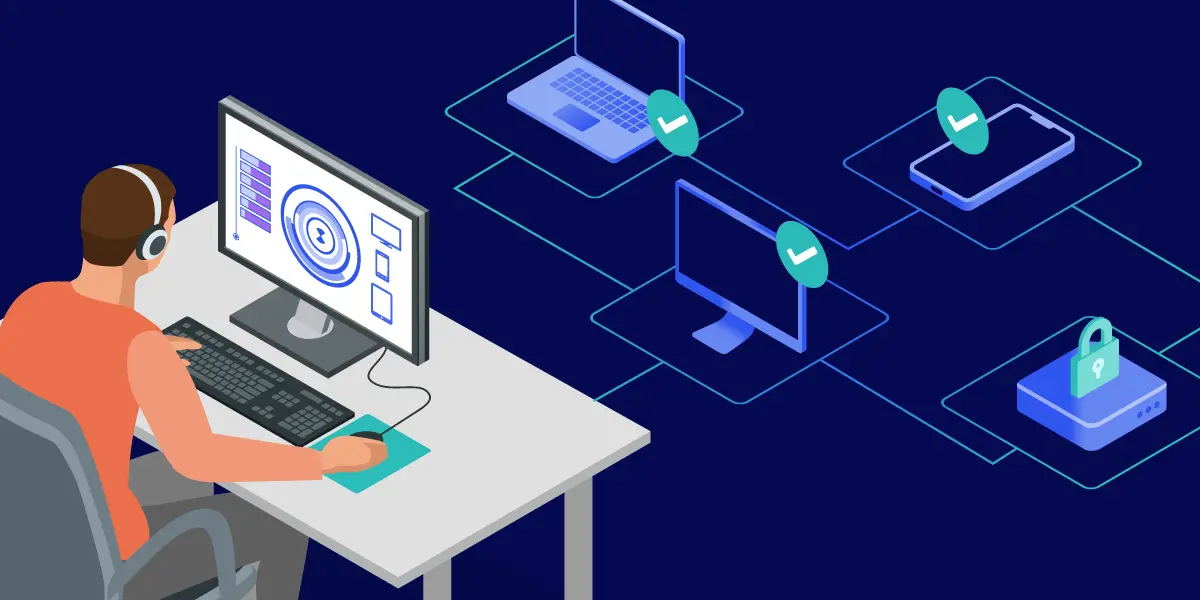
Your monitoring solution should work where your team does. TeamViewer supports Windows, macOS, Linux, iOS, Android, and even embedded devices like Raspberry Pi. This comprehensive coverage ensures no system falls through the monitoring cracks, whether it's a desktop computer, mobile device, or specialized hardware.
Industry trust and security compliance
SMBs across healthcare, education, and legal industries trust TeamViewer for their most sensitive environments. GDPR and HIPAA compliance, combined with end-to-end encryption, means your monitoring data remains secure and meets regulatory requirements.
Intuitive experience
Your team shouldn't need extensive training to use monitoring tools effectively. TeamViewer's interface prioritizes usability, allowing IT professionals to focus on solving problems rather than learning complex software. Setup is straightforward, and the learning curve is minimal.
Hardware monitoring in a remote-first world
The shift to hybrid work has changed how IT teams approach system monitoring. Critical business systems now operate across home offices, co-working spaces, and multiple locations. This distributed reality demands fundamentally different strategies to hardware and software monitoring.
Centralized monitoring for hybrid workforces
Centralized monitoring provides visibility into this distributed infrastructure, ensuring consistent performance regardless of device location. Distributed monitoring capabilities allow IT teams to track system health across multiple sites while maintaining unified oversight.
Key benefits:
Unified visibility: Monitor all devices from a single dashboard
Consistent performance: Maintain service levels across locations
Simplified management: Reduce complexity with centralized tools
Cost efficiency: Eliminate the need for on-site IT support
Preventing downtime through proactive monitoring
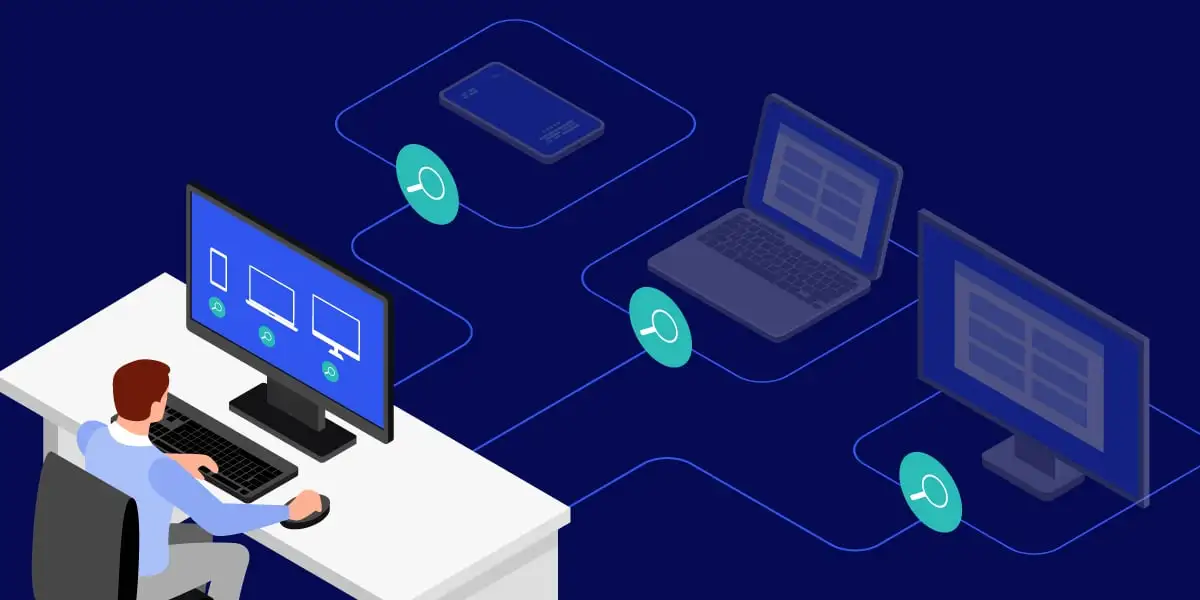
Reactive IT support is expensive and disruptive. Proactive monitoring identifies potential issues before they impact users, allowing you to schedule maintenance during convenient times rather than dealing with emergency situations.
Proactive strategies:
Set intelligent thresholds for critical metrics
Monitor trends to identify gradual performance degradation
Implement automated responses for common issues
Use historical data to predict maintenance needs
‼️ Reactive IT ‼️


✅ Proactive RMM ✅
Automation and AI support
Modern monitoring tools incorporate artificial intelligence to reduce false alerts and identify patterns that might escape human observation. TeamViewer's AI-powered Session Insights automatically document support sessions and identify recurring issues, helping you optimize your IT processes over time.
Key benefits:
Automatic session summaries save documentation time
Pattern recognition identifies recurring problems
Predictive analytics help prevent issues
Integration with business tools improves workflow efficiency
Take action today
The best hardware monitoring software for your SMB depends on your specific needs. For MSPs, Atera or NinjaOne offer good multi-tenant capabilities with per-technician pricing, while HWiNFO or HWMonitor can cover basic system monitoring needs.
However, solutions that combine monitoring with remote access capabilities offer maximum value by streamlining IT workflows and reducing tool complexity. Proactive monitoring combined with immediate remote access capabilities keeps your systems running smoothly and your team productive.
Looking for a single tool that combines secure remote access and comprehensive system monitoring?
Try TeamViewer Remote free for 14 days →
and experience the difference integrated monitoring and remote support can make for your business.