Your reliable remote desktop software—now smarter with AI
TeamViewer Remote
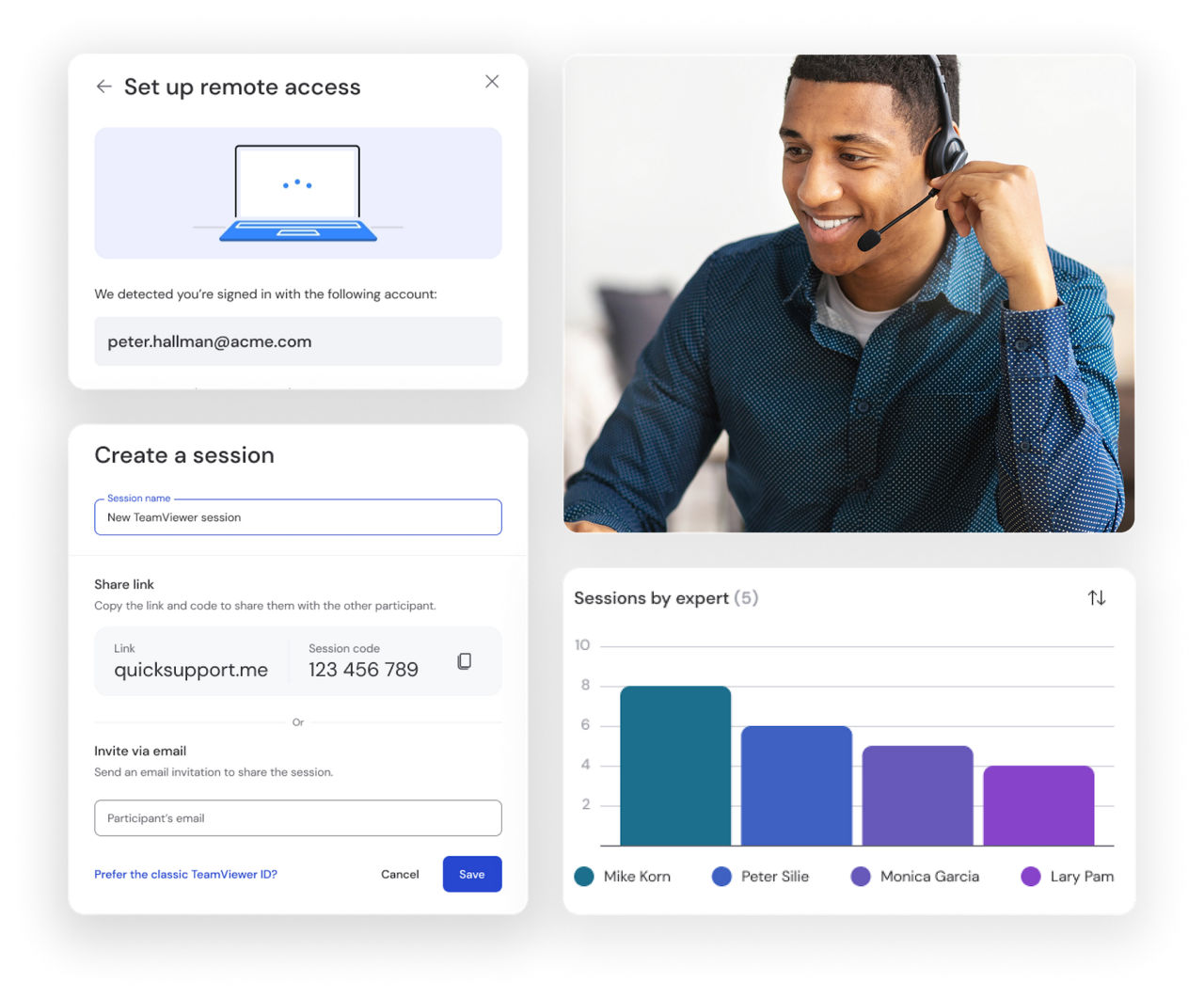
Whether it's providing remote connections, solving tech issues, or accessing customers' mobile screens—TeamViewer offers all this and more.
TeamViewer protects your remote connections with enterprise-grade encryption standards, ensuring your data remains completely private and secure.
Every session is safeguarded with AES-256 bit encryption and TLS 1.2 protocols, providing the highest level of security.
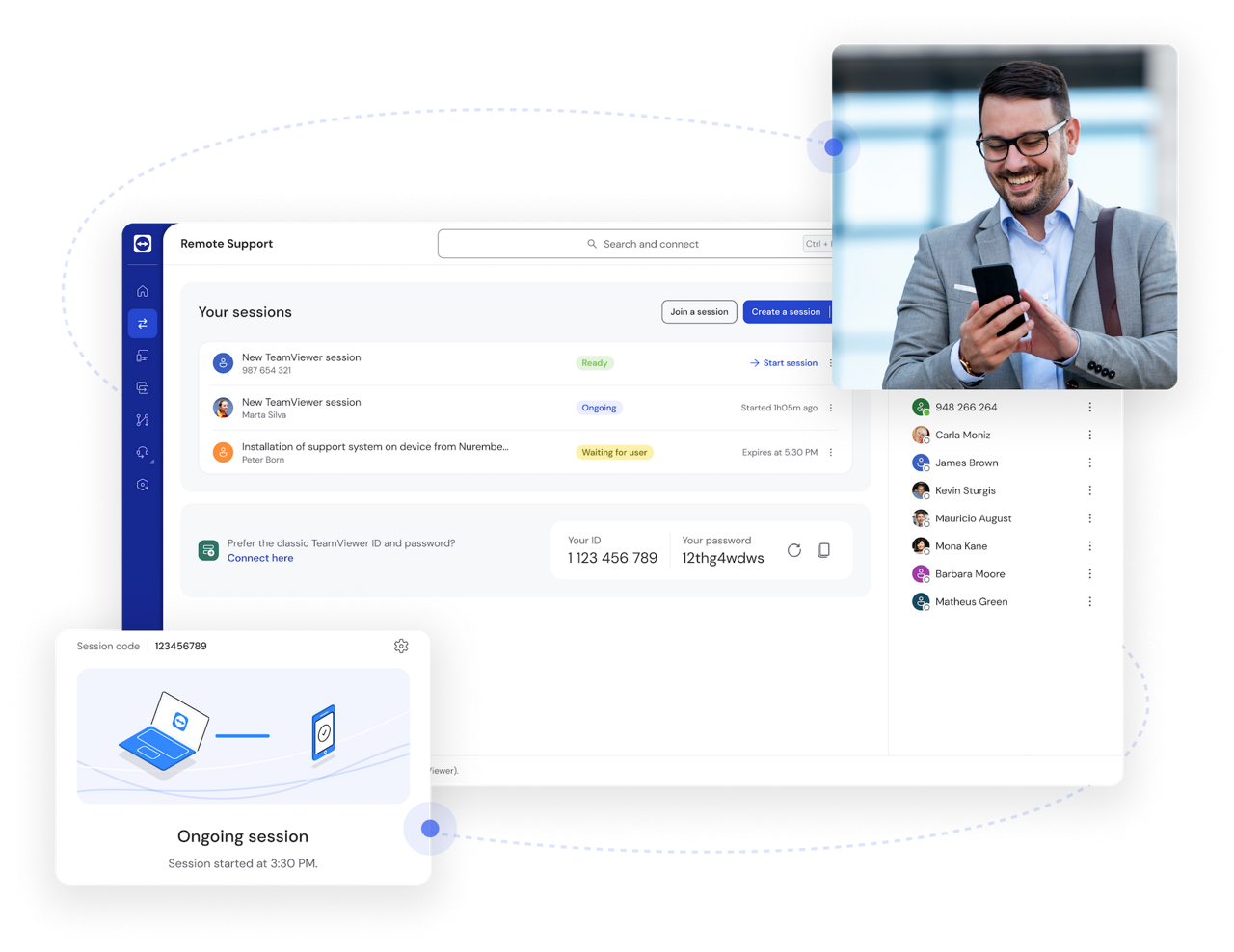
Access and control any device regardless of operating system with TeamViewer's universal remote desktop connection.
Connect seamlessly between Windows, use the remote desktop connection for macOS systems, or connect to Linux, Android, Raspberry Pi, and other platforms and manage your digital ecosystem from anywhere.
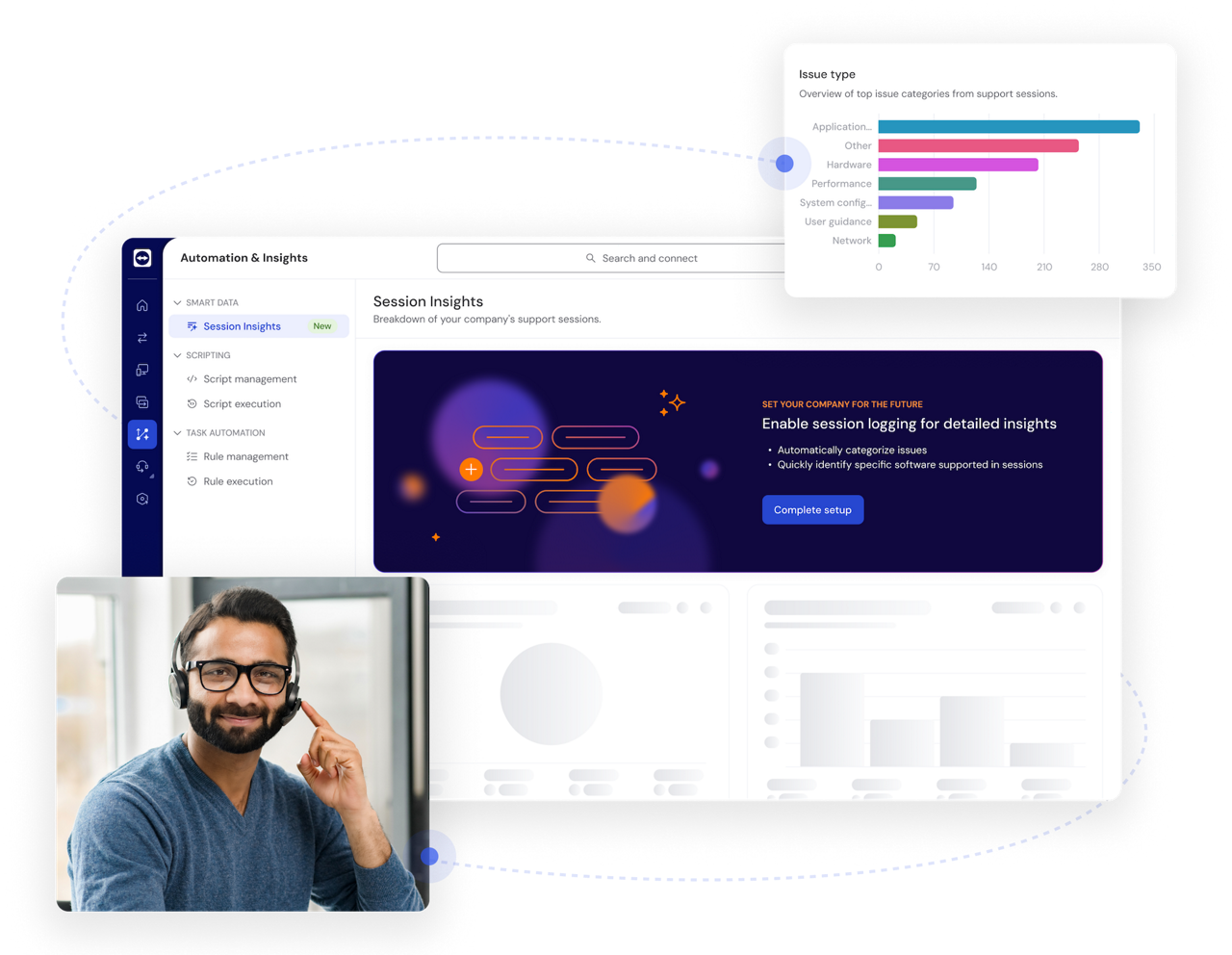
Boost productivity with AI-powered insights and automation, from real-time session summaries to in-session troubleshooting with Tia.
Discover how TeamViewer AI helps your support team resolve issues faster and work more efficiently.
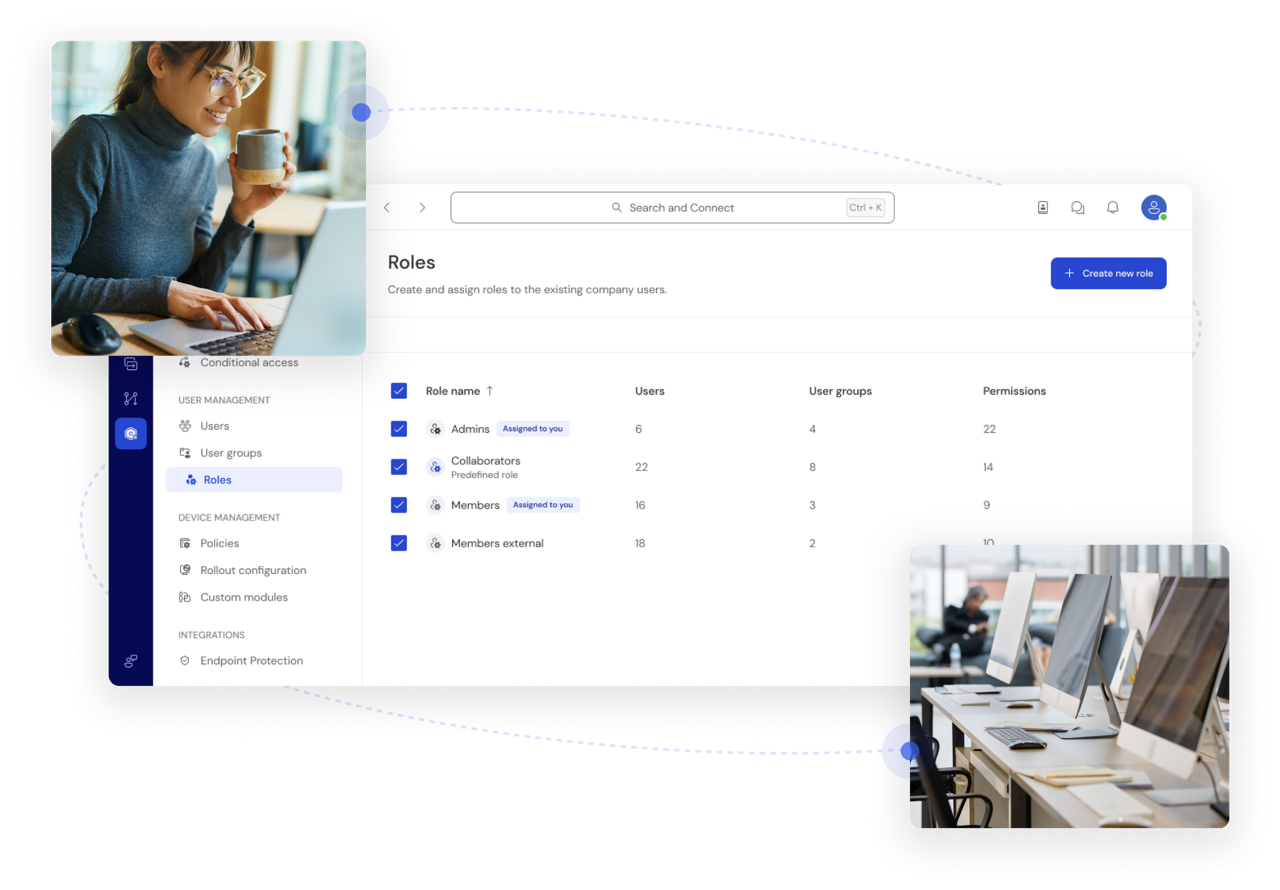
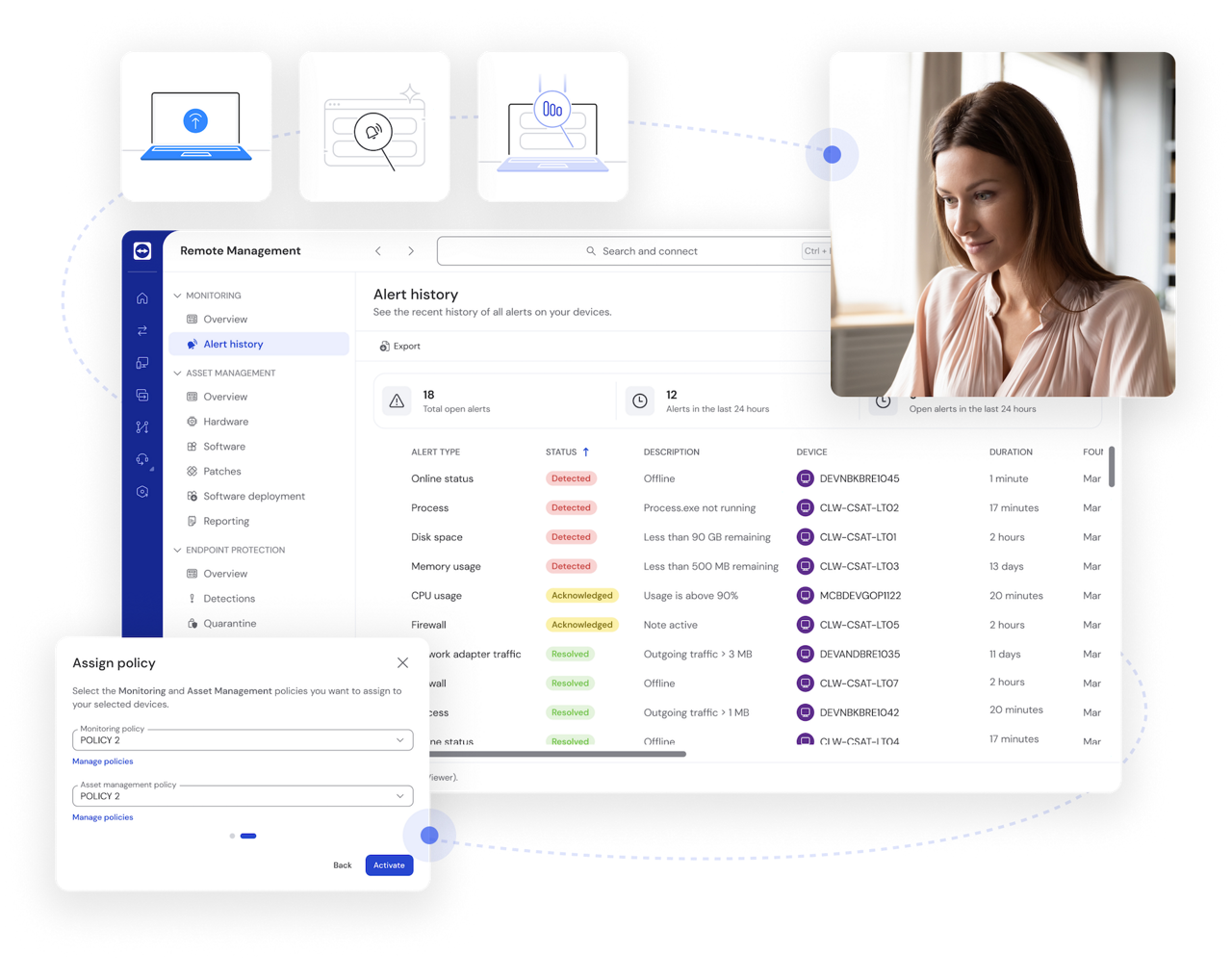
Maintain control of critical systems even when no one is physically present to authorize connections. TeamViewer's unattended remote desktop access feature allows you to define precisely who can access specific devices and what actions they can perform through customizable role-based permissions, ensuring both security and operational flexibility.
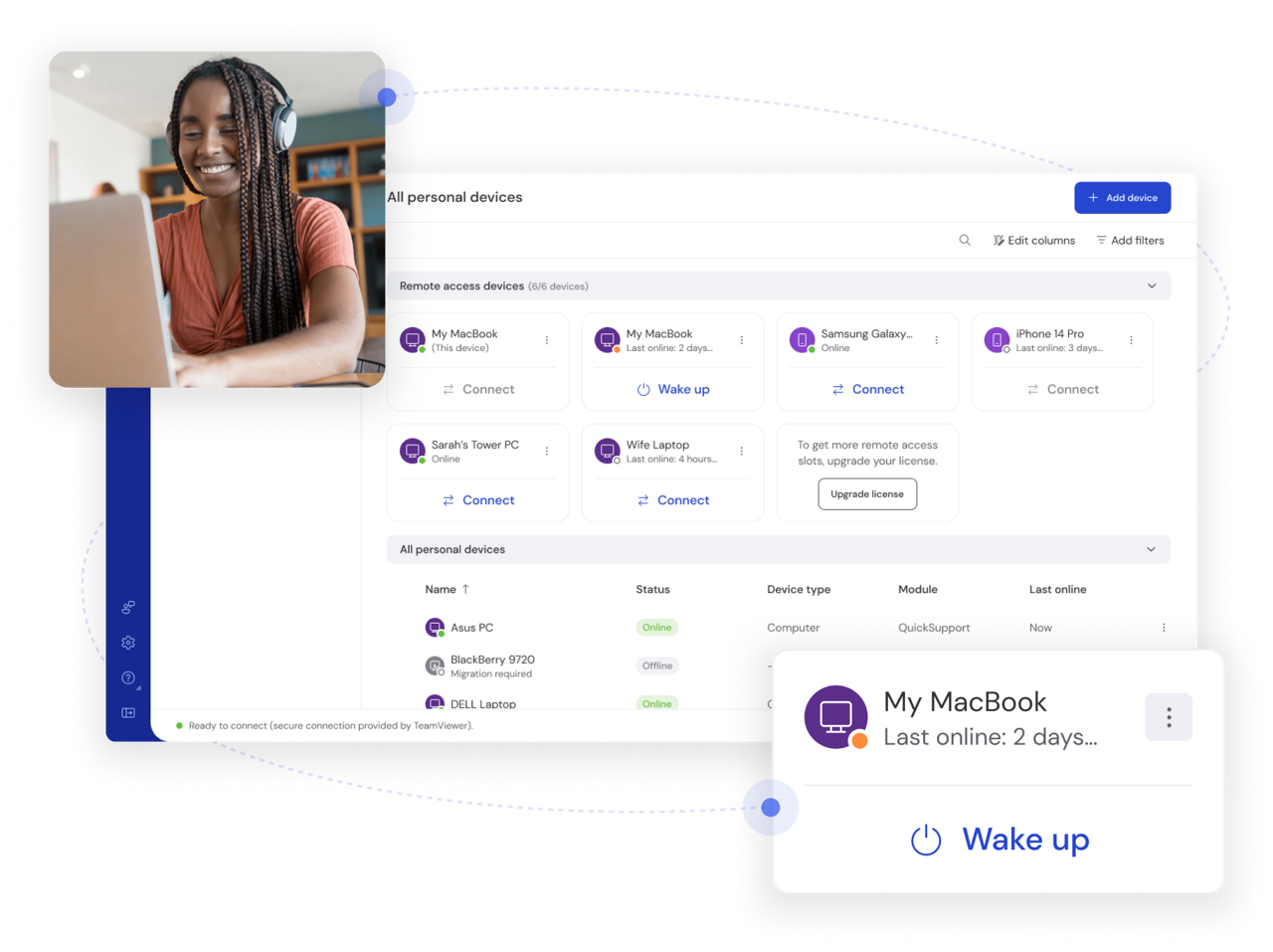
Power up offline computers remotely with TeamViewer's Wake-on-LAN functionality. This feature allows you to wake computers from sleep mode or even a powered-off state to perform maintenance, run backups, or access critical files whenever needed.
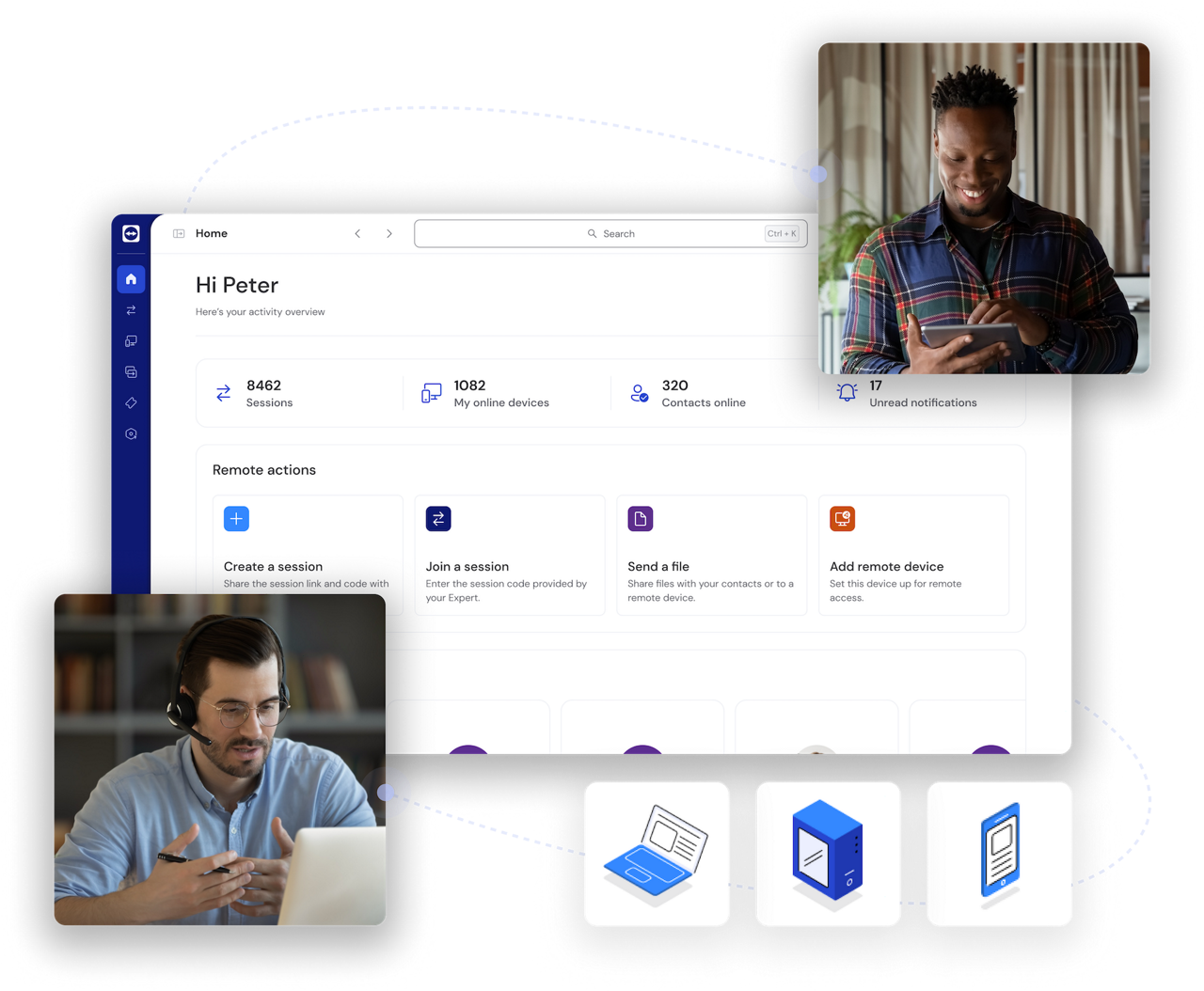
Document every action with comprehensive session recordings and detailed audit trails. TeamViewer's remote desktop client automatically maintains logs of all remote connections, including who connected, when, and for how long, providing crucial accountability for security compliance and helping organizations meet regulatory requirements like HIPAA and GDPR.
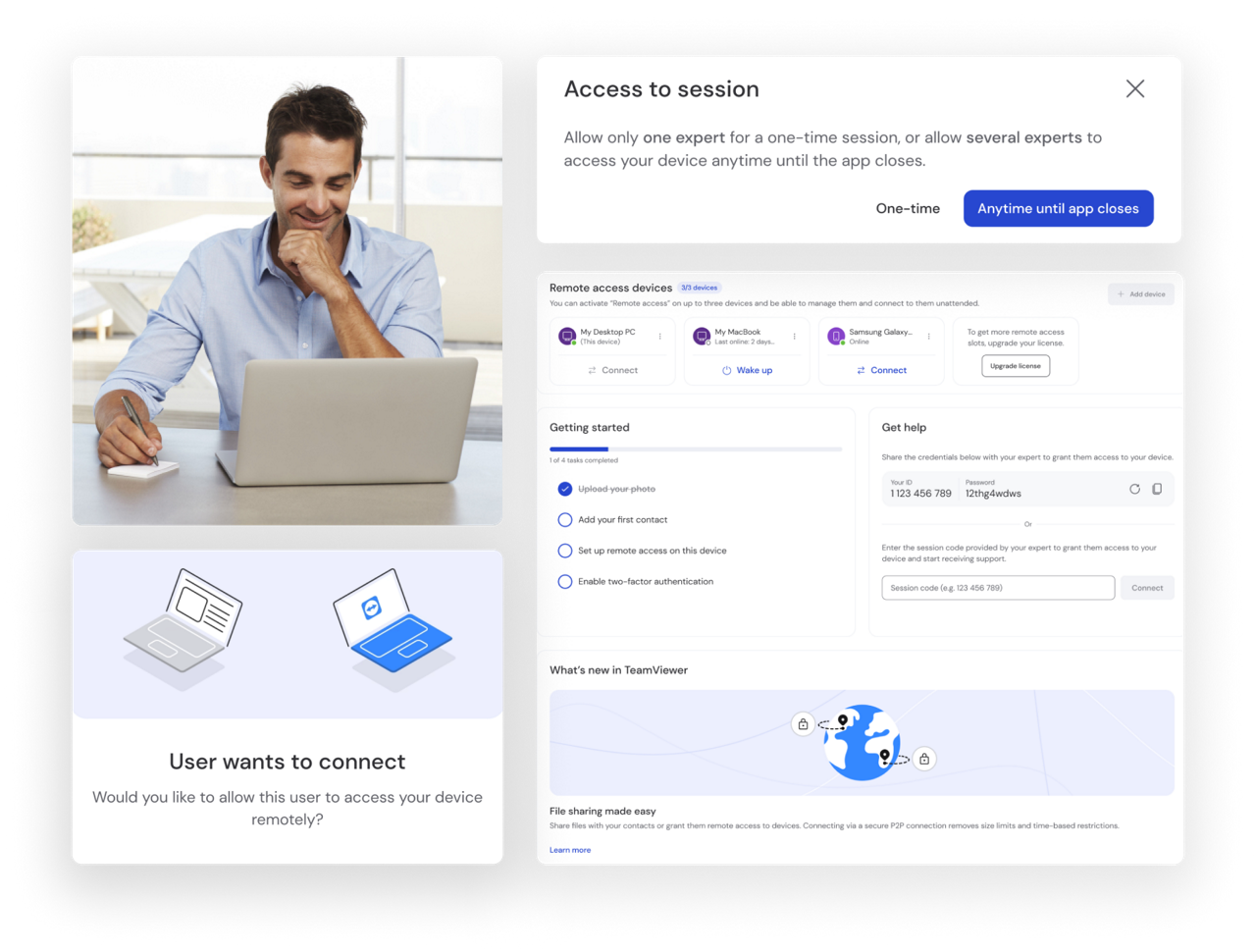
Experience crystal-clear remote visualization across multiple displays with TeamViewer's advanced screen rendering technology. The high-definition video quality ensures you can see every detail on remote screens while the multi-monitor support allows you to easily navigate between different displays on the remote system, making complex remote work just as effective as being there in person.
Enterprise-grade protection with end-to-end encryption keeps your data and connections secure. Single sign-on and custom access controls ensure robust security at every level.
Universal access across all major platforms and devices—including Windows, Mac, Linux, iOS, and Android—delivers industry-leading compatibility.
From individuals to enterprises, TeamViewer scales effortlessly with your needs, supporting teams of any size with flexible deployment options.
A user-friendly interface eliminates complexity, allowing anyone to set up and use TeamViewer without technical expertise.
TeamViewer's remote desktop client seamlessly works with your existing tools, including Microsoft, Salesforce, ServiceNow, and more.
TeamViewer offers multiple ways to establish secure remote connections across all devices.
TeamViewer meets a wide range of remote support needs for users across all industries and organizational sizes.
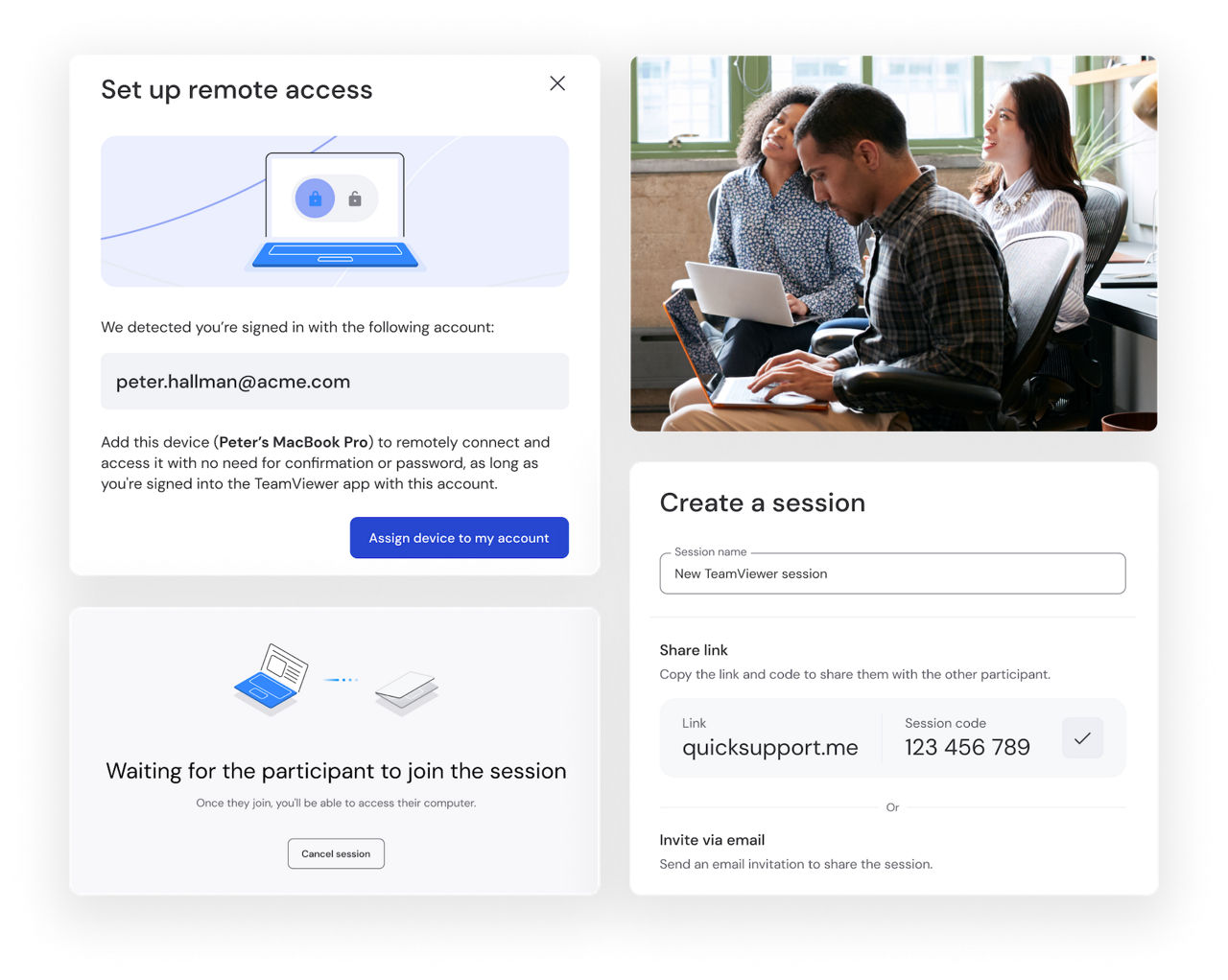
Small businesses thrive with TeamViewer's secure remote desktop client that transforms day-to-day operations. Owners maintain complete visibility whether they're traveling, working from home, or away from the office.
The intuitive interface requires minimal training, allowing even non-technical staff to quickly master essential functions.

TeamViewer connects users to their personal devices from across the world. Important files remain accessible during travel while complicated tasks turn into simple processes.
This accessibility provides peace of mind that digital life continues uninterrupted regardless of physical location.
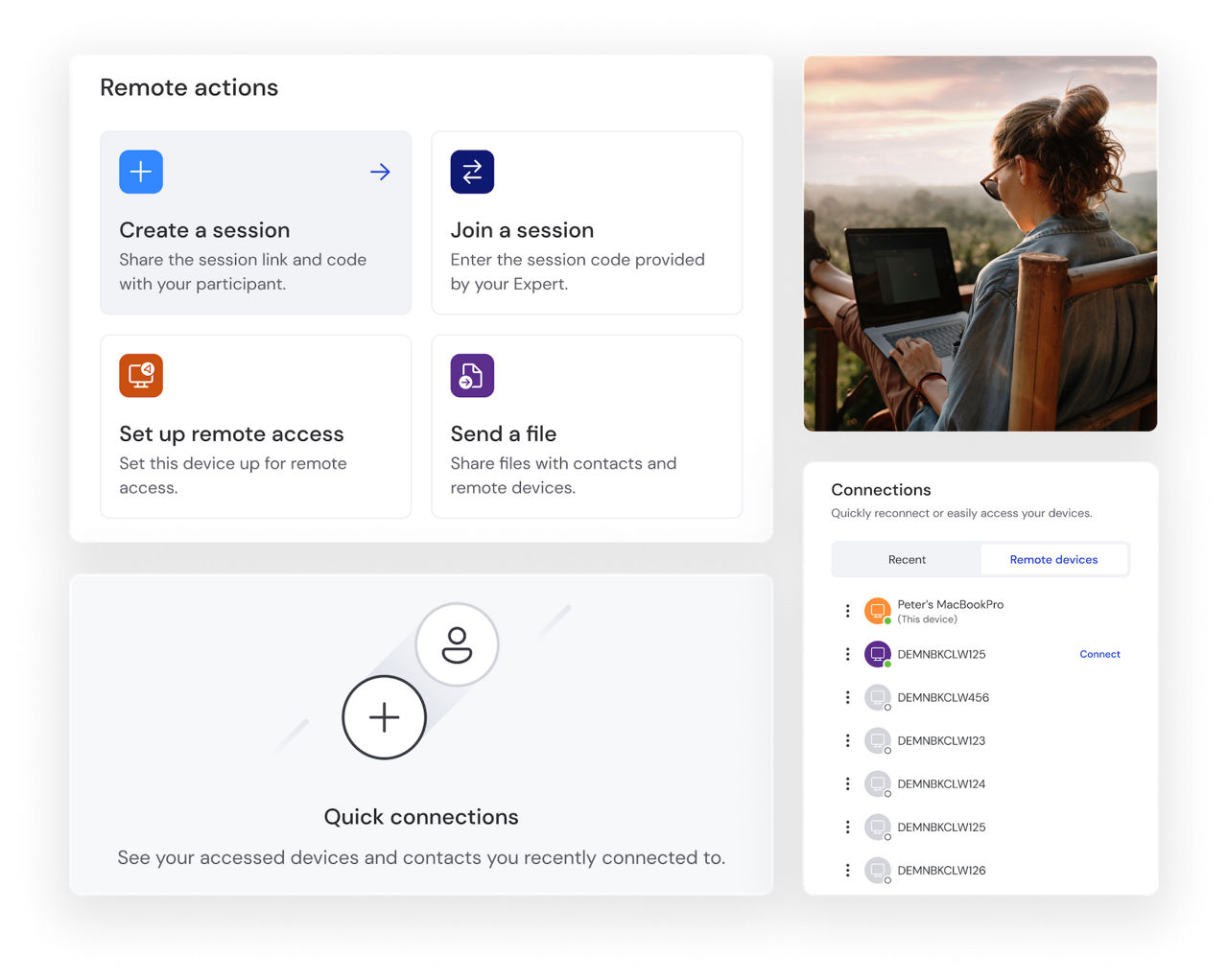
Digital nomads rely on TeamViewer to collaborate and maintain productivity while embracing location freedom. The lightweight application performs even on limited bandwidth connections, with secure encryption protecting work data across varied networks.
Cross-platform functionality ensures preferred workflows remain consistent regardless of which devices accompany travels.
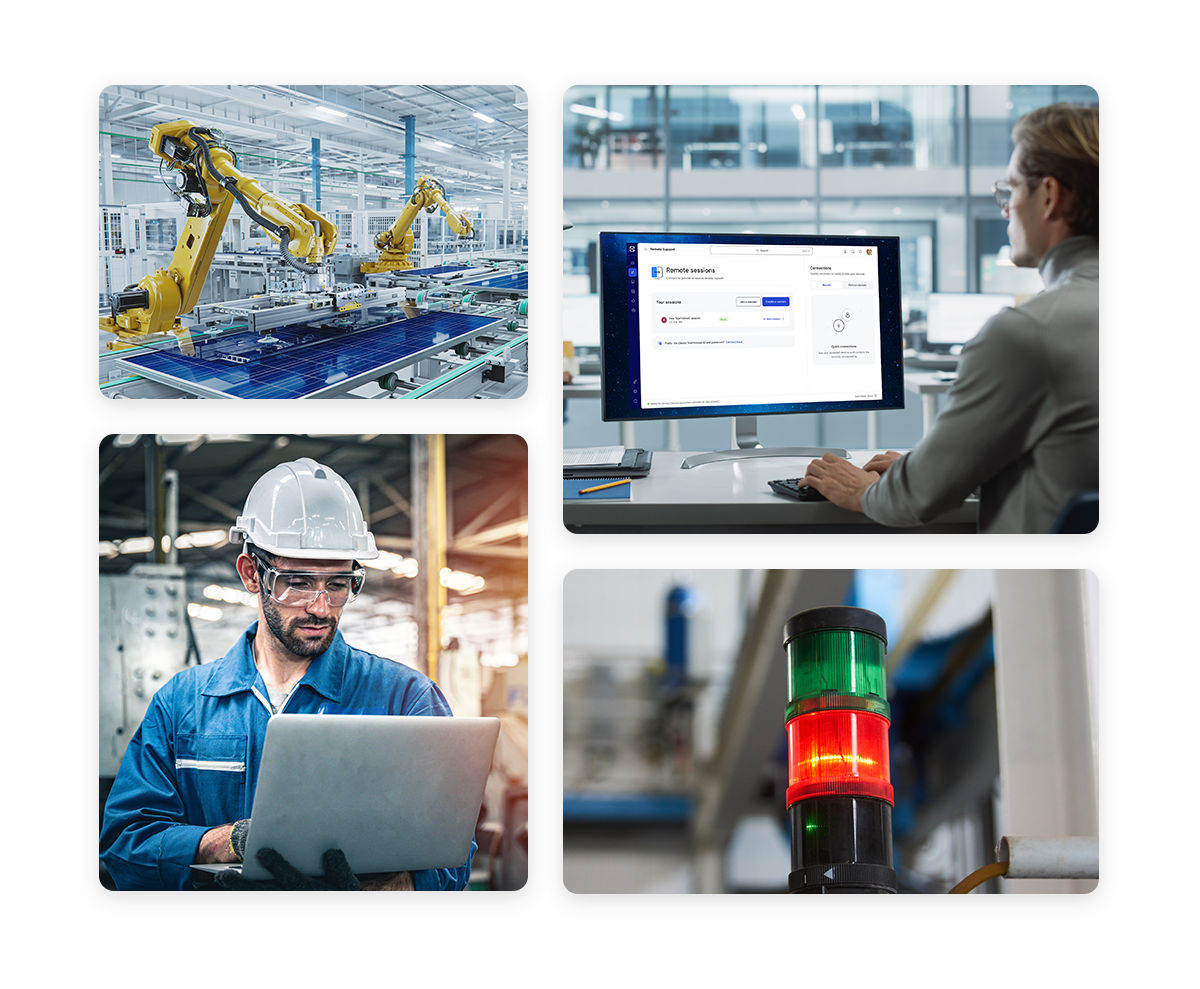
Industrial operations benefit from TeamViewer's comprehensive remote monitoring capabilities that enable real-time analysis without physical floor walks.
Maintenance teams gain secure remote access to troubleshoot equipment, run diagnostics, and deploy updates. Detailed logging supports regulatory compliance while reducing operational disruptions.
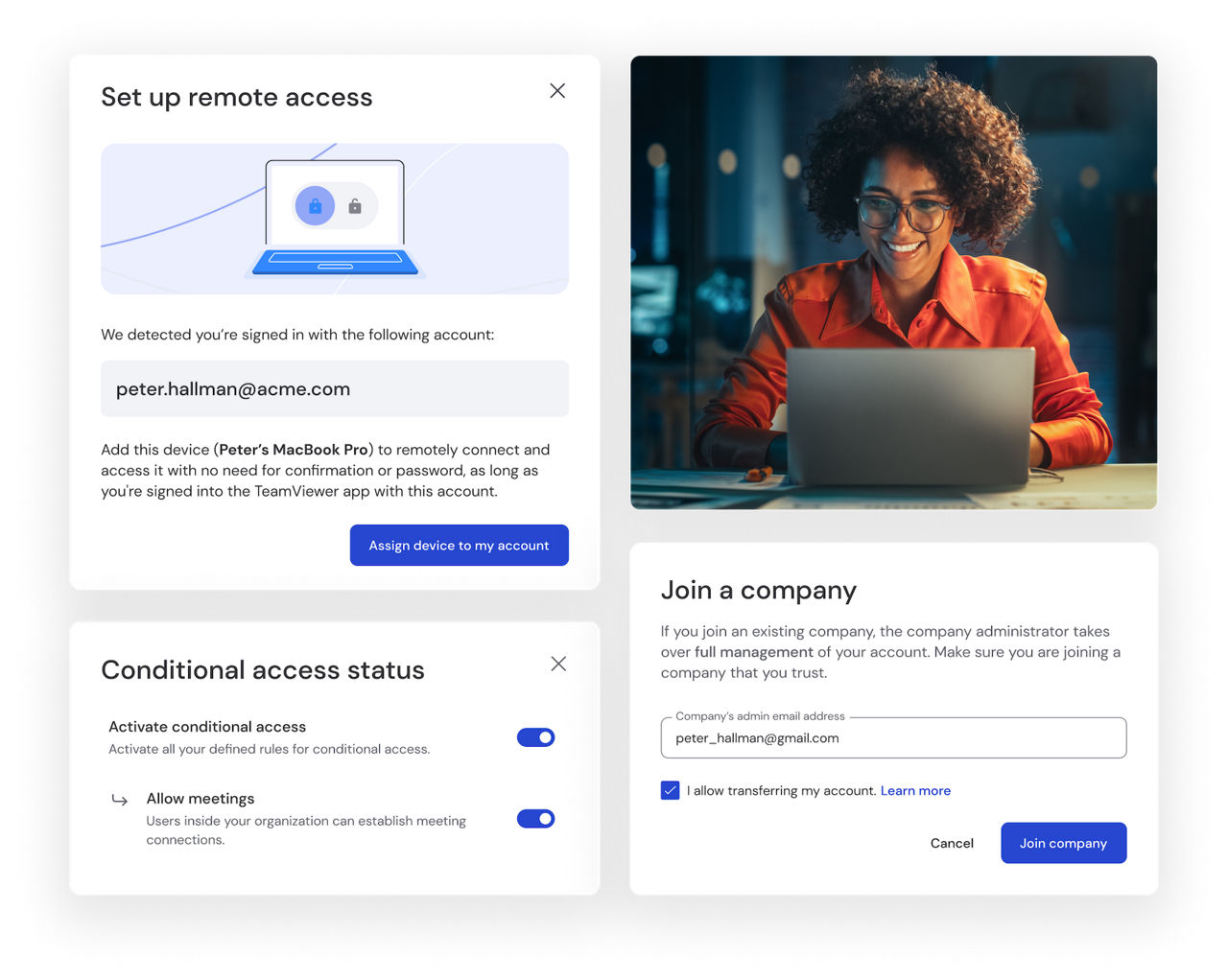
Large enterprises use TeamViewer across global operations, to enable consistent remote support to thousands of employees worldwide. Unattended remote access allows IT administrators to perform maintenance without requiring end-user participation, ensuring business continuity across your global footprint.
Spotlight
Remote desktop technology allows you to access and control a computer from a different location, viewing its screen and interacting with it as if you were sitting in front of it.
With TeamViewer, simply install the application on both devices, start the program, and enter the ID and password of the remote device you want to connect to.
TeamViewer offers both a free remote PC tool for personal use and professional plans for businesses with additional features and security.
The best solution depends on your specific needs, but TeamViewer stands out for its security, universal device coverage, and ease of use.
TeamViewer employs industry-leading security measures including end-to-end encryption, two-factor authentication, and detailed access logging to ensure safe connections.
With TeamViewer, establish a connection by entering the partner ID of the remote device, or connect through your saved contacts after setting up your account.