Enhancing inspection accuracy with remote visual inspection
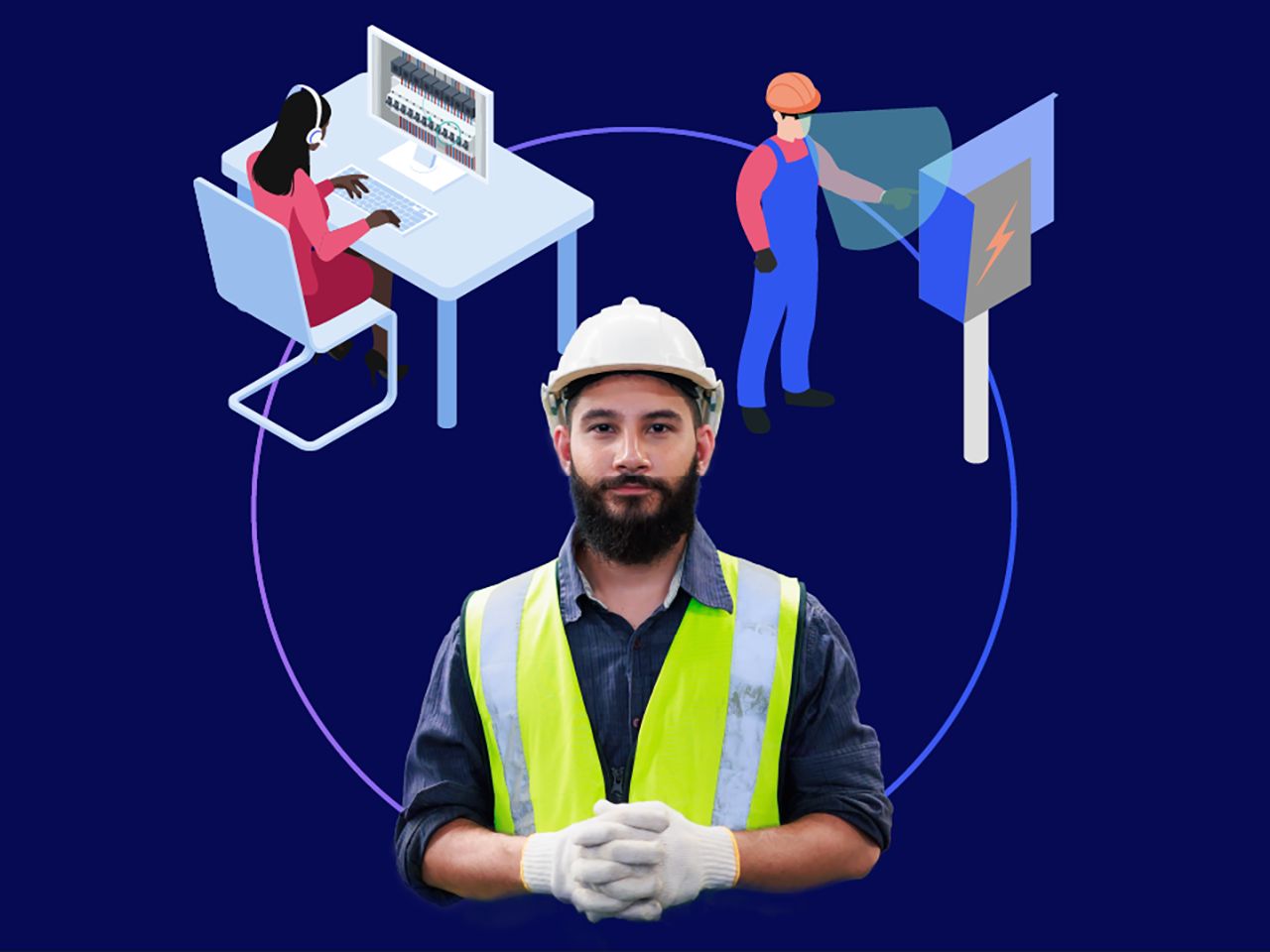
New immersive and remote support technologies—including augmented reality (AR)—are helping to extend what’s possible with non-destructive and visual inspection. This opens up new potential uses for manufacturing, industrial, and engineering quality control teams.
Discover what this new advancement of remote visual inspection software could mean for your business and how TeamViewer’s range of inspect-by-vision and see-what-I-see capabilities can enhance your operations with safer, more accurate, and more cost-effective quality control processes. TeamViewer’s remote visual inspection (RVI) solutions enhance efficiency, reduce downtime, and improve safety for quality control teams in manufacturing, engineering, and industrial environments.
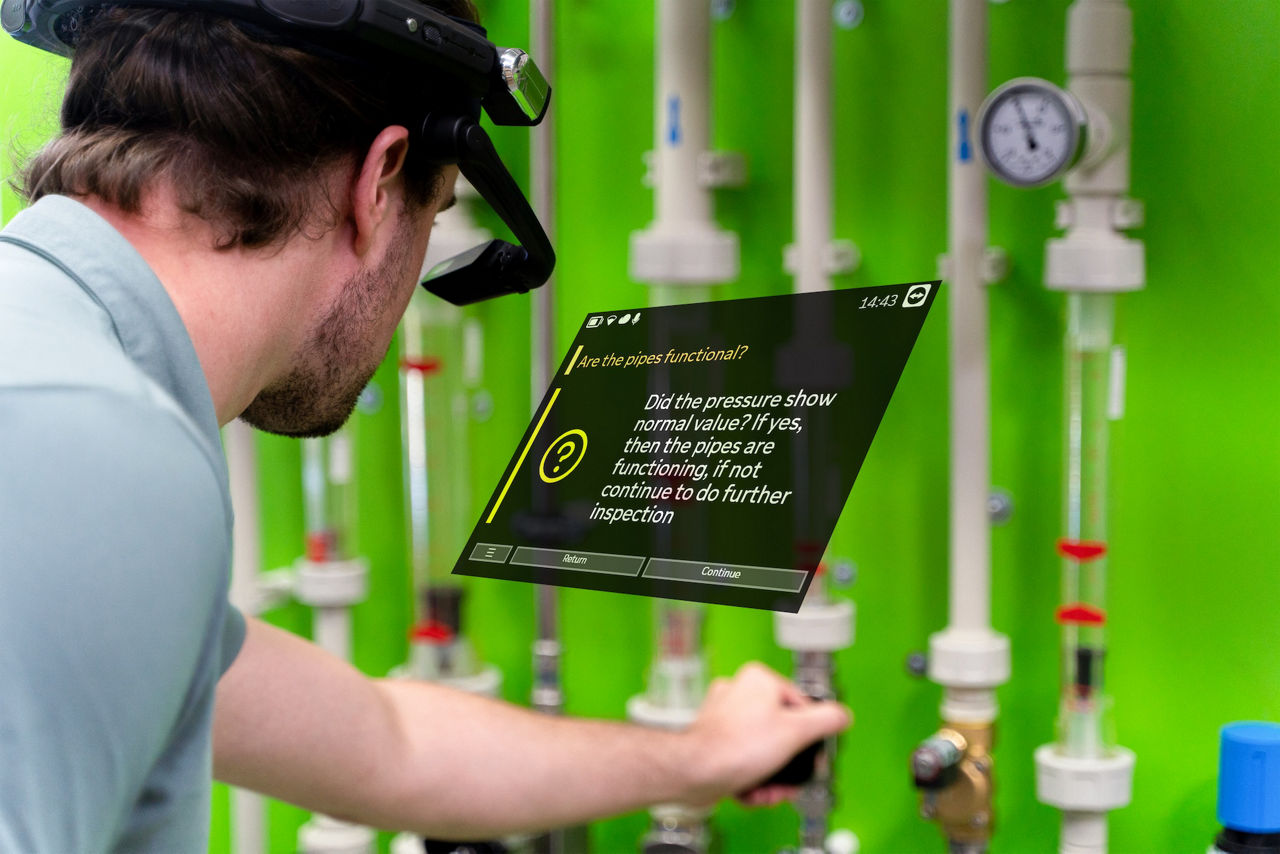
Standard RVI is a form of non-destructive and visual inspection. RVI enables real-time inspections of complex machinery, pipelines, and industrial components without the need for physical access. This reduces downtime, enhances worker safety, and ensures compliance with regulatory standards.
For decades, RVI has been a critical tool for industries requiring non-invasive inspections. Today, augmented reality (AR) enhances these capabilities by displaying real-time data and instructions directly within the user’s field of view, improving efficiency and accuracy. This works by overlaying digital information onto a user’s field of vision.
TeamViewer’s AR-powered RVI solutions integrate real-time remote communication, allowing inspectors to collaborate instantly with off-site experts, annotate live feeds, and ensure inspections are completed with precision.
Here’s an overview of how today’s various automated visual inspection systems work.
Similarly to inspect-by-vision, you can use see-what-I-see technology to enhance almost any human-based inspection or maintenance process. With TeamViewer Frontline Inspect, you get AR-guided inspection and see-what-I-see capabilities in a single solution.
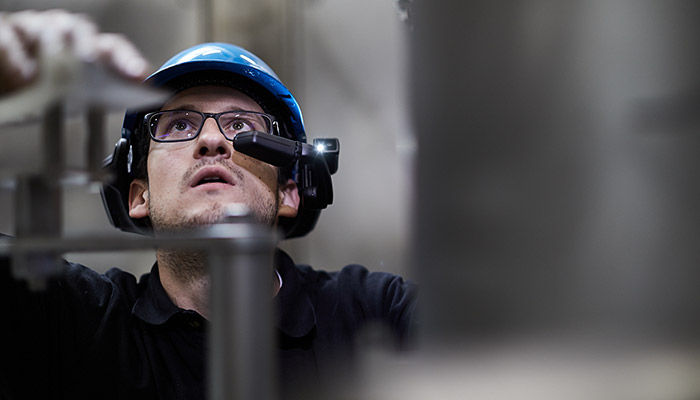
Remote visual inspection services and software allow technical teams to do the job with as little disruption as possible to critical industrial operations. For example, a borescope or endoscope can provide live footage of an engine’s inner workings without dismantling (potentially damaging) it. With crawler systems, you can inspect tunnels and exhaust ducts without shutting down operations.
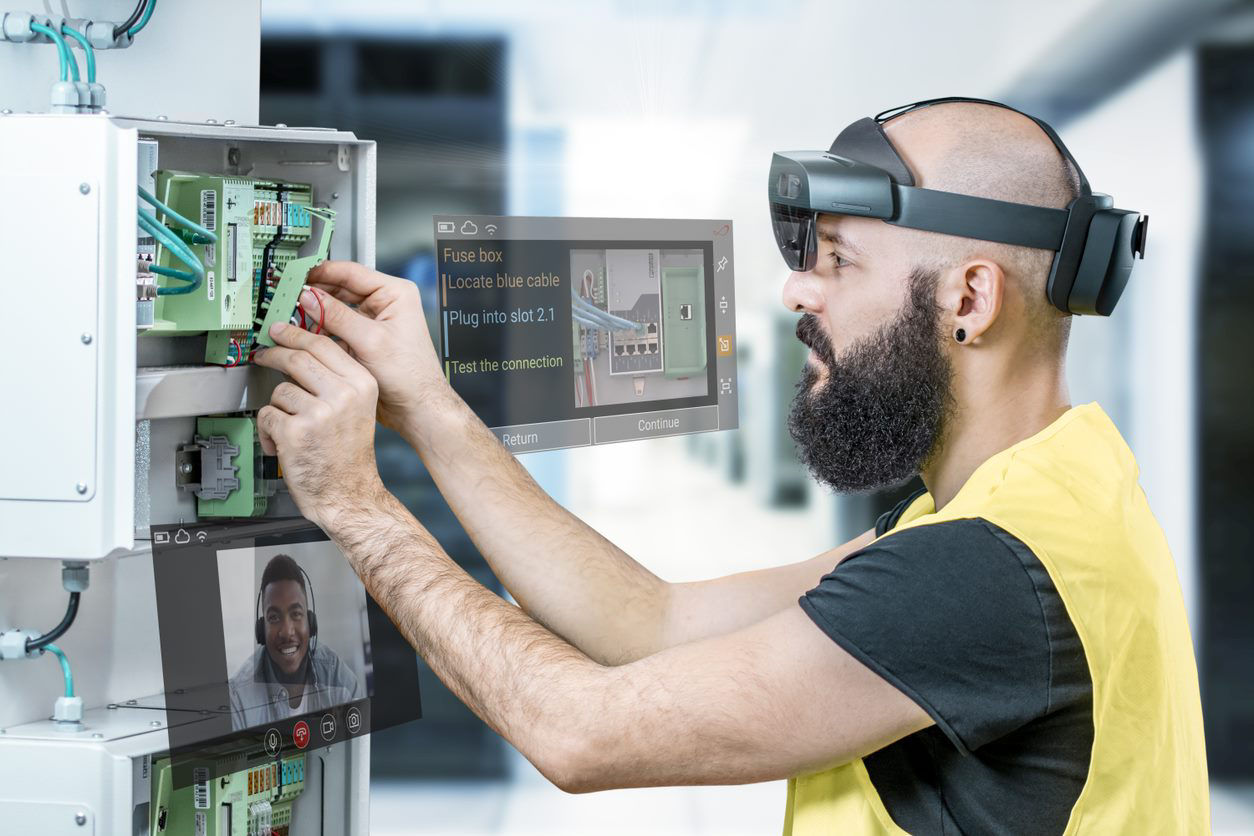
Industrial AR extends this even further. Inspectors get instant, hands-free access to precisely the information they need, including digital checklists and step-by-step workflows. Instead of wasting time traveling from site to site, remote-based experts can connect to any location for rapid troubleshooting.
The beauty of this technology lies in the ability to send it into areas that are unsuitable for people.
Industrial AR allows you to enhance safety and compliance even further. For example, while a technician operates a remote-controlled crawler, an AR RVI system with thermal imaging integration can prevent injury by making overheated components visible to the worker. So, no safety or compliance aspect is accidentally overlooked. Inspection data can also be automatically logged and stored for audit purposes.
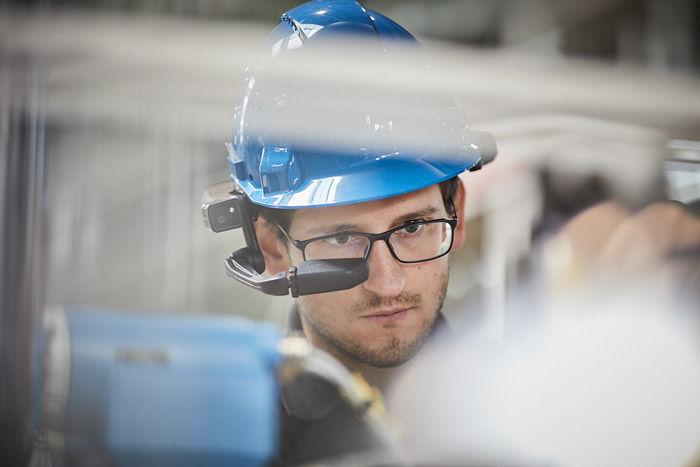
The right combination of remote visual inspection services and industrial AR capabilities can significantly reduce the risk of undetected faults and anomalies.
Remotely operated camera units give you a precise view of the item you’re inspecting. AR workflows help ensure no aspect of the inspection process is overlooked. Remote connectivity means you can collaborate with experts in other locations if needed.
With customers like Airbus, VOLVO, and EnviroFalk, TeamViewer is helping to redefine inspection and quality control in some of the most innovative and tightly regulated manufacturing and industrial environments worldwide. Here’s a closer look at what’s possible.
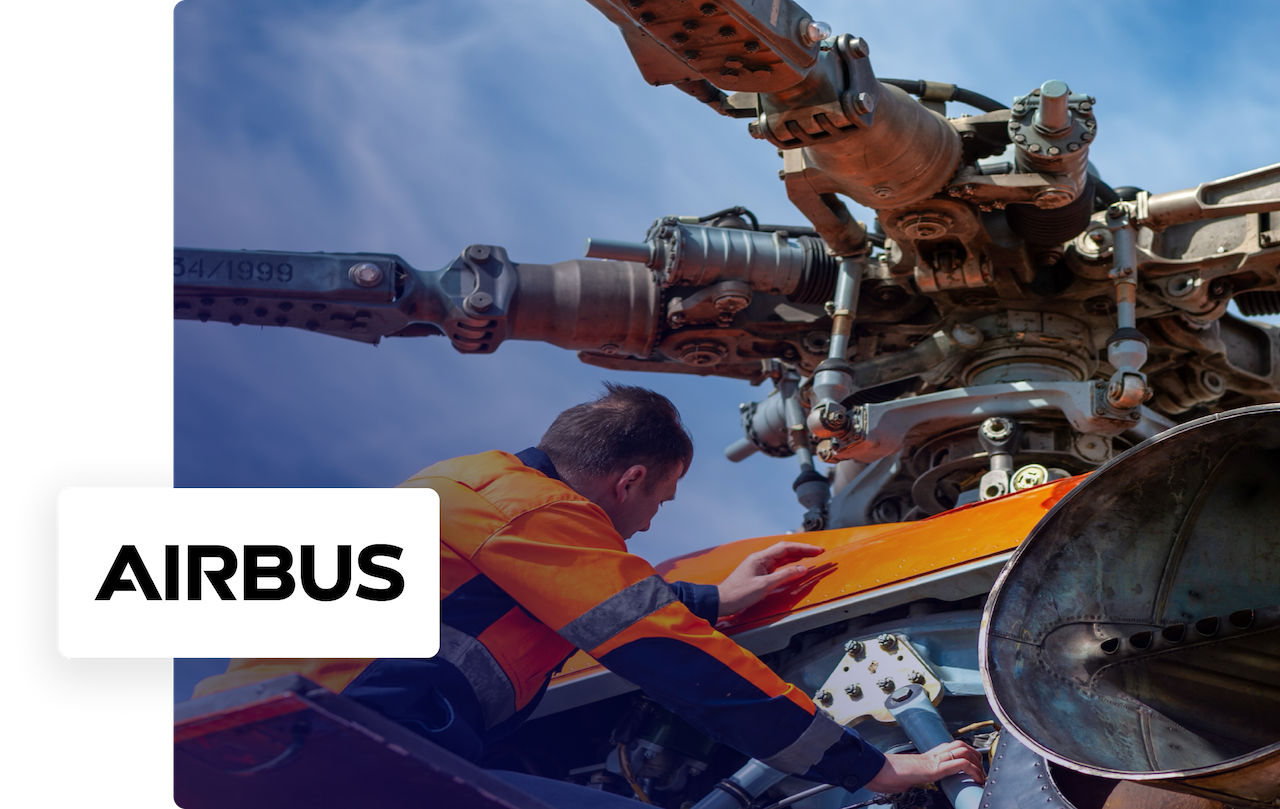
Airbus Helicopters Inc. needed a simpler, streamlined, paperless approach to maintenance inspection: A process that sometimes involved documenting around 300 parts per gearbox.
With clear documentation, voice activation, and high resolution, TeamViewer Frontline Inspect has helped Airbus Helicopters achieve 40% faster inspections with zero manual input errors.

EnviroFalk is a world leader in designing water treatment systems. Because each system has its particular requirements, a tailored approach to inspection and maintenance is essential.
Thanks to TeamViewer Frontline’s digital support system, field technicians can now access expert input on demand, significantly reducing error rates.
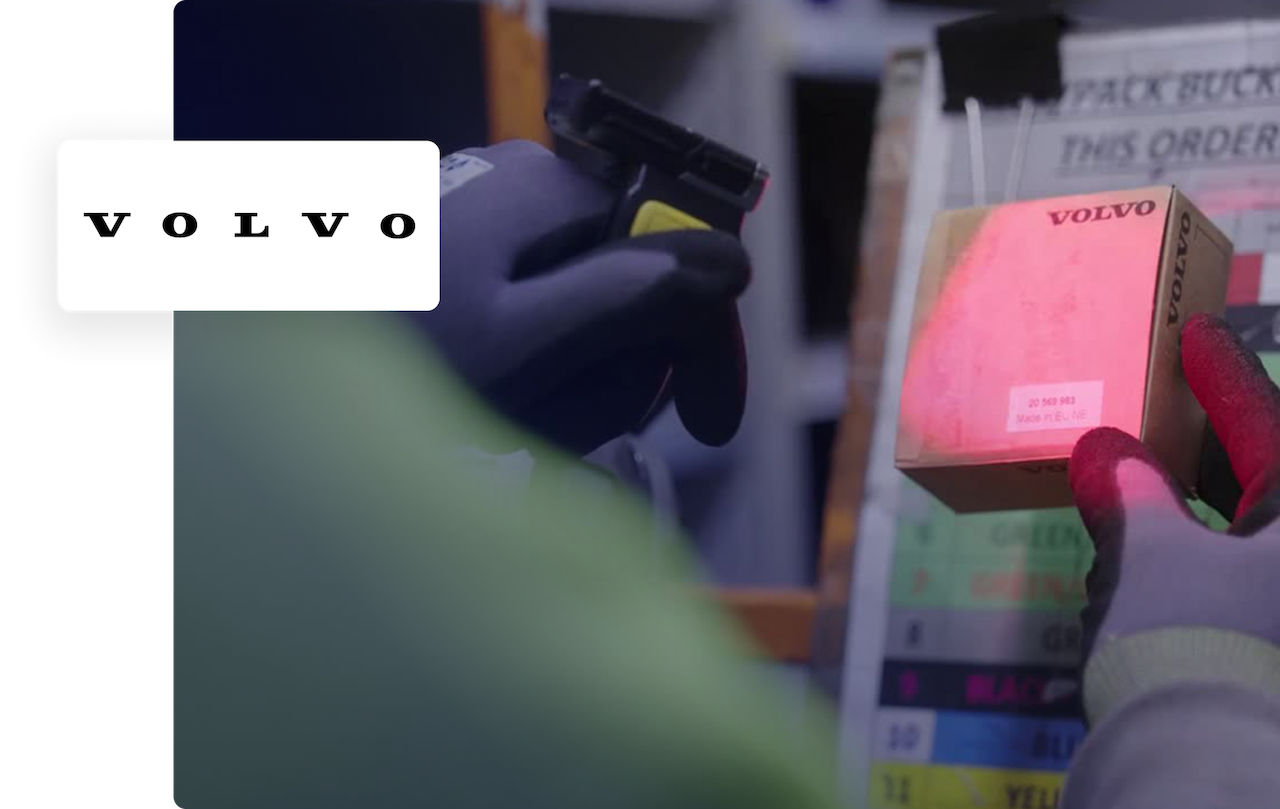
Volvo Group has developed a personalized approach to maintenance testing, diagnostics, and troubleshooting, where dealership technicians can contact field service engineers (FSEs) for assistance.
TeamViewer’s see-what-I-see AR technology has significantly strengthened this relationship, enabling technicians to get the right type of input when needed.
TeamViewer Frontline helps make, paperless, hands-free, non-destructive inspection a reality.
Create guided workflows to make sure no checks are missed. Allow in-field technicians to connect instantly with experts. Maintain your specialist RVI equipment through remote maintenance and support. TeamViewer delivers all of this through a single platform.